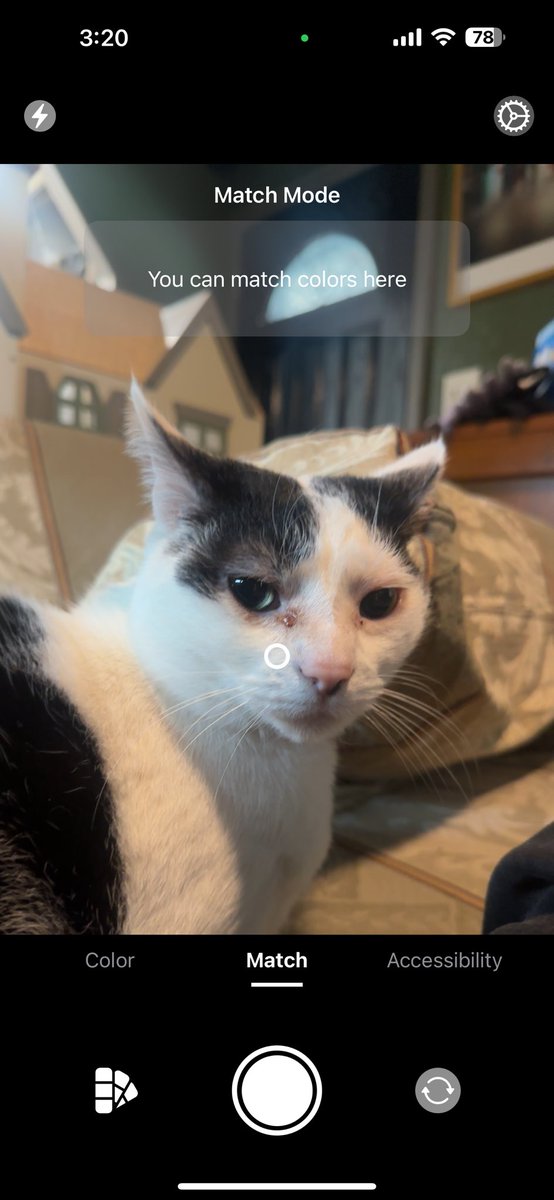
Announcing that I've submitted ColorSense to the app store for review! @ColorSenseApp
It's an app designed for colorblind individuals or designers wanting a simple place to store colors. Developed for iOS, iPadOS, watchOS, and macOS coming soon.
#BuildInPublic
Most of us already know about why that macOS beep was called “Sosumi”, but to add even more hilarity to it did you know it you put that into google translate it comes back as “gross settlement”
In honor of global accessibility month, I made a lifetime license completely free through the end of the month! As long as you get it by then, it’s free forever 😊
Fellow iOS Developers - Have you ever worked with Metal?
It's fascinating. I'm creating some metal shaders for colorblindness simulation for ColorSense, and it's been A LOT of fun. Heavily considering writing an article on how and why I did certain things.
#ios#developers
🚀 Pinch us moment! 🙌
The Great Indian Points & Miles Show just got featured by Apple Podcasts on their app! 🥹🎙️
From dream trips to luxury hacks — THANK YOU for flying with us. ✈️ https://t.co/LURDnnjAKw
🧵 Here’s a round-the-world ticket through all our episodes! 🎟️👇
Happy Tuesday, everyone!
I’m so grateful to be working on my passion projects, like ColorSense! This app is all about uncovering all the details about colors. What’s on your agenda for the day?
#AppDevelopment#developers#iosdev
I may be adding a live color matching feature as well as a live accessibility view to ColorSense for v1.2 👀
Here’s hoping colorblind individuals like myself can find some use from my app 😊
https://t.co/eiJaatroKx
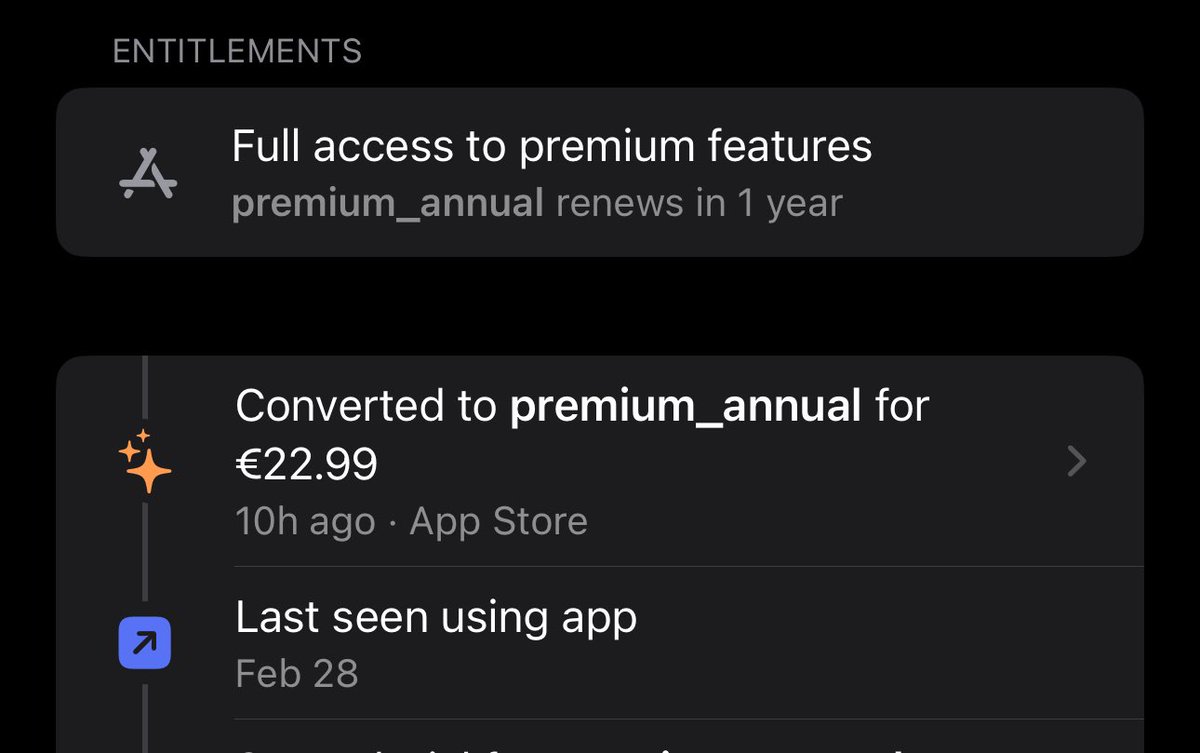
Less than 24 hours since I released my first iOS application to the App Store, I received my first subscription.
That’s such an empowering feeling.
If you’re just starting or wanting to learn iOS development, I cannot recommend @twostraws content enough.
It’s live!
Meet ColorSense, a color identification app made for both colorblind individuals and designers. Made for iOS, iPadOS, and watchOS.
https://t.co/eiJaatroKx
Fun fact: You can in fact test Accessibility while running a simulator.
Press Xcode in the top left, under Open Developer tool and then select accessibility inspector. Make sure the simulator is selected, and the reticle is too. Happy coding :)