Hey folks! I developed a simple browser based tool, https://t.co/jhmpraV2eV, that adds cool rings to profile pictures. No signups. Images are never uploaded to any server. Everything runs locally in the browser. Give it a try! :)
#Livestream#twitchgamer#smallstreamer
Hey folks! I’m releasing a raffle ball Twitch widget that I developed. Perfect for Vtuber streams and gambling streams.
💵SPECIAL PRICE: $1.00
🏷️Coupon Code: ONEDOLLAR
This is a one time offer valid until January 10th. Check the comments for the link.
@Nythaedra Could you please share a screenshot of the widget? I mean the widget you purchased. There are no options like this in my spin wheel widget, so I’m a bit confused.
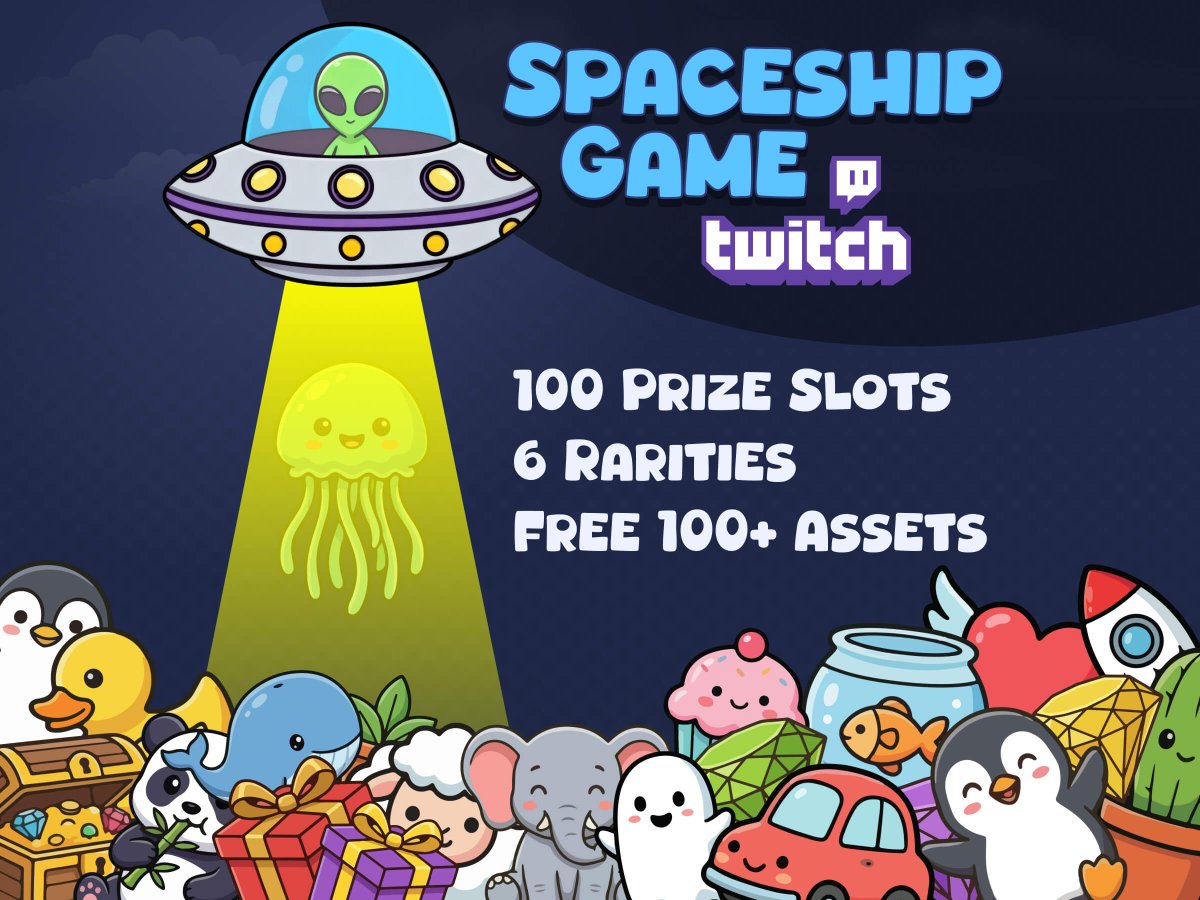
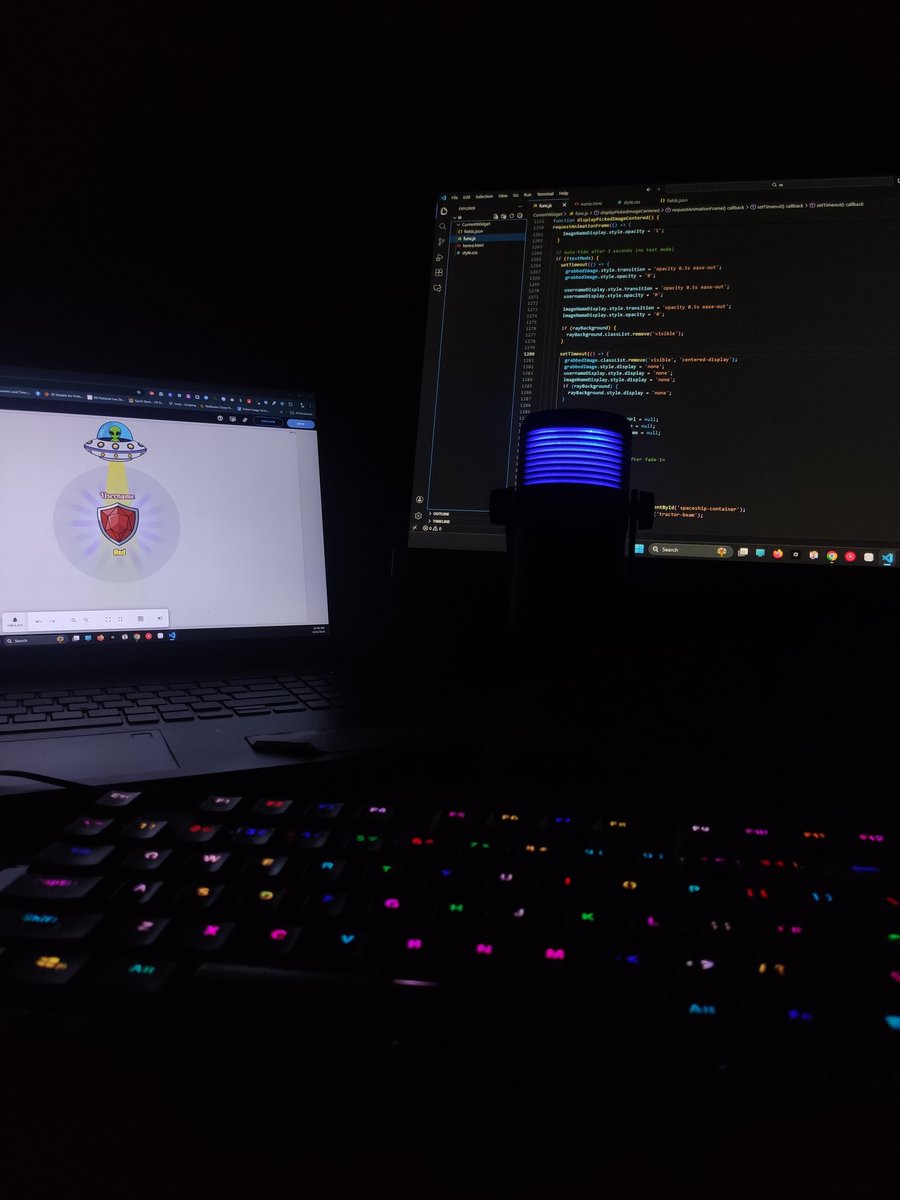
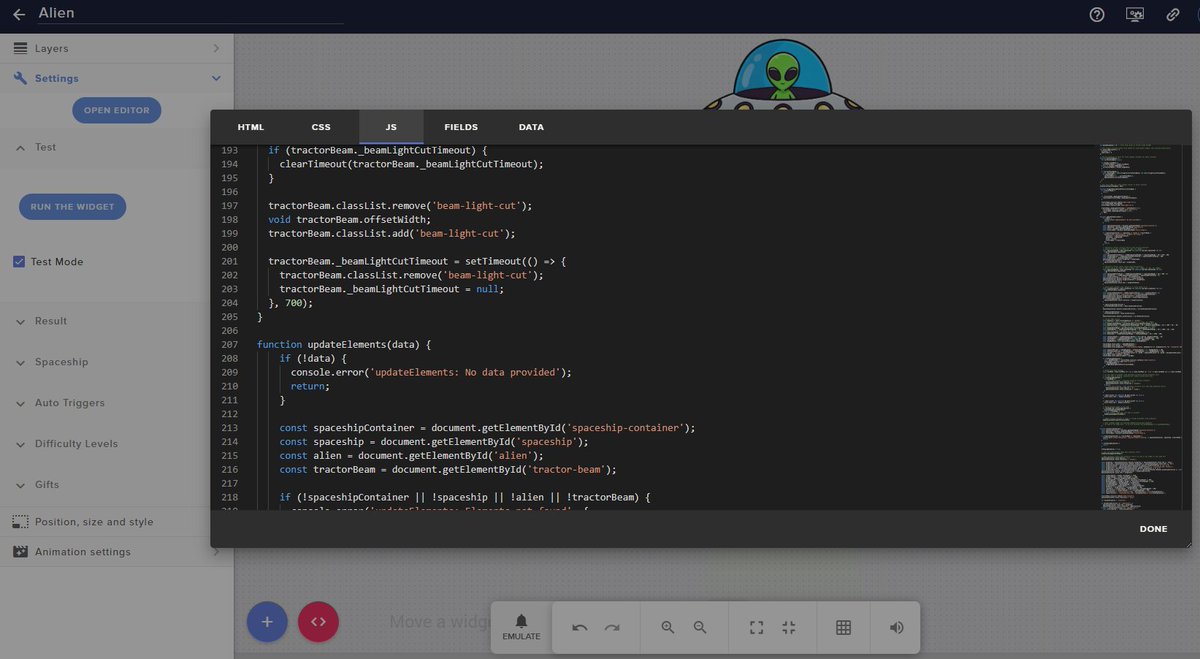
I finally finished developing my new Spaceship Widget! It works like a claw machine, but with a fun alien twist. The spaceship picks a random gift from the prizes you set up based on their rarities and the winning prize appears on screen. Perfect for a giveaway stream.
@Nythaedra Hi, could you please share your Etsy name or contact me via Etsy so I can help you resolve the issue you're facing with the spin wheel widget? I'm having trouble contacting you. Thank you! :)
@Nythaedra Set your Twitch username (e.g., nythaedra) under 'Who can use Twitch commands.' Press the save button in the top right to apply the changes in OBS. Now wheel will spin when you run the chat command. Hitting save button is important. Let me know if you're still having trouble!
@Nythaedra The widget supports !spin command. I assume you are not hitting the save button after entering the username in the fields. Let me check. Can you contact me via Etsy chat or X chat so I can see what's going on? Alternatively, I can provide remote support as well.