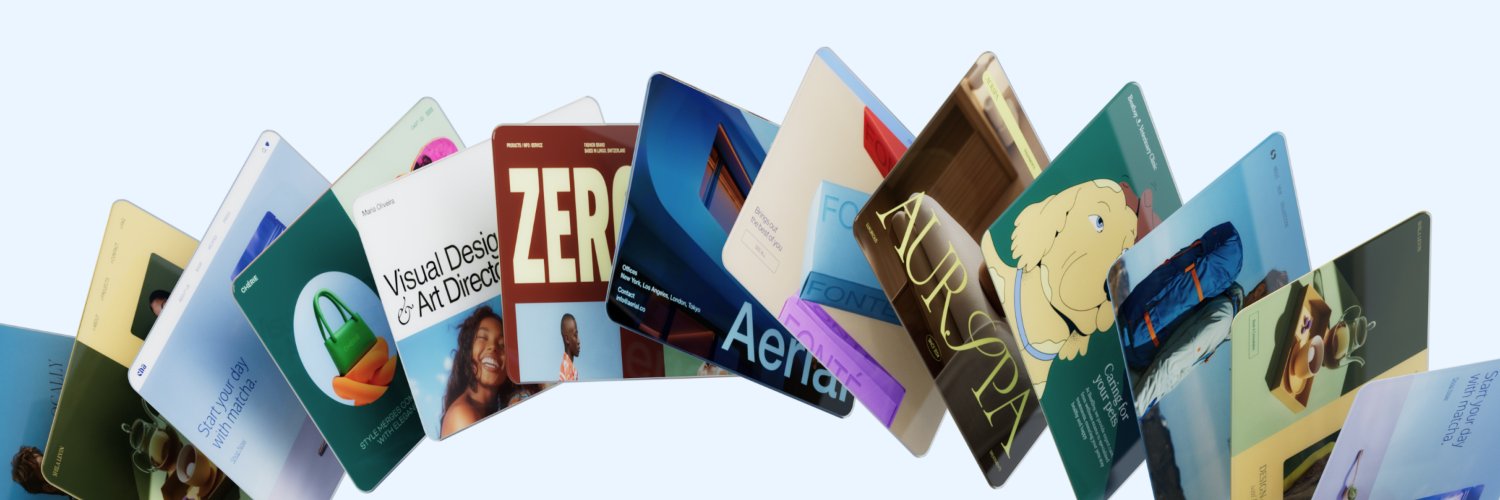
Your step-by-step guide to launching an eComm site with Wix Harmony:
→ Start with an idea → Build pages fast with Aria → Customize, edit & stay consistent → Launch & grow.
🏆 Wix takes gold at the @Siinda Awards 2026.
Two wins for AI-driven SMB products:
🥇 Wix Harmony — Innovation through AI
🥇 Wix Agentic eCommerce — Digital innovation & SMB support.
Learn more: https://t.co/EWyHaOWlv2
From environmental issues to community initiatives, teens aged 15–18 from around the world spent weeks building websites for real social impact.
Congrats to every Creators of Tomorrow 2026 finalist and this year's winners.
The next generation is in good hands. 🌍
Is AI actually accessible for everyone?
With Global Accessibility Awareness Day approaching, Noa, an Accessibility Expert at Wix, breaks down the most common gaps in AI interfaces and how to fix them.
1/8
↳ Keyboard is not optional
For users who rely on a keyboard only, the experience can become slow, frustrating, or even impossible.
Ensure full keyboard access, efficient navigation (including shortcuts and skips), clear focus, and controls to pause or stop actions.
7/8
↳ Name every action
If a button doesn't have a clear name, it effectively doesn't exist for screen readers.
Provide descriptive, accessible names for every interactive element. (6/8)
↳ Say what's happening
Content updates dynamically, but changes aren't always exposed to screen readers.
Make system status clear and announce all states: start, in progress, done. (5/8)