Menu prices get changed before you check gross margin variances? Here’s our “variance-to-action” test before you touch a single price. 1) Pull the last 30 days POS vs accounting report. 2) Side-by-side the gross margin by item. 3) Flag two buckets: - Gross margin down + sales
volume up → recipe/portion drift (fixable fast) - Gross margin down + sales volume down → pricing/offer/positioning rethink Start with the biggest $ swings first, then those with repeat volume (highest impact, least opinion). Want the exact line items we look at first and the
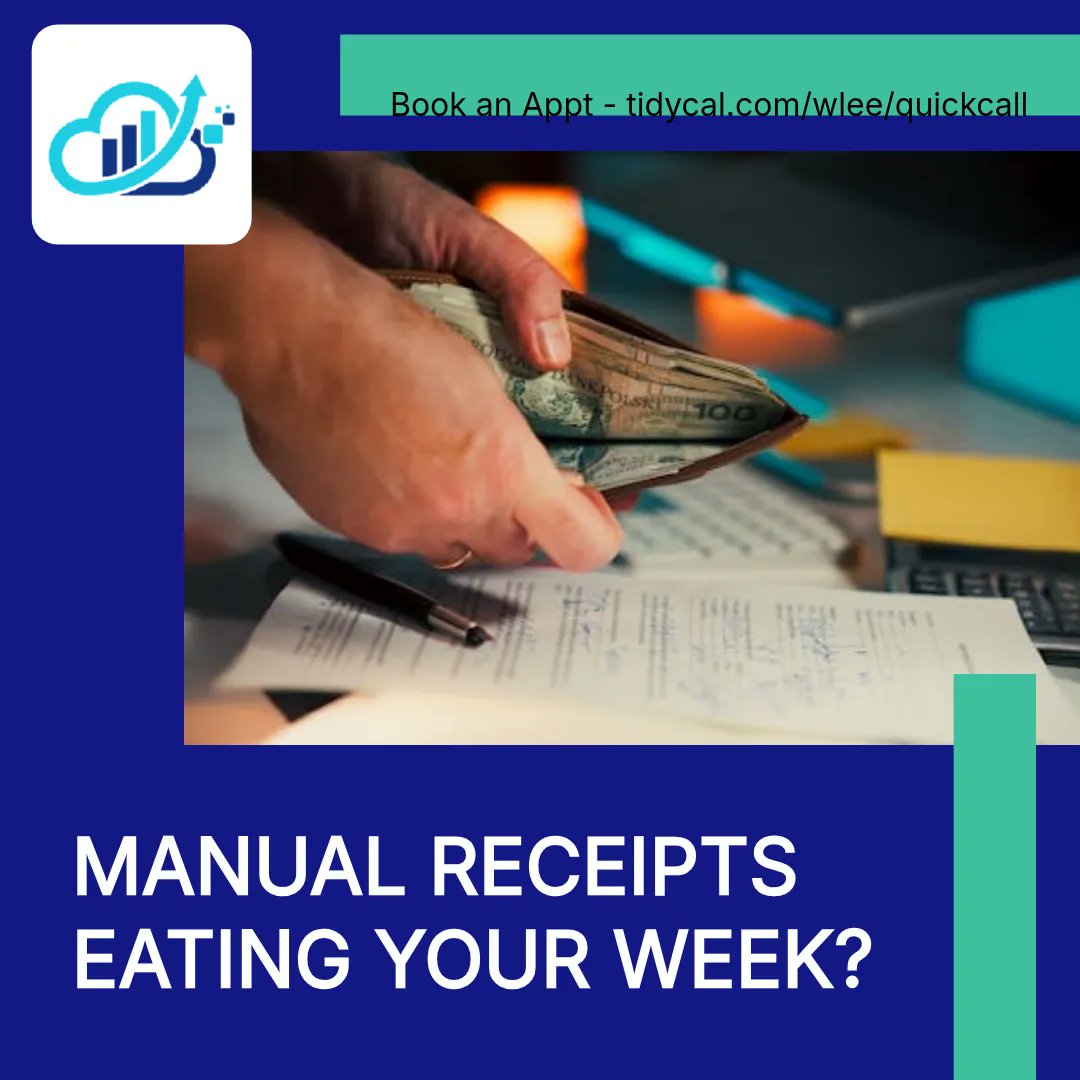
Manual receipts are eating your week. 🛑 If your bookkeeping still feels like typing, you don’t need more “work”—you need automation in QuickBooks Online. Here are 5 switches to set up: 1️⃣ Snap receipts in the QuickBooks mobile app—AI extracts and matches. 2️⃣ Build invoices with
voice commands (mobile). 3️⃣ Create Categorization Rules so recurring bills code themselves. 4️⃣ Use recurring payments so you stop chasing. 5️⃣ In Plus+, use AI insights in Profit & Loss to spot anomalies (like wages). Which one would save you the most time? Comment your pick.
Manual receipts are eating your week. 🛑 If your bookkeeping still feels like typing, you don’t need more “work”—you need automation in QuickBooks Online. Here are 5 switches to set up: 1️⃣ Snap receipts in the QuickBooks mobile app—AI extracts and matches. 2️⃣ Build invoices with
voice commands (mobile). 3️⃣ Create Categorization Rules so recurring bills code themselves. 4️⃣ Use recurring payments so you stop chasing. 5️⃣ In Plus+, use AI insights in Profit & Loss to spot anomalies (like wages). Which one would save you the most time? Comment your pick.
Manual receipts are eating your week. 🛑 If your bookkeeping still feels like typing, you don’t need more “work”—you need automation in QuickBooks Online. Here are 5 switches to set up: 1️⃣ Snap receipts in the QuickBooks mobile app—AI extracts and matches. 2️⃣ Build invoices with
voice commands (mobile). 3️⃣ Create Categorization Rules so recurring bills code themselves. 4️⃣ Use recurring payments so you stop chasing. 5️⃣ In Plus+, use AI insights in Profit & Loss to spot anomalies (like wages). Which one would save you the most time? Comment your pick.
Manual receipts are eating your week. 🛑 If your bookkeeping still feels like typing, you don’t need more “work”—you need automation in QuickBooks Online. Here are 5 switches to set up: 1️⃣ Snap receipts in the QuickBooks mobile app—AI extracts and matches. 2️⃣ Build invoices with
voice commands (mobile). 3️⃣ Create Categorization Rules so recurring bills code themselves. 4️⃣ Use recurring payments so you stop chasing. 5️⃣ In Plus+, use AI insights in Profit & Loss to spot anomalies (like wages). Which one would save you the most time? Comment your pick.
Your receipts shouldn’t eat your evenings. 🛑 If you’re still typing expenses into QuickBooks Online, here are 5 ways we help small businesses automate the work (and save hours weekly): 1️⃣ 🧾 Snap paper receipts in the QuickBooks mobile app—AI extracts and auto-matches to avoid
double-recording. 2️⃣ 🗣️ Create invoices with voice so you can bill while you’re on the go. 3️⃣ ⚙️ Use Rules to categorize repeat vendors (internet, utilities, etc.) automatically. 4️⃣ 🔁 Set up recurring payments to get paid without chasing reminders. 5️⃣ 🤖 If you’re on Plus+,
Stop wasting hours on manual bookkeeping. 🛑 If you’re still typing receipts into QuickBooks Online, 2026 is where that changes. Here are 5 ways we help small businesses automate the boring parts: 1) Ditch manual receipt entry: snap receipts with the QuickBooks mobile app. 2)
Create invoices with voice commands in the mobile app. 3) Set Categorization Rules using keywords in transaction descriptions. 4) Use recurring payments so you’re not chasing the same bills every month. 5) On Plus (or higher), use AI insights in Profit & Loss to spot unusual