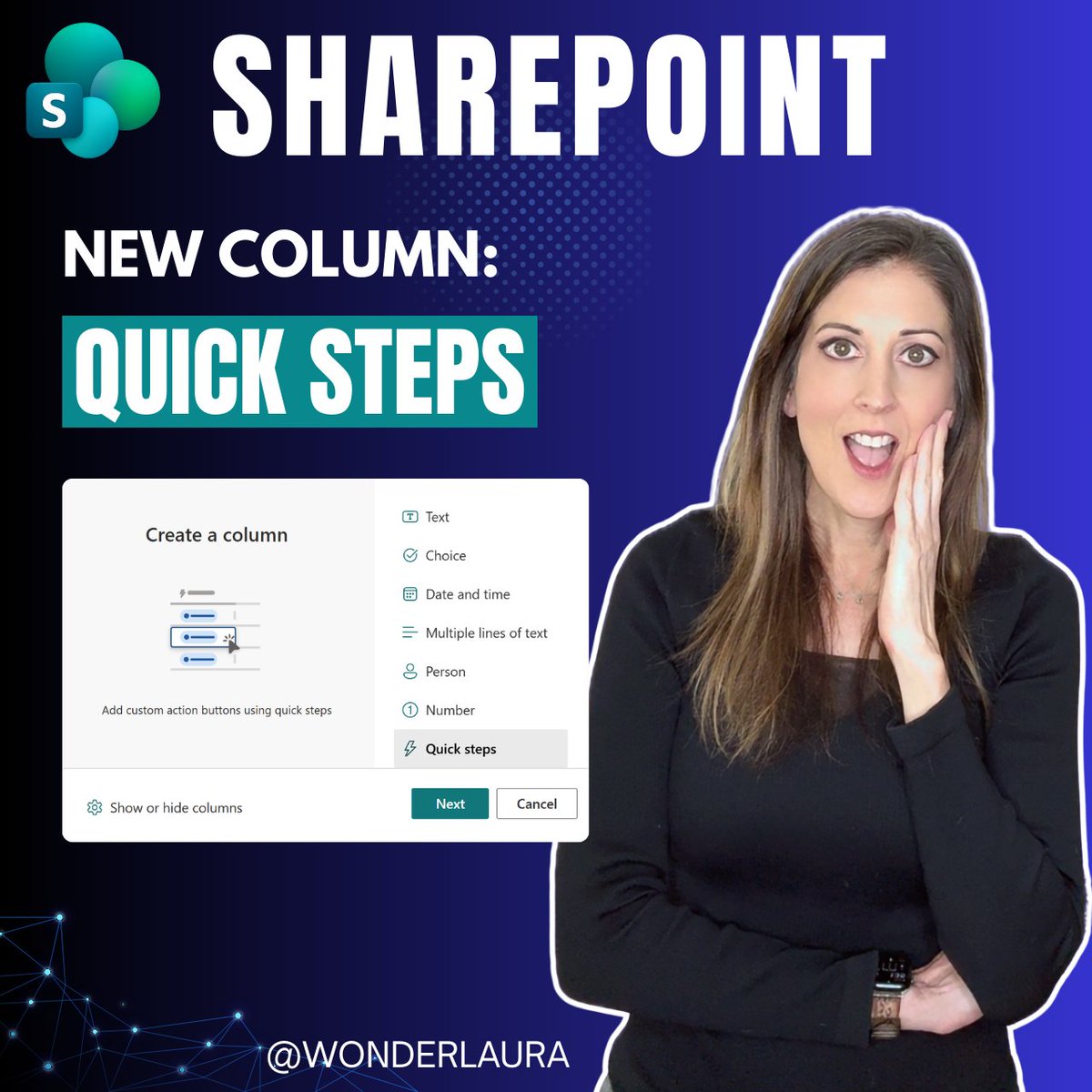
🆕 Microsoft just rolled out a brand-new column type in SharePoint Lists and Libraries — and it's a game changer for end users.
The new Quick Steps Column lets you add clickable action buttons directly in your list rows. No JSON. No code. No hunting through menus.
In my latest blog post I walk through every action type:
📧 Draft an Email
💬 Start a Teams Chat
🧑💼 Set a Value
☑️ Send an Approval Request
⚙️ Execute a Flow
🤖 Ask SharePoint / Knowledge Agent
Plus my advanced technique for silently triggering a complex Power Automate flow with a single button click — no flow panel, no extra clicks.
If you've ever built JSON buttons in SharePoint lists, this is the no-code version of everything you used to have to do manually. 👇
https://t.co/BeSm8k28zf
#SharePoint #MicrosoftLists #PowerAutomate #Microsoft365 #NoCode #PowerPlatform
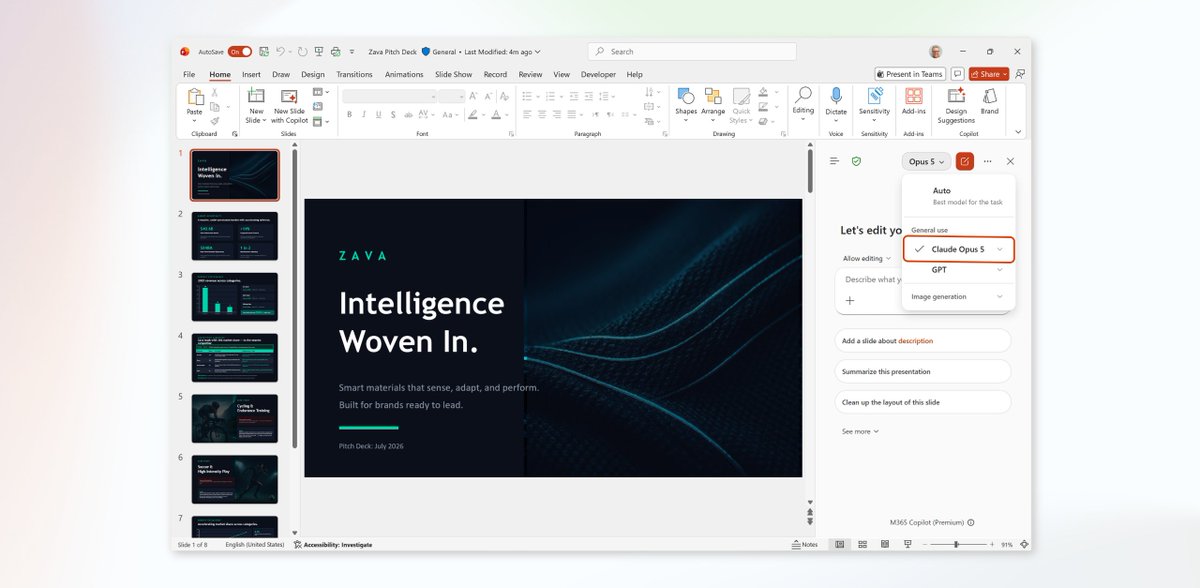
We're expanding model choice in Microsoft 365 Copilot with Anthropic's latest model, Claude Opus 5.
Designed for everyday use on complex, multi-step work, Claude Opus 5 brings stronger reasoning across documents, spreadsheets, presentations, and long-running tasks. Combined with Work IQ, Copilot helps deliver results grounded in your organization's context.
Rolling out in Word, Excel, PowerPoint, Copilot Chat, Copilot Cowork, and Copilot Studio.
Learn more: https://t.co/9gqj5gqyEX
Build the app for Copilot. Skip the infrastructure.
SharePoint Copilot Apps are auto-hosted in your Microsoft 365 tenant - enterprise security & governance built in.
Start building → https://t.co/MKzAj54XTk
#Microsoft365#Copilot
The best investment you can make in your career isn't another certification. It's showing up, getting involved, and helping others succeed. I'm sharing why community has shaped my career, from MGCI to launching #DallasMAC. https://t.co/XEPMZ2dJiF #Microsoft365#AI#Community #MVPbuzz
A few prompt patterns separate casual Copilot users from power users.
Why it matters:
Copilot's ROI is a skills gap, not a licensing one.
Steal the power-user patterns in the Microsoft 365 Copilot playlist: https://t.co/7ENW8VNW8s
AI shouldn't just answer. It should help get the work done.
See what's possible with Microsoft 365 Copilot Cowork during our upcoming live webinar. Join our experts on July 29 to explore how Cowork can help you move from prompts to outcomes, automate multi-step work, and tackle your most complex tasks with confidence.
Register today: https://t.co/RgnY24AnsF
🤔 Copilot, Cowork, Researcher, or Scout... when should you use each?
A key takeaway from Episode 80: Cowork shines when you're working across multiple systems and ready to turn ideas into action.
🎥 https://t.co/yLevJEWolL
📅 https://t.co/WHmfXQvMaf
#MondaysatMicrosoft
Did you miss Power Hour today? 📆
I taught what Model Context Protocol (MCP) is, and also announced our new swag store! (store link is on the power hour page)
Here's the replay:
https://t.co/2CfDgy0bmM
🔥 Want to test custom UX apps in Copilot canvas easily?
You only need a Microsoft 365 tenant 😮
No Copilot license
No coding
No local install
Download sample → copy solution file → add agent → test the UX
📺 Test today → https://t.co/9hQRkVgznZ
#Microsoft365#Copilot
🔒🛡️ AI innovation and governance are growing together.
New Purview controls help organizations manage email restrictions and Copilot Cowork usage while protecting sensitive information.
#Purview#Security
https://t.co/J11R70PuXr
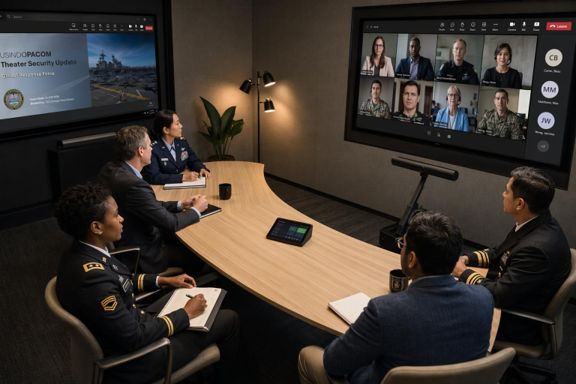
👥 Hybrid meetings feel more personal with IntelliFrame people labels.
Remote attendees can see who's speaking in the room, helping everyone participate more effectively.
https://t.co/DIxu7fa7X6
🔒 Teams Admin Center now includes a Security Detection Report that combines impersonation attempts, malicious URLs, and risky file activity into a single view for investigation.
#MicrosoftTeams
https://t.co/DIxu7fa7X6
Trigger an approval (or any field change) with a single button click.
🟢 I use this all the time in SharePoint for more than just storing docs.
Here's the setup.
#SharePoint#PowerAutomate
https://t.co/p53zALqeSo