🎉Exciting News! Workast is launching our Affiliate Program! Earn $100 USD commission for every new user who subscribes to a paid plan on Workast.
Share with your friends and followers and earn extra income!
Visit https://t.co/sVpzEkC8M4 to learn more and apply today!
You’re not slow or disorganized.
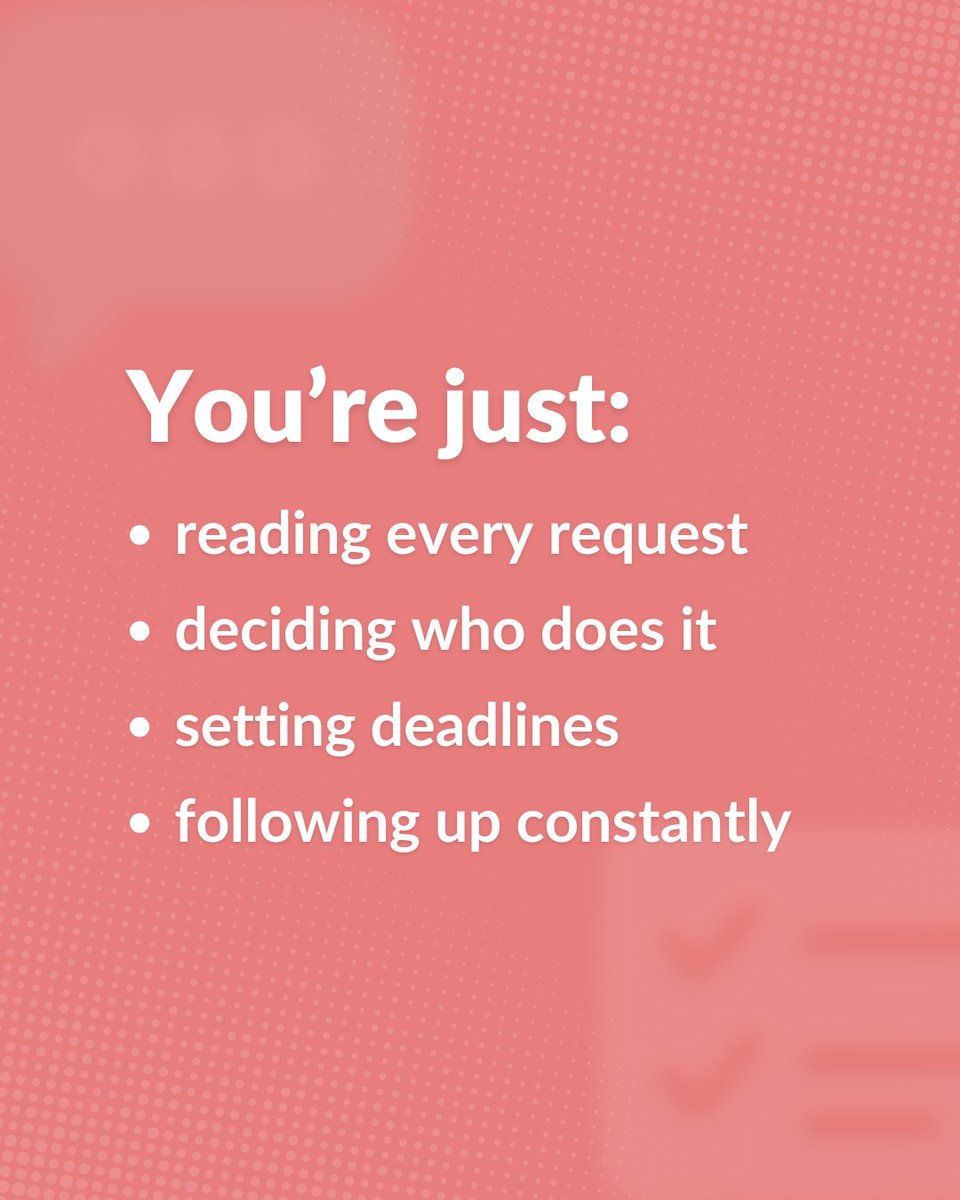
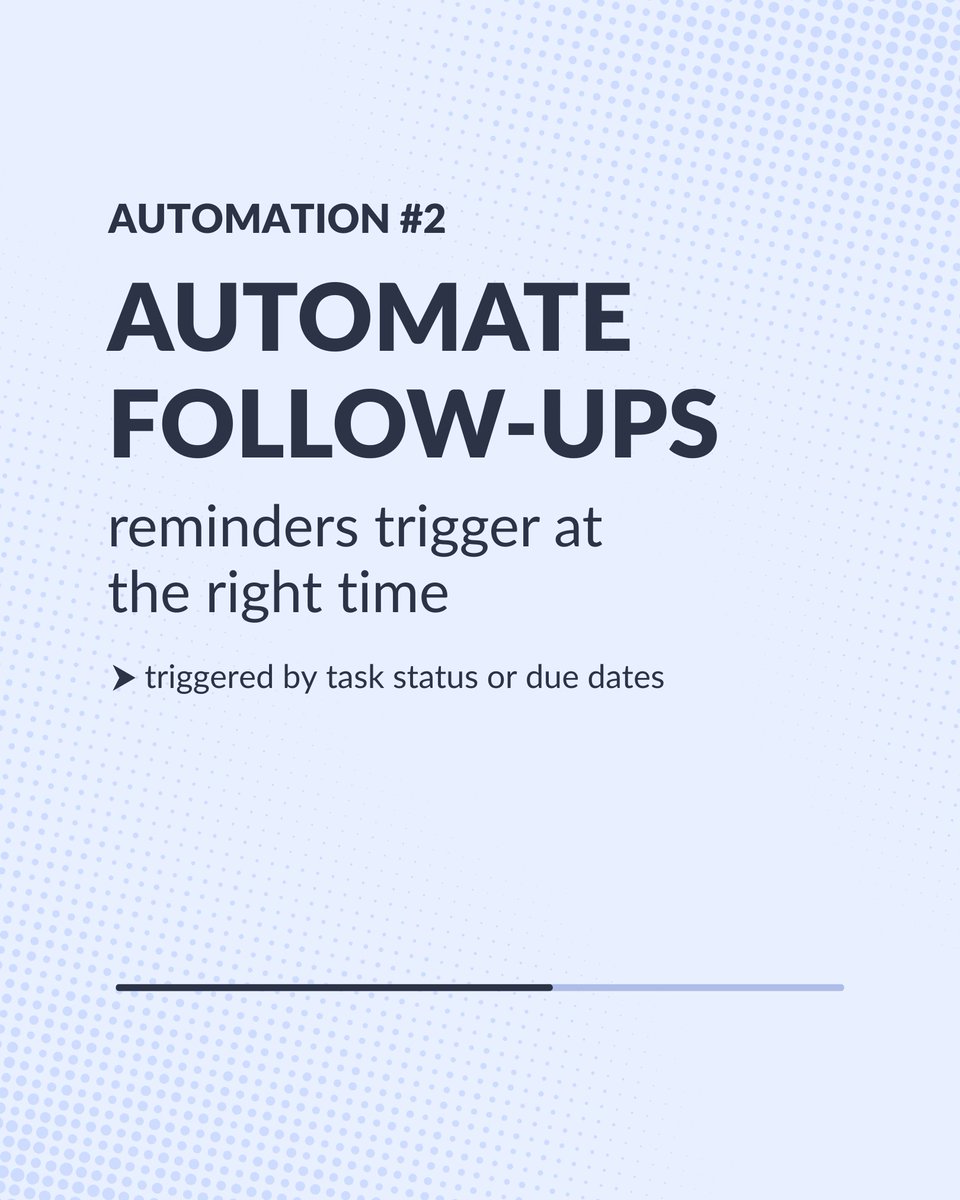
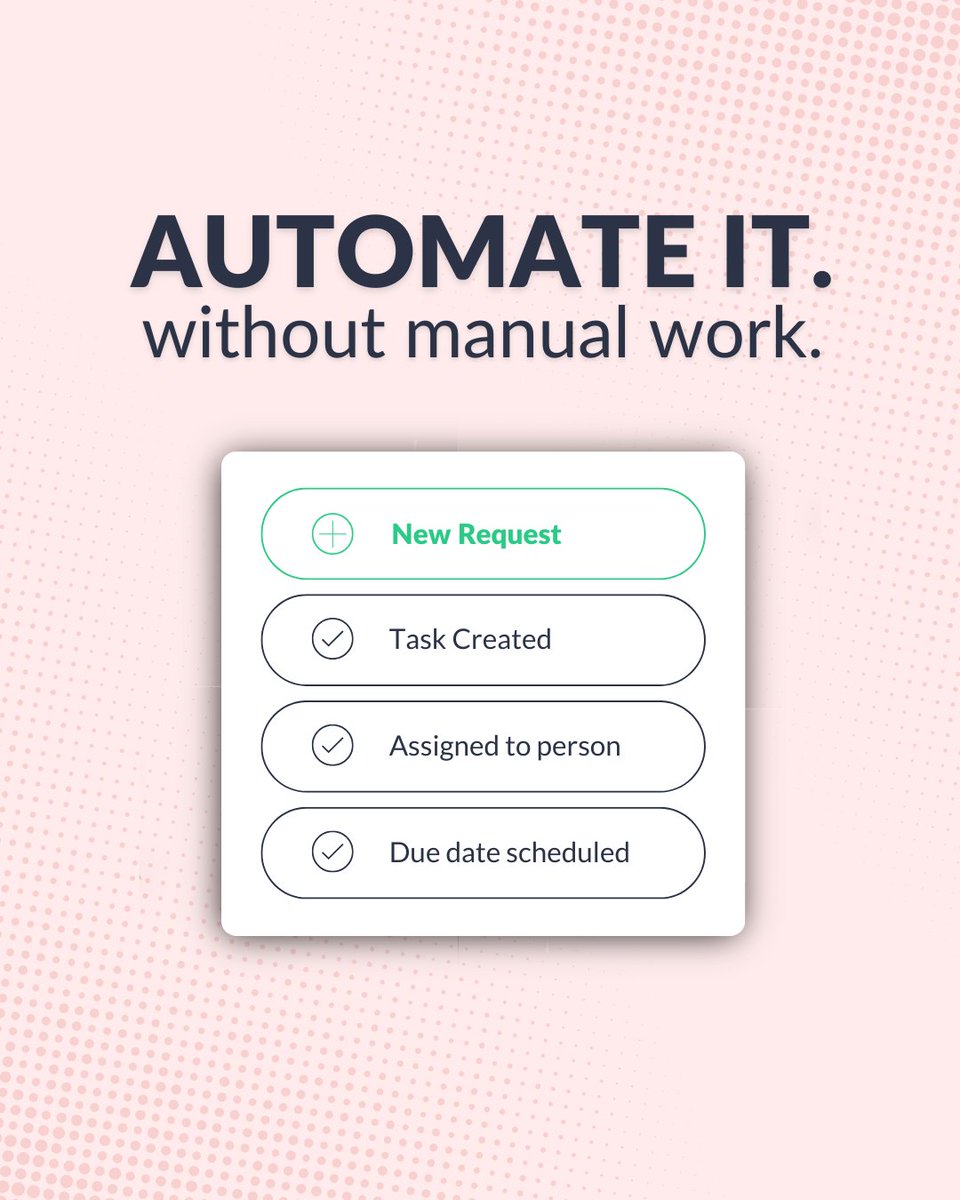
You’re just doing things your system should handle: reading requests, assigning tasks, setting deadlines, following up 🔍
That’s not your job. That’s a system problem ⚙️
Automate it with Workast 🚀
Try it at https://t.co/dz3PcX6EPr ✨
‼️Small businesses don’t need more tools
They need less manual work
➡️ Start with one automationhttps://my.workast.com/
Test one today at https://t.co/iv6RxxMKlQ
@shendison@SlackHQ If this is your first time installing an app from an external link, follow this guide to enable APK installs: https://t.co/DCgy1cSSvD
@shendison@SlackHQ - Access via Slack: Depending on your needs, you can use Workast through our Slack integration for most functionalities.
- Download the Android App: While the app is not listed on the Play Store, you can download it directly from this link: https://t.co/IYMs7UPbEq
@shendison@SlackHQ Create a task using the /todo command in the corresponding channel.
After that, the shortcut should appear under "More actions" > "View more shortcuts"
Once you've used it once, it will show up directly under "More actions" for quicker access next time.
Let me know if this works!
@shendison@SlackHQ Hi Scott,Thank you for contacting Workast.Everything is working as expected on our end. It’s possible that a recent Slack update on Android or changes in your cookies configuration may have impacted the integration commands.
Here’s a workaround:
...
@shendison 1. Create a task using the /todo command in the corresponding channel
2. After that, the shortcut should appear under "More actions" > "View more shortcuts"
3. Once you've used it once, it will show up directly under "More actions" for quicker access next time
@shendison Everything is working as expected on our end. We made the proper tests, it’s possible that a recent Slack update on Android may have reset the integration commands.
Here’s a workaround👇
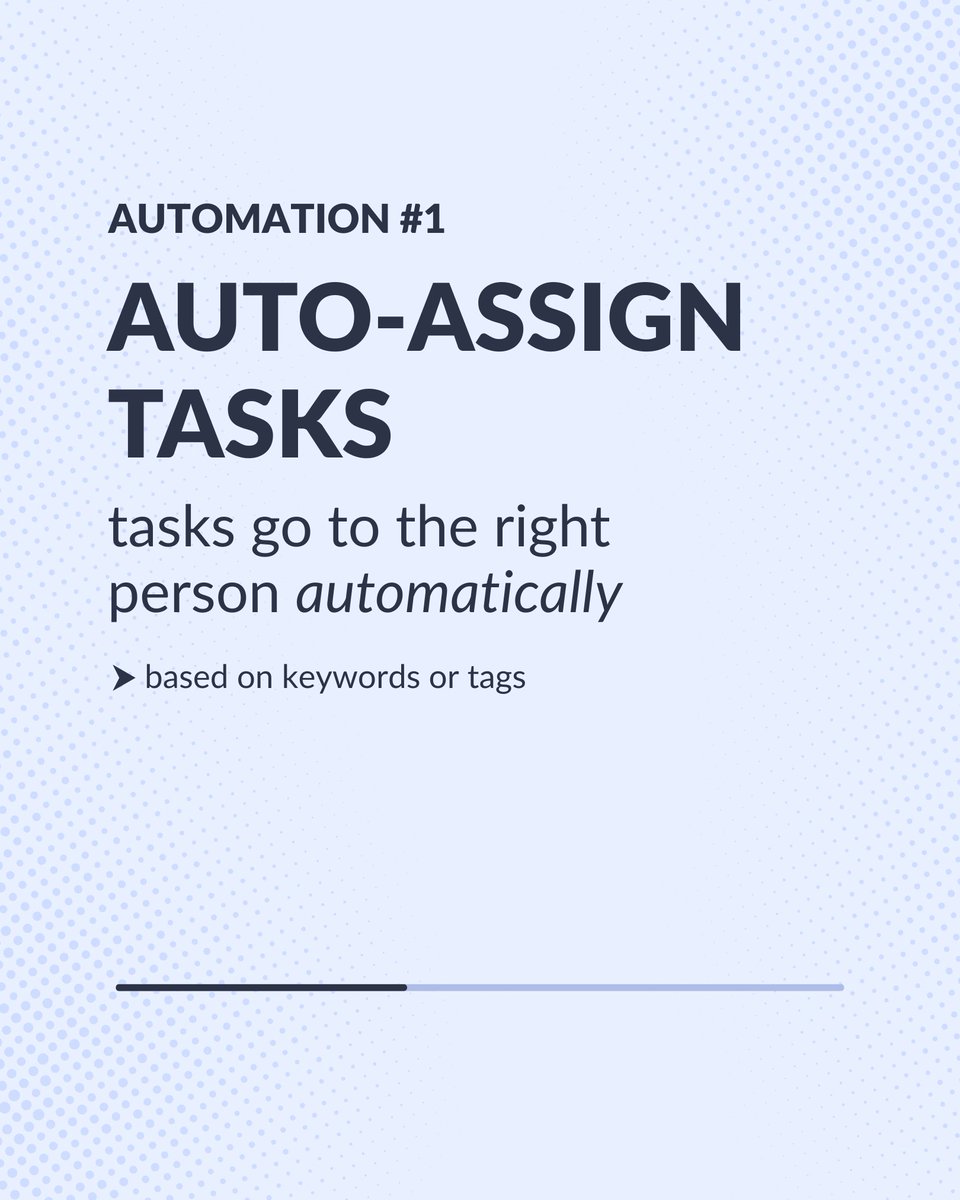
✋ ️Stop wasting time triaging tasks manually!
Workast AI Workflows assign tasks automatically based on keywords, tags, or project details — so everything lands where it should.
👉 Try it here: https://t.co/fsjNZZymtB
@shendison 1.Create a task using the /todo command in the corresponding channel.
2.After that, the shortcut should appear under "More actions" > "View more shortcuts."
3.Once you've used it once, it will show up directly under "More actions" for quicker access next time.