@fernandafiorh So glad to hear you found your work! Please always feel free to email us at [email protected] if you ever have any questions or concerns. Our support team is very responsive and happy to help!
@jwordfish If you don't need a title page at all, you can delete it by taking these steps: https://t.co/EnrEWMjSvj
Alternatively, you can export the script as a PDF and exclude the title page (File > Export, drag Title Page to Do Not Include section). Then, upload directly to ReadThrough!
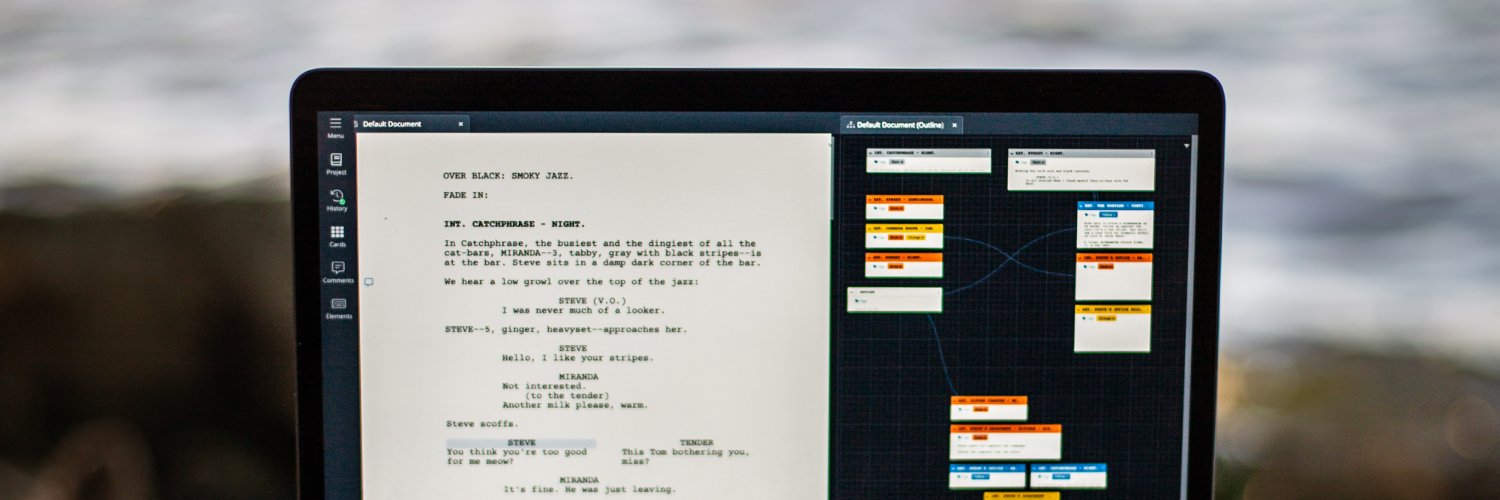
For me @WriterDuet has come to replace @finaldraftinc. It’s a more versatile app, that can handle multiple languages including Arabic. It allows collaboration on a document in an intuitive way. And it’s at a fraction of the cost of final draft.
@fringeblog Clarification on our prior reply: being on the same local network will NOT help you in any form of collaboration. You could both write offline, but changes will not sync until both of you are connected to the Internet
@fringeblog For real-time collaboration, an internet connection is required; however, as long as both of you are on the same local network and have the necessary files synced beforehand, you can both work offline: https://t.co/VPJ4PV0pDF
@jwordfish Yes! You can hide the tag color in the editor (which will also remove it from PDF exports) by opening the Tagger tool: Alt/Opt + Ctrl/Cmd + T, selecting the three dots to the right of the tag name, and selecting Hide color in editor: https://t.co/XdF9jERurr
@duffferguy Thanks for letting us know about this! Can you go to Help > Locally Saved Backups and see if there is a plain text backup of that missing content? If so, you can copy-paste that text into a new WriterDuet project and it will auto-format.
@BoredSerf So glad to hear you're enjoying WriterDuet! We did recently make some significant improvements to the ReadAloud tool within WriterDuet. That said, if there are any specific features you'd like to see, please send us an email at [email protected] and we'd be happy to help!
Ever wondered how modern tech can level up the screenwriting process? ✍️ Guy Goldstein of WriterDuet breaks it down on this episode of On Production. 🎬 Watch in full here. https://t.co/xEZ0PJmSIL
@Manoptic 2. Uninstall the App:
Open the Settings app on your Android device.
Navigate to Apps & notifications or Applications (the name may vary depending on your device).
Find and select WriterDuet
Tap Uninstall and confirm the action.
@abibaumann_ Thanks for bringing this to our attention! While we absolutely want you to find the screenwriting app that works best for you, we'd love a chance to resolve this for you. If you could email us at [email protected] with more details, we'd be happy to help!
@ZackMorrison18@HeyBadrBadr As long as you or one of your students has a paid subscription, you can invite as many Editors to the project as you'd like. This is included in our 14-day free trial. We also offer a 50% education discount. Feel free to reach out to us at [email protected] for more info!