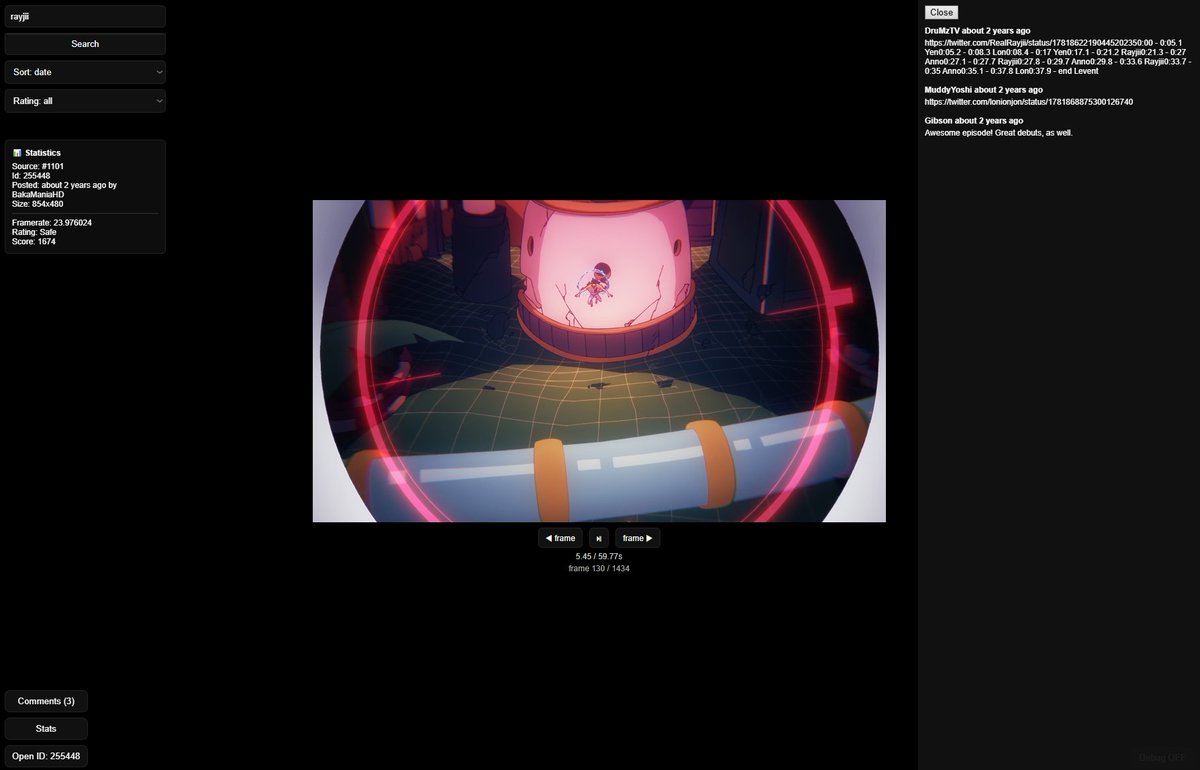
I’ve made a browser extension for Sakugabooru that lets you scroll through posts like a TikTok feed. Here is the download link for the extension:
https://t.co/bN8Wv3ZdqQ
Check comments for how to install this extension
@RealRayjii@YoshiYoish
@RealRayjii@YoshiYoish For now this works best on chromium based browsers, If someone wants to use it on Firefox, I will need to post different files, let me know if anyone is interested. Also you can send some feedback about this extension.
I’ve made a browser extension for Sakugabooru that lets you scroll through posts like a TikTok feed. Here is the download link for the extension:
https://t.co/bN8Wv3ZdqQ
Check comments for how to install this extension
@RealRayjii@YoshiYoish
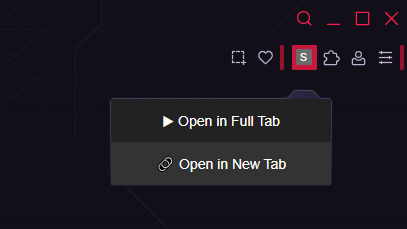
@RealRayjii@YoshiYoish 4. On the toolbar menu after you click on the Sakuga icon you have 2 options, first "Open in Full Tab" opens sakugatok on the same page, and second option "Open in New Tab".
5. Enjoy scrolling sakugabooru feed!
@RealRayjii@YoshiYoish How to install
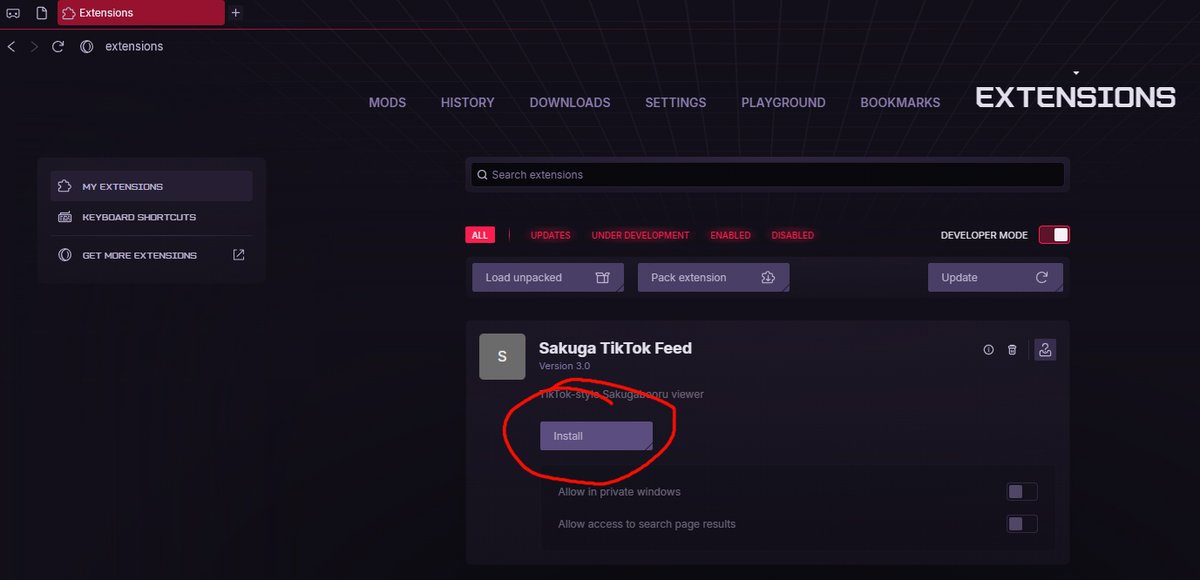
1. Drag and drop file "sakugabooru ext.crx" to your extensions window in browser.
2. Click Install
3. Click on the extension and Enable "Pin to toolbar"
I’ve created a SakugaTok browser extension for Sakugabooru that lets you scroll through posts like a TikTok feed. If anyone is interested, I’ll also provide the download file. @RealRayjii
@YoshiYoish@RealRayjii Simple version with tags search works, but if we want to "add to favorites button" when we are logged in to site, it might take more time