#FamiliaXSplit, para as últimas novidades sobre nossos produtos e outras coisas divertidas, não esqueça de seguir @XSplit. Para suporte 24/7 visite https://t.co/DrRYPne8py 🤘
Learning to sell both yourself and your content can be a crucial next step in your streaming career.
We discuss this and more in the full video here https://t.co/r2YGViixjY
When you finish streaming, there are still some things you could be doing to help your channel grow! 📈
We discussed this in the full video here: https://t.co/vfw0XMtJtx
XSplit VCam 4.0 is here!
✨ Redesigned UI
🏷 Multiple Custom Watermark Support
☀️ Enhanced Lighting
And much more! Head to https://t.co/Yd7aXSsPuK to download and try for free today!
🎮 The In-Game HUD makes controlling your stream even easier, especially if you're running everything on one monitor! Give it a try in XSplit Broadcaster today!
From Twitch offering more ways to get discovered & pay the bills, to influencers' amateur boxing gaining traction, and eBay launching an interactive live shopping platform. We discussed all that & more in our latest State of Streaming episode.
Full video: https://t.co/z6Z3NFpkoi
With the whiteboard plugin for XSplit Broadcaster, you can easily add on-screen annotations to your streams. So, like a live sports broadcast, you can add highlights to a replay and much more! ↗ → ⭕️
🖥 The NVENC encoder from @nvidia brings a lot to the party when it comes to stream encoding. We discuss why it's so important in our latest video!
Watch the whole video here: https://t.co/tBhhAlUsXY
Running an IRL stream is easier with XSplit Broadcaster! Automate your streams with macros and focus on the content rather than the tech! Find out more in this video!
🎞 Adding animation to a static image in XSplit Broadcaster is simple! You can even add preset animations to transition between different layouts!
Find out more in this video.
We're always excited to see the different ways you can use our apps! Creating a passport photo with VCam and Broadcaster is just one!
What interesting workflows have you created?
🎙 Finding the correct audio interface for your microphone can be tricky, but we're here to help! We run down some of the best at different budgets with the full video here https://t.co/YMkeg9uCzl
📷 Get the most from XSplit VCam with these tips!
Not used XSplit VCam before? Try our AI-powered background removal tool right here! https://t.co/suGS9lDb5C
The latest episode of The State of Streaming, where we discuss the last month's big streaming news, is out now! Watch the full episode here https://t.co/VrSD4mWRjQ
XSplit Broadcaster supports VSTs meaning you can easily make your microphone sound exactly the way you want it to with a variety of tools! Watch the whole video here https://t.co/CI0fmKvaq9
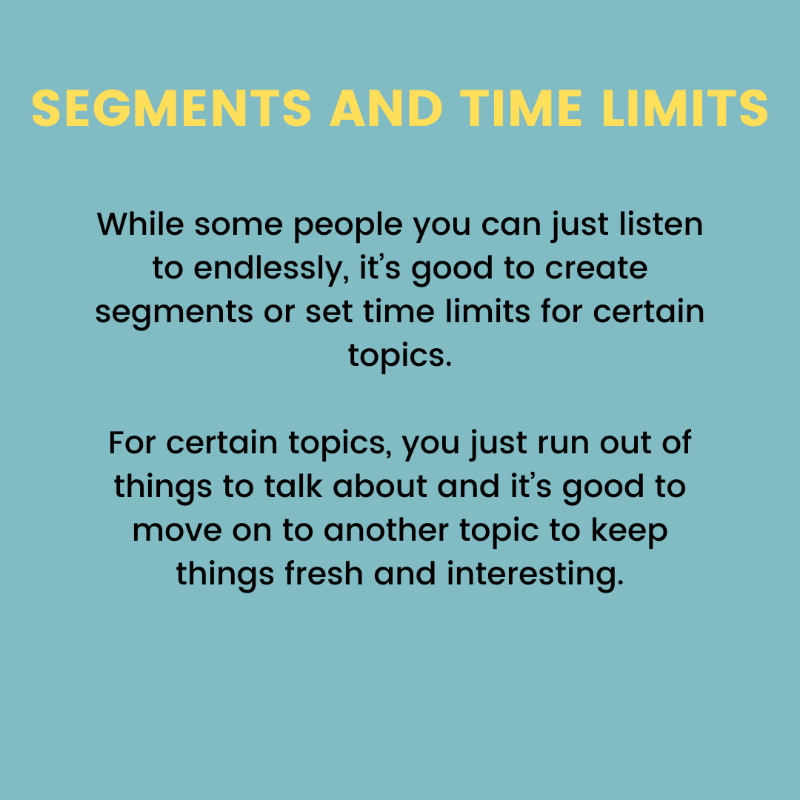
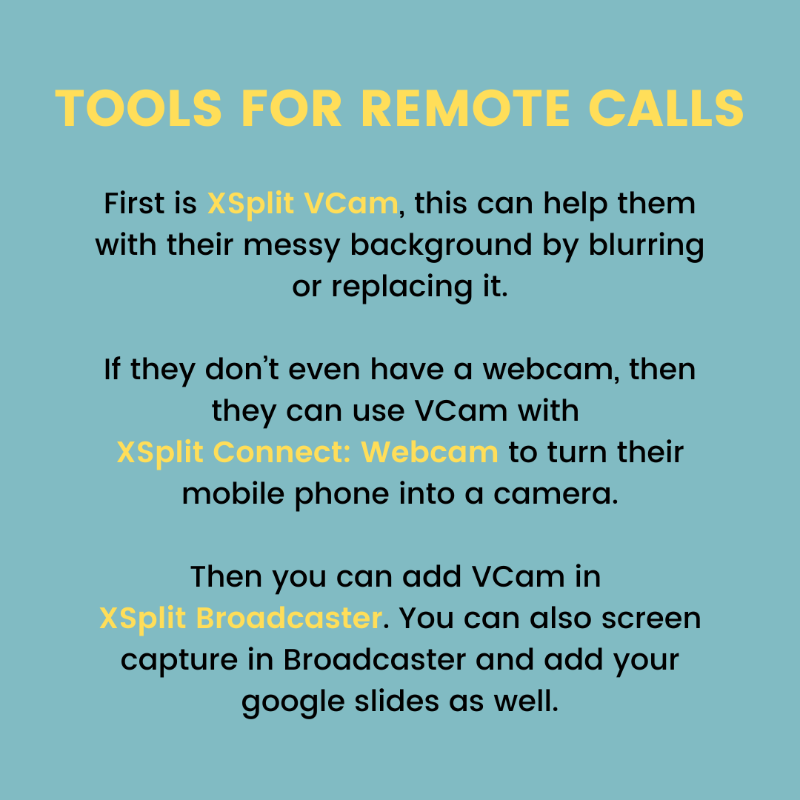
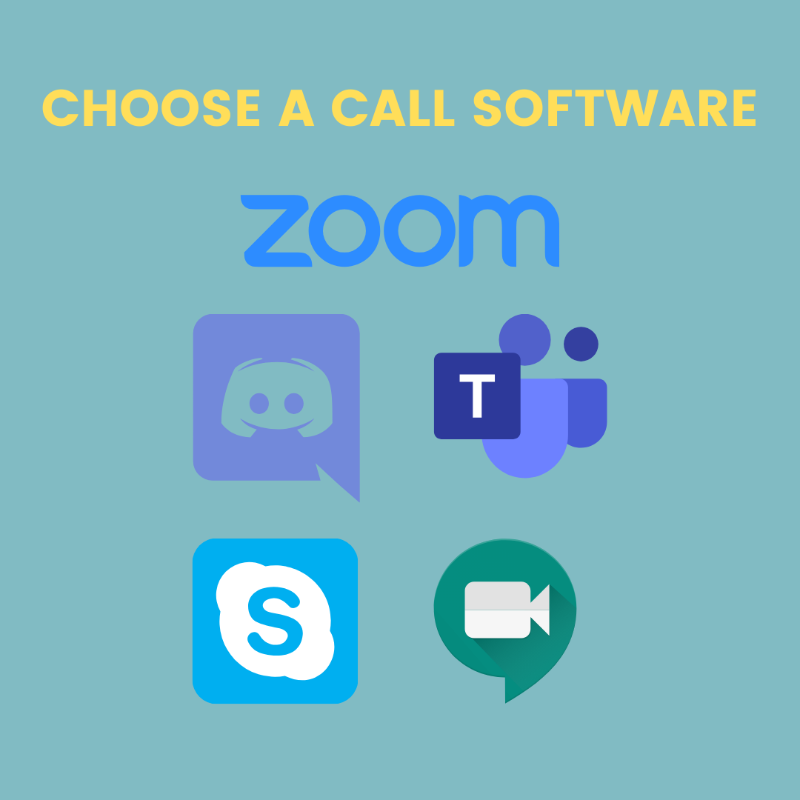
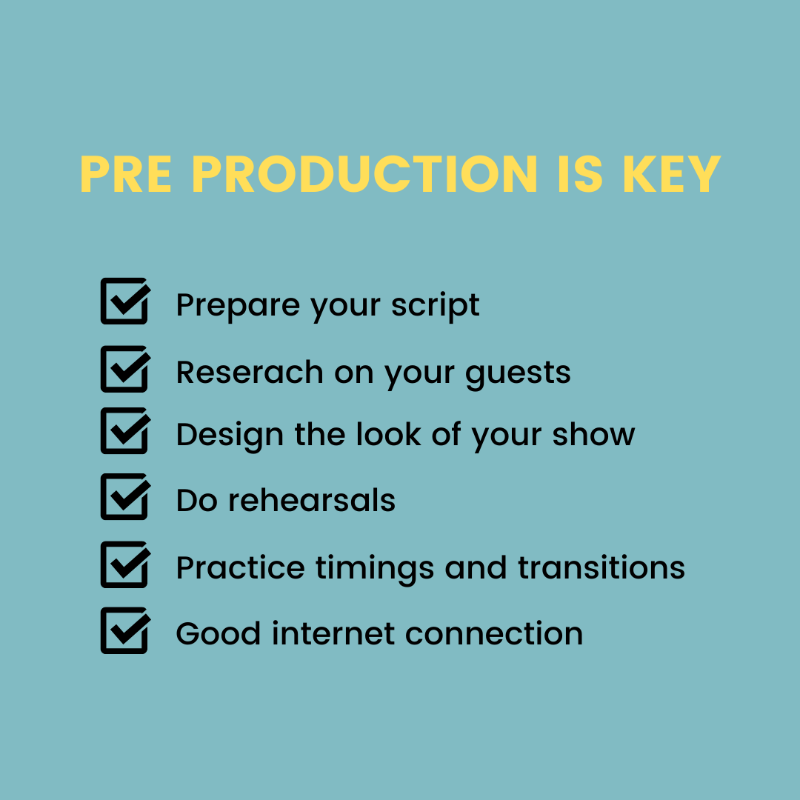
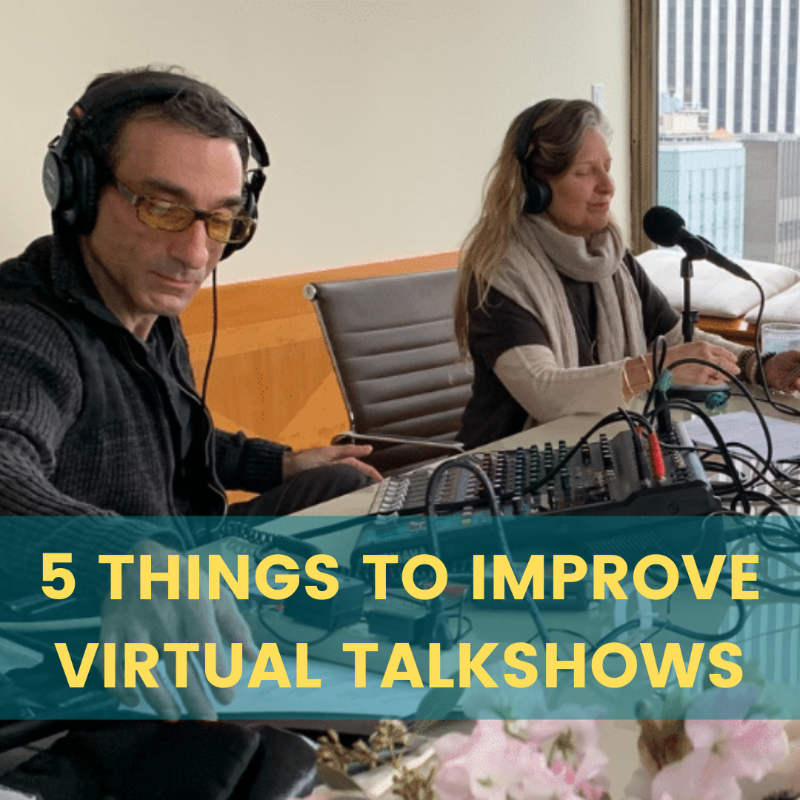
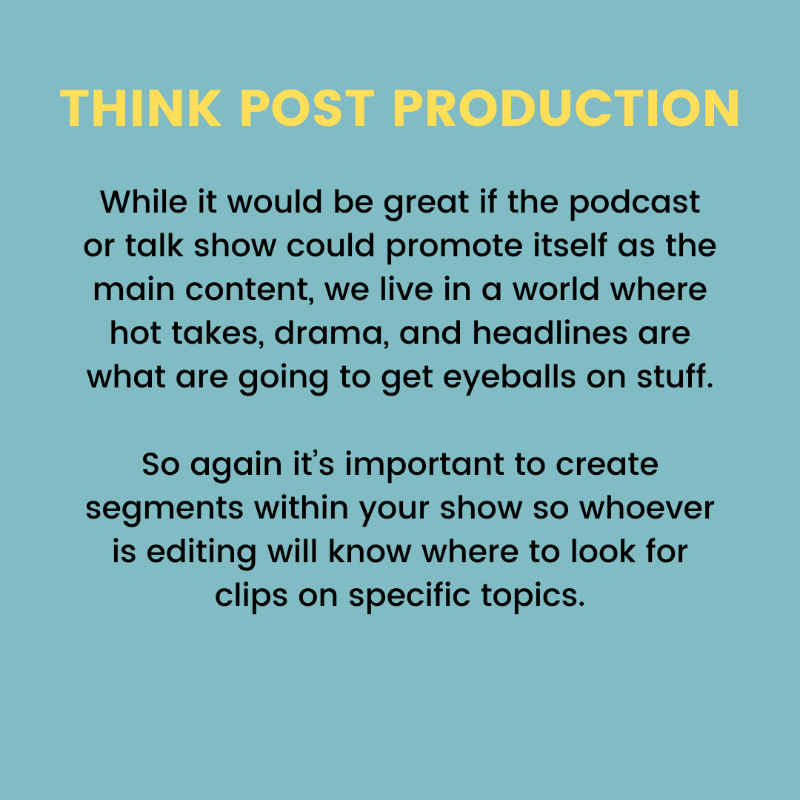
More people are diving into creating their own podcasts and online talk shows. Here are some tips to make your talk show stand out from the restMore people are diving into creating their own podcasts and online talk shows. Here are some tips to make your talk show stand out from the restMore people are diving into creating their own podcasts and online talk shows. Here are some tips to make your talk show stand out from the restMore people are diving into creating their own podcasts and online talk shows. Here are some tips to make your talk show stand out from the restMore people are diving into creating their own podcasts and online talk shows. Here are some tips to make your talk show stand out from the restMore people are diving into creating their own podcasts and online talk shows. Here are some tips to make your talk show stand out from the rest.
Manage remote talent easily with XSplit Broadcaster using the virtual camera output. Create a scene dedicated to your remote camera output with these easy steps.