In Modeler, you can change the desktop view to a smoothed camera that follows the stereo cameras in VR (this video shows changing between a smoothed and unsmoothed camera)
There's a pretty easy way to smoothly interpolate camera movement that works well. The two key steps:
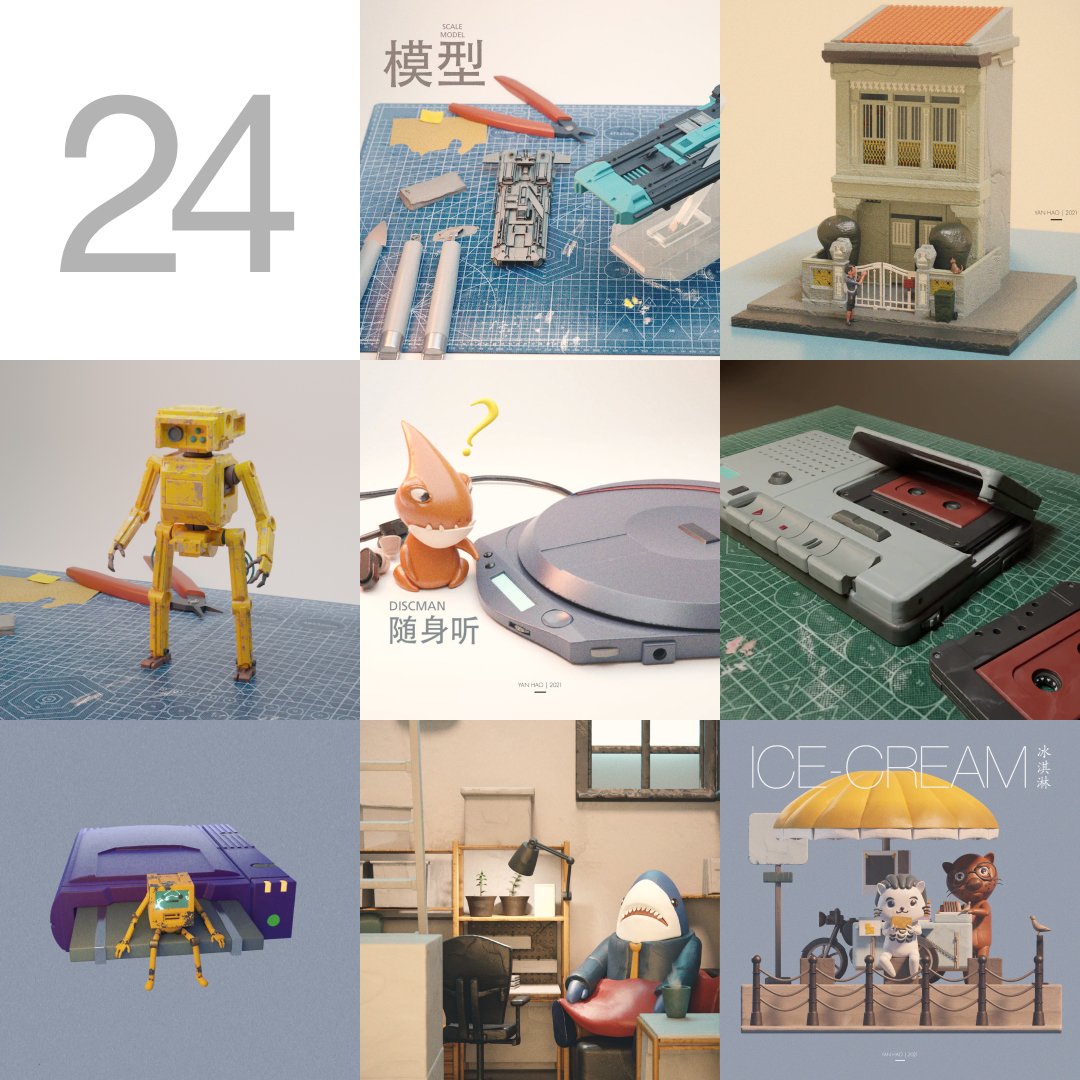
2023 works
This year I have made a series of creations based on the mood of the day, with #geometrynodes to create procedural animations, and started making music for the most recent videos.
Sadly this Nodevember I will be in the mandatory military, so I may skip them all...
Did you know that in Blender you can easily make pillows with the 'Cloth' modifier? ✨
1. Select the object that's gonna be beneath your pillow
2. Press 'Collision' on the physics tab
3. Add a cube and add some loops to it with Ctrl+R
4. Press 'Cloth' on the physics tab
5. Enable 'Pressure' and set the custom target volume to 1. You can tweak this value depending on how big your pillow is
6. Decrease the collision distance in 'Object Collisions'
7. Press space to play the animation
8. Press Ctrl+3 to add a subdiv modifier with 3 levels to make it look smoother!
You can choose a frame that you like and apply the 'Cloth' modifier to make it into a static mesh by going to the Modifiers tab, hovering over the 'Cloth' Modifier and pressing Ctrl+A!
For better results add more loops to your original mesh! ✨
#b3d
Ah, I've uploaded all the "oil painting" project files to Gumroad.
All available for free, so feel free to enjoy them if you like: https://t.co/yEHccxStNn
Thanks for all the tutorials from the lovely Blender community, which allows even a beginner like me to enjoy the joy of creation.
#b3d #blender
Did you know that in Blender you can easily make vent grilles in edit mode without any modifiers using the 'Wireframe' operator? ✨
1. Select a face
2. Right click -> Subdivide, and increase the number of subdivisions
3. Press Ctrl+F,W for the wireframe operator!
To make a diagonal pattern, Right click -> Unsubdivide and set Iterations to 1!
#b3d