my 2 cents on read the code vs not debate:
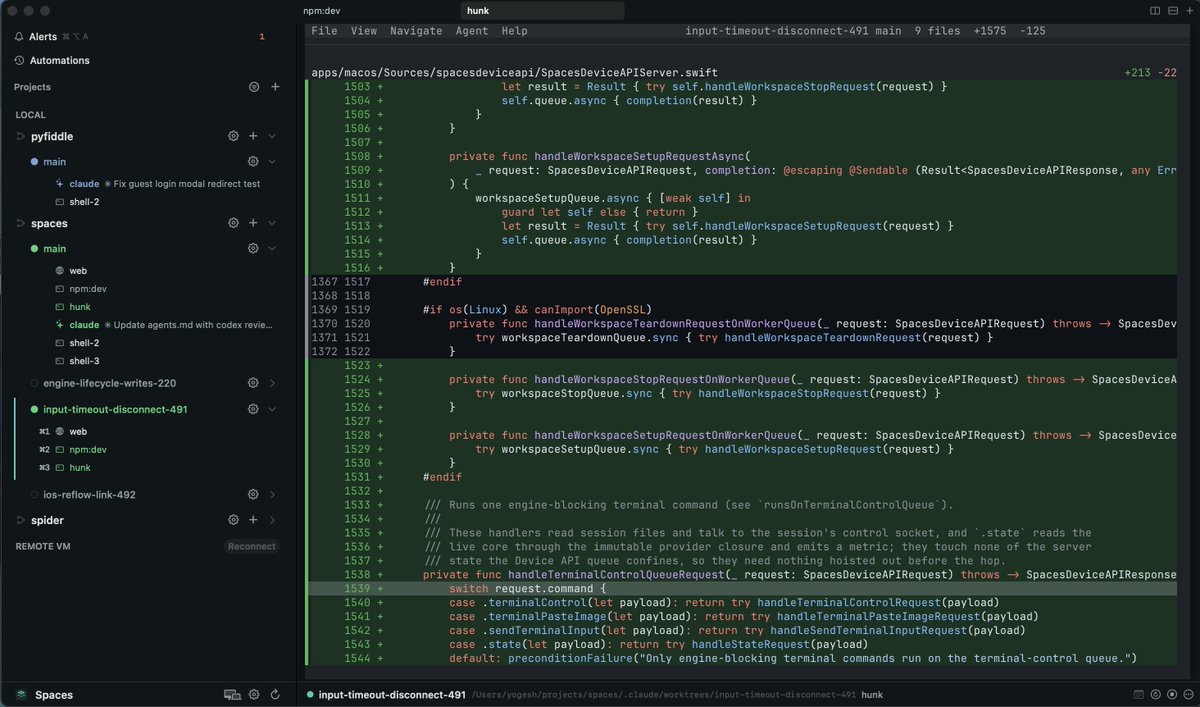
even if you don’t read the code, you should look at it
over time you will learn the size and shape of diffs. you will start noticing how diffs correlate with your own intuition for the size of feature/bug fix
if there is a mismatch, it is worth pausing and taking a closer look
to make this easy while working in spaces, there is a hotkey so you can open the worktree in your preferrer editor at any time. currently supports zed, vs code, and devin desktop. and of course, you can use vim/neovim or any other terminal based editor too
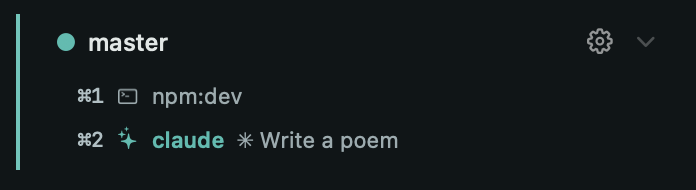
and when working in a project/worktree, you can stay in focus by cycling through only its terminal and chrome tabs so you don't get distracted by anything else open on your machine
ADEs are really good at creating chaos
a bunch of worktrees, processes, ports, and windows, multiplied by all the old side projects and the exciting new ones I keep starting.
with Spaces, I’m not trying to reduce any of this but i'm trying to make it manageable so you can actually take advantage of it
@mattpocockuk@PlanetScale i find that agents are actually decent at writing database queries. most of the efficiency gains i find in my app come from poor app logic leading to redundant or unnecessary queries rather than one obviously slow query
spaces supports adding custom processes to your project so you can add one for hunk so diff is only ever a keystroke away no matter which worktree you are looking at
⚡ hunk v0.19.0 is out:
🆕 more extension capabilities: line navigation, dockable panels, kb modes (read: vim mode), more
🆕 SKILL.md for authoring extensions
🆕 `hunk extension install <target>`
🆕 smarter highlight cache for smoother scrolling
🆕 `--fast` to run highlighter in a separate worker (experimental)
... and lots more
This is the most important video I've ever made.
In this, I explore the negative and positive mental health effects of AI coding, with data and expert commentary.
https://t.co/GPx7sJaJ5y
we need more such benchmarks!
it is fun to have a model one-shot a full sqlite spec but that doesn't tell me much about its performance on 99% of real projects
you may think you have the full spec but I guarantee that the future you will disagree
most benchmarks test if a model can solve a problem knowing everything up front, but what makes SlopCodeBench super interesting is that it discloses parts of the problem incrementally, forcing the LLM to redesign the codebase on the fly, lest it suffer the growing slop mountain
if you're thinking about building software factories or dark factories - this ep with @vaibcode is worth a watch
https://t.co/CLDhTNGhWe
And I think there’s a lesson in there:
A lot of people are getting turned on to the terminal right now, and there’s a chance to be many users’ “first” tool in a category by making it more accessible / making the agent use case obvious
i shipped first set of llm-as-judge evals for the kill my saas competition tonight. people can run this to check if their solutions at least pass the sniff test.
@CasJam Oh and you can use a combination of your Macs and cloud Linux VMs so you are not limited to Mac. If you are running on a remote machine or vm, you do not need to keep the app or Mac running. All sessions keep running on remote.
I built https://t.co/B3YetqBaws exactly for this! Native Mac and iOS apps that connect to all of your devices and you can seamless transition to working on any device from any device. Also has mcp to enable orchestration across providers like claude and codex. Would like for you to try it!
@themgmtconsult because what you write is the final product. people consume that writing directly
users don't consume code. they use the product. it doesn't affect them if the code is 1000 poorly written lines vs 100 well written lines unless the product sucks