One of the most unexpected outcomes of building Cornerstone's upcoming AI features is how much they've improved Cornerstone itself. The process has inspired entirely new features, strengthened the foundation, and unlocked experiences that are nothing short of magical.
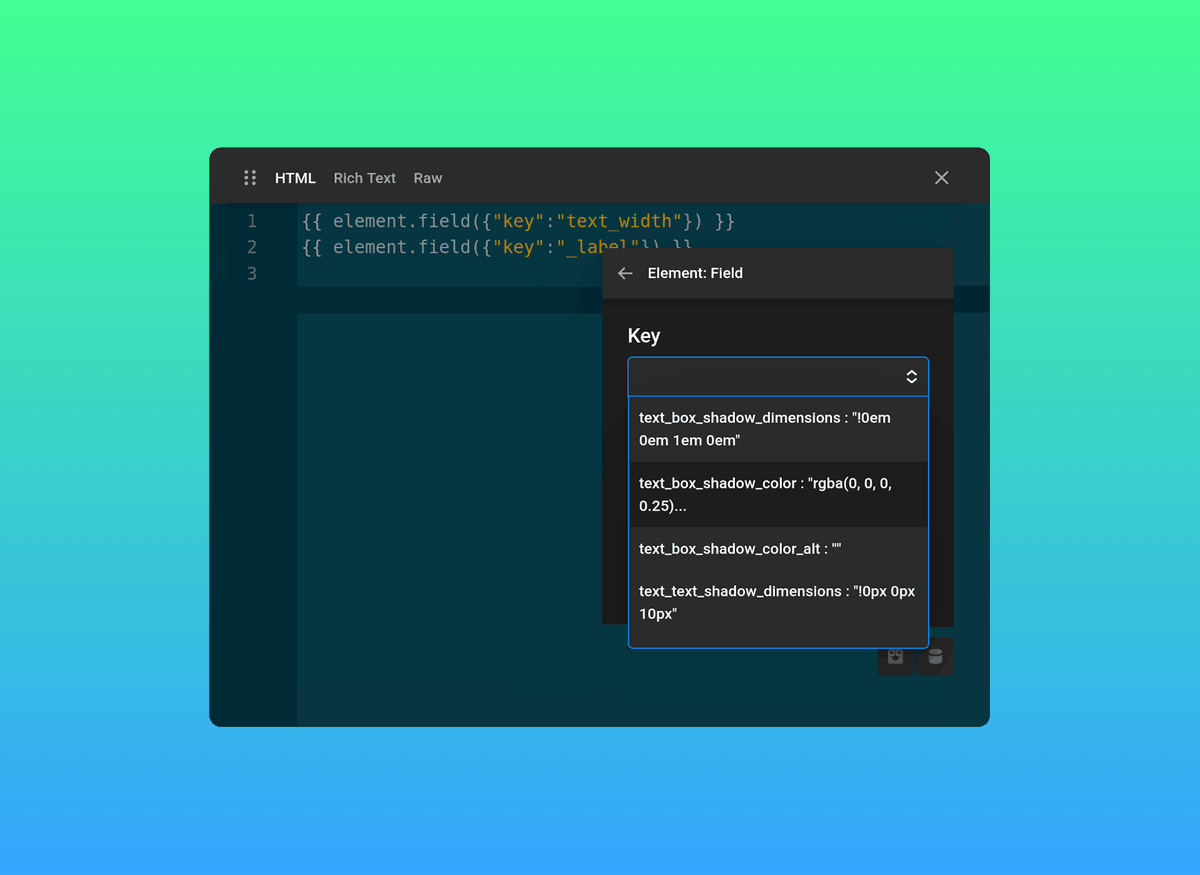
Element data in Cornerstone is now accessible from within the Element itself. Dynamically link controls to internal values, power advanced Twig logic directly from Element data, or build Elements that adapt, compute, and respond based on their own configuration. All in a days work for the most powerful website builder on the market.
Get Cornerstone Forms
(Lifetime Deal & Unlimited Use)
https://t.co/6YBm2gqP31
Get The Cornerstone Builder Suite
(All Products & All Features)
https://t.co/xVFD97Ov5u
Filtering data on archive pages with Cornerstone Forms is incredibly straightforward because archives are already designed around querying and displaying dynamic content like posts, products, and listings.
But what happens when you want that same filtering experience on a regular page? In this video, we’ll show you how to use Cornerstone Forms to filter data anywhere on your site!
Many of you have asked whether you can filter Cornerstone Form data on a regular page (not just an archive) and you absolutely can. This allows you to create some truly creative experiences for your clients and visitors ranging from simple web apps to more complex filtering. Tomorrow we're going to show you how it all works.
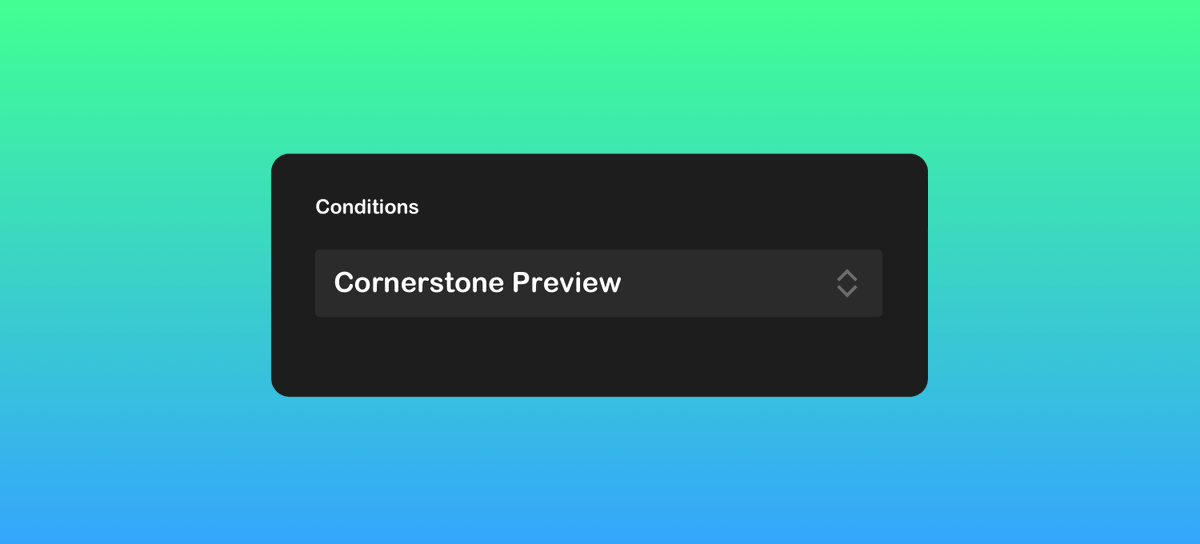
You can now use a dedicated Cornerstone Preview Condition to show or hide Elements based on whether you’re inside the builder or viewing the live site. This makes it easier to tailor the editing experience without affecting front-end output.
Get Cornerstone Forms
(Lifetime Deal & Unlimited Use)
https://t.co/6YBm2gqP31
Get The Cornerstone Builder Suite
(All Products & All Features)
https://t.co/xVFD97Ov5u
The Themeco community has always been one of the best parts of building with Cornerstone Builder — people sharing ideas, solving problems, and showing what’s possible.
Few do that better than Josh Donnelly.
During a recent discussion around directory listings, Josh built out a walkthrough showing how to use Cornerstone Forms to create and manage a complete directory with filtering and more. Tomorrow, we’ll take you inside the process.
It's a four update kind of day. Pro 6.8.8, X 10.8.8, Cornerstone 7.8.8, and Cornerstone Forms 1.0.7 are all live to automatic updates! https://t.co/Dw5LEsI2ja
WooCommerce checkout endpoints have been added to Conditions, enabling logic-based targeting across key stages of the checkout flow. Show or hide content with greater precision and create more intentional conversion paths for your customers.
Conditional Logic is one of the many superpowers in Cornerstone as it allows you to build personalized experiences and condition based outcomes. Full details in the comments.
Everything in Cornerstone is a Document. This includes your pages, posts, and even things like your shop index or archive. Documents allow you to easily surface all aspects of your website quickly and function just like a browser tab. If you can browse the internet, you'll feel right at home in Cornerstone.