Tested the mechanics of Inbox Rules vs. OWA Forwarding vs. Mailbox/SMTP Forwarding.
Configured server-side forwarding via the Exchange Admin Center and validated it in PowerShell using Set-Mailbox -ForwardingSmtpAddress.
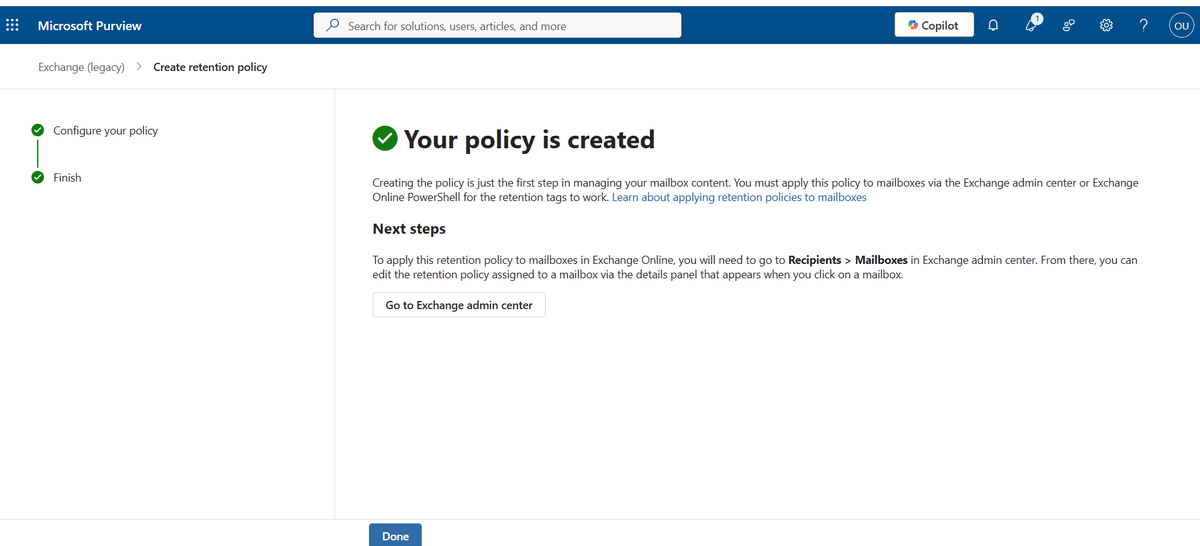
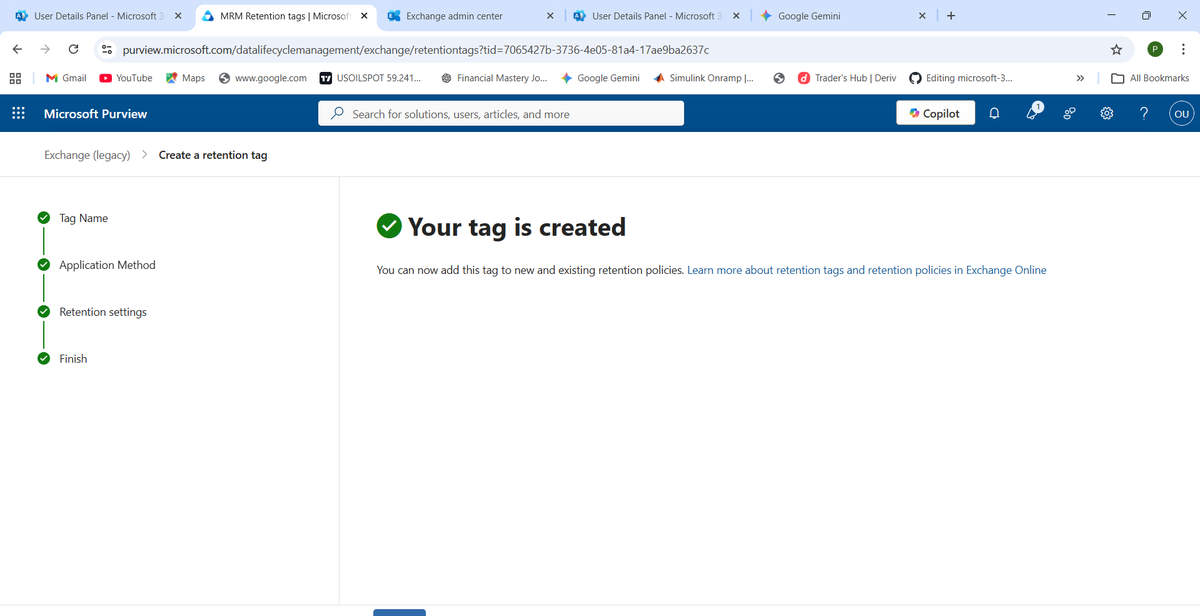
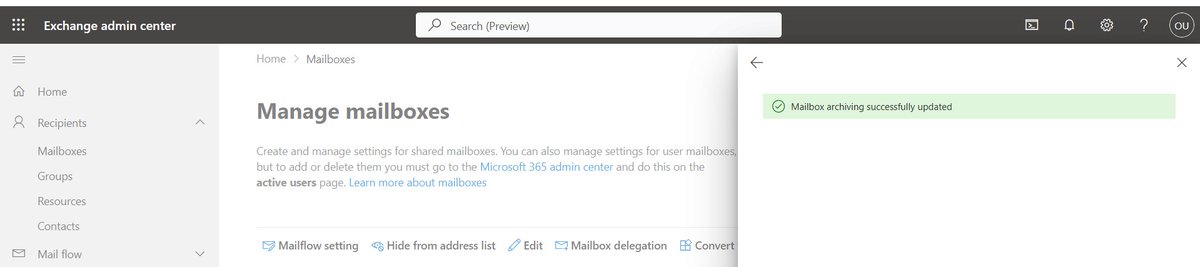
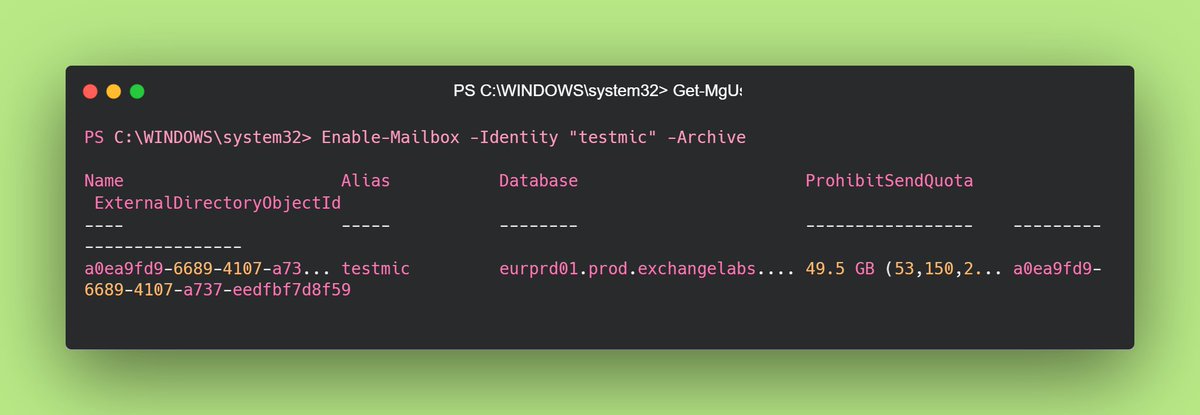
Lesson 09: Data Lifecycle Automation ⚙️📦Moved from "What" (Archive) to "How" (Retention Policies).
Created Tags/Policies.
Applied via Set-Mailbox.
Verified assignment via Get-Mailbox.Efficiency + Compliance = Win. 🚀#M365#PowerShell#SysAdmin#LearningInPublic
3/3 Pro tip: "Full Access" in PowerShell won't automatically pop up in OWA—users still need to manually add that shared folder. Documentation is key! Next up: Diving deeper into Microsoft Purview labels. 🛡️
2/3 Shared Mailboxes vs. M365 Groups: One is a specialized mailbox (Exchange), the other is a collaborative identity (SharePoint + Teams). Understanding the "where" of file storage is the game changer here. 📂
1/3 Finished a deep dive into Exchange Online today. Connected via PowerShell V3 (REST-based) and practiced the Add-MailboxPermission cmdlet. It’s all about that automation! 💻
Lesson 6: M365 Groups are LIVE! 🛠️
✅ Created a Private M365 Group + Microsoft Team. ✅ Configured 'Send As' delegation. ✅ Verified identity masking in Outlook (found that hidden 'From' field! 🕵️♂️).
🚀 #M365#CloudAdmin#LearningInPublic#EntraID
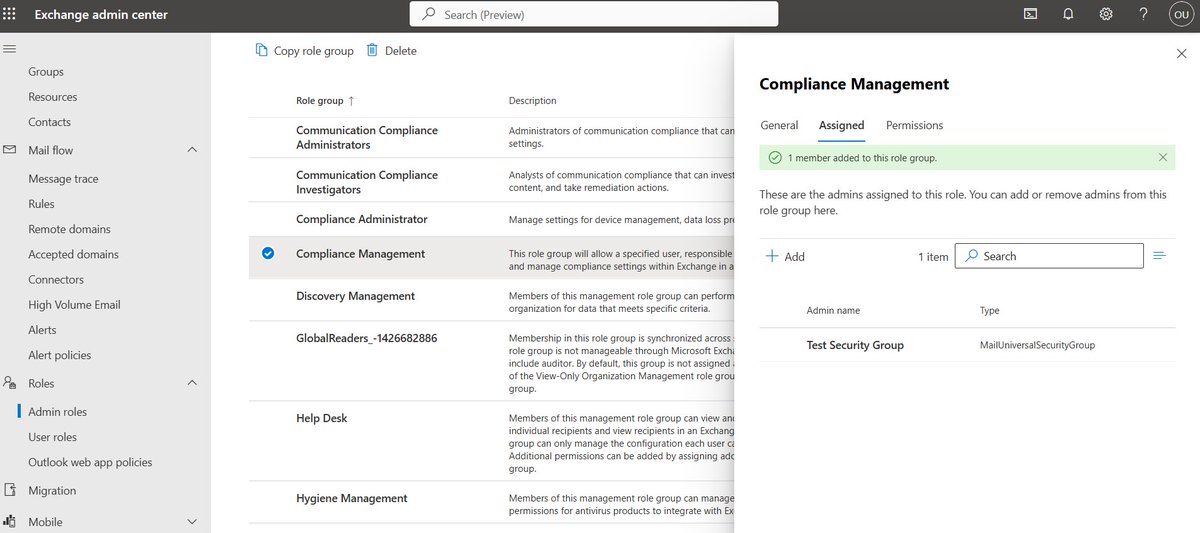
Lesson 5: RBAC & Mail-Enabled Security Groups ✅
Implemented Role-Based Access Control today. Assigned specialized admin roles to a security group to practice the "Principle of Least Privilege." Secure, scalable, and professional.
#M365#RBAC#CloudConsulting#LearningInPublic
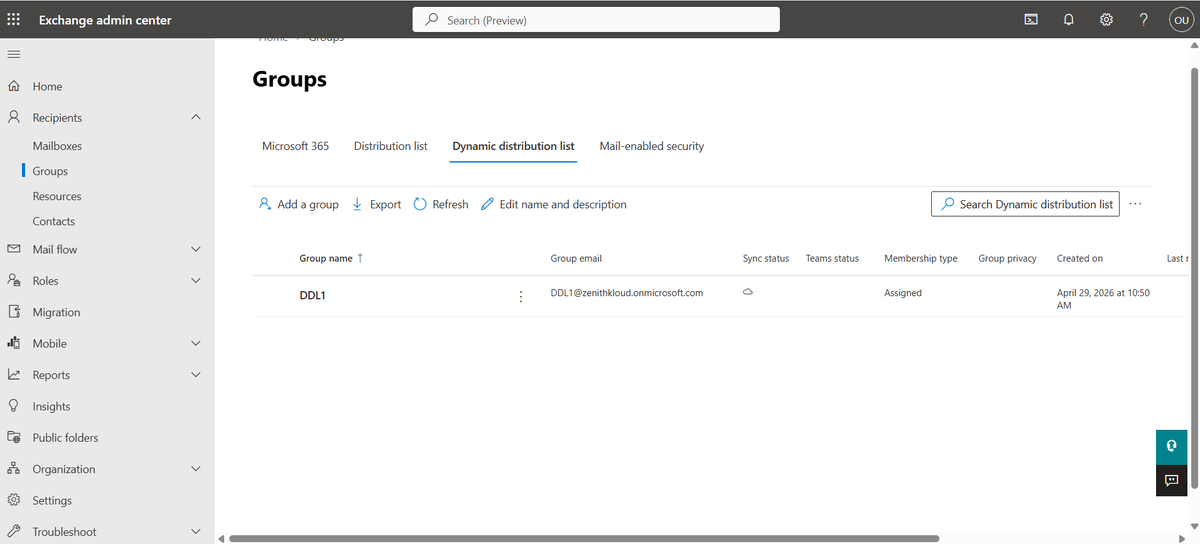
Lesson 4: Dynamic Distribution Lists ✅
Switched from manual to automated membership using user attributes. Essential for enterprise scalability and reducing IT overhead.
#Microsoft365#CloudComputing#LearningInPublic#TechCareer
Day 3 of my #M365 journey: All about Distribution Lists! 📧🛠️
It’s not just about creating an email alias; it’s about managing flow, security, and delegation.
Here’s the breakdown of today’s lab: 🧵👇
3/ Testing is everything. Logged into the user’s OWA to verify the list appeared in the Address Book. If it isn't in the GAL (Global Address List), it doesn't exist to the user! ✅
2/ Delegation is a superpower. 🦸♂️ I assigned a "Business Owner" to the list. Now they can add/remove members via https://t.co/Fn0sAWydNd without needing any admin permissions. Secure & Scalable.
1/ Created my first set of DLs. Decision point: M365 Admin Center for the quick setup, but jumped into the Exchange Admin Center (EAC) for the heavy lifting (like restricting who can send to the list). ⚖️
Day 1 of restarting my Cloud Solutions Consultant journey.
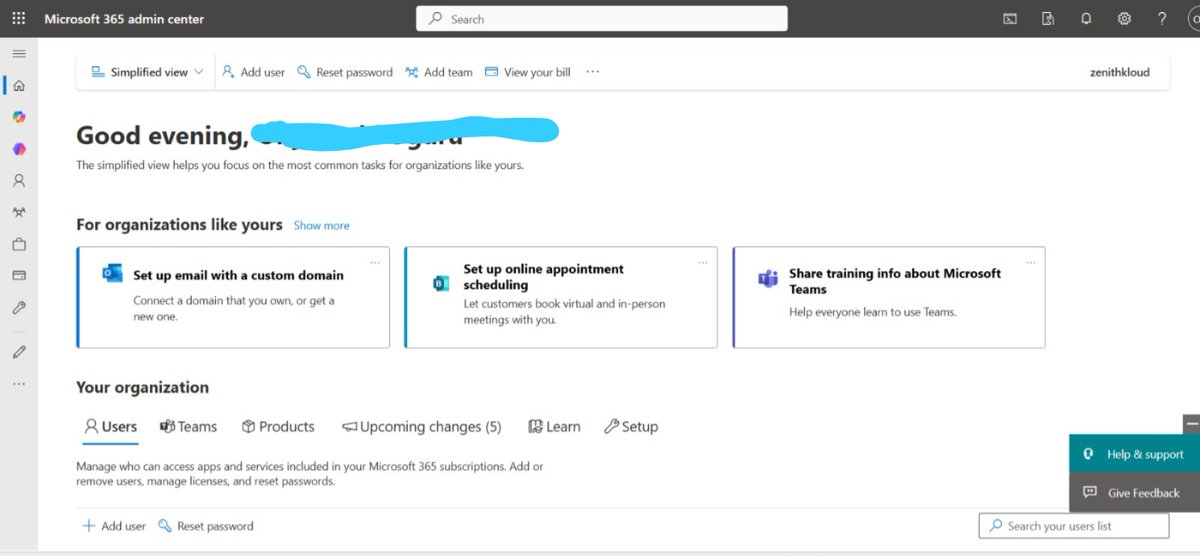
Created my Microsoft 365 trial tenant and explored the Admin Center.
Still figuring out how user management works, but learning step by step.
#Microsoft365#CloudComputing#LearningInPublic