Wishing you smoother sessions, fewer bugs, and joyful moments this holiday season ✨🐞
Here’s to building better experiences in the year ahead 🚀💡
Merry Christmas! 🎄🎁
— Team Zipy
Black Friday is live at Zipy, and it’s the perfect time to upgrade how your team understands users and fixes issues.
Get 20% OFF on all annual plans with code ZIPYBF20.
Zipy brings all your product insights into one powerful platform:
Don’t miss the Black Friday upgrade.
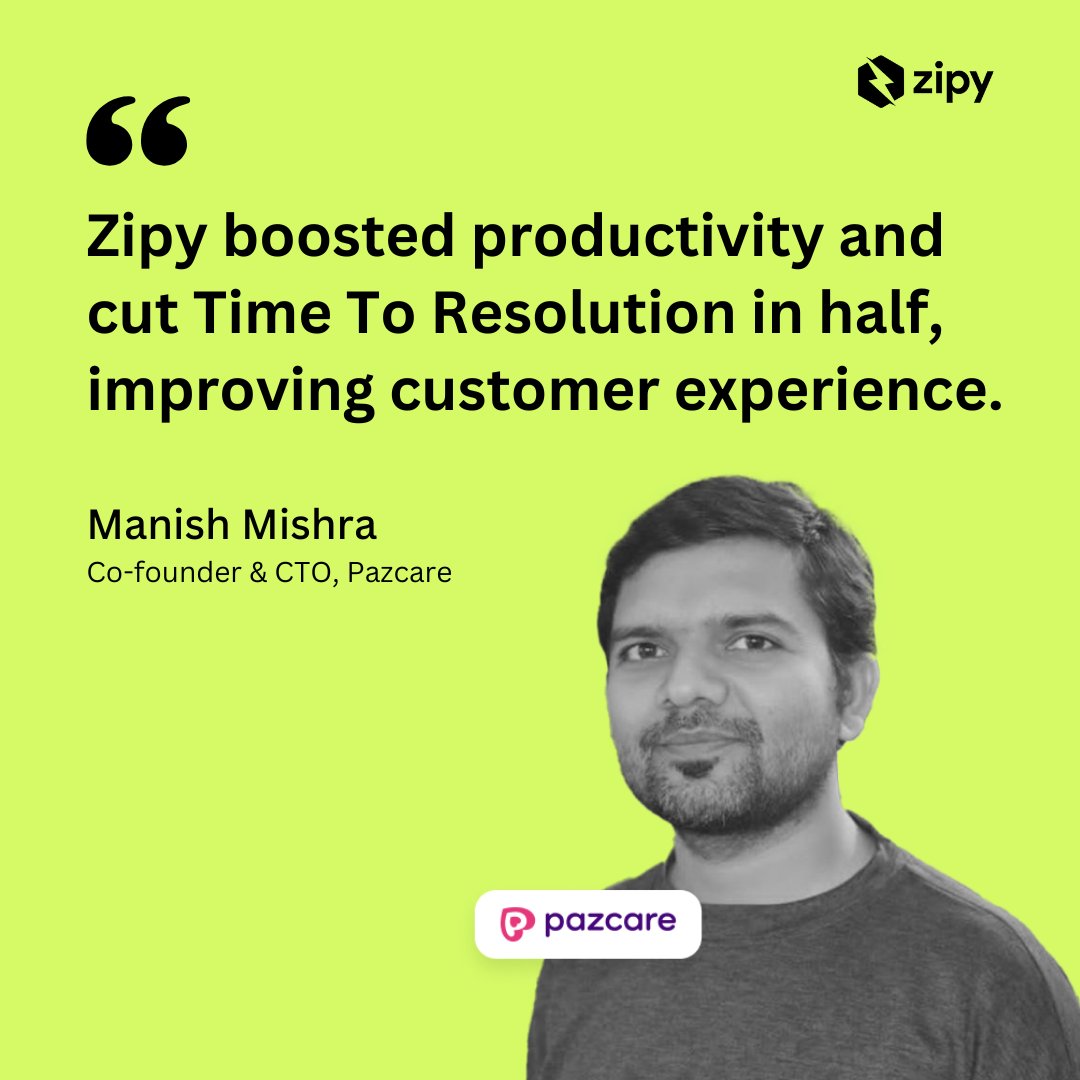
How do you scale quickly and keep customers happy? Pazcare's answer: be proactive. With Zipy, they cut resolution time 50%, reduced tickets 30%, halved developer debugging time. A lean team growing fast without losing CX. Read: https://t.co/ClgrKKSXRb
Debugging is more than code fixes; it's finding UI bugs, rage clicks and "oops" moments that kill conversions. Oopsie AI shows where users struggle and what to fix first. Guide: https://t.co/0Qb0bYMbsx
Most PMs know entry points but not exits. Zipy funnels help you spot and fix drop offs. Map your funnel (Home->Product->Cart->Checkout->Signup), find the biggest drop off, watch session replays, fix issues. Try Zipy free: https://t.co/ShYWn4WWFP
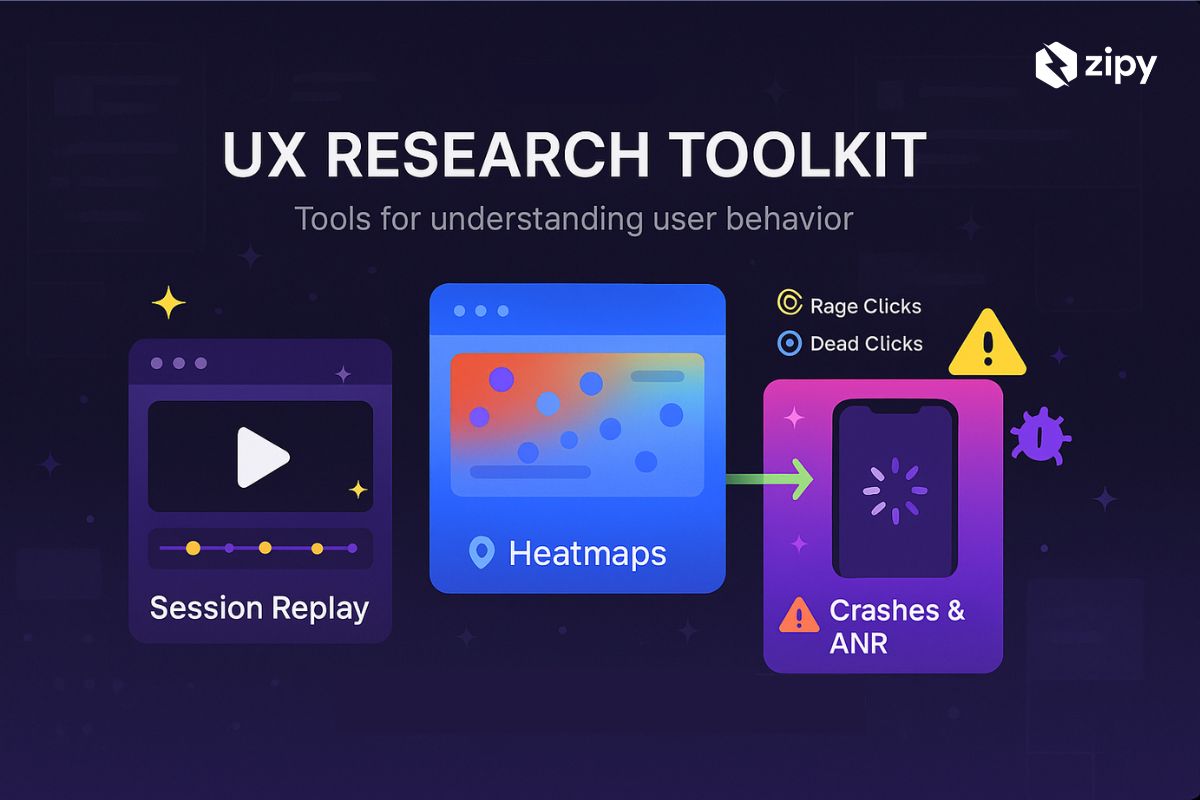
Users reveal your UX through clicks, scrolls, and drop-offs. Zipy shows it via Session Replays, letting you spot hesitations, rage clicks, and exits. Heatmaps highlight hot spots and dead zones. ANR and crash tracking pin failures in replays. Fix high impact issues.
Debug to fix, not admire traces. Stop wasting time on minified gibberish. Upload Zipy CLI source maps in your build. Errors then show human-readable stacks with file, line and context, even in third-party code. Debug faster and ship fixes.
Bugs start as vague complaints and faulty graphs. Zipy AI Resolve replays sessions to show console, stack trace, network, and logs together. With source maps, it suggests diff-style fixes to resolve errors fast.
Topmate boosted engineering speed by 80% without burnout. Manual bugs slowed fixes and hurt trust. With Zipy's error monitoring and session replay, engineers catch issues early, cut resolution times 70-80%, halve user reports. https://t.co/hV4JUr7l7B
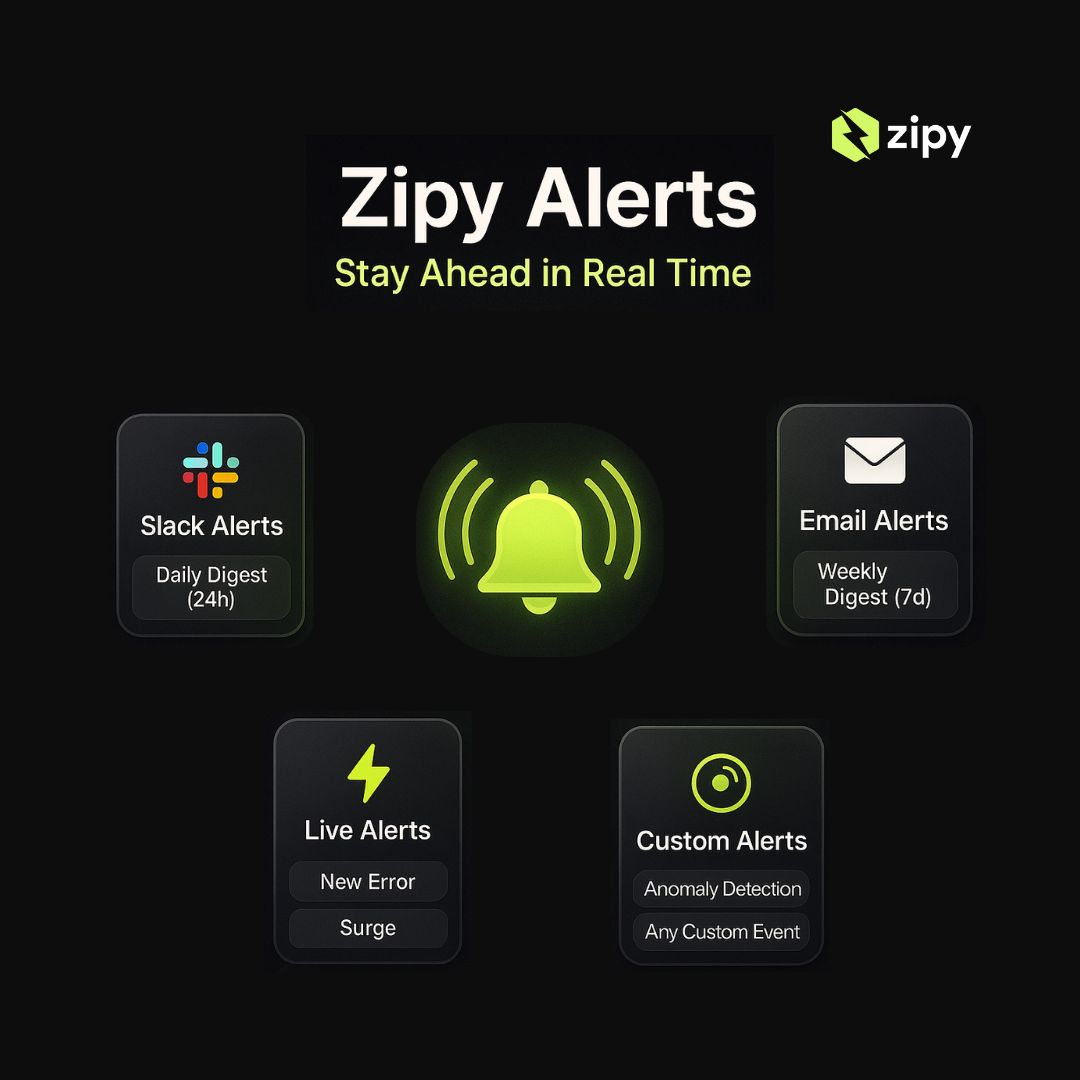
Small bugs kill startups over time. A checkout bug spotted hours later costs money. Zipy stops that by sending instant alerts during the user session, linking to the failing request for a fix in minutes. Choose Slack, email, live or custom alerts.
SPRY improved support with Zipy for monitoring and analytics: nontechnical bugs fixed in 10-15 minutes; technical bugs resolved 60% faster; 40% of issues caught proactively; customer satisfaction rose 25%. Case study: https://t.co/ccQyFwSw11
Silent bugs drive users away. Without clear data, teams waste hours guessing. Session replay reveals each user action: filter errors, scan timelines, inspect logs, share evidence. Build on real insights, not assumptions. Try Zipy AI session replay: https://t.co/OONvPkG6Px
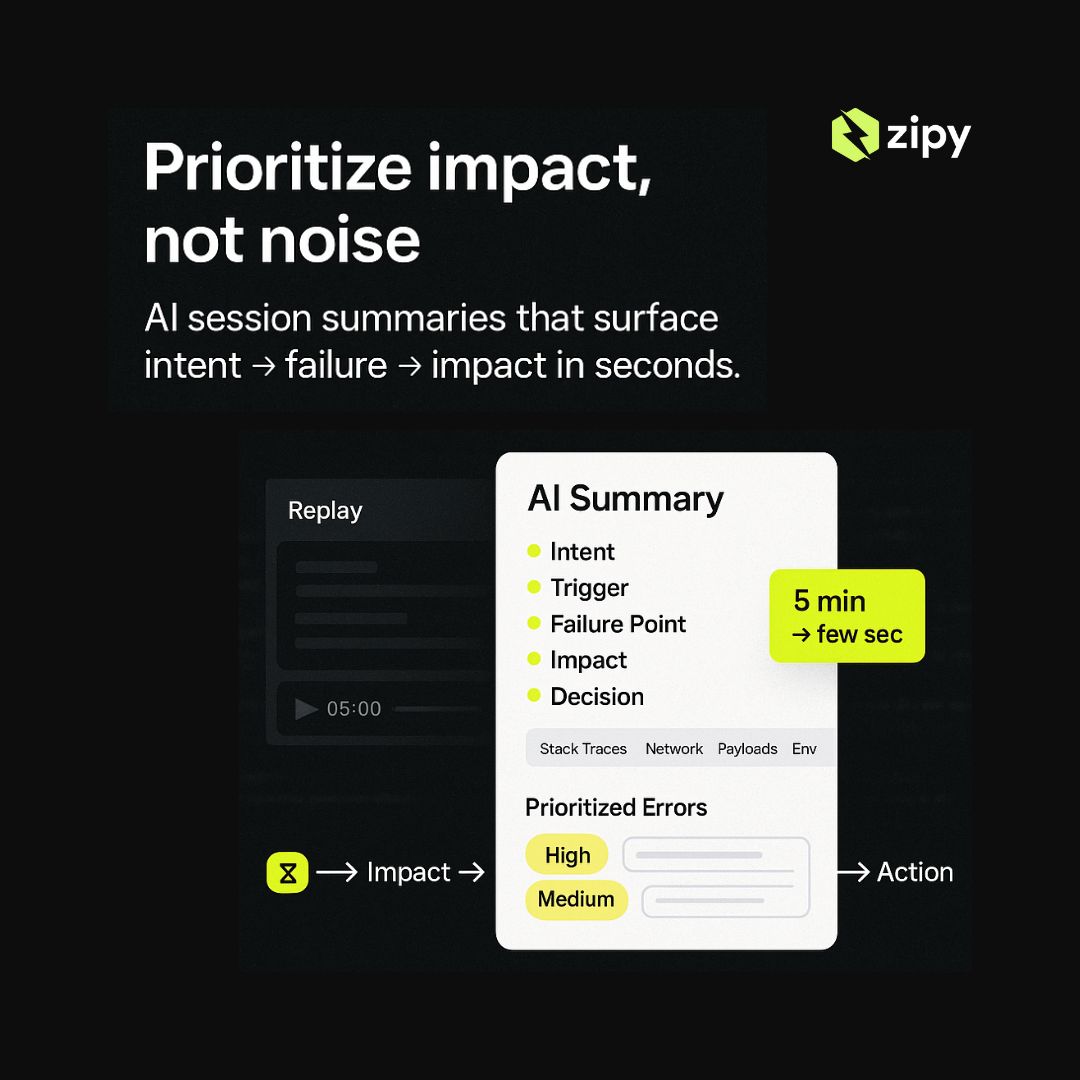
Most bug reports are noise. What matters is who hit the error and what they were doing. Session replays help but waste time. Our AI Summaries watch for you and deliver plain English recaps in seconds, revealing user intent and bug impact.
SuprSend saw 30% signup and 35% onboarding dropoff. By adding Zipy before launch, they replayed sessions to spot where users struggled and fix errors. Signups rose 25%, churn fell 30%, and satisfaction rose 20%. Case study: https://t.co/U5RAruC4IF
Most developers waste hours chasing frontend bugs with logs and replayed sessions. Zipy records console logs, API calls, user clicks and replays exact sessions. Install via script or NPM, view grouped errors, click to replay. Spend time building, not chasing.
Too many errors, too little time? Oopsie AI uses AI to spotlight real user-impacting bugs: UI glitches, broken workflows and blockers. Get a prioritized error list, video previews, stack traces, network logs and payloads. Try Oopsie Mobile: https://t.co/t4COznopJd
That’s where Zipy saves the day. Zipy shows exactly what your user saw: errors, logs, full replay. No guessing. No blaming. Just clarity. Debug the real world, not your local machines reality.
"It works on my machine!"
Every dev has said it after testing and shipping the app.
But then a user reports: “App’s not loading. Just a blank screen.”
You check your local, works fine. You test again, still clean.
So, what now? Guesswork? Blame the browser? Maybe pray?
Slow. Painful. Blind.
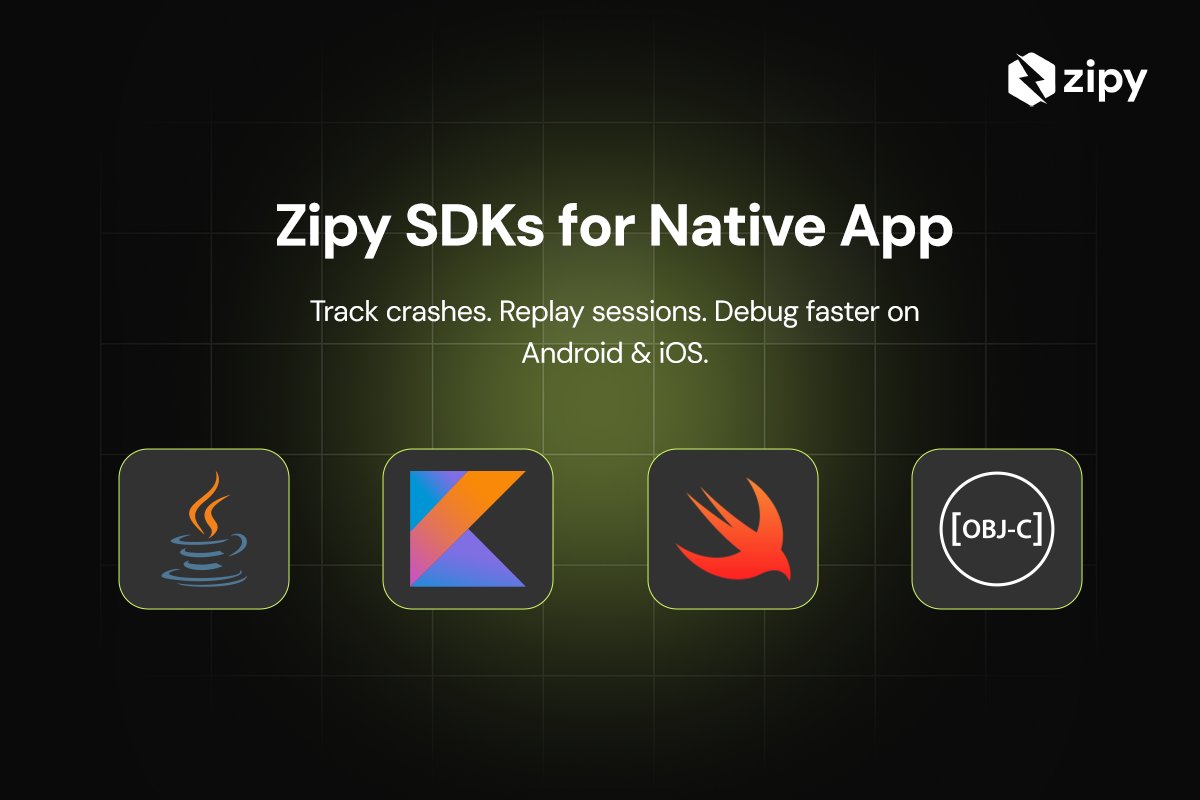
That’s mobile debugging today.
User reports a crash.
You check Crashlytics.
Still have no idea what actually happened?
Yeah, we've all been there. 👇
Already using Firebase Crashlytics?
Zipy makes it smarter.
✅ Link session replays to crash reports
✅ See user gestures, API calls, UI behavior
✅ Know what really happened before the crash