Introducing Zush 3 🚀
I know it sounds crazy: Zush 2 is only 18 days old, and Zush 3 is already here. But I guess this is the new reality: software development is moving at the speed of light.
This update makes Zush more flexible for everyday file renaming on Mac & Windows - with smarter AI, reusable Templates, and 145+ Naming Blocks for building filenames exactly the way you need and much more!
🧠 Smarter and faster AI
Zush now uses a more advanced main AI model for better file understanding, cleaner filename suggestions, and faster renaming.
🧩 145+ Naming Blocks
This is for when you want structure.
Example:
Date + Client + Topic + Duration
So a voice memo like:
voice-note-004.m4a
can become:
2026-05-29_Acme_Pricing_Call_12m.m4a
Same idea for music, videos, invoices, screenshots, photo shoots, legal files, medical docs, travel docs, and client work.
📋 Templates
Save your favorite rename setups once, then reuse them for folders like:
• songs
• voice notes
• video clips
• screenshots
• client assets
• expenses
• monitored folders
📊 Statistics
See what Zush has processed, how many files were renamed, and how your workflows perform over time. Useful when you run batches, monitor folders, or want to understand what is actually happening across your files.
📄 iWork & design file support
Zush now works better with the files many of us use for real work: Pages, Numbers, Keynote, Sketch, Figma, PSD, Illustrator files, and more.
🎧 Smart Audio Recognition
Rename songs, voice notes, podcast clips, sound effects, recordings, and more - by what they actually are.
Also new in Zush 3:
• custom BYOK model selection
• 11 ready-to-use templates
• drag & drop filename builder
• better previews for audio, video, documents, and design files
• same native Mac & Windows experience
Try Zush for free:
🍏 https://t.co/zKfXKaYaZX
🪟 https://t.co/pc3mKpbOuw
#macOS #Windows #AI #ProductivityTools #IndieApp
Zush 2.0 is here! 🚀
A massive update for both Mac & Windows:
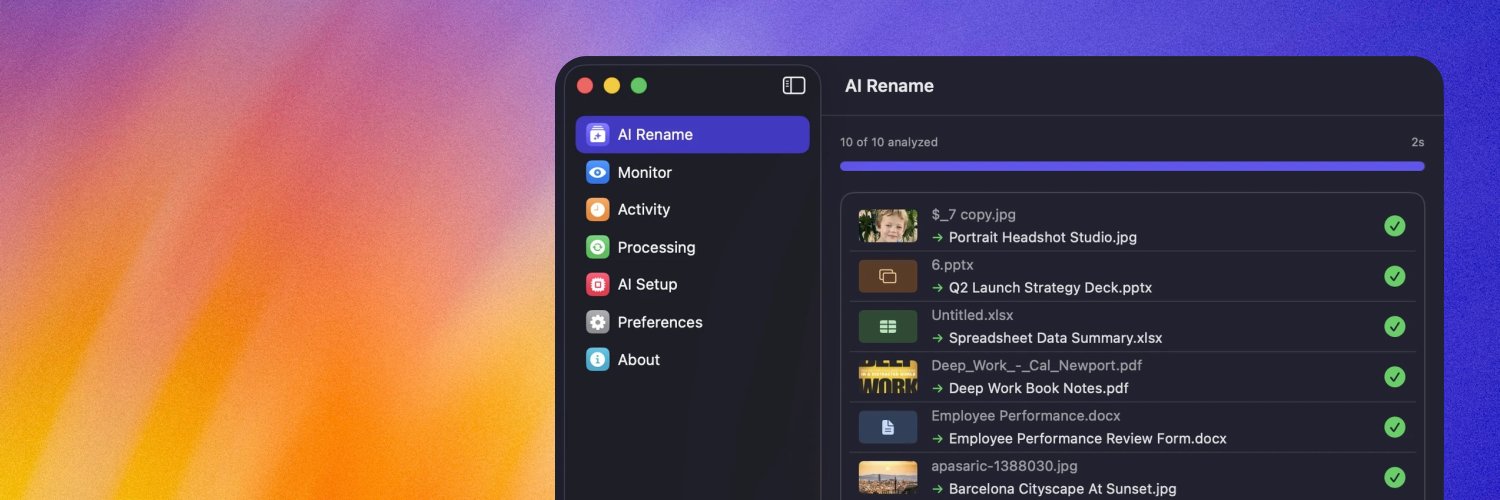
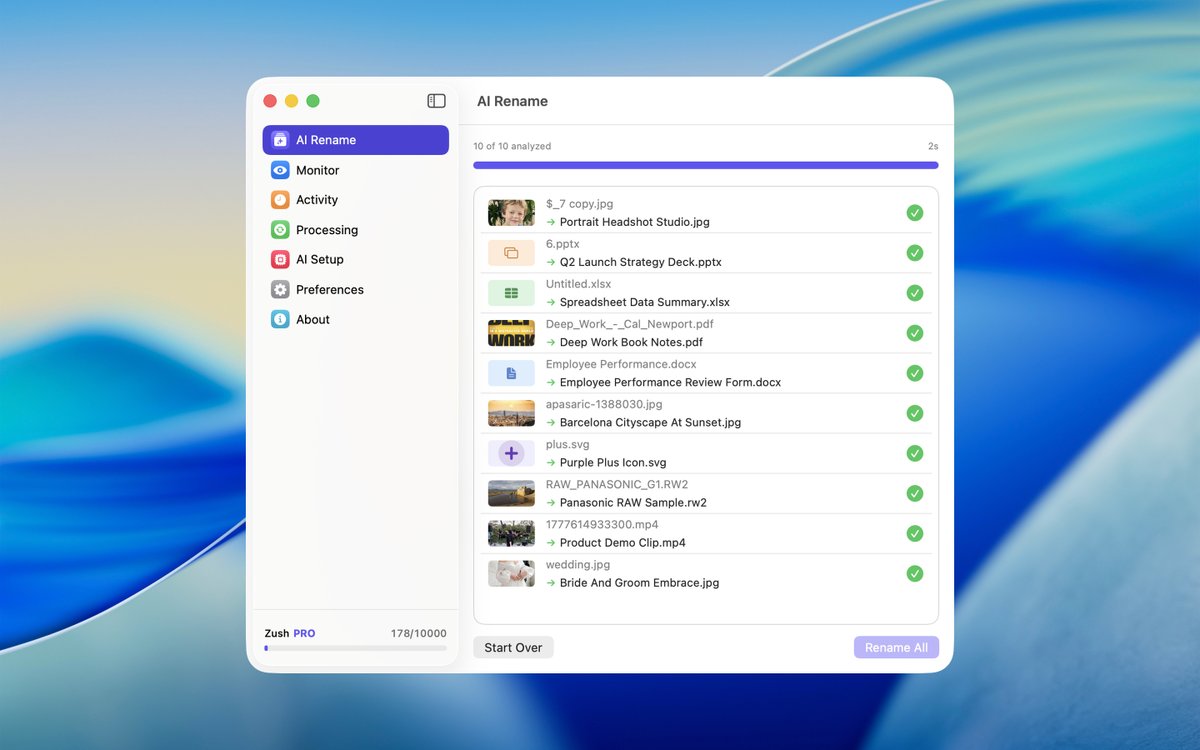
📁 91+ formats: video, RAW photos, PDFs, DOCX, PPTX, XLSX, SRT & more
🎨 Refreshed UI with colorful new icons
🖱️ Drag & drop from any tab
⚡ Rename instantly from the file context menu
🎯 Exclude file types from monitored folders
🌍 More languages
Hope you enjoy it. Cheers!
🍏 https://t.co/zKfXKaYaZX
🪟 https://t.co/pc3mKpbOuw
#macOS #Windows #AI #ProductivityTools #IndieApp
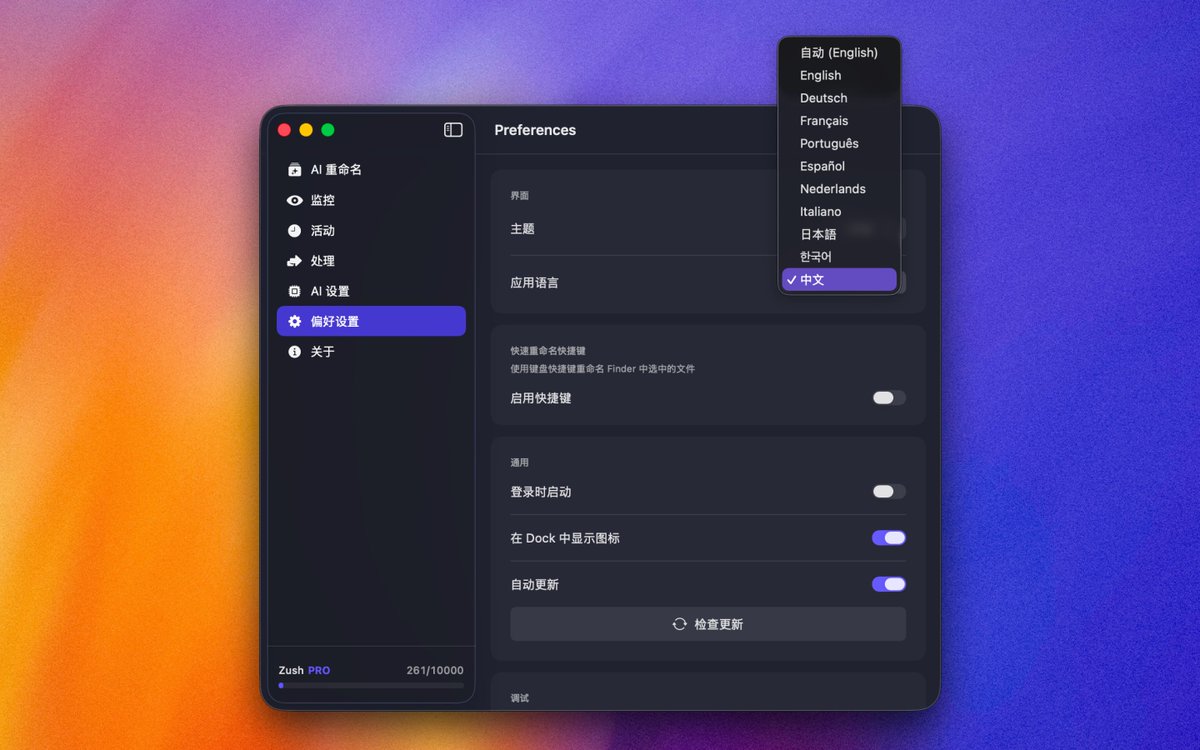
Zush now speaks your language! 🌍
I've just shipped multilingual support:
🇬🇧 English
🇩🇪 Deutsch
🇫🇷 Français
🇵🇹 Português
🇪🇸 Español
🇳🇱 Nederlands
🇮🇹 Italiano
🇯🇵 日本語
🇰🇷 한국어
🇨🇳 中文
One step closer to you. Wherever you rename your files from.
Try it now in your native language: https://t.co/tA4DKNIveR
3 months and 25 days ago I shipped Zush for Mac. A small app that renames files in seconds with AI.
The #1 request since day one: "Any plans for Windows version?"
Today it's here. Native Windows app. Full macOS feature parity.
Enjoy!
💜 https://t.co/U1SsxZx8ph
Big update for Zush! 📝
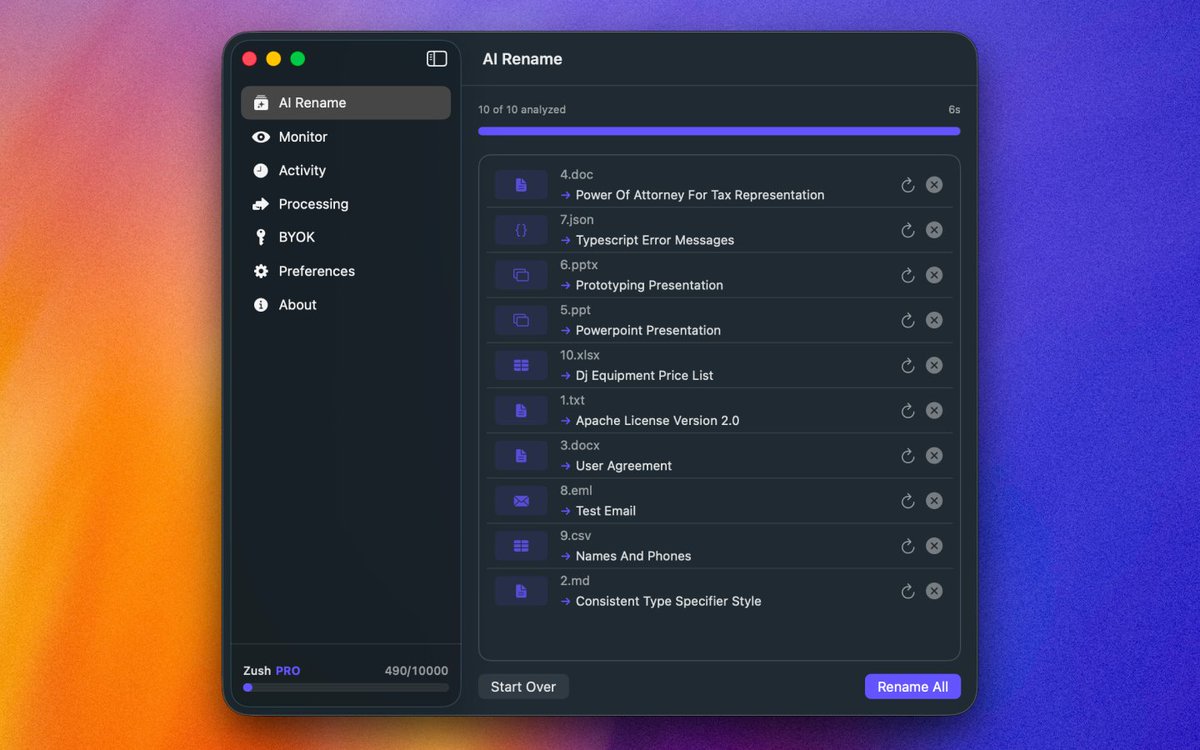
You can now rename files with AI, not just images.
New supported formats:
TXT, MD, JSON, EML, CSV, DOC, DOCX, PPT, PPTX, XLSX
Also improved:
• PDF text extraction
• better legacy DOC/PPT handling
• cleaner previews and batch flows
Still native. Still on your Mac.
Just much more useful now.
https://t.co/tA4DKNJ34p
🍏 Big news!
Zush is officially live on the Mac App Store!
Getting approved was quite the journey, but it’s finally here. It's now easier and safer than ever to download and keep the app updated.
A huge milestone for me as a solo dev. Thanks to everyone who supported me along the way! 🫶
You can grab it right here 👇 https://t.co/OzWXUIp5Ia
A massive update for Zush is rolling out! 🚀
I've been carefully listening to your feedback, and here is what’s new:
💸 Zush is now a simple $10 one-time purchase (lifetime!)
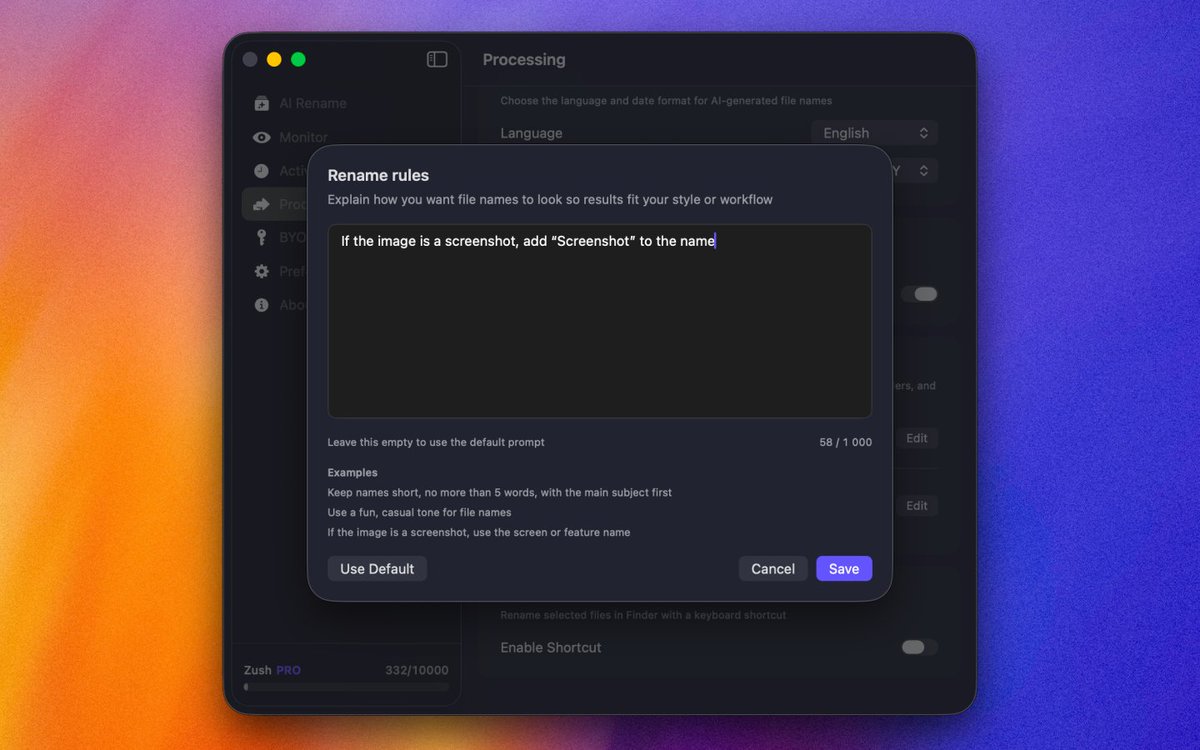
🧠 Custom prompts: write your own prompts for renaming & tagging
🔑 BYOK: You can now plug in your own API key
🎨 Completely redesigned with a handy new sidebar & tabs
⌨️ Custom hotkeys: trigger renaming instantly
Hope you enjoy it. Cheers!
https://t.co/tA4DKNJ34p
Zush got a design overhaul! 💚
New sidebar navigation, dark mode, Activity & Processing tabs, refreshed colors throughout.
Here's a quick look at the new UI
60+ languages. One app 🌐
Zush names files in your language:
🇪🇸 Jóvenes Saltando Una Cerca.jpg
🇯🇵 フェンスを飛び越える若者.jpg
🇩🇪 Jugendliche Springen Über Zaun.jpg
🇫🇷 Jeunes Sautant Une Clôture.jpg
Same image. Your preferred language.
Just select from the list.
AI does the rest.
FREE 👉 https://t.co/tA4DKNJ34p
#macOS #AI #Multilingual #ProductivityTools #IndieApp
Custom naming patterns in Zush 🔧
{title}_{date}.jpg
→ sunset_beach_2026-01-19.jpg
Available variables:
- {title} — AI description
- {date} — creation date
- {time} — file time
- {original} — keep original name
Mix freely. Choose any separator.
Make files organized your way.
FREE 👉 https://t.co/tA4DKNJ34p
#macOS #ProductivityTools #AI #FileManagement #IndieApp
"Where did I save that beach photo?" 🤔
With Zush — just search "beach" in Spotlight.
✅ Automatic Finder tags
✅ Spotlight metadata
Every image becomes searchable.
Works with Spotlight, Raycast, Alfred.
Stop browsing folders.
Start typing what you need.
FREE 👉 https://t.co/tA4DKNJ34p
#macOS #Spotlight #Raycast #ProductivityTools #AI #IndieApp