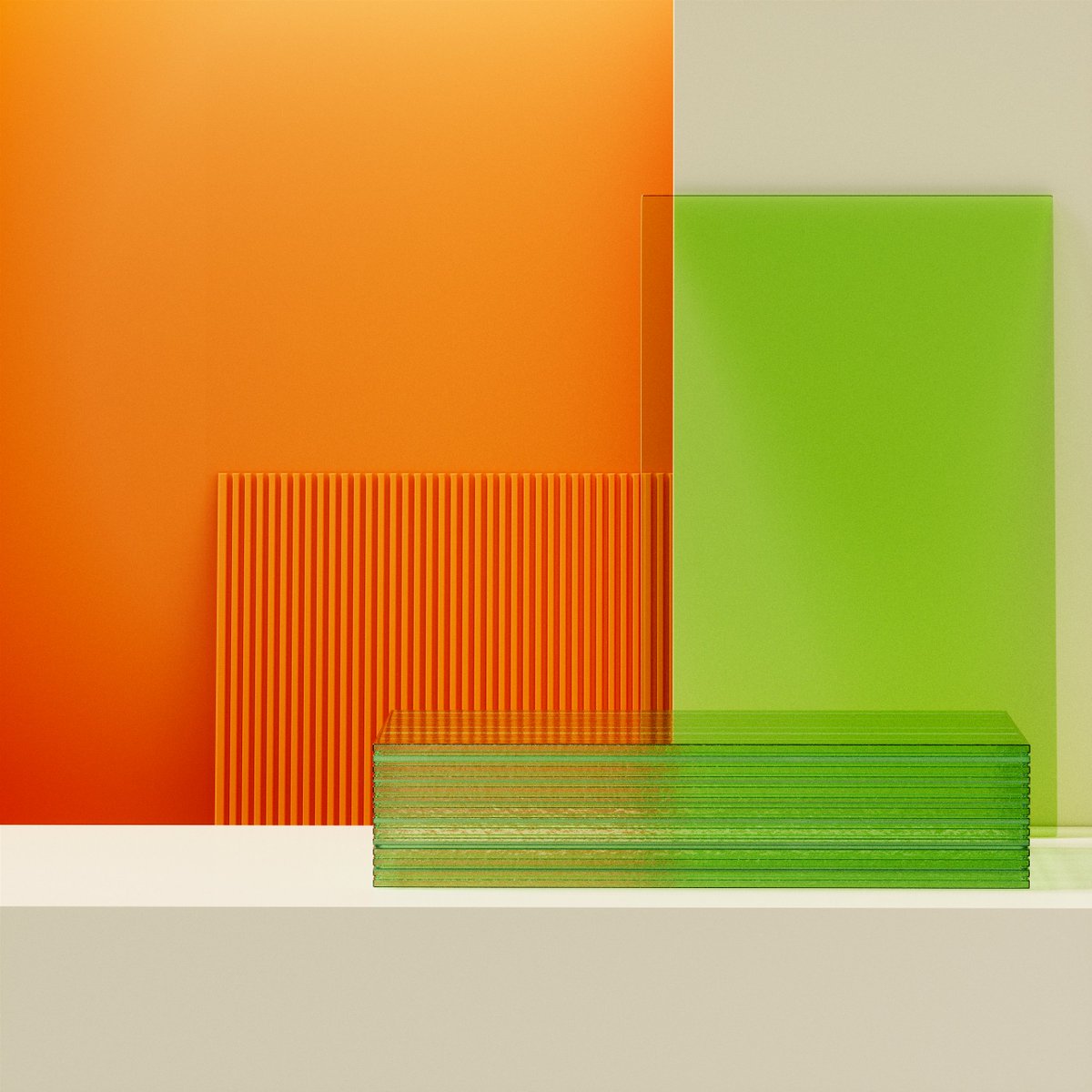
How to Consistently Generate Branded Backdrops for Your Products in Midjourney
Creating branded assets can sometimes be challenging, but it doesn’t have to be this way!
Here's how you can start generating branded backgrounds in just 3 easy steps:
1/Idea generation
To kickstart your brainstorming, consider the following:
Composition- Describe the angle/position of the scene
Colours- Define the colours that represent your brand
Description- Describe the props and the overall scene
Style of Shot- Describe the type of photography
2/ Formula
With your ideas in place, structure them into a cohesive format!
I like to follow this formula:
(Composition) + (Described Colours) + (Scene Description) + (Style of Shot)
3/ Post-production
Noticed inconsistencies or imperfections in the backdrop?
Turn to post-production tools like photoshop or cleanup. pictures to remove imperfections without compromising on image quality.
I hope you found this guide helpful!
For more practical use cases and real-life applications, follow @Salmaaboukarr
Next we'll talk about how to add your products into AI generated scenes!
AI Generated videos at 60fps 📺
Yesterday, in the post that I made about Pika’s latest update that added a new `-fps` parameter which allows to set the frames per seconds of the generated video, from 8 to 24, I also talked about a technique that I used to turn them into 60fps videos “effortlessly”.
Well, this morning I decided to add a new command to my Discord bot (Magnus) that does just that! You send it your video and the desired frames per seconds (could be 24, 60, 120, …) and it magically does it for you.
The most crazy part is, that it’s all done with a 23 years old piece of software! Essentially what it does is generate additional frames between existing frames of the video sequence. This create smoother and more fluid motion by estimating and inserting intermediate frames, reducing choppiness and juddering in the video playback. This technique is called interpolation.
In the demo video below I went, on purpose, from 8 fps to 60fps — It's a little bit extreme and I do recommend to go with a smaller bump if you desire a smoother result
If you want to take a look by yourself, go to my blog and check out the source code. It’s not well documented yet, but if you know what you’re looking for, you should find it fairly easily 😉
Enjoy the rest of your day!
MidJourney Inpainting Demonstration
Part 3
A daily series where I completely alter an image using only inpainting.
Follow to see where I take the image tomorrow, it's going to be 🔥😉
Consider a like/repost if you enjoyed! 🫶
Ever since I was a kid, I've been a big fan of the Seven Dragon Ball anime, and I have fond memories of Bulma. I would like to thank @Artedeingenio for sharing the prompt about Bulma and then, I made this video and the pictures are really very nice!