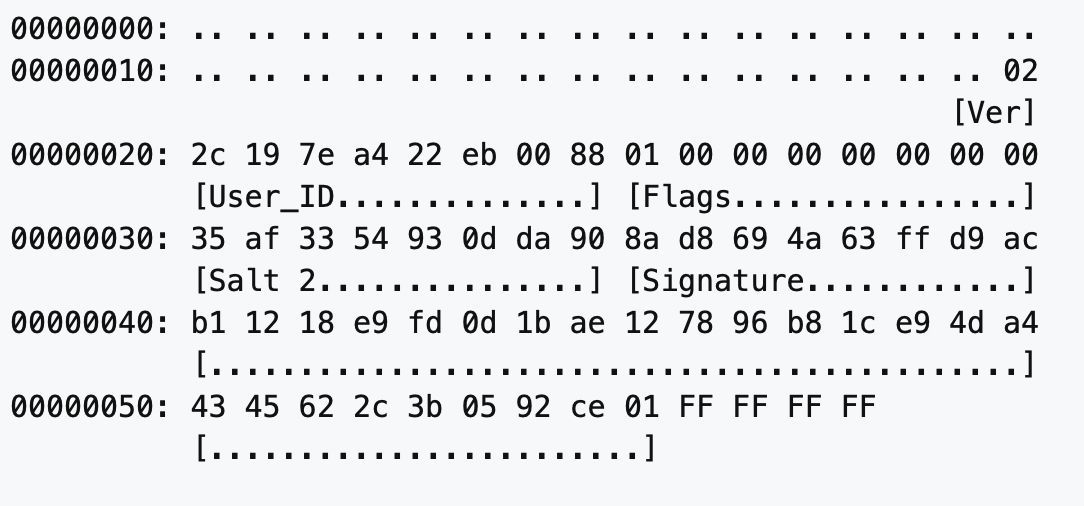
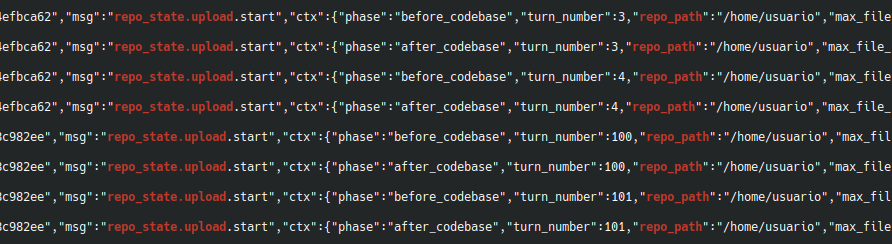
@XBToshi Okay, grok has uploaded my entire user directory to xAI's servers. It contains my SSH keys, my password manager database, my documents, photos, videos, everything...
aaaaaand we just finished a dumb request smuggling PoC for (Open)LiteSpeed httpd live on stream: https://t.co/cgqOg0OB82
their commit hygiene is designed to hide security fixes, didn't manage to find a CVE/report anywhere.
all results will be published on https://t.co/qTIDNWhAWS -- beware, minimal curation! ;^)
SpotifyC2 is a cybersecurity research project that demonstrates cloud-based command communication using Spotify playlists for command retrieval and Telegram for output delivery, without requiring the Spotify Web API.
🚨 Yarchi just published an awesome guide on building an AI "second brain" using Claude and Obsidian
Based on @karpathy's LLM Wiki concept, the idea is to stop starting from a blank chat window and start building a compounding knowledge graph.
Obsidian handles the local storage.
Claude acts as the brain.
I wrote down the condensed notes on how to wire them together:
The Stack:
→ Install Obsidian (your free, local text storage) and Claude Desktop Pro (the engine that reads and writes files).
The Bridge:
→ Install the "Local REST API" plugin in Obsidian, copy the key, and use Claude’s MCP framework to connect them (claude mcp add-json obsidian-vault...).
The Context:
→ Ask Claude to interview you. Have it ask about your goals, projects, and working style, then save it all to a CLAUDE.md file so it never forgets who you are.
The Structure:
→ Create specific project folders (Inputs, Process, Outputs, Feedback) and open them as isolated vaults so Claude stays focused on one job at a time.
The Automation:
→ Save repeated workflows as markdown "skills" and use Claude's schedule tab to trigger daily vault maintenance.
Voilà!
You end up with an AI that organizes your files, summarizes your notes, and remembers your entire context.
Full guide from Yarchi here ↓
New entry added to the #LOLBAS Project:
Proxy execution via system-native scp.exe. Takes any remote destination, doesn't actually have to run an SSH server.
👉 https://t.co/jLCiaB1fuM
Thanks @BinFault
"GreatXML
GreatXML bitlocker bypass vulnerability
Steps to reproduce,
If defender offline scan was initiated in the victim machine at any point then there is no need to login, the machine is automatically vulnerable. You will have to copy "unattend.xml" and "Recovery" directory to the root of the recovery partition then reboot to WinRE using shift + click on restart button, if everything was done correctly, a shell with unrestricted access to the bitlocker volume will spawn.
If defender offline scan was never initiated then you have to either login and initiate it yourself or figure out a way to boot into WinRE in offline scan state (I believe it should be very possible to do so without logging in) and follow steps above
If everything is done properly, this should be the result"
#bitlocker #hacks