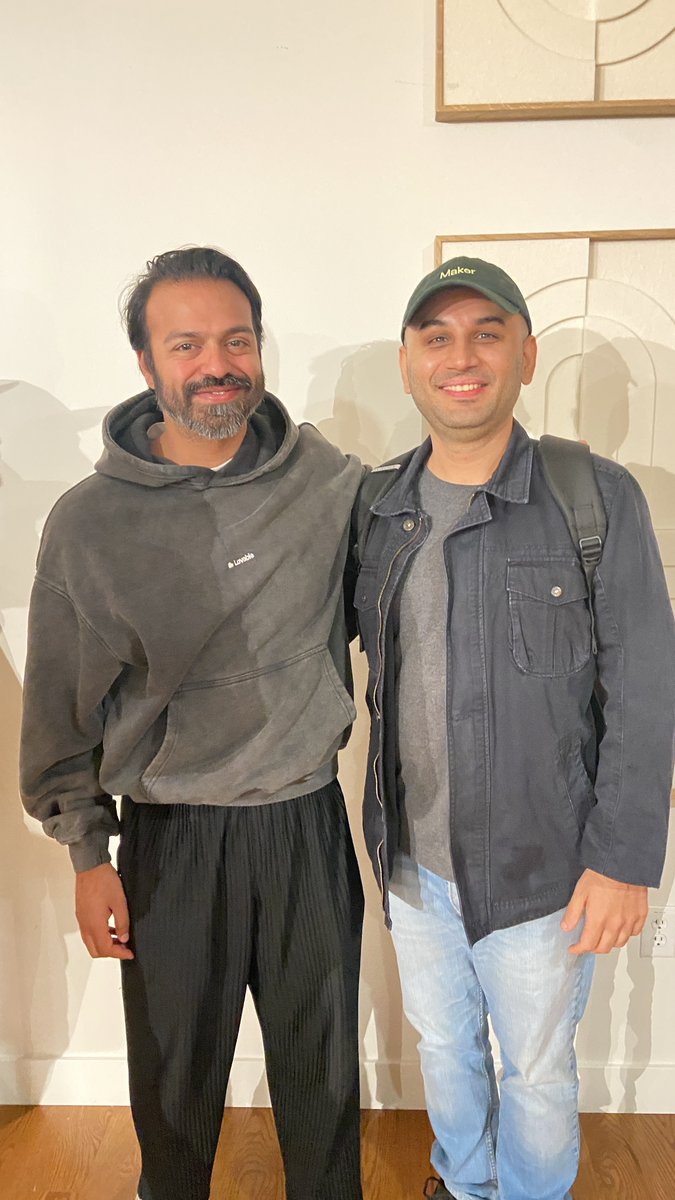
@kurissuuu@NotionHQ Can confirm. Notion SF office give the vibes of the taste. Loved the jazz music.
Hopefully make that one day to day 1 soon in the future. :)
Wk 5 (Final Week) - vibecoding a figma to SwiftUI
converting the Otto onboarding screen revealed that Figma and SwiftUI share the same layout intentions but not the same layout language. figma thinks in absolute position and fixed frames. SwiftUI thinks in flow, constraints, and flexible space. The same screen requires a completely different mental model to build, not harder, just different.
the direct translations that work cleanly: frames become ZStack, auto layout becomes VStack/HStack with spacing, opacity and blur carry over almost 1:1. what breaks immediately: any x/y absolute positioning from figma has no equivalent in SwiftUI. the fix is always flow-based, Spacer(), padding(), and frame(maxWidth: .infinity) replace coordinates entirely, and the result is responsive across screen sizes automatically.
observation: named styles in Figma (color tokens, text styles) map directly to constants in SwiftUI. A design system with clean naming costs nothing extra to implement. a design with unnamed, one-off styles forces engineers to guess. figma layer naming is not just organization, it is documentation for the developer reading your file.
in mobile app context: onboarding flows like otto's are the highest-stakes screen for Figma-to-SwiftUI fidelity. the brand impression is set here. the translation gap between a Figma prototype & a built screen is widest when absolute positioning, custom fonts, and complex gradients are involved, all of which Otto's onboarding uses. knowing where the gap lives lets you design closer to the buildable truth.
i wanted better at prototyping mobile interactions at actual codebase level for better control which has been challenging in figma + was curious to learn @appleswiftui.
prompted @claudeai to design a specific "SwiftUI learning plan of 4-6 wks" with the goal "sharper interaction design+better understanding of a platform+handoff".
day 3 — matchedGeometryEffect + hero transition:
tapping a card morphed the background shape from list size to detail size, it didn't cut or push, it transformed.
one @*namespace* and two .matchedGeometryEffect modifiers produced a transition that would take weeks to build custom.
hero transitions carry spatial information like they tell the user "this detail came from that card." without it, the relationship is inferred and with it, it's felt.
but it breaks easily. wrong namespace placement, mismatched ids, or two views visible simultaneously and it fails silently. every hero transition in production is a maintenance cost.
for fintech app: a transaction card expanding to detail is the right use case, amount, merchant, and category icon are strong matched geometry candidates. a payment confirmation should never use it, abruptness signals consequence. fluidity signals continuity. abruptness signals consequence.
last week felt like collecting infinity stones.
as a product designer, i'd spend any day as a fly on the wall in the design meetings of @stripe , @cursor_ai , @Lovable, or @clerk . last week, i got to briefly speak with the people running those rooms.
two events in SF brought them all into the same orbit:
→ the new standard — @raycast × @cursor_ai × @vercel
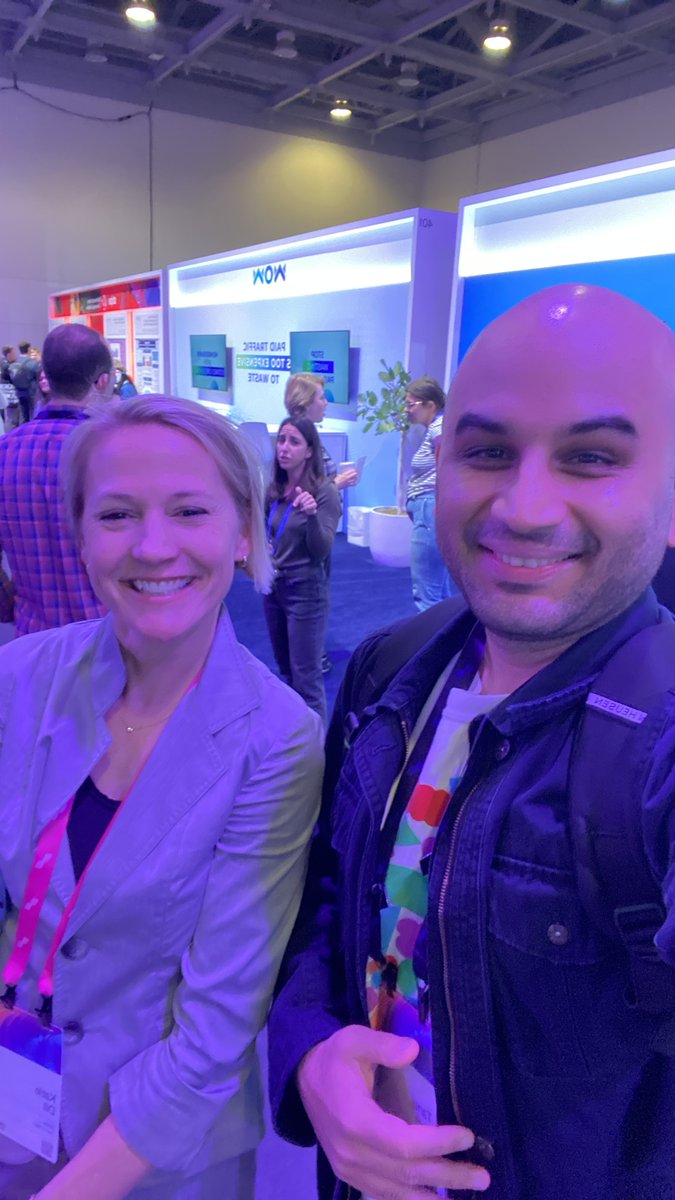
→ @stripe Sessions 2026
Tthe people i got to meet:
• Katie Dill (@lil_dill) — head of design, Stripe
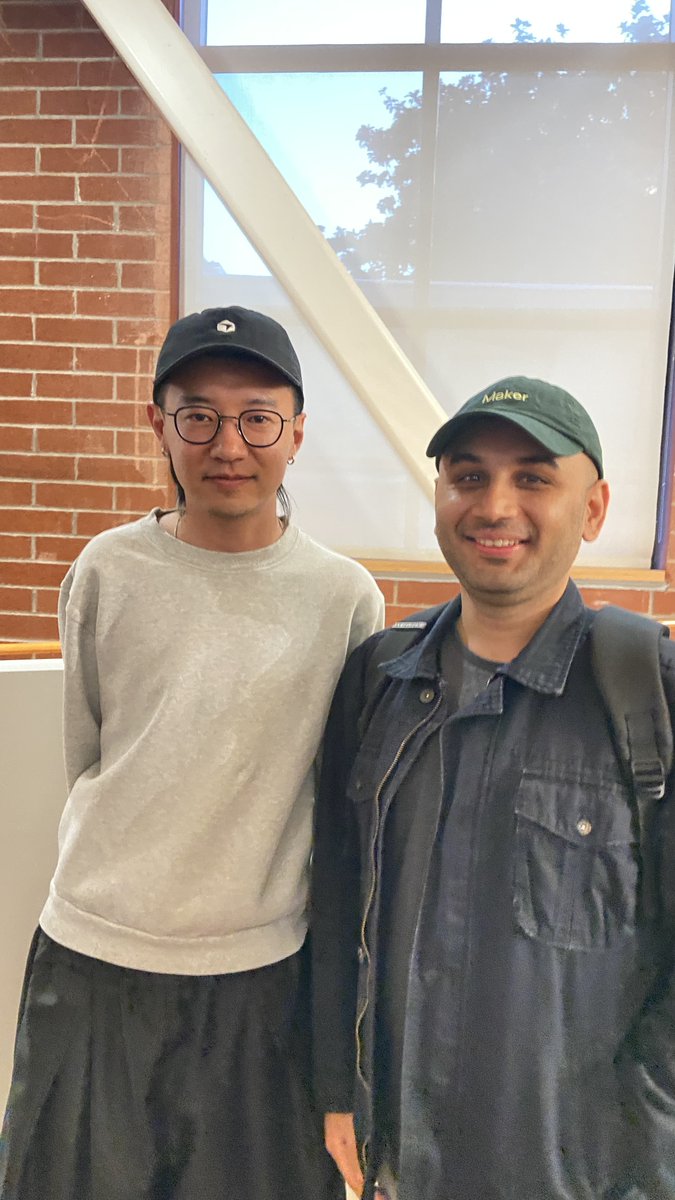
• Ryo Lyu (@ryolu_) — head of design, Cursor
• Drew Wilson (@drewwilson) — founder, @OpacityHQ | prev.-head of design, Clerk
• Nad Chistie (@nadonomy) — head of design, Lovable
all too kind to hear me babble. some of it felt genuinely serendipitous.
these are the rooms I want to keep being in where decisions like these get made.
p.s. Drew is going to change the handoff paradigm between design and engineering. get on @OpacityHQ wish-list. i'm really excited for this one.