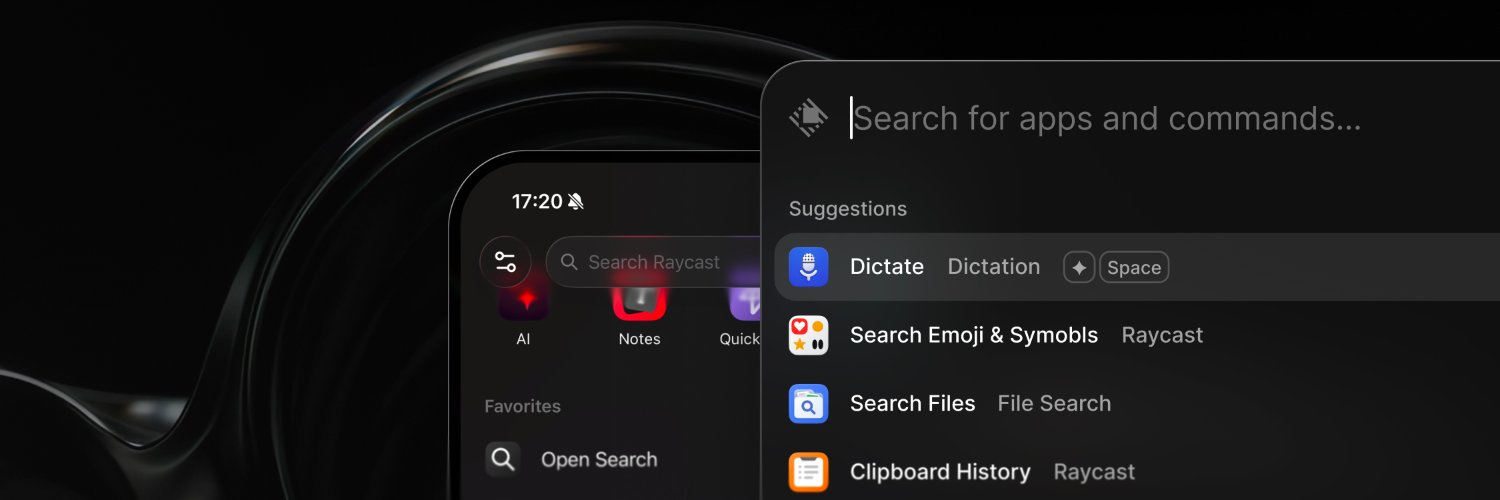
Starting today, Raycast v2 is out of beta.
🧪 Beta testers get an automatic update
🔜 Full rollout happens over the next weeks
🔄 Users on v1 can download the update manually
More info 👉 https://t.co/5DiFiZLIz9
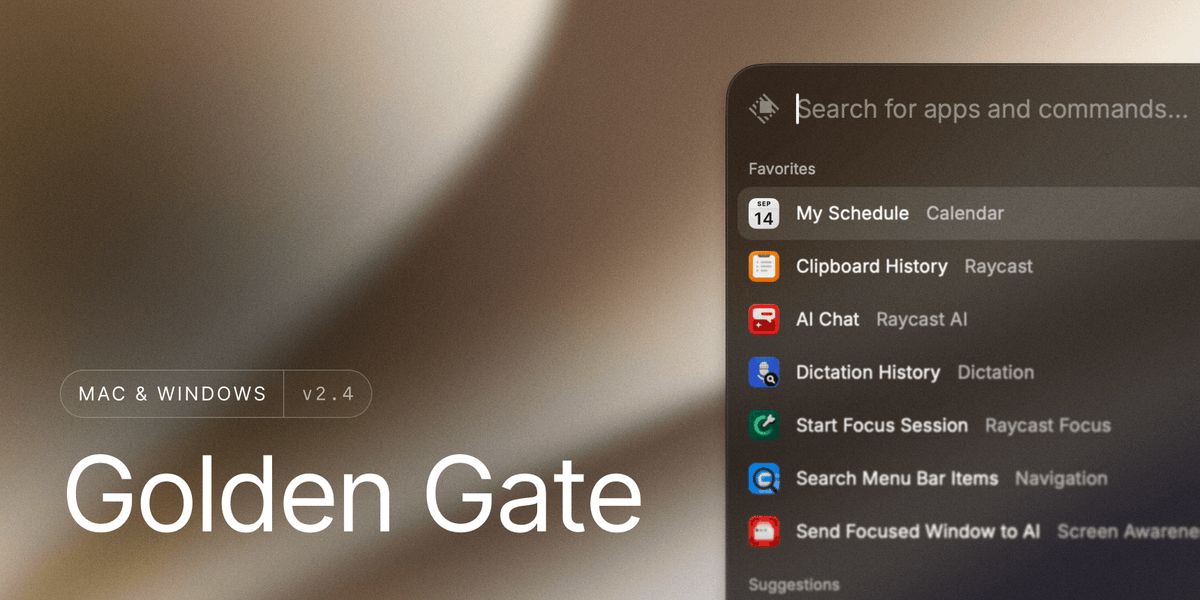
This week's update is out!
🌉 Ready for macOS Golden Gate
⚡ Faster images, icons, and contact thumbnails
☺️ Faster Emoji & Symbols rendering
📋 Cleaner AI Chat copy and paste
📜 Better Script Commands
🐞 Several bug fixes
Full changelog 👉 https://t.co/bo42agKh6C
Yesterday we got parts of our new pricing rollout wrong for existing annual subscribers. That's totally on us.
To make things right, existing annual subscribers now get 50% more credits each month until the end of their term. Pro goes from 500 to 750 credits a month and Pro+ (previously Advanced AI) from 3,000 to 4,500.
You won't see the change in your account just yet. As a launch day bonus, everyone already got double their monthly credits yesterday. The new amount will apply from your next credit reset.
We should have handled this better from the start. Thanks to everyone who took the time to share feedback. If this still doesn't work for you or you have questions, ping us at [email protected].
I’m so bullish on @raycast, and this release is a big part of why.
“Your shortcut to everything” has always been their tagline, but I keep finding new reasons to love it.
First it was selecting text in any app and asking AI about it. Then AI extensions let me actually do things with the tools I use. My apps hadn’t changed, but suddenly they felt a lot more AI-native.
Now I can use my Claude or ChatGPT subscription right there too. Here I’m asking Astra to build a Nuxt landing page, straight from Raycast.
And honestly, having these agents one shortcut away, wherever I’m working, in an interface this fast and well designed… that’s what I’m excited about.
We spend so much time talking about what agents can do. I care just as much about how it feels to work with them every day.
The team really gets that.
New in Raycast AI this week:
🔁 Connect your Claude or ChatGPT subscription
📁 Organize ongoing work with Projects
🤖 Run prompts on a schedule with Automations
We're also changing how AI is priced. Why and what it means for you, in the thread 👇
Our paid plans move from rate limits to AI Credits. Prices stay the same, Advanced AI becomes Pro+, and we add a new Max plan ($50) for heavier usage.
Existing subscribers get a bonus month of credits to ease the transition.
Full reasoning here 👇
https://t.co/28Ng2tCBeg
102 things you can do with @raycast
1. Launch applications
2. Search for files by their name
3. Search for files by their content
4. Navigate your computer to look for files
5. Keep a history of your clipboard
6. Organise your clipboard however you like
7. Rename things you’ve copied
8. Edit the content of things you’ve copied
9. Search for GIFs
10. Search for emojis
11. Search for emojis with AI
12. Search for Slack emojis
13. Dictate from anywhere
14. Dictate in any language
15. Dictate with multiple styles
16. Keep a history of everything you’ve dictated
17. Arrange windows in 58 predefined ways
18. Create custom window management commands
19. Turn Caps Lock into a Hyper Key
20. Keep Caps Lock when tapping the key
21. Give nicknames to applications
22. Give nicknames to commands
23. Save reusable blocks of text
24. Use dynamic placeholders in reusable text
25. Turn your favourite emojis into keywords
26. Ask AI quick, throwaway questions
27. Ask AI follow-up questions
28. Take notes from anywhere
29. Take notes from your phone
30. Do simple maths
31. Do complicated maths
32. Convert between units
33. Perform date calculations
34. Calculate percentages and discounts
35. Keep a history of your calculations
36. Set up hotkeys to open applications
37. Associate a single key with a command
38. Double-tap a key to open a folder
39. Search screenshots by their content
40. Stay on top of your schedule
41. Join online meetings
42. Join meetings automatically
43. Check your appearance before joining
44. Take a selfie
45. Create Quicklinks for websites
46. Create Quicklinks for files
47. Create Quicklinks for folders
48. Create Quicklinks for app deep links
49. Start a screen recording
50. Take a screenshot
51. Annotate screenshots with CleanShot
52. Chat with the latest AI models
53. Make AI do things for you
54. Quit applications
55. Quit applications automatically
56. Force-quit applications
57. Quit all applications at once
58. Fix grammar and spelling
59. Apply a Quick Fix
60. Uninstall applications
61. Start a Focus session
62. Temporarily unfocus
63. Download thousands of Raycast extensions
64. Build an extension with Raycast AI
65. Build an extension by hand
66. Check the time at your destination
67. Check the time difference between two cities
68. Switch your display resolution
69. Convert images
70. Ask AI to convert images
71. Translate text between any languages
72. Create commands for specific language pairs
73. Quickly translate a single word
74. Copy a Finder path
75. Chat with your Hermes agent
76. Chat with OpenClaw
77. Search for fonts
78. Pick a colour
79. Convert colours to different formats
80. Sync your data between two Macs
81. Sync your data between a Mac and a PC
82. Sync your data between computers and an iPhone
83. Add tags to snippets
84. Add tags to Quicklinks
85. Keep frequently used tools in the menu bar
86. Browse your Notion workspace
87. Modify system settings
88. Practise your typing
89. Search for commands in any application
90. Pin your favourite commands
91. Create custom AI agents
92. Launch AI agents with a hotkey
93. Let AI know who you are
94. Let AI remember what you do
95. Read text from images
96. Decipher QR codes
97. Teach AI new skills
98. Extend AI’s capabilities
99. Let AI automatically choose what it needs
100. Share what you’re seeing with AI
101. Share part of your screen with AI
102. Throw confetti
Bring Your Own Model to Raycast AI
🌐 Connect @OpenRouter with your own key
🦙 Run local models with @ollama
⚙️ Add any other OpenAI-compatible provider
In v2, these features require a Pro subscription.
Full changelog → https://t.co/bo42agKh6C
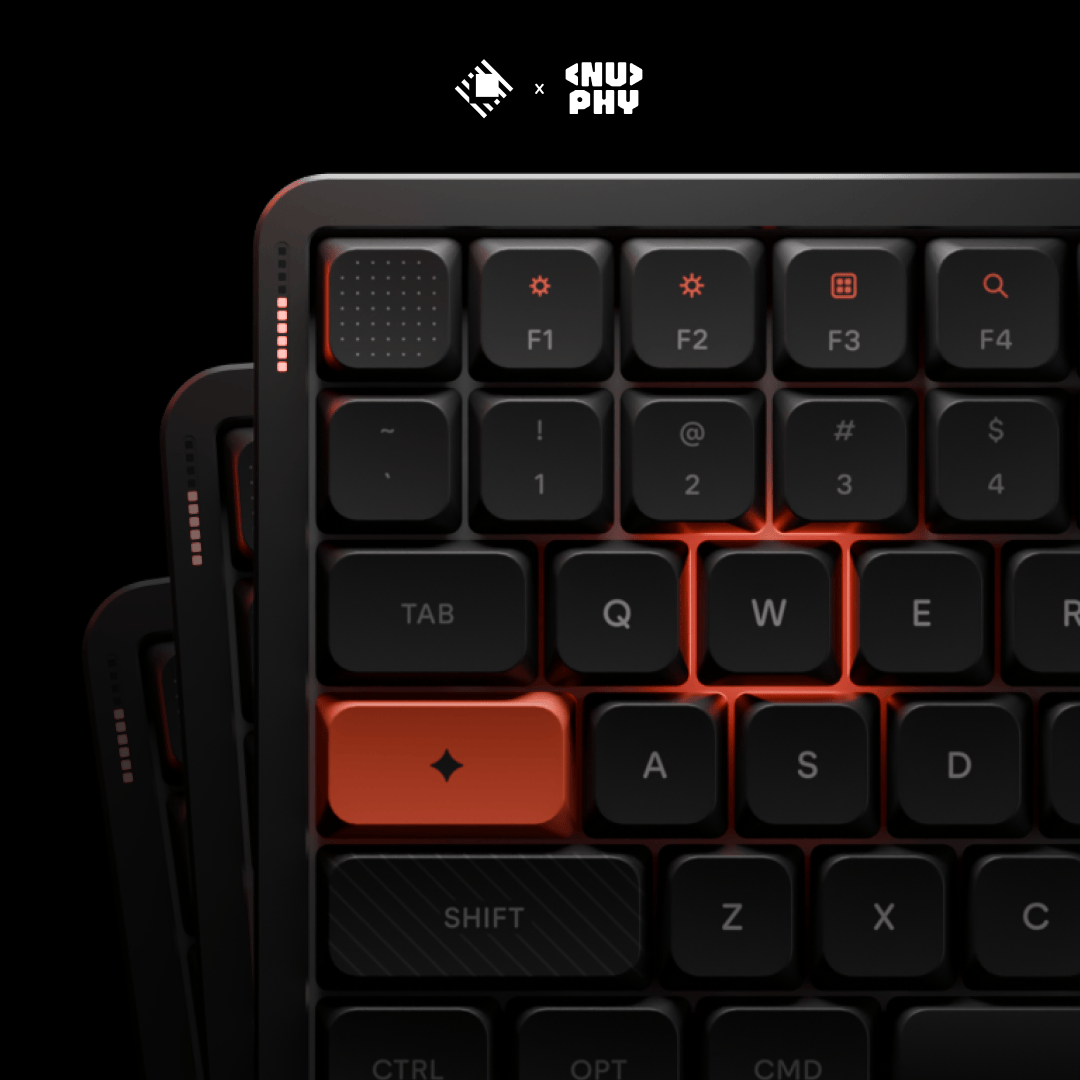
We have our Raycast Keyboard giveaway winners 🎉
Congrats @_iamarek, @yishanll, and @davidleininger! Watch your DMs for a message from us.
Thank you to everyone who entered. The demand has been incredible, so we're already working on a second batch of the keyboard 👀
Sold out in 5 hours 🤯
If you missed it, we're giving away 3 Raycast keyboards.
To enter:
1️�� Follow @raycast and @nuphystudio
2️⃣ Repost this tweet
3️⃣ Reply with your favorite shortcut
We'll pick 3 winners on Monday. Good luck!
Sold out in 5 hours 🤯
If you missed it, we're giving away 3 Raycast keyboards.
To enter:
1️⃣ Follow @raycast and @nuphystudio
2️⃣ Repost this tweet
3️⃣ Reply with your favorite shortcut
We'll pick 3 winners on Monday. Good luck!