Thanks for sharing that - and for the recommendation.
Writing passwords down physically can feel safer than using tools you do not fully trust. What matters most is that you are thinking about security intentionally.
About your question: we do not support iOS 15. Older operating systems no longer receive full security updates, and we do not want to run a security app on an unsupported system. We prioritize security over legacy compatibility.
If upgrading your device is possible, 2FAS Auth and 2FAS Pass work on newer iOS versions and are built privacy-first, local-first, and without mandatory accounts.
Stay safe ✌️
Your browser is not a password manager.
If someone gets local access to your device, "password recovery" can look exactly like credential theft - and it can include saved browser passwords.
@ChrobokMatt explains where the line really is (and what to do about it) in the full #DEFCON talk: https://t.co/HiPyz3DAXQ
@fer_f1997 WearOS is still something we have in mind. At the moment we are focused on advancing both 2FAS Pass and core improvements in Auth, so we are sequencing work carefully across the ecosystem. The direction has not changed.
In security, the most important work is often the least visible.
Some decisions are made once and then quietly shape how people authenticate every day.
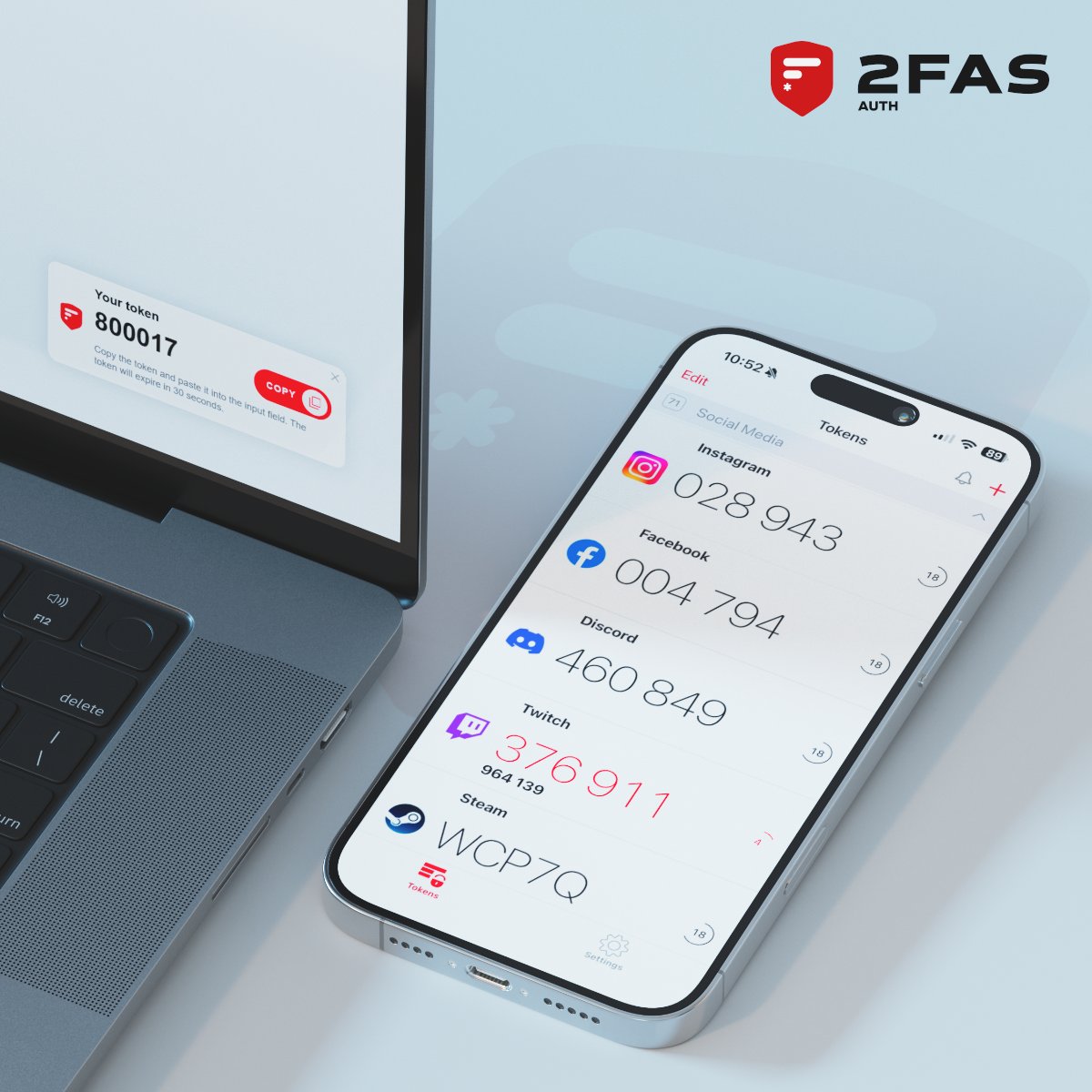
2FAS Auth has been built around the same principles for years:
- push-based 2FA approvals, designed without exposing secrets
- secrets stay on your phone
- the browser receives only one-time tokens
- approvals happen on-device
- next token preview reduces friction without weakening security
- automatic 2FA fill, with clear trust boundaries
This is how we balance security and convenience:
through architecture, not shortcuts.
No accounts. No tracking. Fully open source.
What is the one 2FAS Auth feature you rely on the most?
@TimWesterhoff98 Thanks for the suggestion and for explaining your use case. We have a lot of ongoing work around both Auth and Pass, so this would probably sit lower on the priority list for now. Still, it is a fair idea, and we will keep it in mind and definitely discuss it internally.
Thanks for bringing this up.
Just to clarify: 2FAS Auth already remembers the open/closed state of groups, so if you close them once, that state is preserved the next time you open the app.
That said, if your main goal is to quickly find the right code, we would strongly recommend enabling "Active search" in Settings. It focuses the search field and opens the keyboard right away on app launch, so you can simply start typing the service name instead of navigating groups.
For many users, this turns finding a token into a one-step action.
Thanks for explaining your concern.
In this case, Google Drive is used via a native OS-level integration, not as regular cloud storage. The backup is not visible as a normal file and cannot be accessed by other apps or by browsing Drive - it is only accessible through 2FAS Auth.
All data is encrypted on the device before it leaves it, and users can additionally protect the backup with their own password.
We started with OS-native backups first because they let us keep the security model tight and the attack surface small. This does not mean we will never add other backup options - we just approach this area very cautiously.
@waiaryi Love hearing this! Those features were meant to work together so authentication feels smooth instead of interruptive. Happy they make a difference for you 😃
That is a fair question.
We are very careful with backup options because they become part of the security and privacy model, not just a storage choice. Each provider brings different APIs, threat assumptions, and long-term reliability questions.
That is why we started with system-level options and portable encrypted exports first. It is not about favoring one provider, but about minimizing complexity and unexpected trust dependencies.
This does not mean we will never add more options - just that we move carefully ✌️
@kxng_christie That kind of long-term trust means more to us than any single feature!
When people switch once and then stop thinking about their authenticator, that is exactly the outcome we aim for. Appreciate you sharing this. ❤️
@streetchariot Thank you, we truly appreciate this 🤜🤛
Making device upgrades painless was one of the problems we really wanted to solve. Really glad 2FAS made that part easier for you.
@rolandlewis2012 Thanks for sharing! 💪
Autofill was one of those features where usability and security had to meet in the right place. Happy it works well for you! :-)
@_glnarayanan Thanks a lot ♥️
Cross-platform sync and interoperable exports were intentional from day one - avoiding lock-in and keeping users in control matters to us. Great to hear you rely on it!✌️