Outsourcing offers as many risks as it does potential benefits. When it comes to outsourcing for software QA, these benefits and risks will have an even greater impact on your bottom line:
https://t.co/6yx7hqAZT3
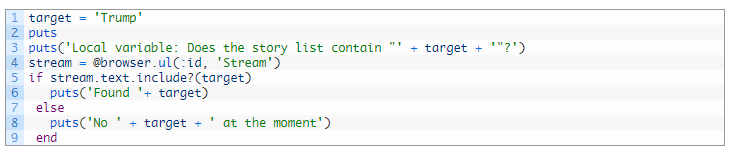
Ruby local variables are essential to condensing your Watir Webdriver/Selenium scripts, and can stop you from unnecessarily repeating lines of code as your scripts scale up:
https://t.co/ugZS64LrLh
The Selenium size() method provides us a way to easily find the size of every element on the web page during a test automation - check out our How To post to see how to effectively implement it:
https://t.co/hGe71fWD1k
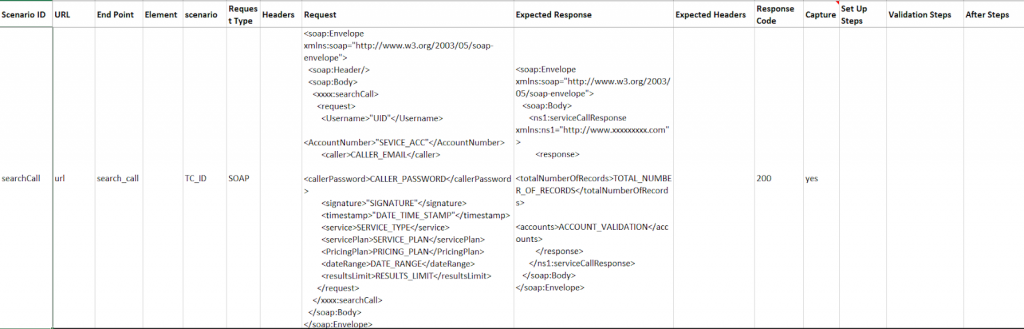
Utilizing Excel and a hybrid framework allows us to quickly generate a set of Cucumber BDD tests for automated API testing - check out how we break down this process for testing BRM applications:
https://t.co/riCLxI7rUn
Ruby puts/prints statements allow us to convey important information in the command line during our test runs, such as displaying the value of a variable/expression, or describing a problem without failing a step:
https://t.co/diY9RzEDfd
Hybrid frameworks allow us to efficiently manage a large scale test suite - take a look at how we leverage them as we break down our approach to automating BRM GUI test cases:
https://t.co/RsI1Ix5kAn
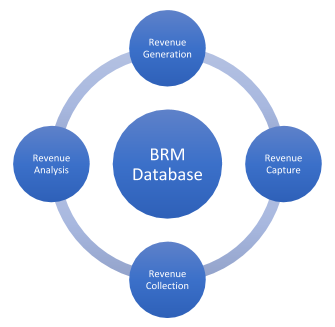
In the first post of our BRM Testing series, we overview BRM components and break down four core test scenarios occuring in BRM:
https://t.co/vDyBnUdOgL
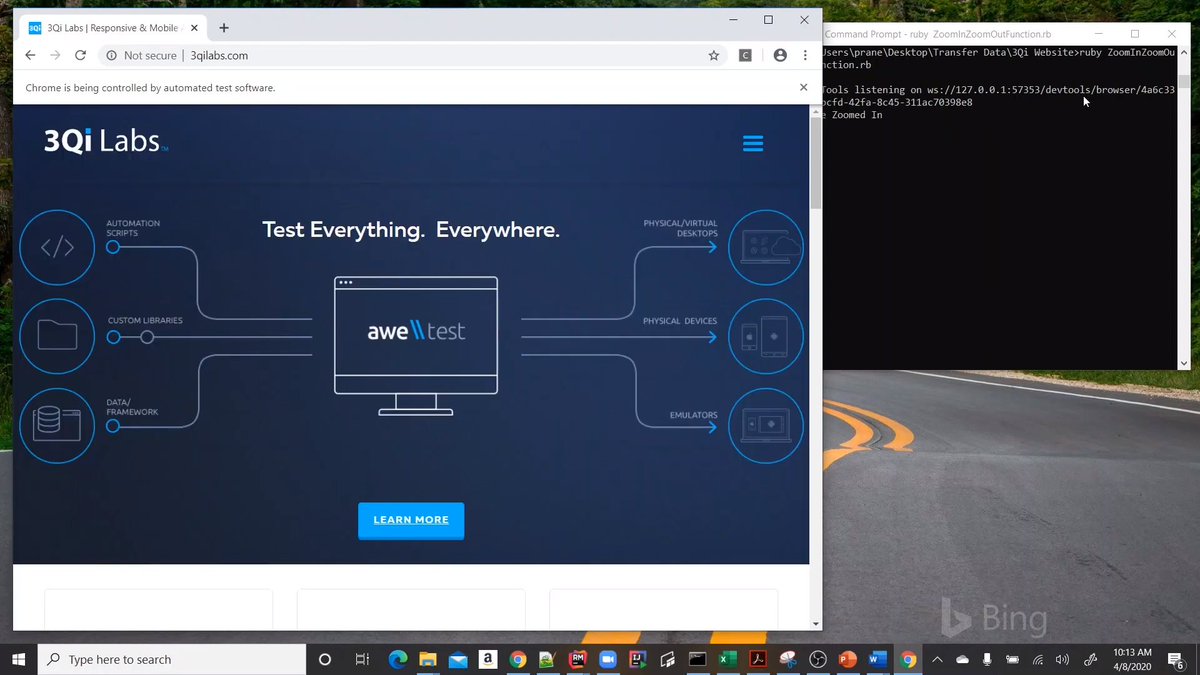
Magnifying elements in your test automation scripts is a breeze using Selenium's zoom capability - check out how to implement this in our How To post:
https://t.co/3zM6tL7YKA
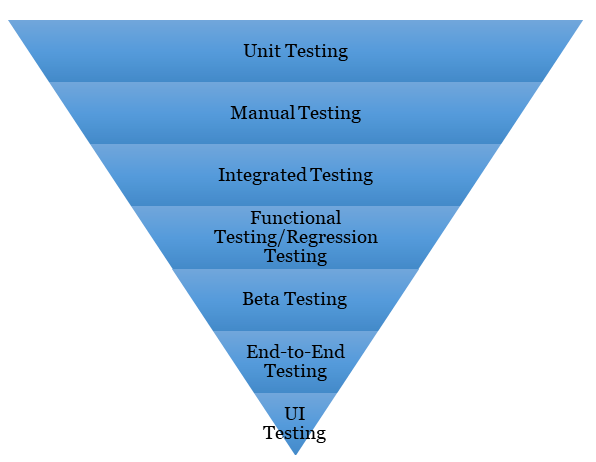
Mobile test automation can often present unforeseen obstacles - by using the pyramid approach, we can prioritize what is essential for mobile testing and set ourselves up for success:
https://t.co/mP1JCbtJld
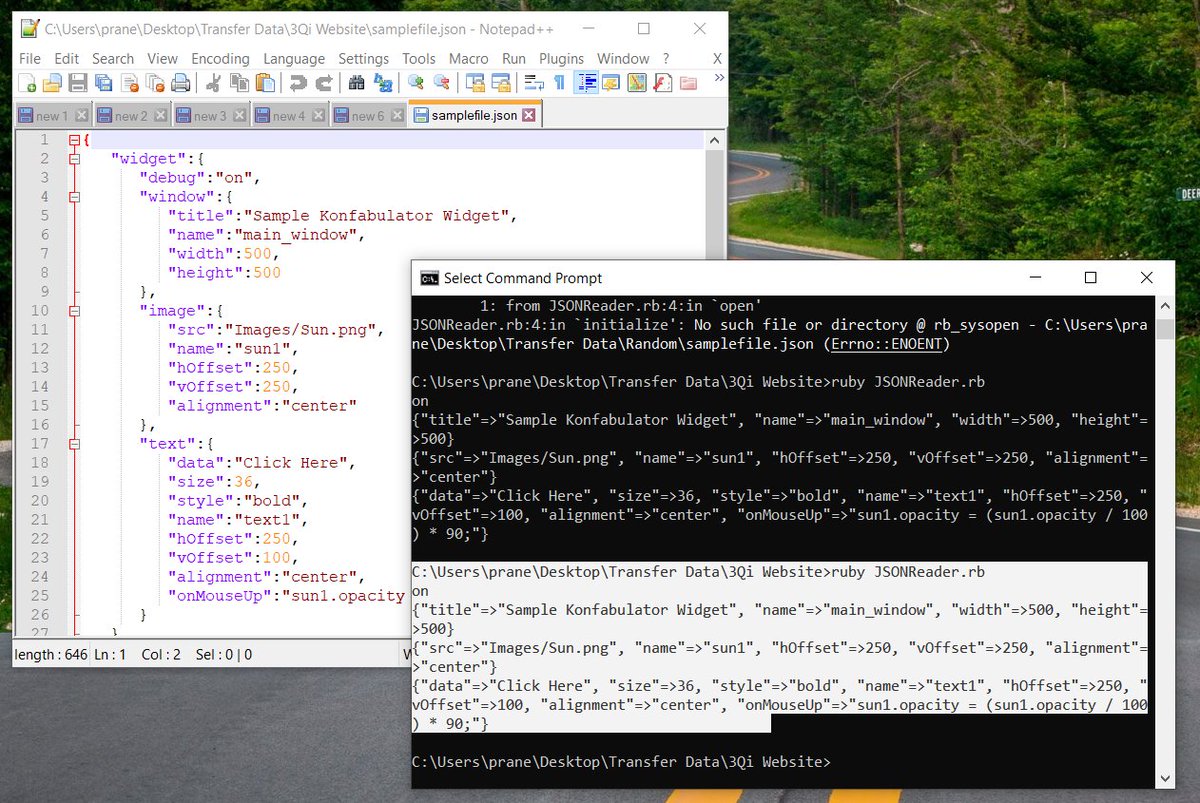
Ruby can leverage a gem to read JSON files - check out our post explaining how to install and run this gem, allowing you to parse a JSON file for data:
https://t.co/QU7p09SEby
With the popularity of vertically oriented web design, learning how to perform scroll operations in Selenium will enable you to find elements and perform user defined operations on web pages of any length:
https://t.co/TYVlaE1qS9
Sending keyboard keys in Selenium is vital for instances in your test automation when a click command just won't do - learn how to incorporate your first automated key commands here:
https://t.co/YNdbjJeclA
By capturing screenshots at the time of a failure, a function provided by Selenium Webdriver, you have the potential to quickly discover the root of an error after running your test automation scripts:
https://t.co/uoiLxyD3Oq
Here's a quick walkthrough of Selenium Webdriver's Close() function, which will close targeted tabs for you during your browser automation tests:
https://t.co/pp5mL8wOt2
Automating web pages that utilize AJAX calls can be difficult since we don't always know the exact time calls are sent through. Let's take a look at the various ways we can leverage Selenium wait commands to handle AJAX calls:
https://t.co/iZIkf7rJqK
As you develop your browser automation skills, you'll eventually encounter the need to switch between browser windows during a test. Check out how we address managing multiple windows utilizing Ruby & Selenium Webdriver:
https://t.co/kszXvPau5H
Opening a link in a new browser window/tab is a basic technique that will expand the scope of your test automation - here's one way to approach this using #WatirWebdriver:
https://t.co/xqohdgvwjt