We're excited to help relaunch the Elixir community in the Ruhr area! Join us on Sept 25 in Bochum for the first Elixir Ruhr Meetup, part of Global Elixir Meetups Week.
Yesterday, I released a tiny MCP server that allows Cursor Editor to get up-to-date version information for external Hex dependencies.
@aviflombaum suggested doing a version for Rails, so I built a more generic version, supporting Ruby Gems, Hex, PyPI, and NPM
I am currently using @cursor_ai to build an #elixirlang Phoenix application. It kept adding outdated package versions, so I decided to build an MCP server to solve this issue.
#myelixirstatus
For the past three years, we have worked collaboratively with UK agency Kore (https://t.co/2NOqMW1ZGF), helping the World Health Organization (WHO) to visualize global public health data on https://t.co/OuT6lYEK9Y.
Blog post: https://t.co/1A23deGsJb
#DataViz#PublicHealth
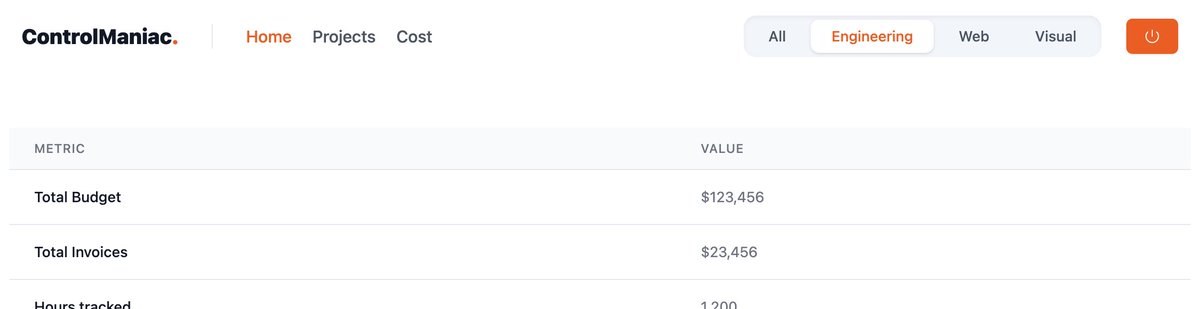
I added a global filter to a #ElixirLang#Phoenix application, selectable via toggle in the menubar. I was surprised it is not too easy to store the value both in session, so it survives page reloads, but also in a way that it survives navigation within the same live_session.
We are currently revisiting our Rails stack and updating internal conventions. We would love to get your input on background processor options in Rails, primarily focused on projects using a Postgres database.
Ruby on Rails developers, what is your take on Sidekiq vs GoodJob vs Solid Queue?
Our go-to background processor was Sidekiq, mainly because it allowed excellent scaling and finetuning for heavy-weight applications.
But with Redis, it added an additional component to the projects' setup, so we tended to switch to GoodJob in case we only needed it for smaller amounts of tasks, like background email processing, etc, using the already present Postgres database.
With the recent release of Solid Queue, I am considering using it as a replacement for the cases in which we used GoodJob. Reading the excellent analysis in @andatki's blog post, I believe it is a good option. If you tune things like autovacuum configuration, it could also be for more heavy-use applications. Having a simpler infrastructure and being able to debug the queue with our default database toolset is a nice plus.
What do you think about this? I would love to know what you use in your projects and why.
9elements x dasruhrgebiet 💻 📰
So excited to present to you our web project, https://t.co/Ft7ztfSHjM, in collaboration with "Initiativkreis Ruhr".
Key technical features include #accessibility, #responsive design and #performance through lightweight #CSS Keyframe #animation
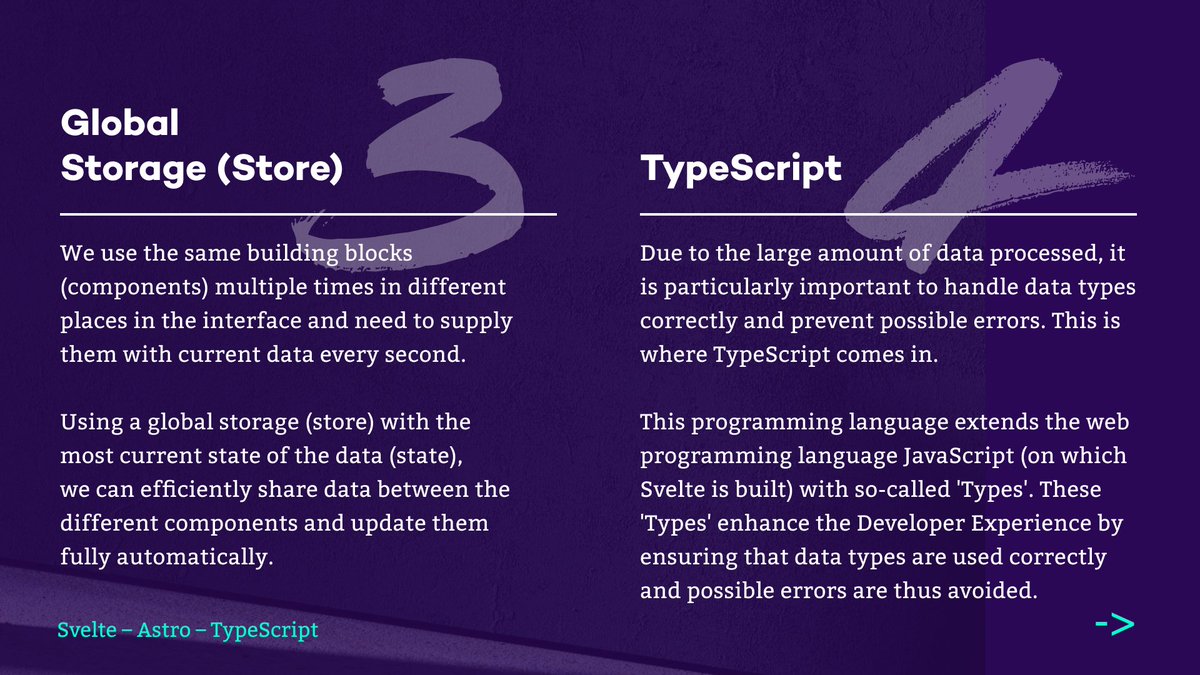
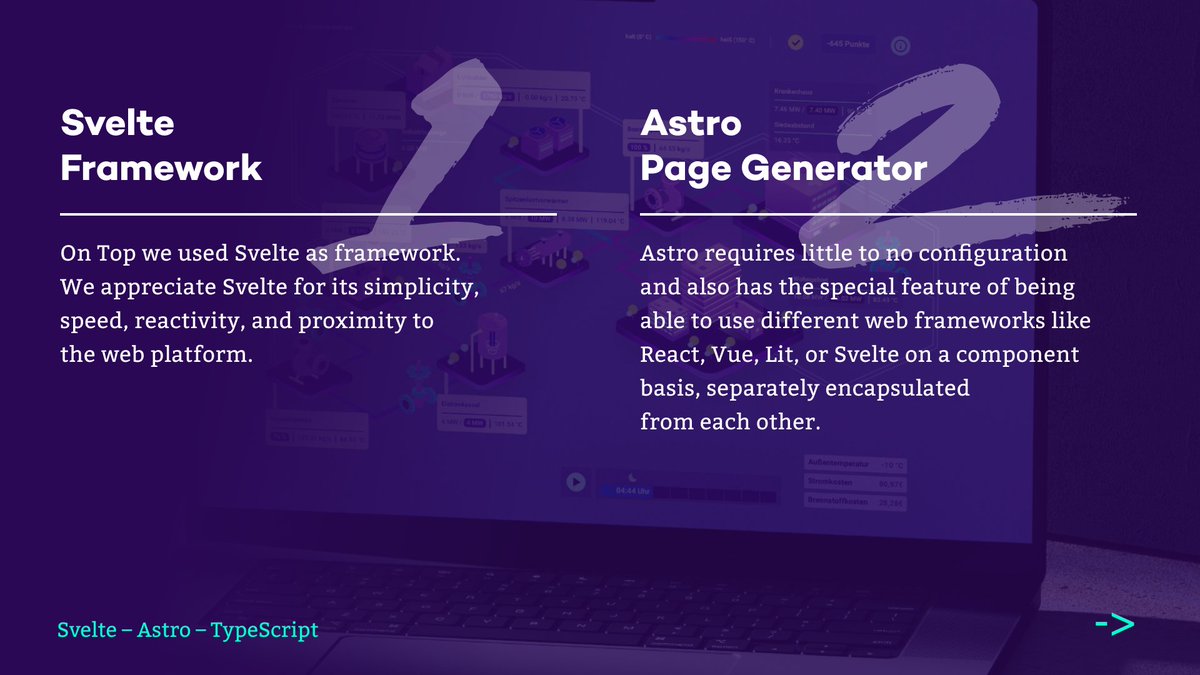
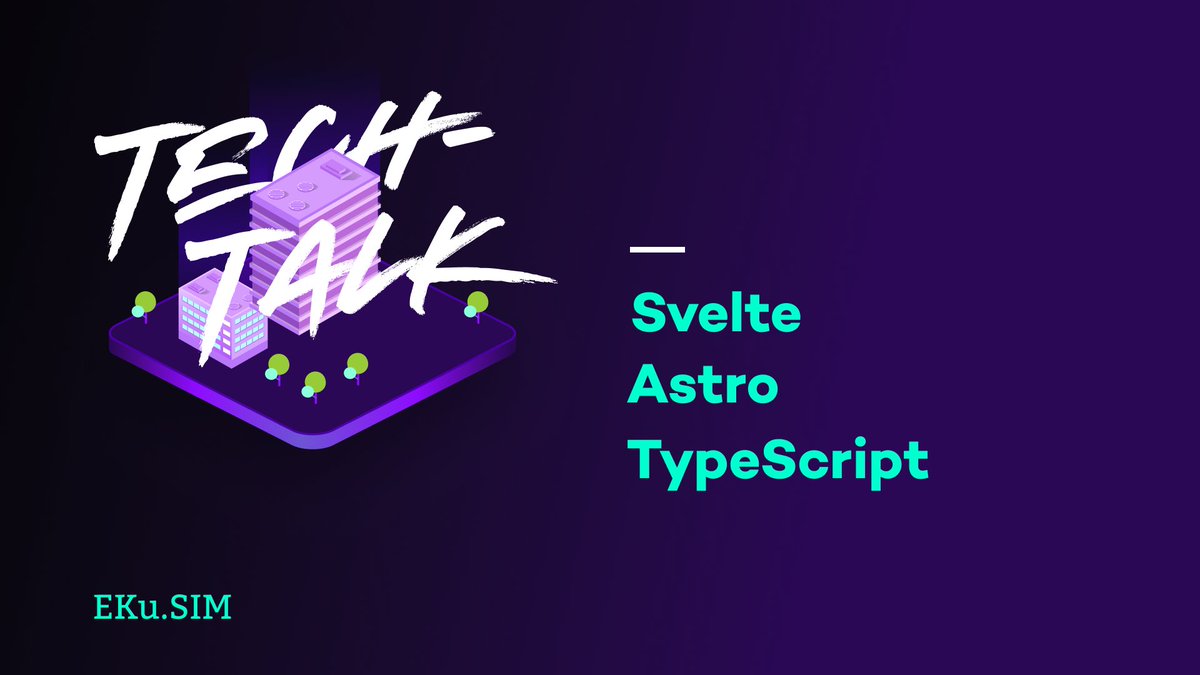
9elements x EKu.SIM 🏙️ 🔥
In collaboration with EKu.SIM, we have designed and built a “district heating simulator”. This project is quite complex, so we decided to present the simulation in a playful and visually appealing way.
Built with #Astro#Svelte#TypeScript
On a landing page, we want to directly address potential customers and demonstrate personalized application areas for AI. Only a few lines of code, using customer detection from @SalesViewer and the @OpenAI API; see the example for an eyeglass company.
https://t.co/4yo1A4UYve
You want to share your awesome ComfyUI workflows or build applications around your workflows. My latest post covers implementing a WebSocket-based API for ComfyUI to get real-time progress and feedback for your ComfyUI workflow. #AI#ComfyUI
https://t.co/lkIIvy1ksj
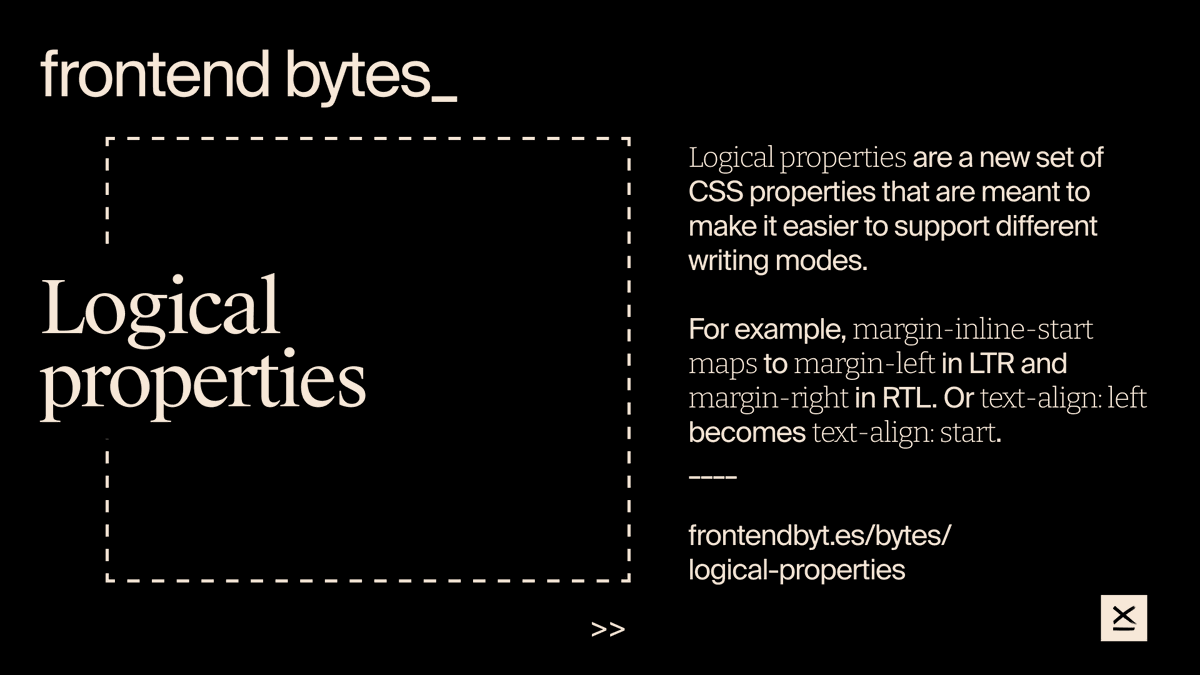
#newformat at 9elements – 💡frontend bytes_
Every Tuesday, our #frontend crew and anyone interested gather to discuss various frontend topics. One of the first topics was #logical#properties in #CSS
Read all about logical properties here 👇https://t.co/y1LJmEvID8
Our #Software#Developer, Julian Laubstein, wrote a blog article about stress-testing #Svelte – until your browser breaks down crying.
You can follow his journey here. What do you think? Can Svelte keep up? 👇
https://t.co/mX3SSiODS1
@sphinxc0re
🎁 Our Head of #Web#Development , @supremebeing09 , wrote a pretty neat article on “Responsive SVGs” for "12 Days of Web".
This could be really useful for you #frontend#developers because #SVGs can be a bit tricky, you know! 😉
Big thank you to @5t3ph
https://t.co/CFCzLvseSE
Exploring AI in creative workflows fascinates me. I used DALL-E for 20th-century-style god and goddess photos, added basic retouching, and upscaled with @Magnific_AI. Quite happy with the outcomes. Can you name all the deities?
The first release of our dev week is live!
1.13.0 introduces a whole new way of working with acreom.
Active pages for your projects, custom views for tracking progress, inline task experience, new timeline view in My Day and more.
I've explored using AI in a targeted way, moving beyond randomly nice results to achieving a specific goal. Pleased with what I've managed to create using DALL-E, @Magnific_AI, and Photoshop. Details of my process and outcome are in my latest post.
https://t.co/nEiQAAqeiI