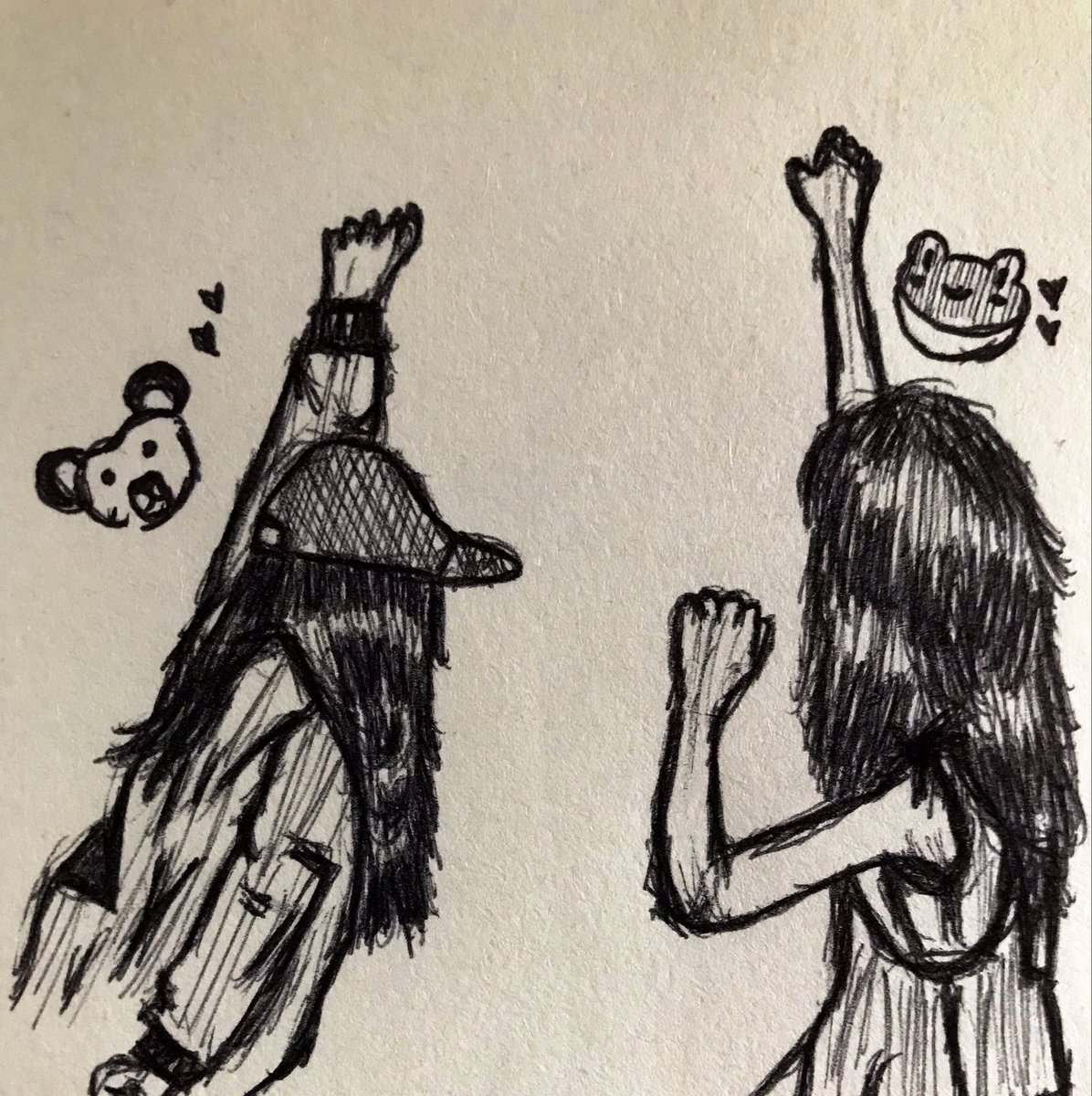
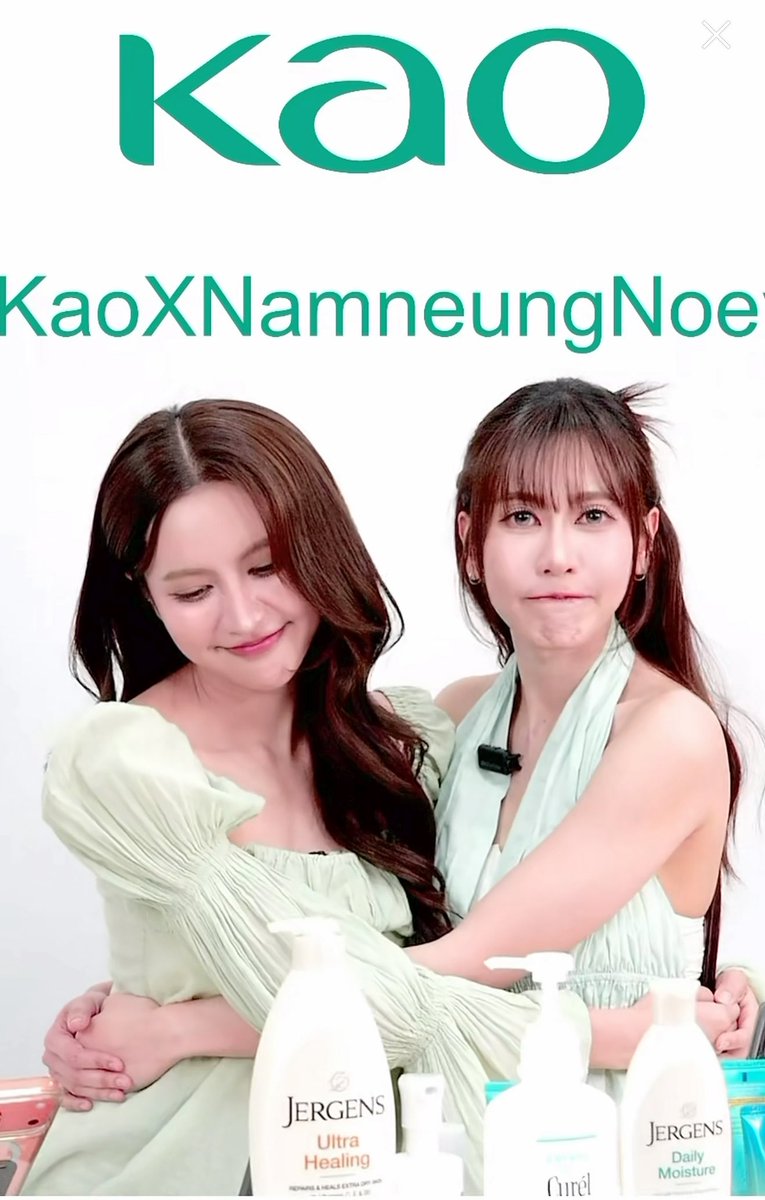
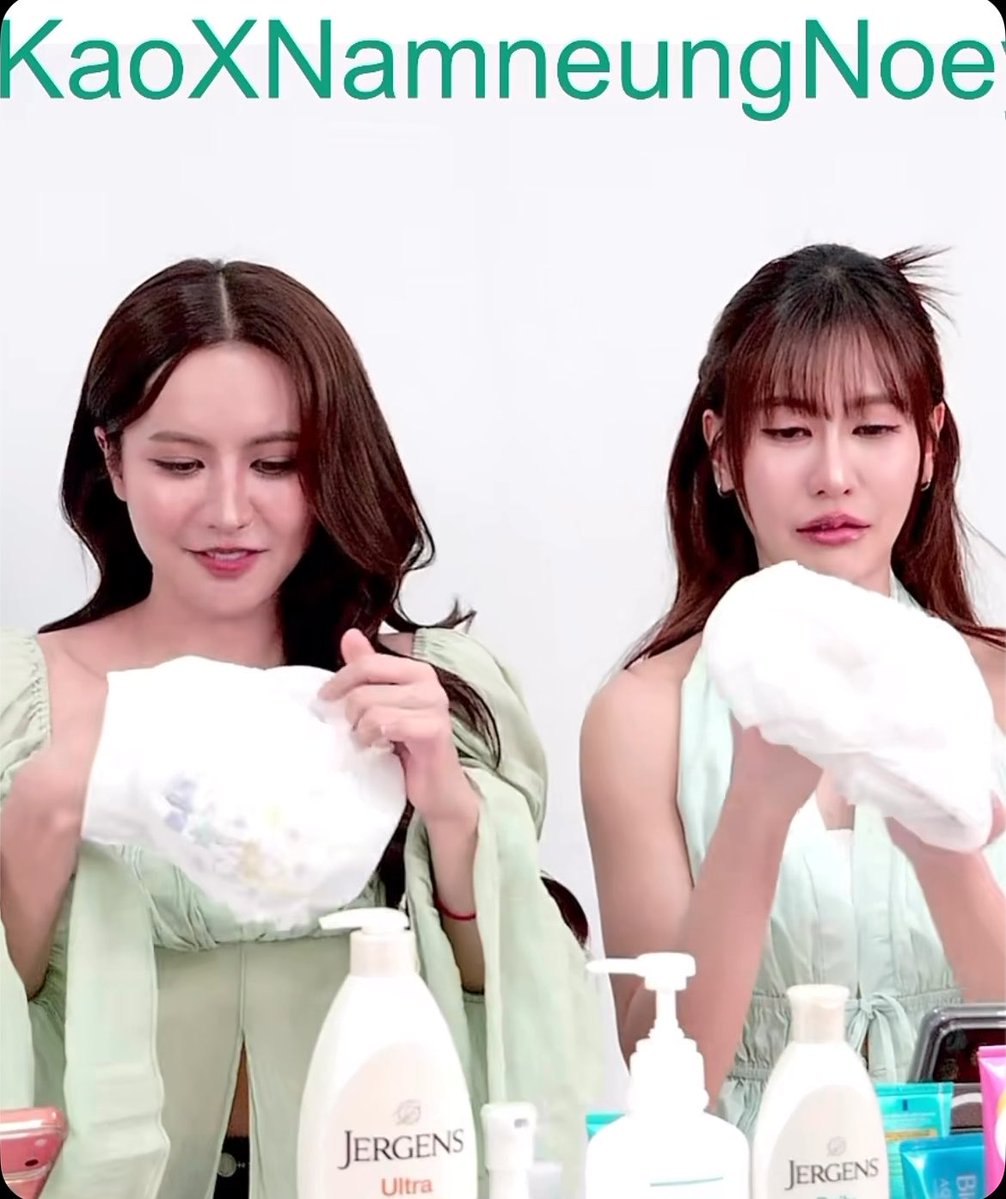
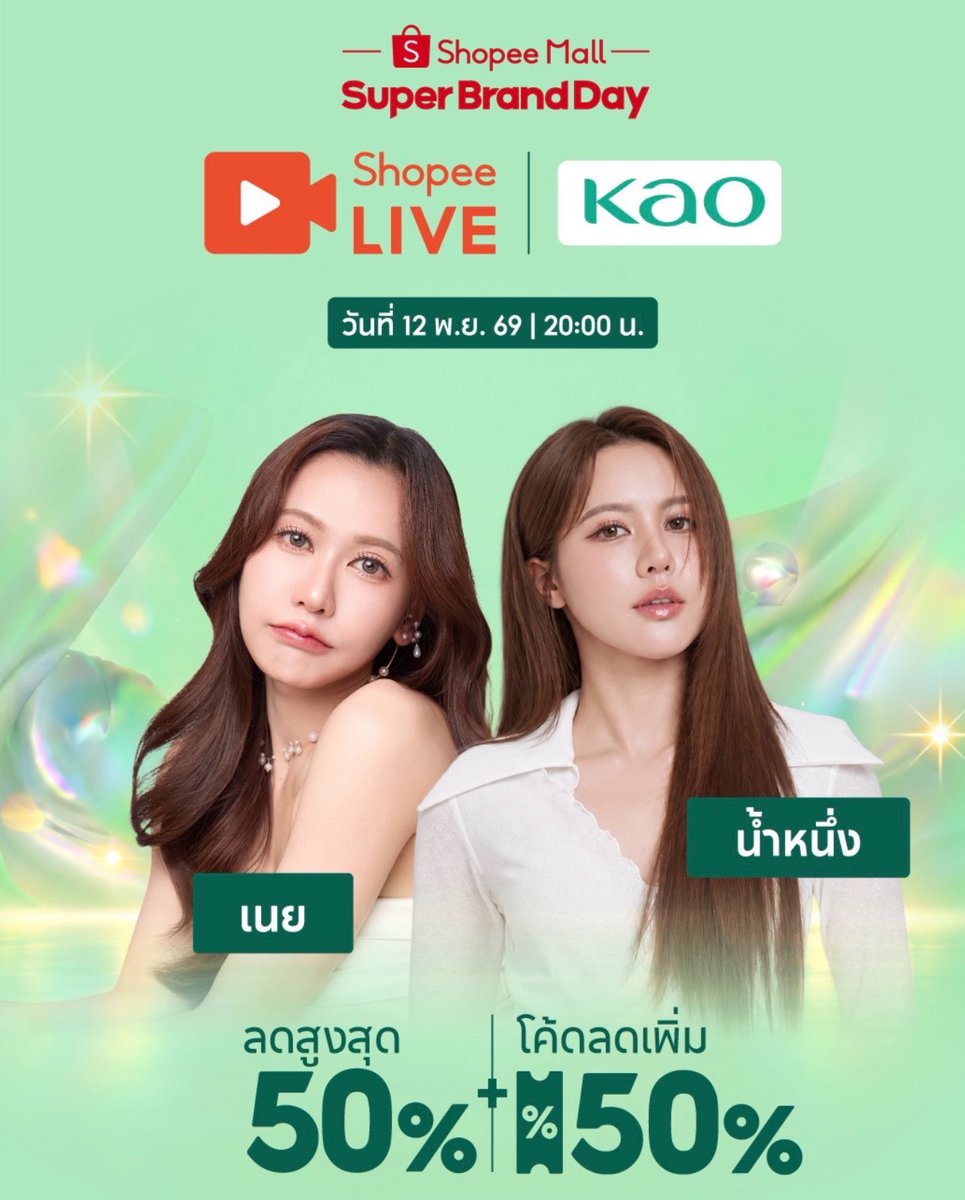
สวัสดีค่ะ ใกล้จะถึงวันงานแล้ว 😊
พี่แอดมินขออนุญาตรวบรวมคำถามที่ทุกท่านถามมา มาประกาศเป็นเรื่องต่าง ๆ เพิ่มเติม เพื่ออำนวยความสะดวกให้ทุกท่านนะคะ
📍ข้อมูลเพิ่มเติมสำหรับกฎระเบียบและมาตรการสำหรับการฝากของขวัญ
1. เปิดจุดรับฝากของขวัญ ณ บริเวณงาน โดยจะมีจุดรับฝากตามที่ทีมงานจัดไว้ โดยรับฝากของขวัญตั้งแต่เวลา 11.00 – 19.00 น. เท่านั้น
2. สำหรับผู้ที่ไม่ได้ซื้อบัตรเข้ารับชมการแสดง แต่มีความประสงค์อยากนำของขวัญมาให้น้องน้ำหนึ่ง สามารถนำมาฝากได้ที่จุดรับฝากของขวัญ ณ บริเวณงานได้เช่นกัน
3. สามารถนำของขวัญมาฝากไว้ที่จุดรับฝากของขวัญตามเวลาที่กำหนดเท่านั้น รบกวนไม่ดักรอหรือมอบของขวัญให้น้องน้ำหนึ่งโดยตรงด้วยตนเองยังจุดอื่น ๆ
4. สำหรับของขวัญนั้น ขออนุญาตไม่รับอาหารสด เครื่องดื่ม ลูกโป่ง ของมีคม วัตถุอันตราย ของที่ส่อเสียดเชิงคุกคามทางเพศ โดยจะมีทีมงานตรวจสอบในเบื้องต้นเพื่อเช็คความปลอดภัยก่อนที่น้องน้ำหนึ่งจะมาถ่ายรูปกับของขวัญและนำกลับไป
5. ทางทีมงานขอสงวนสิทธิ์ในการเปลี่ยนแปลงเงื่อนไขใด ๆ โดยไม่ต้องแจ้งให้ทราบล่วงหน้า
......................................................................
Additional Information for Rules and Regulations for Gifts Drop-Off
1. A designated gift drop-off point will be available at the venue from 11:00 AM – 7:00 PM.
2. Those who do not have tickets but wish to give Namneung a gift may also leave it at the gift drop-off point.
3. Gifts may only be deposited at the designated point during the specified hours. Please do not wait for Namneung elsewhere or attempt to hand gifts directly to her.
4. Fresh food, beverages, balloons, sharp objects, hazardous items, and gifts containing sexually suggestive or harassing content will not be accepted. Staff will conduct an initial safety inspection before Namneung takes photos with the gifts and takes them home.
5. The organizers reserve the right to change any terms and conditions without prior notice.
#TheFeelingofUswithNamneung
#NamneungMilinD
#GRANDSTARCONNEXT
#inc_entertain
#GrandandGang
How I got into Shopee Live from outside Thailand 😅 It was a bit of a mission! If you want to try, these are the steps that worked for me on a Mac (desktop):
1. Download BlueStacks Air (it lets you run Android apps on your computer)
2. Download Google Chrome
3. In a regular Chrome window, go to the Chrome Web Store, search for "Urban VPN Proxy" and install it. Set the location to Thailand (click the puzzle piece next to the search bar, then the VPN, and choose Thailand)
4. Allow the VPN in incognito: click the puzzle piece, select Manage extension, scroll down and turn on "Allow in Incognito". Then open an incognito window
5. Make a new Gmail account in the incognito window while the VPN is on, so it's set up as a Thai-located account
6. Turn the VPN off and close Chrome
7. Open BlueStacks Air and sign in with your new Google account
8. Go to System Apps, open the Google Play Store, then download and turn on "VPN Thailand"
9. Search for and download the Shopee app
10. Go back to System Apps and open Chrome
11. Paste in the link from NNN Official. When it asks to open the app, tap yes
12. It takes you to the waiting room for the live
📝 Notes:
I can't 100% confirm it works yet. I'm in the live's waiting room, but it hasn't started, so I can't test it fully. I was able to watch a current live.
Both VPNs were free and I didn't enter any payment details anywhere.
This is a tidied-up version of how I worked it out, so you might not need every step.
It might go differently on Windows or another setup, so keep Google handy if you get stuck!
And honestly, it was a bit crazy, so don't feel pressured to do it 😂 Thai fans will share clips in real time, so you can still help the trend on X, and we won't understand what they're saying live anyway 🫶
#NamneungNoey
#น้ำหนึ่งเนย