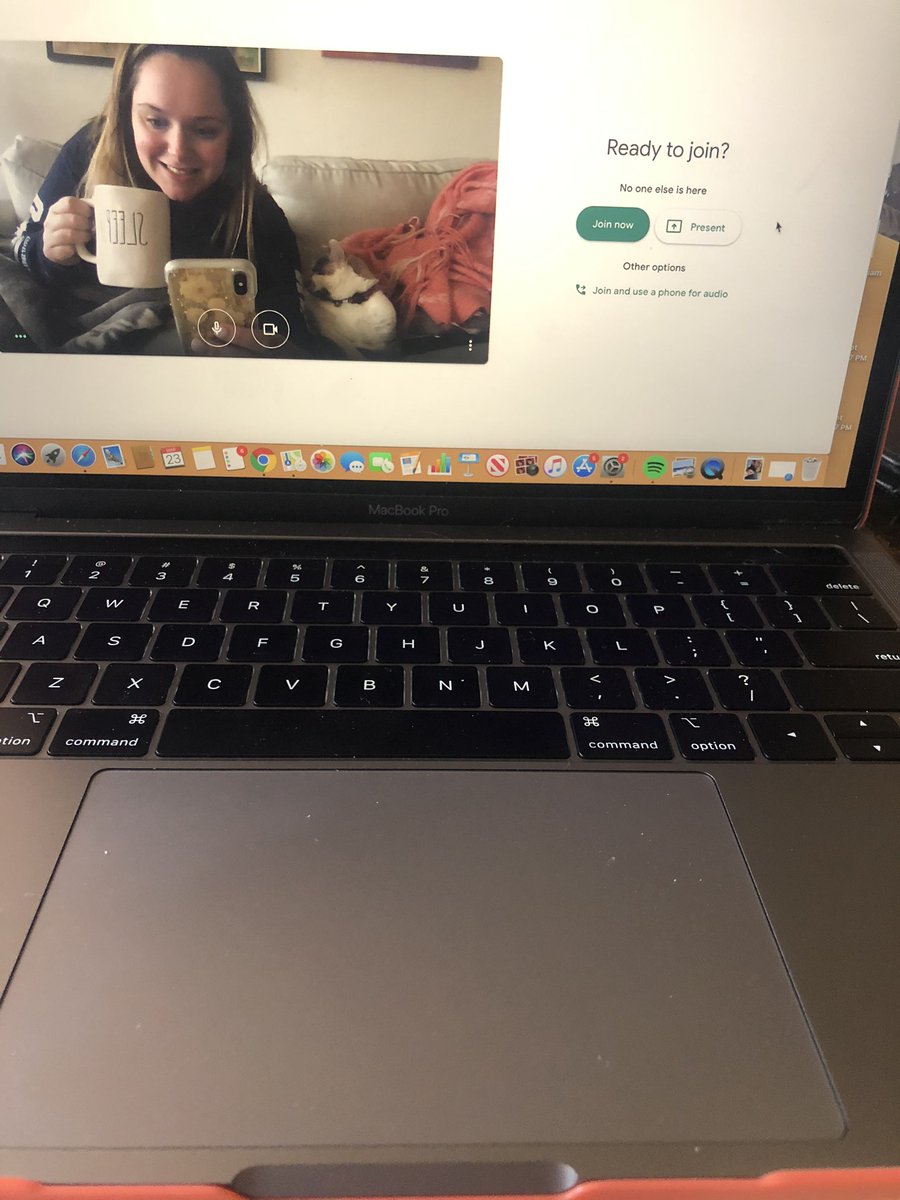
Chromebook Tip: Want to have your students see their work and your Zoom/Google Meet? Have them press [ and ALT at the same time. They’ll get a split screen with 2 tabs. #LeaderEd#edchat
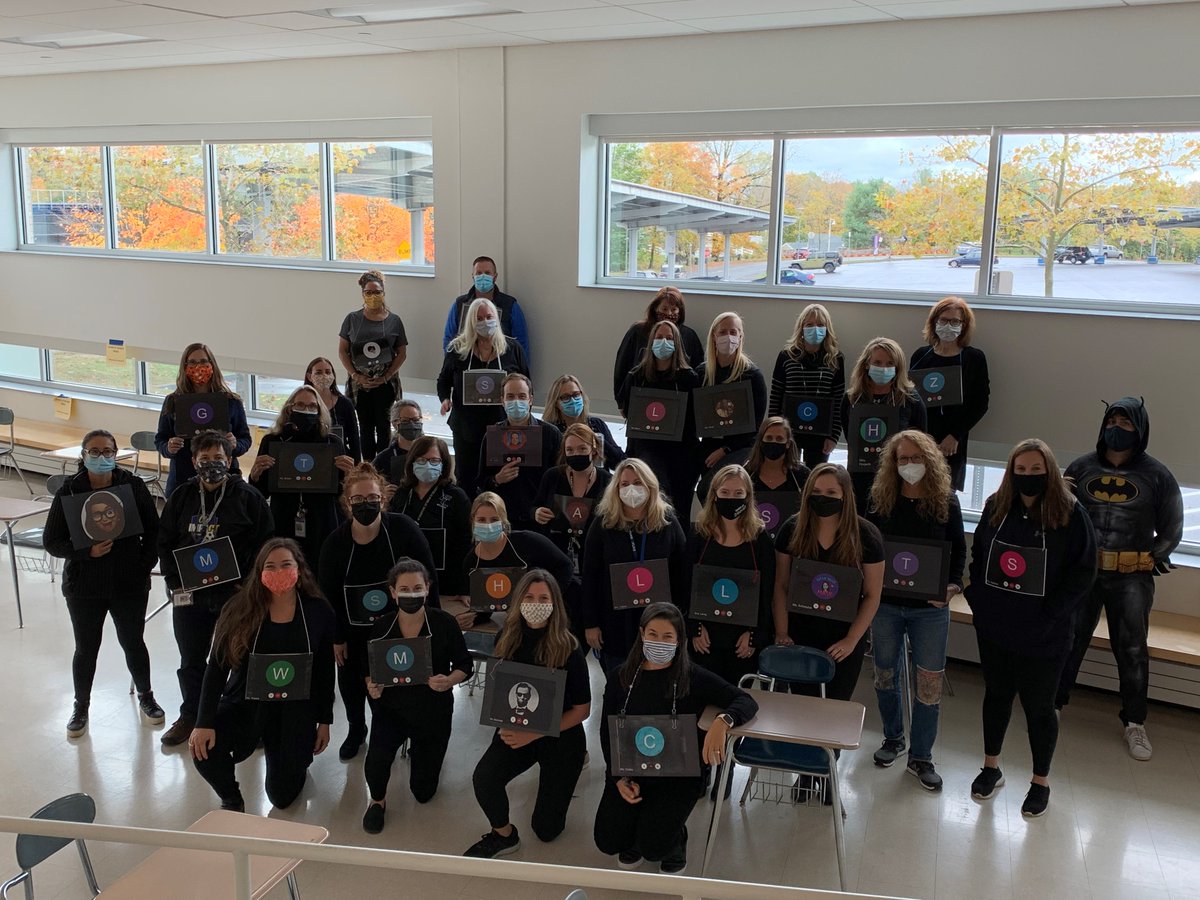
A little message to all Falcons from our Faculty. There are always silver linings to be found in every situation. Even this one: https://t.co/YplyT5q9mM
Trying to stay organized for weeks at a time? I modified the calendar template in #Googlesheets. Teachers can add materials, topics, etc., within the "cells" for every school day. https://t.co/GPH25EDQRG #edtech#keepctlearning
Google is rolling out two helpful updates for Google Meet:
🌟 Only meeting creators can mute or remove other participants
🌟Meeting participants will not be able to re-join meetings
Full blog post: https://t.co/6pSbbRO38K
#elearning#remotelearning#GoogleEDU