Omarchy just landed a "traditional desktop" mode on Dev: floating workspaces + a dock.
I'm building Classic Desktop on top of it. Pick Windows or Mac and your hands feel at home: taskbar & Start menu, Win/⌘+arrow snapping, Alt+Tab with previews.
Omarchy is getting a per-workspace or global option to run as a traditional desktop with a dock. Great set of training wheels for anyone new to tiling window managers who need a safe space until it clicks!
Comes with Alt+Tab, minimization, left/right/top/bottom positioning.
@martiano@omarchy@dhh No VM. iPadOS gives apps no hypervisor, so it's an iSH-style Linux syscall layer (a LinPad fork) running stock ARM64 binaries via JIT. GPU: Venus to KosmicKrisp (Vulkan on Metal), zink for GL.
M1 iPad Pro: ~66 fps full-screen terminal flood with JIT, 25 without. ~1.7 GB idle.
Try Omarchy, but on an iPad.
Stock Hyprland 0.56 and Omarchy 4.0.6 on unmodified Arch Linux ARM, running inside an iPadOS app on an M1 iPad Pro. No jailbreak. Very much a work in progress.
First-run copy inspired by @martiano's Try Omarchy. cc @omarchy@dhh
@martiano@omarchy@dhh@JoshuaSWarren@henrikklee@tcballard Started from LinPad (iSH), swapping Alpine for Arch. JIT now works on iPadOS 26 (~2.6x the interpreter's fps, 1-min test). GLES 3.1 via zink → Venus → KosmicKrisp.
Next: KMS and evdev in the emulator, so Omarchy drives the screen itself.
@martiano@omarchy@dhh Big week for Linux on Apple hardware: @JoshuaSWarren booted Omarchy on an M6 Mac mini, @henrikklee got it running natively on an iPad 6, and @tcballard got Linux up on an iPad mini 4, with Omarchy next.
I'm taking the other route: keep iPadOS, run Omarchy in an app.
Yesterday I asked: replace Omarchy's update icon, or sit next to it? Next to it.
If the rocket is too much, you can hide it, and a single notification still tells you when something's ready.
Would someone new to Linux understand these eight icons without help?
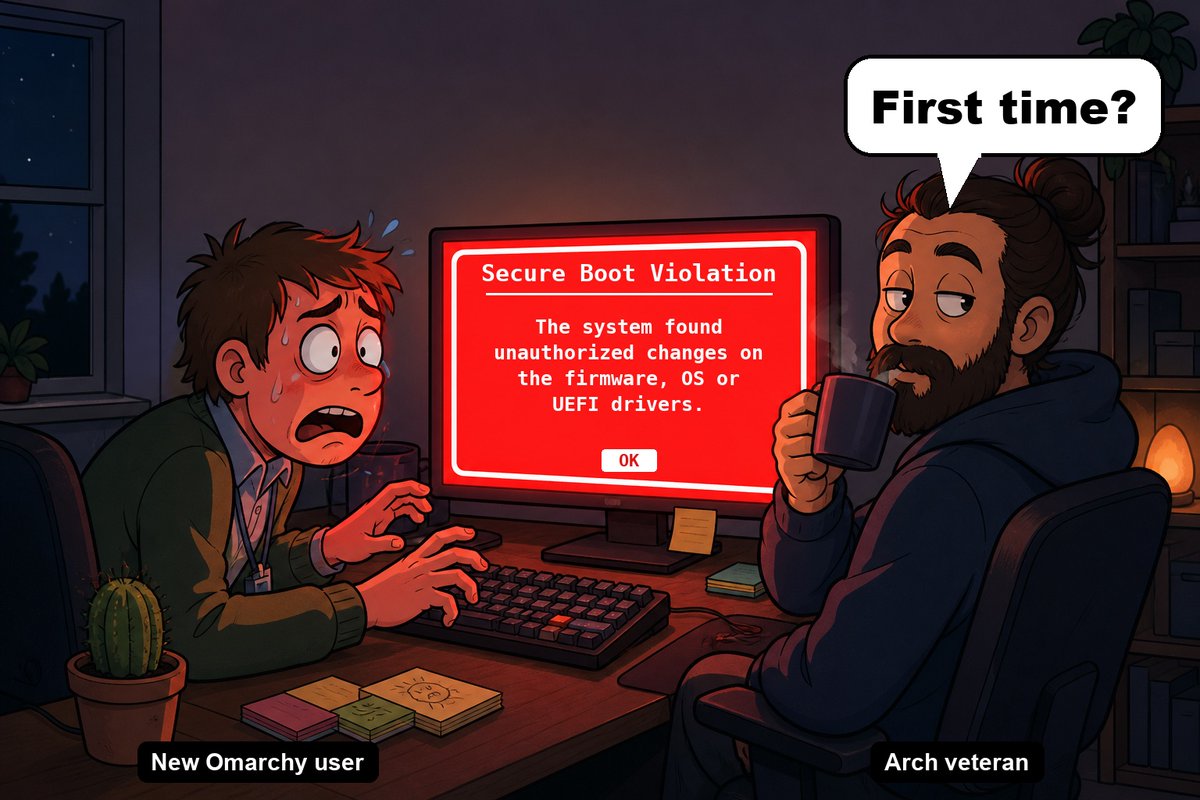
Most people aren't developers. To them a terminal is a developer-only tool, and a red screen means "it's broken."
Today an Omarchy update showed me both. 🧵
And no red screen. A warning only shows when there's something to read first, and it looks like a warning, not like a crash.
Restart to update already works on my own PC: restore point first, 3 packages in 6 seconds, back to the login screen.
Not Korean-only: macOS offers this for other non-Latin input sources too (Chinese, Japanese, Russian…). Untested there. If that's you, please add to:
https://t.co/dn8keDkUVV
Write-up: https://t.co/UX32qrPoHt
On a Korean Mac, Caps Lock is the 한/영 key. In Try Omarchy it did nothing inside the VM. Fixed after 15 rounds of real-key testing 🧵
https://t.co/nycJRz7kwc