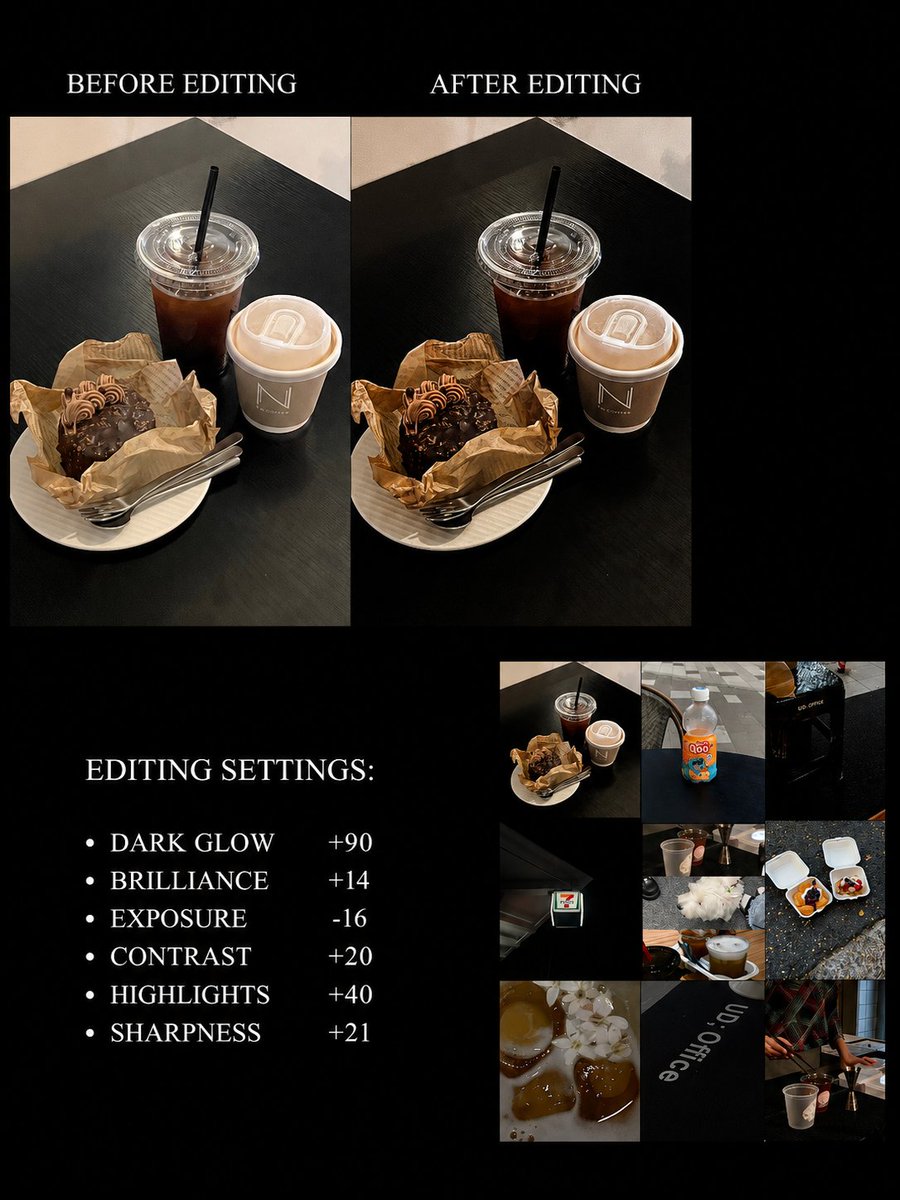
Finally cracked the code on this dark
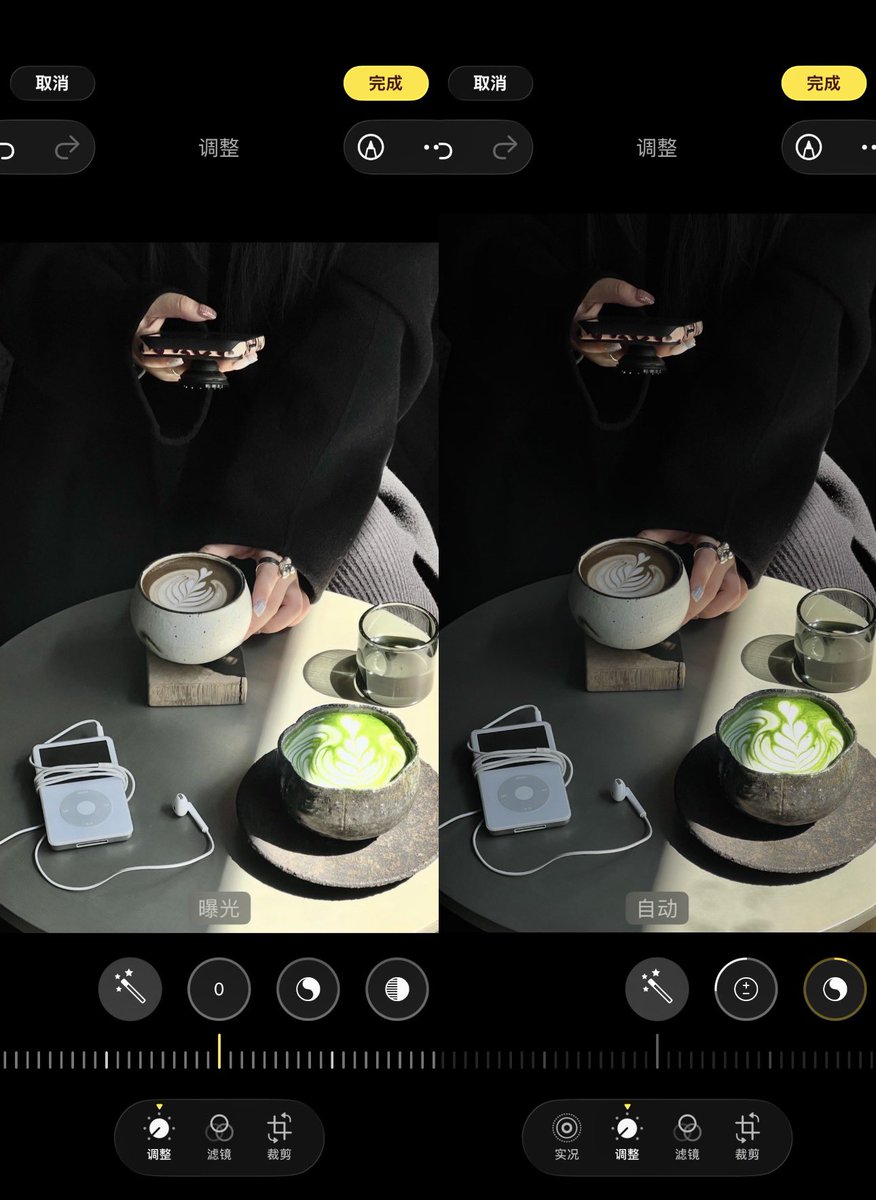
aesthetic filter! Get this filter color grading down and your photos will have such a classy vibe!
•Exposure -35
•Brilliance -20
•Contrast +5
•Brightness -10
•Saturation -10
•Vibrance +5
•Tint - 10
•Sharpness +15
•Clarity +30
You might need to tweak these a bit depending on your lighting
📱Device: iPhone
📸Editing: iPhone's built-in editor
Quick tips: When shooting, dial down that exposure, pick a darker background, zoom in a bit (usually 1.5-3x works great), and keep your background simple for that classy look
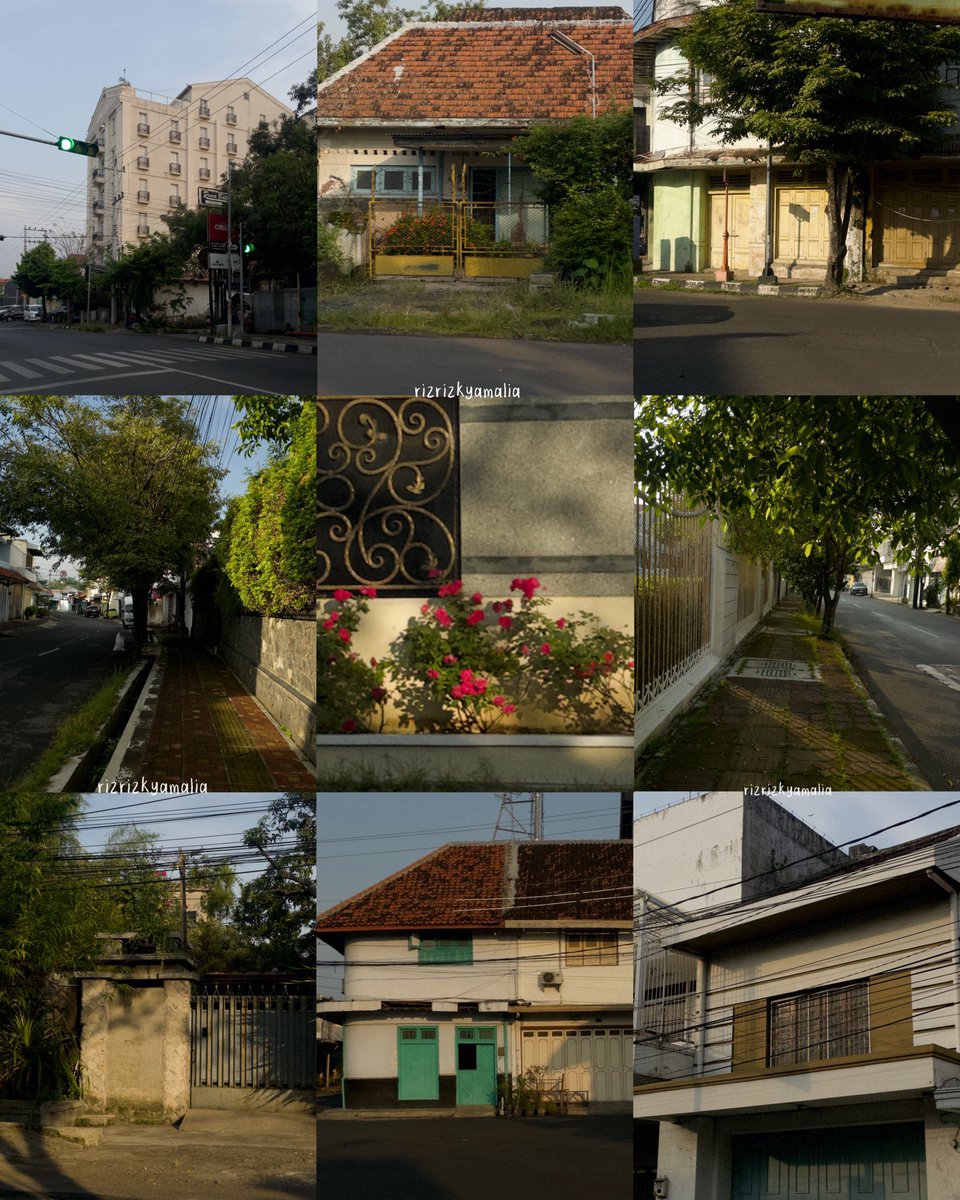
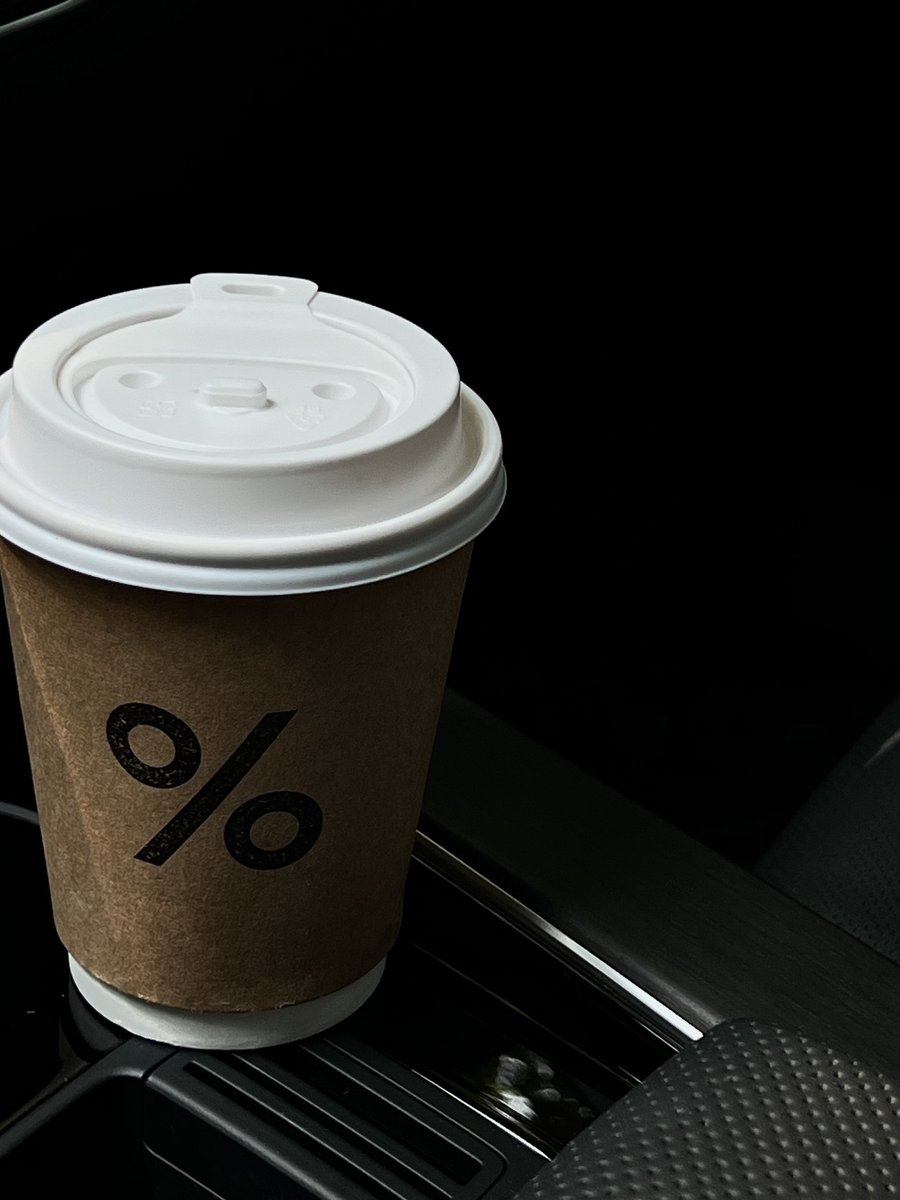
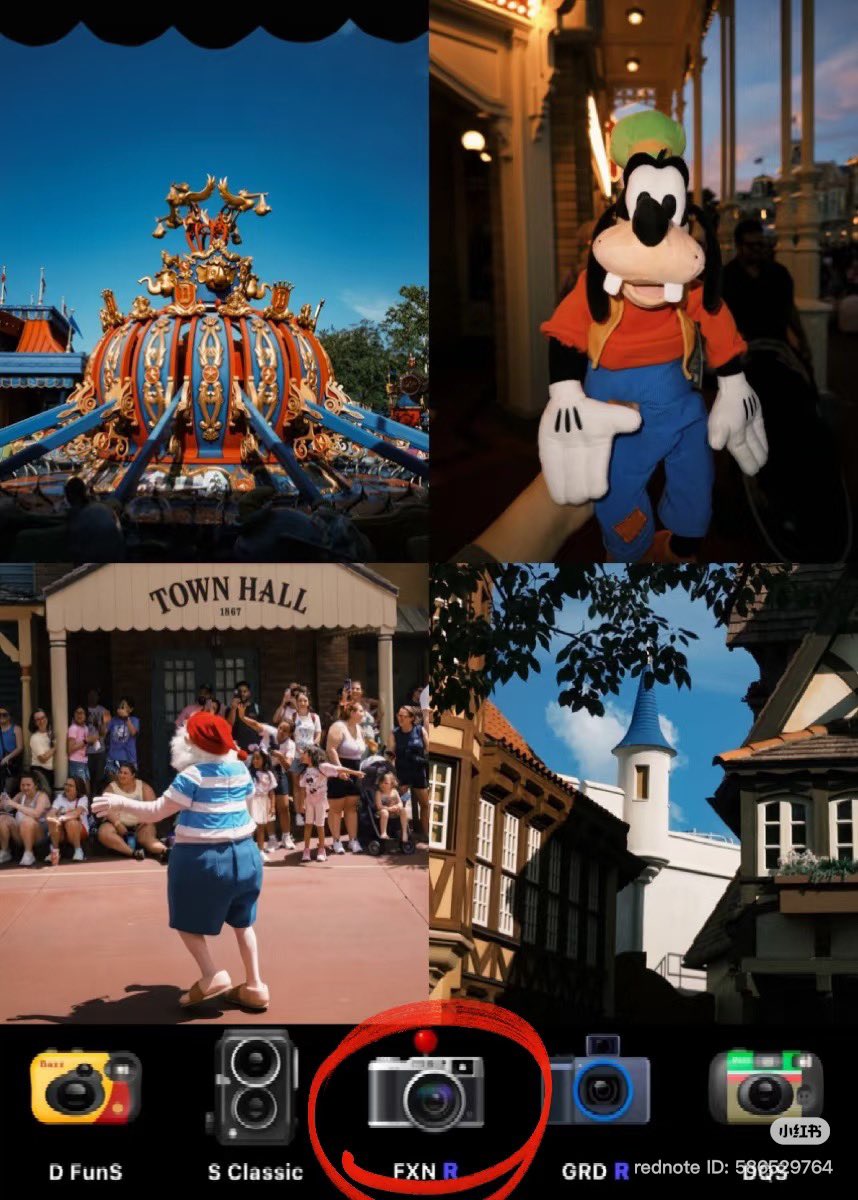
iPhone color grading 🥯 Here's how I get that moody food filter‼️ Instantly gives it a more premium feel.
📷: iPhone
🎨: Edited with the original iPhone camera
Here are the settings I used:
▪️Brilliance -35
▪️Highlights -75
▪️Contrast +5
▪️Black Point +15
▪️Natural Saturation -25
▪️Sharpness +100
☕️Every photo has its own lighting, so feel free to tweak these settings a bit to get the look you want.