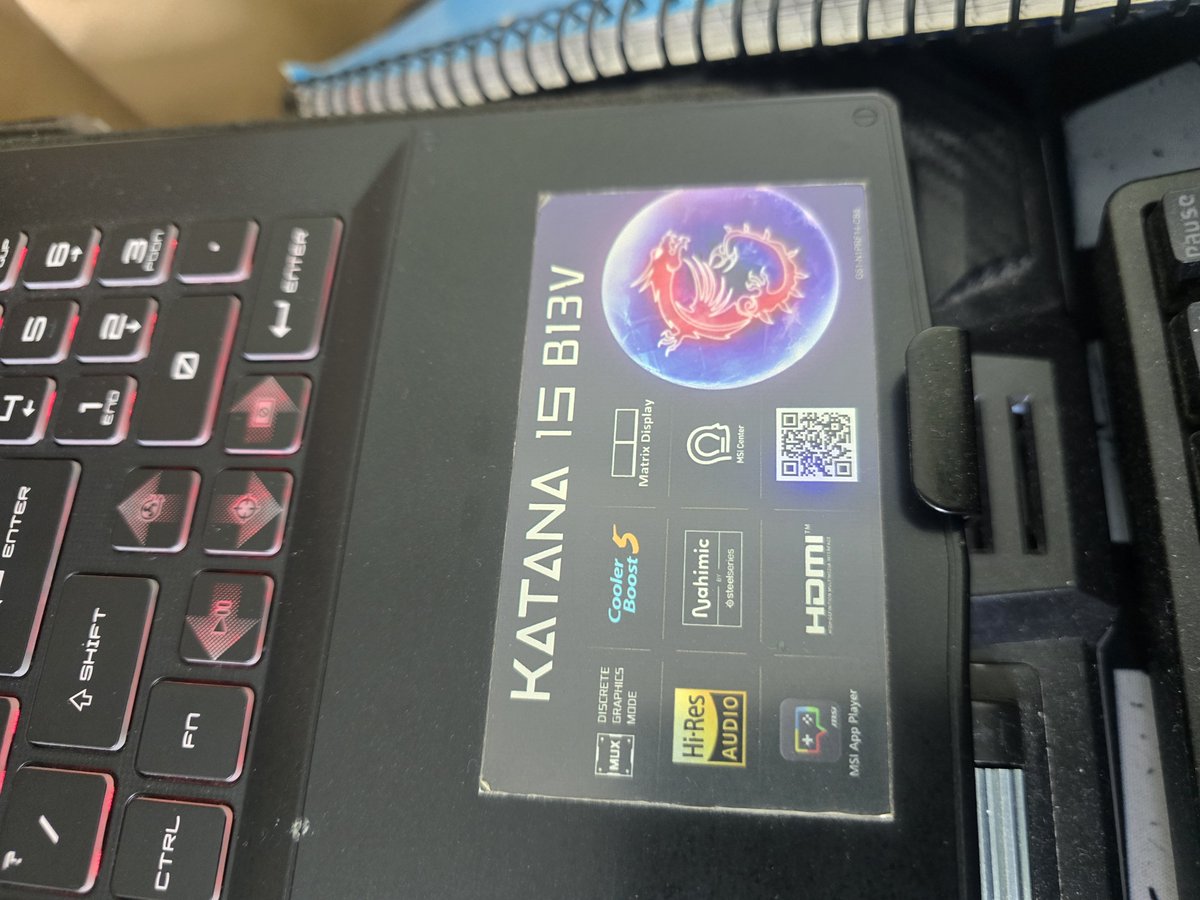
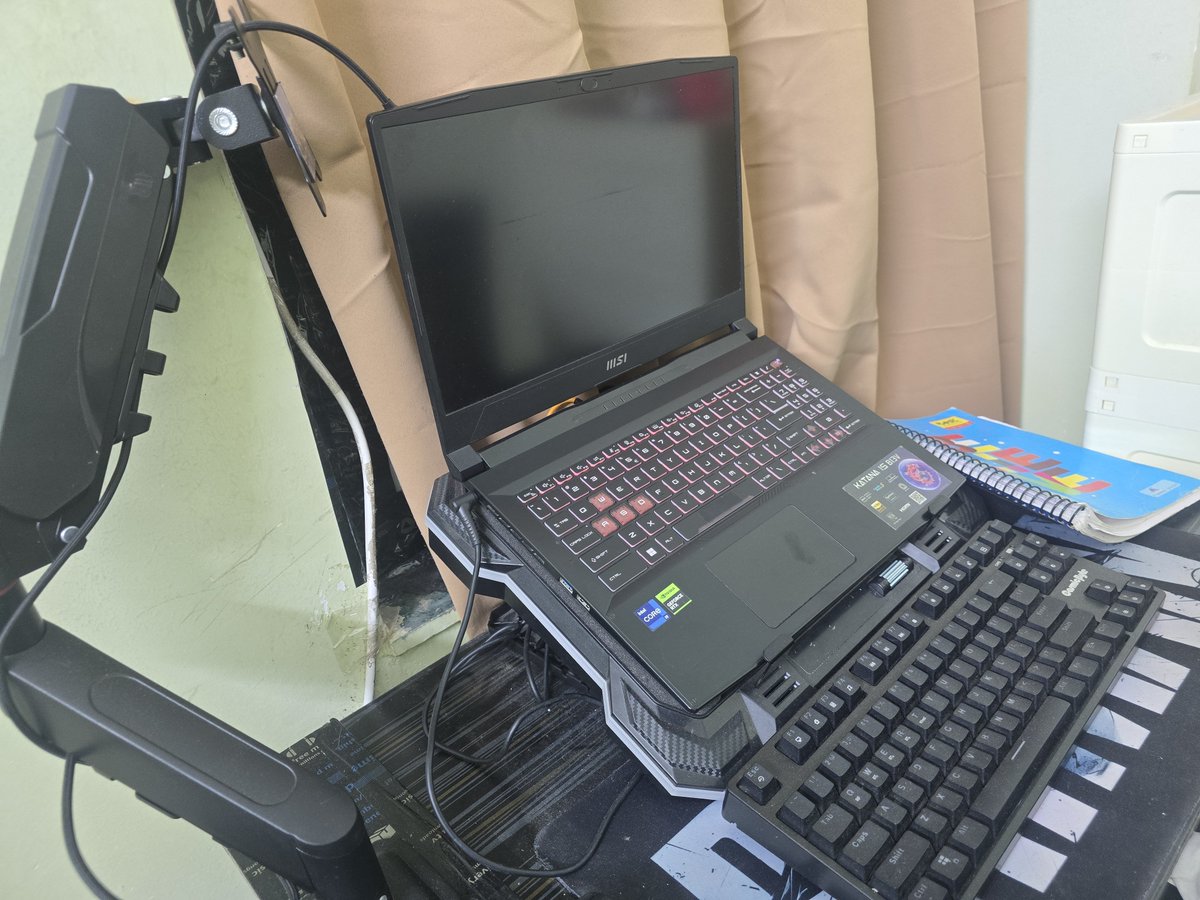
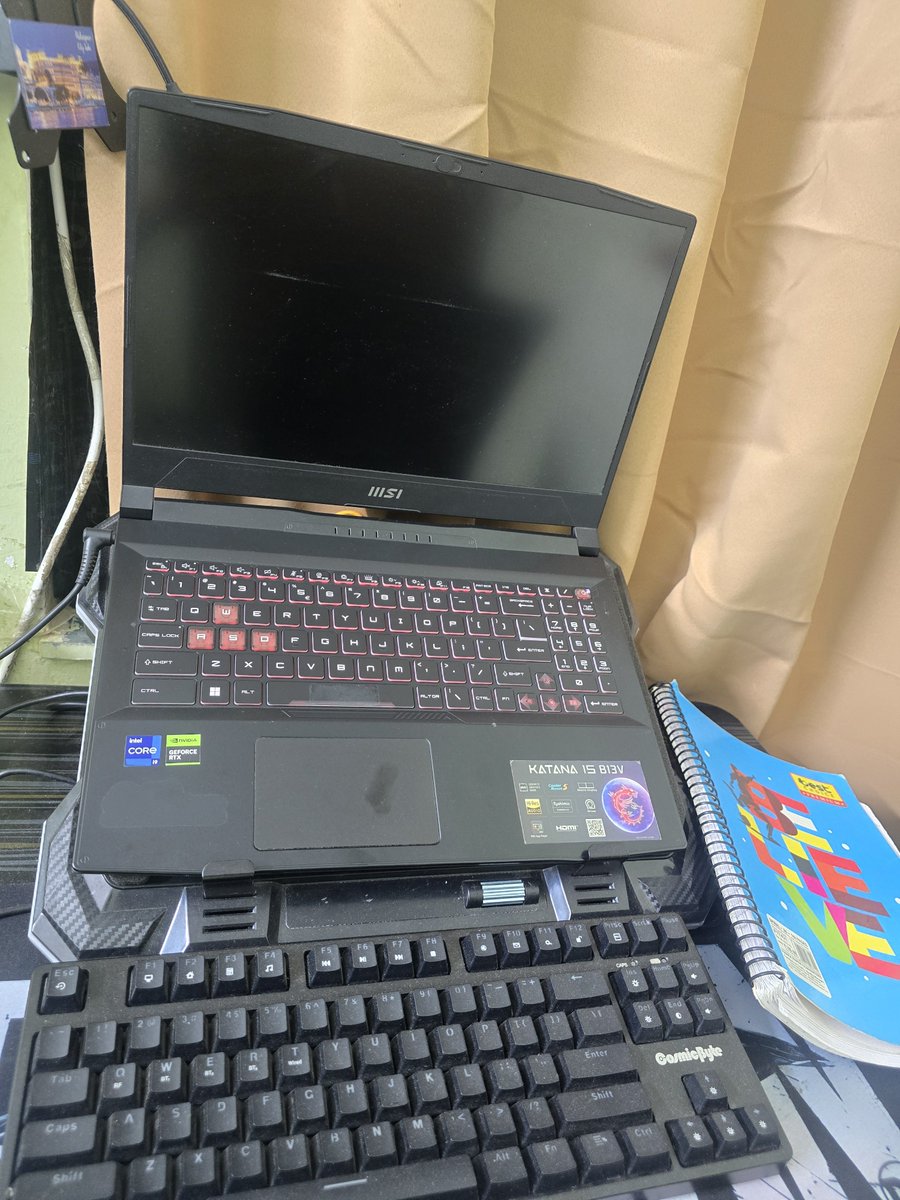
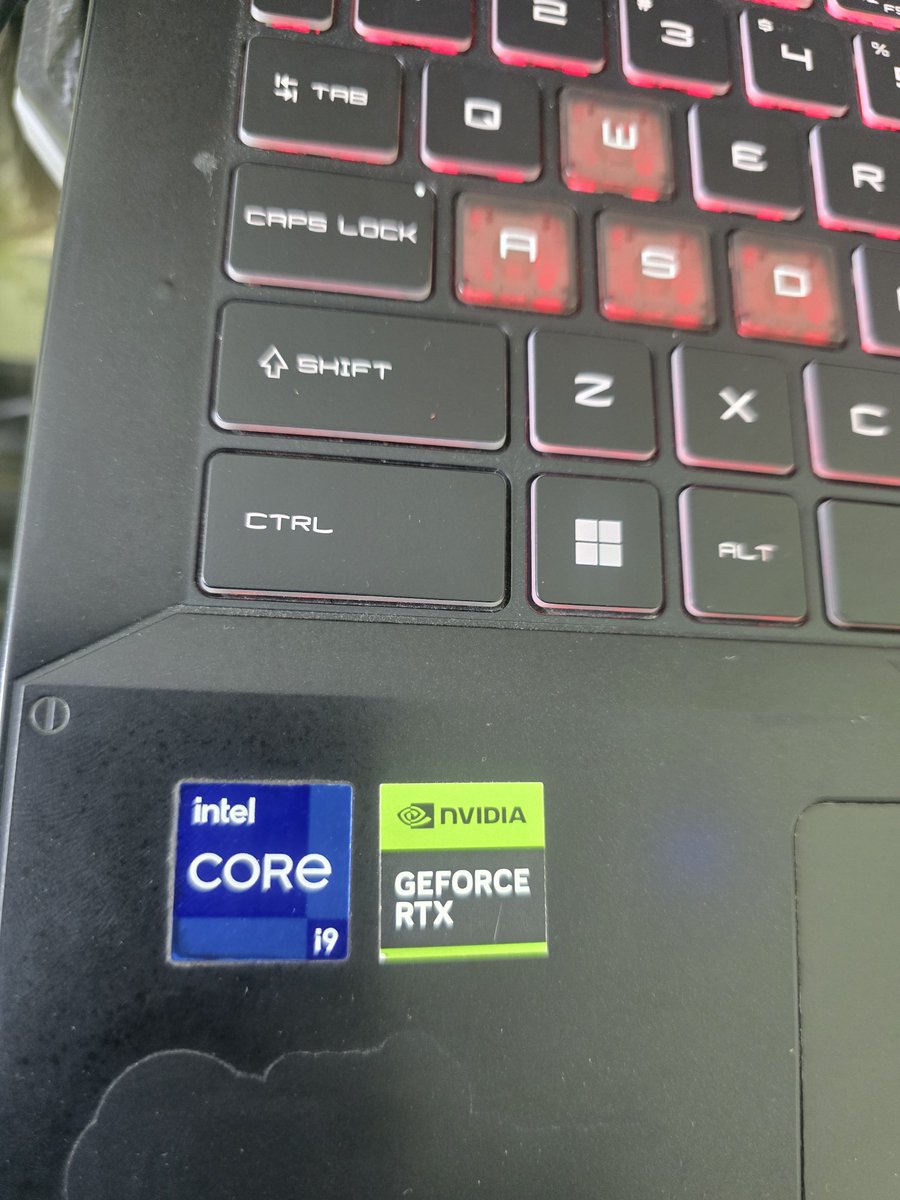
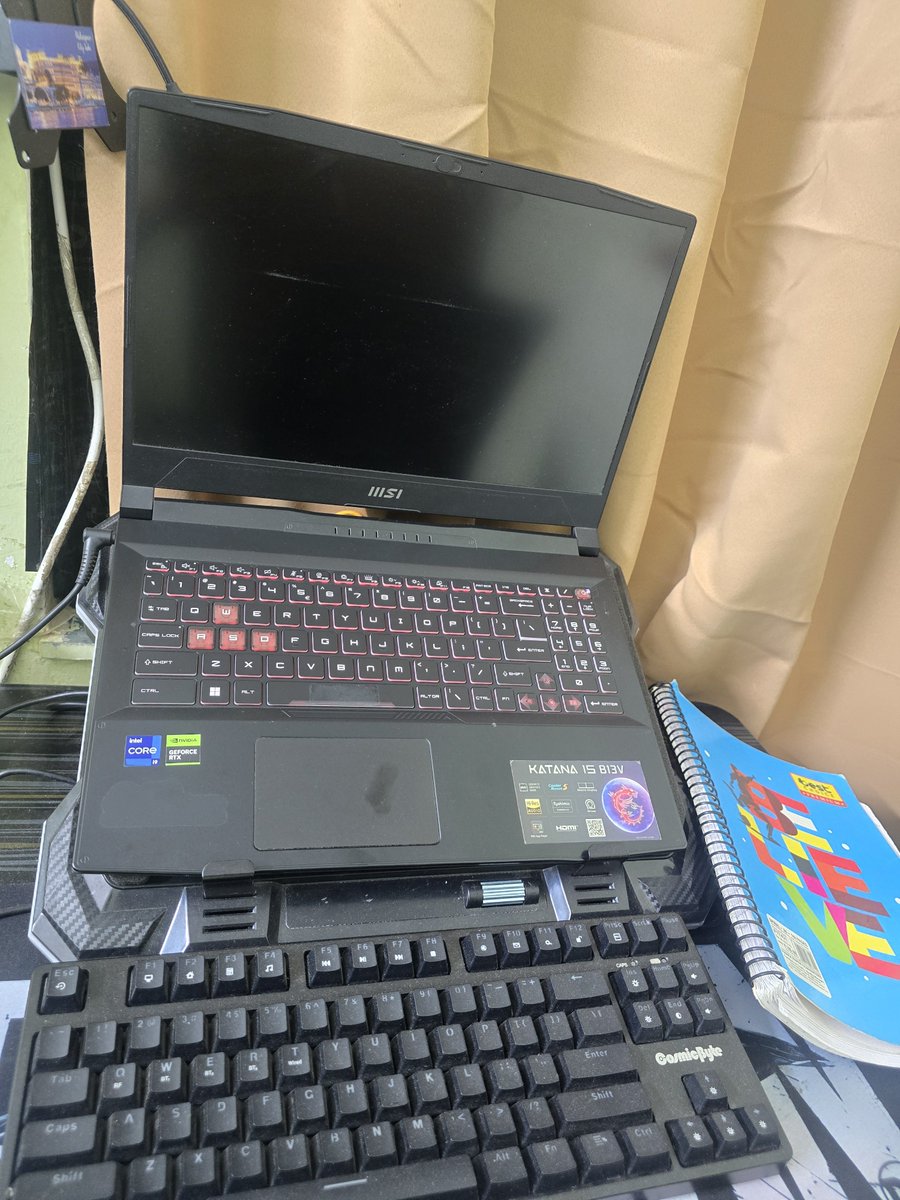
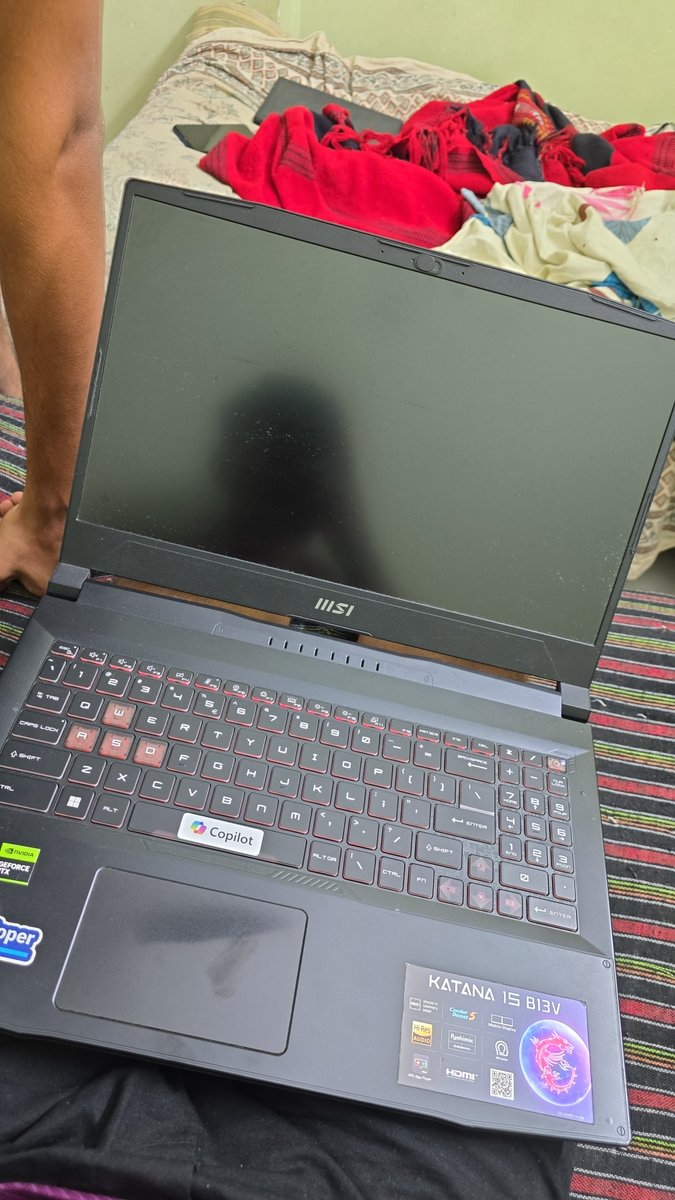
@MSI@MSICares@VenomsTech Please look into this serious issue with my MSI Katana 15 B13VFK-843IN (i9-13900H + RTX 4060 8GB + MUX Switch).
The laptop powers on and keyboard/Fn functions work, but there’s no display on either the internal screen or HDMI monitor. I’ve tried power discharge, unplugging, RAM reseating, multiple power cycles and even a complete Windows reset/reinstall. It worked temporarily, but the issue returned.
Sometimes I have to turn it ON/OFF 50+ times before the display randomly comes back. I’ve also found many users reporting similar issues, with BIOS/firmware or motherboard-level problems being suspected.
I bought this laptop as a student for AI/ML studies and projects, and this issue is seriously affecting my work.
MSI, please investigate this issue and provide a permanent solution. @VenomsTech, since you recommend MSI laptops, please help bring this issue to MSI’s attention.
A laptop that needs 50+ power cycles just to display an image is not reliable enough for study or professional work.
#MSIIndia@msitweets@MSICares
I’m facing a serious recurring no-display issue on my MSI Katana 15 B13VFK-843IN (Intel Core i9-13900H, RTX 4060 8GB, MUX Switch).
The laptop powers on and the keyboard/Fn functions work, but there is no display on either the internal screen or an external HDMI monitor.
I have already tried power discharge, completely unplugging the laptop, RAM cleaning/reseating, multiple power cycles and other basic troubleshooting. I also completely reset/reinstalled Windows once. It worked for some time, but the same problem returned.
Sometimes I have to turn it ON/OFF repeatedly, even 50+ times, before the display randomly comes back. This has made the laptop extremely unreliable.
I have found many similar user reports online, and several repair technicians are pointing towards a possible BIOS/firmware or motherboard-level issue. I am not claiming this as the confirmed cause, but MSI should properly investigate it.
I purchased this laptop as a student specifically for AI/ML studies, development and projects, because the i9 + RTX 4060 configuration offered strong performance at a student-friendly price. I also upgraded the RAM for my work.
@MSI_India please investigate this recurring issue and provide a proper permanent solution.@VenomsTech , since you have recommended/promoted MSI laptops, please help bring this issue to MSI’s attention.
A laptop that sometimes requires 50+ power cycles just to produce a display is not reliable enough for study or professional work.
#MSIIndia@msitweets@MSICares
I’m facing a serious recurring no-display issue on my MSI Katana 15 B13VFK-843IN (Intel Core i9-13900H, RTX 4060 8GB, MUX Switch).
The laptop powers on and the keyboard/Fn functions work, but there is no display on either the internal screen or an external HDMI monitor.
I have already tried power discharge, completely unplugging the laptop, RAM cleaning/reseating, multiple power cycles and other basic troubleshooting. I also completely reset/reinstalled Windows once. It worked for some time, but the same problem returned.
Sometimes I have to turn it ON/OFF repeatedly, even 50+ times, before the display randomly comes back. This has made the laptop extremely unreliable.
I have found many similar user reports online, and several repair technicians are pointing towards a possible BIOS/firmware or motherboard-level issue. I am not claiming this as the confirmed cause, but MSI should properly investigate it.
I purchased this laptop as a student specifically for AI/ML studies, development and projects, because the i9 + RTX 4060 configuration offered strong performance at a student-friendly price. I also upgraded the RAM for my work.
@MSI_India please investigate this recurring issue and provide a proper permanent solution.@VenomsTech , since you have recommended/promoted MSI laptops, please help bring this issue to MSI’s attention.
A laptop that sometimes requires 50+ power cycles just to produce a display is not reliable enough for study or professional work.
#MSIIndia@msitweets@MSICares
I’m facing a serious recurring no-display issue on my MSI Katana 15 B13VFK-843IN (Intel Core i9-13900H, RTX 4060 8GB, MUX Switch).
The laptop powers on and the keyboard/Fn functions work, but there is no display on either the internal screen or an external HDMI monitor.
I have already tried power discharge, completely unplugging the laptop, RAM cleaning/reseating, multiple power cycles and other basic troubleshooting. I also completely reset/reinstalled Windows once. It worked for some time, but the same problem returned.
Sometimes I have to turn it ON/OFF repeatedly, even 50+ times, before the display randomly comes back. This has made the laptop extremely unreliable.
I have found many similar user reports online, and several repair technicians are pointing towards a possible BIOS/firmware or motherboard-level issue. I am not claiming this as the confirmed cause, but MSI should properly investigate it.
I purchased this laptop as a student specifically for AI/ML studies, development and projects, because the i9 + RTX 4060 configuration offered strong performance at a student-friendly price. I also upgraded the RAM for my work.
@MSI_India please investigate this recurring issue and provide a proper permanent solution.@VenomsTech , since you have recommended/promoted MSI laptops, please help bring this issue to MSI’s attention.
A laptop that sometimes requires 50+ power cycles just to produce a display is not reliable enough for study or professional work.
#MSIIndia @msitweets@MSICaresares
I’m facing a serious recurring no-display issue on my MSI Katana 15 B13VFK-843IN (Intel Core i9-13900H, RTX 4060 8GB, MUX Switch).
The laptop powers on and the keyboard/Fn functions work, but there is no display on either the internal screen or an external HDMI monitor.
I have already tried power discharge, completely unplugging the laptop, RAM cleaning/reseating, multiple power cycles and other basic troubleshooting. I also completely reset/reinstalled Windows once. It worked for some time, but the same problem returned.
Sometimes I have to turn it ON/OFF repeatedly, even 50+ times, before the display randomly comes back. This has made the laptop extremely unreliable.
I have found many similar user reports online, and several repair technicians are pointing towards a possible BIOS/firmware or motherboard-level issue. I am not claiming this as the confirmed cause, but MSI should properly investigate it.
I purchased this laptop as a student specifically for AI/ML studies, development and projects, because the i9 + RTX 4060 configuration offered strong performance at a student-friendly price. I also upgraded the RAM for my work.
@MSI_India please investigate this recurring issue and provide a proper permanent solution.@VenomsTech , since you have recommended/promoted MSI laptops, please help bring this issue to MSI’s attention.
A laptop that sometimes requires 50+ power cycles just to produce a display is not reliable enough for study or professional work.
#MSIIndia@msitweets@MSICares
I’m facing a serious recurring no-display issue on my MSI Katana 15 B13VFK-843IN (Intel Core i9-13900H, RTX 4060 8GB, MUX Switch).
The laptop powers on and the keyboard/Fn functions work, but there is no display on either the internal screen or an external HDMI monitor.
I have already tried power discharge, completely unplugging the laptop, RAM cleaning/reseating, multiple power cycles and other basic troubleshooting. I also completely reset/reinstalled Windows once. It worked for some time, but the same problem returned.
Sometimes I have to turn it ON/OFF repeatedly, even 50+ times, before the display randomly comes back. This has made the laptop extremely unreliable.
I have found many similar user reports online, and several repair technicians are pointing towards a possible BIOS/firmware or motherboard-level issue. I am not claiming this as the confirmed cause, but MSI should properly investigate it.
I purchased this laptop as a student specifically for AI/ML studies, development and projects, because the i9 + RTX 4060 configuration offered strong performance at a student-friendly price. I also upgraded the RAM for my work.
@MSI_India please investigate this recurring issue and provide a proper permanent solution.@VenomsTech , since you have recommended/promoted MSI laptops, please help bring this issue to MSI’s attention.
A laptop that sometimes requires 50+ power cycles just to produce a display is not reliable enough for study or professional work.
#MSIIndia@msitweets@MSICares
I’m facing a serious recurring no-display issue on my MSI Katana 15 B13VFK-843IN (Intel Core i9-13900H, RTX 4060 8GB, MUX Switch).
The laptop powers on and the keyboard/Fn functions work, but there is no display on either the internal screen or an external HDMI monitor.
I have already tried power discharge, completely unplugging the laptop, RAM cleaning/reseating, multiple power cycles and other basic troubleshooting. I also completely reset/reinstalled Windows once. It worked for some time, but the same problem returned.
Sometimes I have to turn it ON/OFF repeatedly, even 50+ times, before the display randomly comes back. This has made the laptop extremely unreliable.
I have found many similar user reports online, and several repair technicians are pointing towards a possible BIOS/firmware or motherboard-level issue. I am not claiming this as the confirmed cause, but MSI should properly investigate it.
I purchased this laptop as a student specifically for AI/ML studies, development and projects, because the i9 + RTX 4060 configuration offered strong performance at a student-friendly price. I also upgraded the RAM for my work.
@MSI_India please investigate this recurring issue and provide a proper permanent solution.@VenomsTech , since you have recommended/promoted MSI laptops, please help bring this issue to MSI’s attention.
A laptop that sometimes requires 50+ power cycles just to produce a display is not reliable enough for study or professional work.
@VenomsTech
This is heartbreaking, truly heartbreaking. I am sad and angry. Atul Subhash, an AI engineer, tragically took his own life after enduring constant harassment from the court and his ex-wife over alimony. 💔 #JusticeForAtulSubhash
Thank you for sharing the story of my father, Anil Bishnoi, and highlighting our dedication to protecting nature and wildlife. We are deeply grateful for your support. Proud to be Bishnoi!
@dhruv_rathee , @aniljeevpremi#dhruvrathee#anilbishnoi
@saharan_anuj_ Bhai please instagram per ek I'd hai. Uska Ilaaj karo please bahut galat likhta hai Shri Krishna ke bare mein. @its_muslim786. Ye hai vo
https://t.co/qlVDvOkMdo