This stuff isn't in YouTube tutorials.
You learn it by watching real users complain about lag.
What's your favorite RN performance trick?
Drop it below 👇
#ReactNative#MobileDev
Pro tip 💡
Open RN performance monitor:
Dev menu → Show Perf Monitor
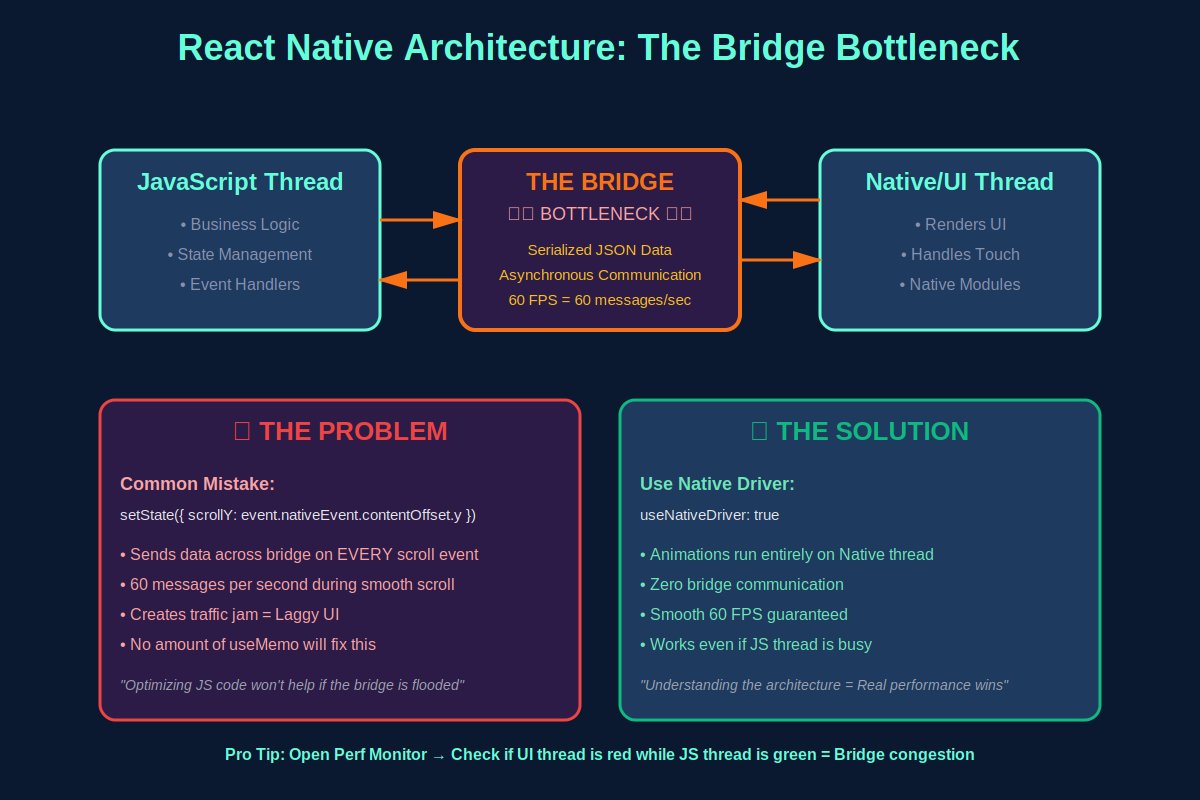
JS thread green but UI thread red?
= Bridge congestion
This is what shipping apps to 100K+ users teaches you 😅
Real performance wins aren't in your React code.
They're in understanding the architecture underneath.
Clean JavaScript won't help if you're flooding the bridge with unnecessary communications.
✅ Solution 4: Embrace the new architecture
Fabric + TurboModules remove the bridge entirely.
JSI (JavaScript Interface) enables synchronous native calls.
The future of RN performance is here.
✅ Solution 2: Batch state updates
Don't update on every scroll event. Use requestAnimationFrame or throttle.
✅ Solution 3: Keep heavy computations OFF the JS thread
Use native modules for image processing & complex calculations.
Every time you do this:
this.setState({
scrollY: event.nativeEvent.contentOffset.y
})
You're sending serialized JSON across the bridge.
60 times per second during scroll.
The bridge becomes a highway traffic jam 🚗🚗🚗
I see this ALL the time:
- Developer adds useMemo everywhere
- Wraps everything in useCallback
- Reduces re-renders to zero
App still lags. UX still choppy.
Why? They're optimizing the wrong thing.
Your React Native app isn't slow because of JavaScript.
It's slow because of the bridge.
Here's what 90% of developers get wrong about RN performance 🧵
Just tested the @finnaprotocol web app from end to end (signup to loan disbursement)! :tada:
Smooth stuff!
You don't have to sell your USDT for naira anymore. Stake it for local fiat.
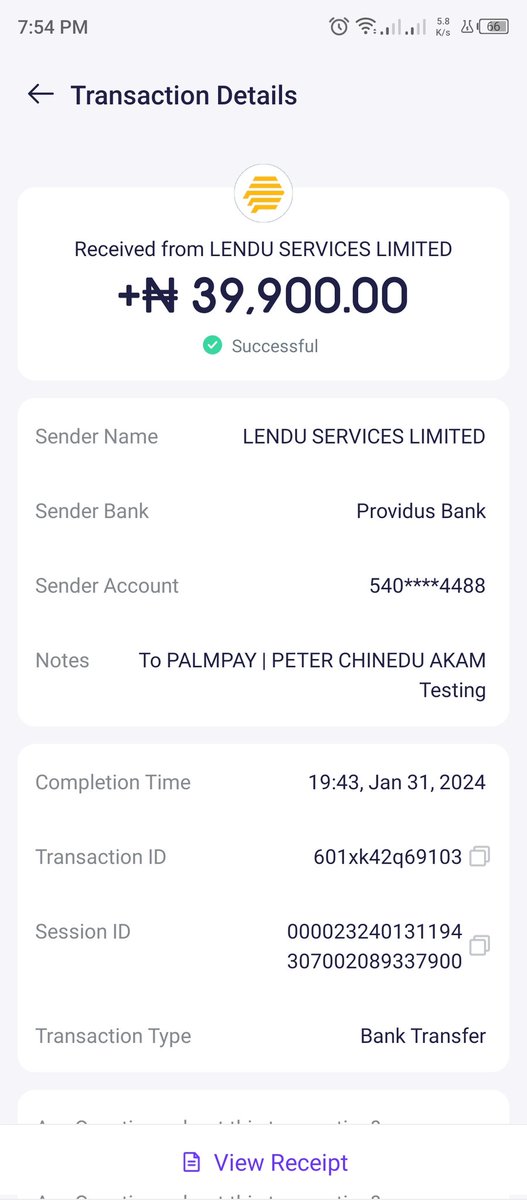
Loan received :point_down
ICYMI:
Our new CEO @_RichardTeng released his first blog, covering all the plans and targets of #Binance as we move into this next chapter of the company.
Start reading here 👇
https://t.co/dmEWkBXGMR