Top 20 Python one-liners
𝗗𝗔𝗧𝗔 𝗤𝗨𝗔𝗟𝗜𝗧𝗬
df.duplicated() — find duplicate rows
df.isna().sum() — count missing values per column
df.describe() — get a full statistics summary instantly
𝗖𝗟𝗘𝗔𝗡𝗜𝗡𝗚
df.drop_duplicates(keep='last') — remove duplicates, keep the latest
df.fillna() — handle missing values
df.replace({dict}) — replace multiple values at once
df.str.contains() — filter text columns without regex headaches
df.clip() — cap outliers without removing them from your dataset
𝗔𝗡𝗔𝗟𝗬𝗦𝗜𝗦
df.value_counts(normalize=True) — calculate percentages instantly
pd.crosstab() — create a pivot summary in one line
df.groupby().nlargest() — get the top N results per group
𝗧𝗥𝗔𝗡𝗦𝗙𝗢𝗥𝗠𝗔𝗧𝗜𝗢𝗡
pd.cut() — create bins from continuous numbers
df.merge() — join two dataframes
df.pivot_table() — create flexible pivots
df.assign() — add new columns without overwriting your original dataframe
df.explode() — unnest list columns into individual rows
df.pipe() — chain multiple operations cleanly in sequence
𝗦𝗘𝗟𝗘𝗖𝗧𝗜𝗢𝗡 & 𝗦𝗢𝗥𝗧𝗜𝗡𝗚
df.query() — filter with readable syntax instead of brackets
df.nlargest(n, 'col') — get the top N rows by column value
df.sort_values() — sort by one or multiple columns
#python
@elonmusk I appreciate the AI and all but there is a quote that humans will destroy themselves and i can see that happening anytime soon. If i am lucky i can see that before i die is what i think. @elonmusk if you are a good human please enlighten me with your answer.
Hon’ble President @realDonaldTrump
Jai Hind 🇮🇳
Sir, Pakis fooled you & America in less than 3 Hrs…and getting fooled & betrayed by Pakistanis is the highest order of humiliation one can have.
Those who love & respect President Trump…..Retweet this
@JioCare I booked Air Fiber few days back but nobody is responding. Local jio service guy told it can take 1-1.5 month as it is an online request for offline I will have to pay 2200 he will do immediately. @airtelindia 713212 pincode can you provide service?
@JPNadda निशिकांत दुबे ने कुछ भी गलत नही कहा है। जो कुछ भी कहा है वह शत प्रतिशत सत्य है। अगर जे पी नड्डा जी को निशिकांत दुबे की बात गलत लग रही है तो भाजपा से इस्तीफ़ा देकर कांग्रेस या TMC जैसी किसी पार्टी में शामिल हो जाएं क्योंकि नड्डा जी इन्ही निर्लज्ज पार्टियों की भाषा बोल रहे हैं।
चीफ जस्टिस देश में गृह युद्ध के जिम्मेदार हैं और मैं खुद यह कह रहा हूं बंगाल में हिंदुओं
के कत्ल के जिम्मेदार चीफ जस्टिस हैं
निशिकांत दुबे ✍️
क्या आप निशिकांत जी से सहमत हैं ?
BIG BREAKING NEWS 🚨 JN Roy Hospital of Kolkata announces that they won’t treat patients from Bangladesh.
Large number of Bangladeshis get medical treatment in India. Boycott Bangladesh gains moment
Director Subhranshu Bhakta said "Country is above all. Medical service is a noble profession but the dignity of the country is paramount"
He urges other medical institutions to also follow this path.
Between XLOOKUP and VLOOKUP
XLOOKUP is a more flexible and powerful function than VLOOKUP, providing better options for exact matches, direction flexibility, and error handling.
VLOOKUP vs XLOOKUP in Excel:
1. Data Range:
- VLOOKUP: Can only search from left to right. The lookup value must be in the first column.
- XLOOKUP: Can search in any direction (left to right, right to left, above, or below).
2. Column/Row Flexibility:
- VLOOKUP: Requires you to specify the column number of the data to return, which can break if columns are added/removed.
- XLOOKUP: Uses a range reference, so it automatically adjusts even if columns are inserted or removed.
3. Exact Match:
- VLOOKUP: Defaults to an approximate match, requiring you to specify "FALSE" for an exact match.
- XLOOKUP: Defaults to an exact match, making it more intuitive.
4. Error Handling:
- VLOOKUP: Requires IFERROR to handle errors.
- XLOOKUP: Has a built-in error-handling argument to display a custom message when no match is found.
5. Multiple Values:
- VLOOKUP: Returns one value only.
- XLOOKUP: Can return multiple values by selecting a range.
6. Performance:
- VLOOKUP: Generally slower, especially on large datasets.
- XLOOKUP: Faster, optimized for large datasets.
Most Important #SQL interview question:
𝐈𝐧𝐭𝐞𝐫𝐯𝐢𝐞𝐰𝐞𝐫 : How would you optimize a slow-running SQL query?
𝐂𝐚𝐧𝐝𝐢𝐝𝐚𝐭𝐞: 𝐂𝐡𝐚𝐥𝐥𝐞𝐧𝐠𝐞 𝐚𝐜𝐜𝐞𝐩𝐭𝐞𝐝, 𝐥𝐞𝐭'𝐬 𝐠𝐨!
To optimize a slow-running SQL query:
1. Check Indexes: Ensure that the columns used in `WHERE`, `JOIN`, and `ORDER BY` clauses have appropriate indexes.
2. Analyze Query Execution Plan: Use tools like `EXPLAIN` to see how the query is executed and identify bottlenecks.
3. Optimize Joins: Use appropriate join types (`INNER JOIN`, `LEFT JOIN`, etc.) and reduce the number of joins if possible.
4. Filter Early: Apply filters in the `WHERE` clause as early as possible to reduce the amount of data processed.
5. Limit Data: Select only the columns you need instead of using `SELECT *` and use `LIMIT` to restrict the number of rows.
6. Use Caching: Cache frequently accessed data to avoid repeated computations.
These steps should help improve the query's performance.
#DataAnalytics
DAY 1 OF MongoDB
What is MongoDB?
MongoDB is a popular NoSQL database that uses a document-oriented data model. Unlike traditional SQL databases that store data in tables with rows and columns, MongoDB stores data in flexible, JSON-like documents called BSON. This allows for more complex data structures and scalability.
Key Features of MongoDB
- Schema-less Design:
MongoDB allows for a flexible schema, meaning documents in the same collection can have different structures.
- High Availability:
Through replica sets, MongoDB ensures data is replicated across multiple servers.
- Horizontal Scalability:
MongoDB supports sharding, enabling the database to scale out across multiple servers.
Why Choose MongoDB?
MongoDB is particularly useful for applications that require:
- Rapid development cycles
- Large-scale, real-time data processing
- Flexibility in schema design
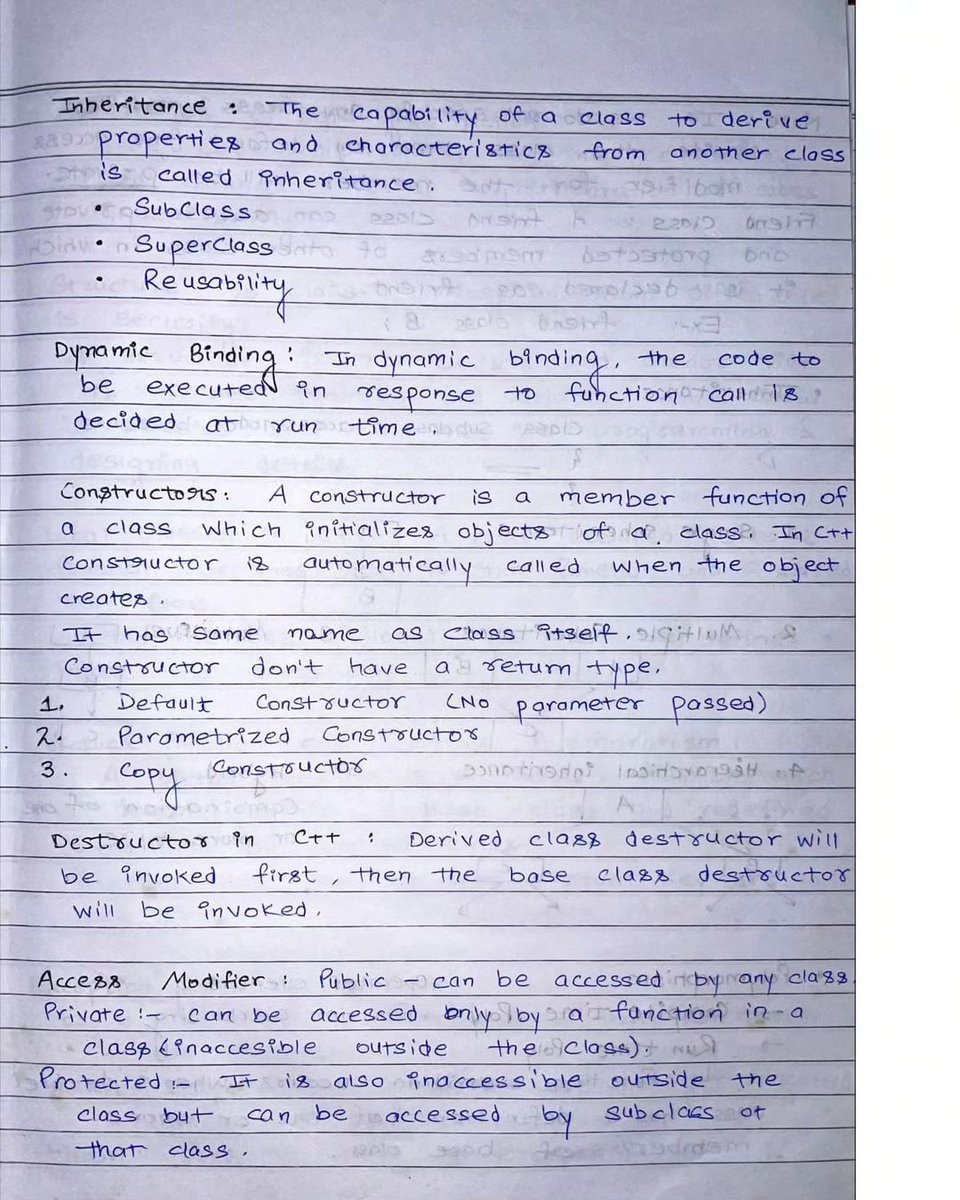
Neat and Clean OOPS Handwritten Notes 📘
Just Free Of Cost!!
Simply: 1. Follow me (So that I can DM)
2. Like and Repost
3. Comment "OOPS" to receive your copies.