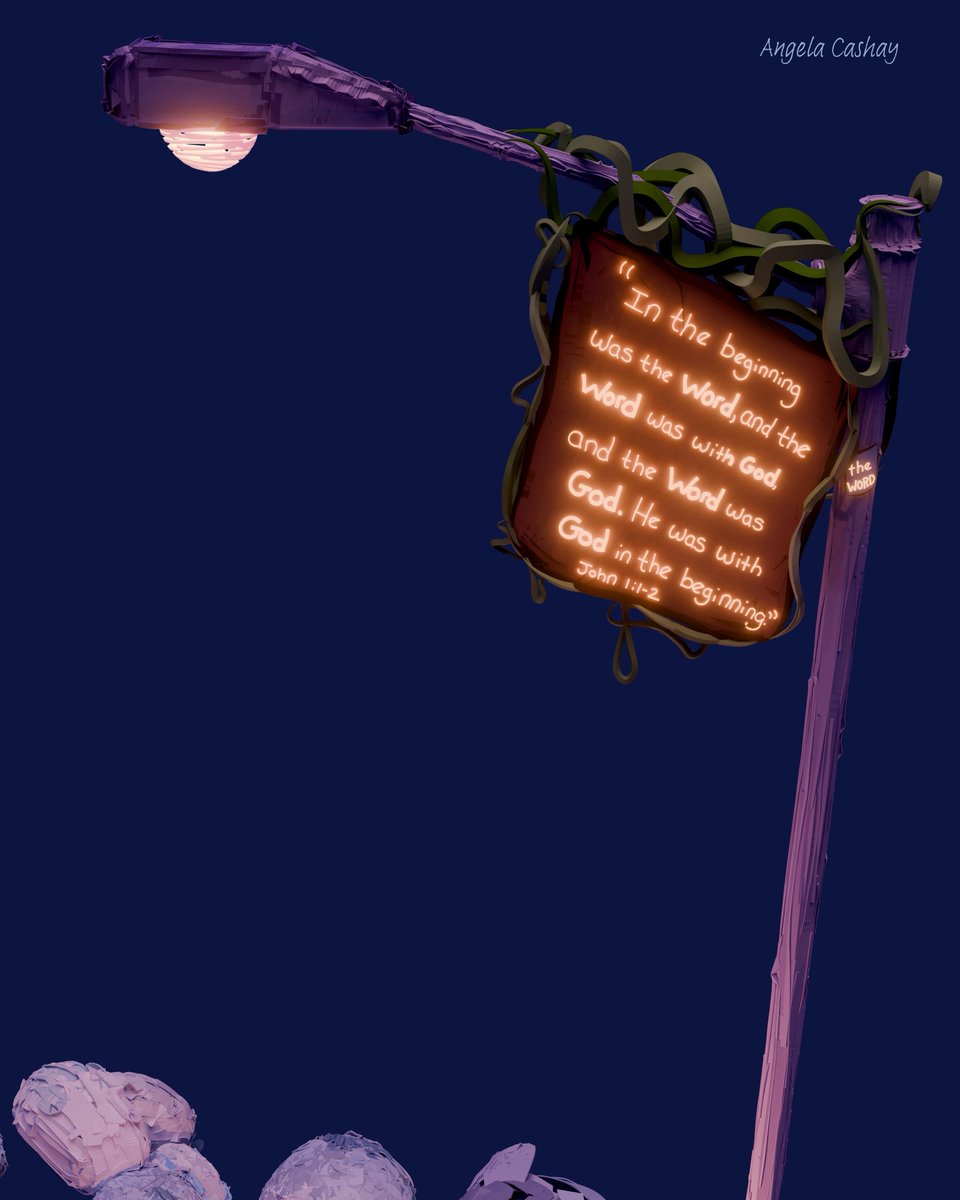
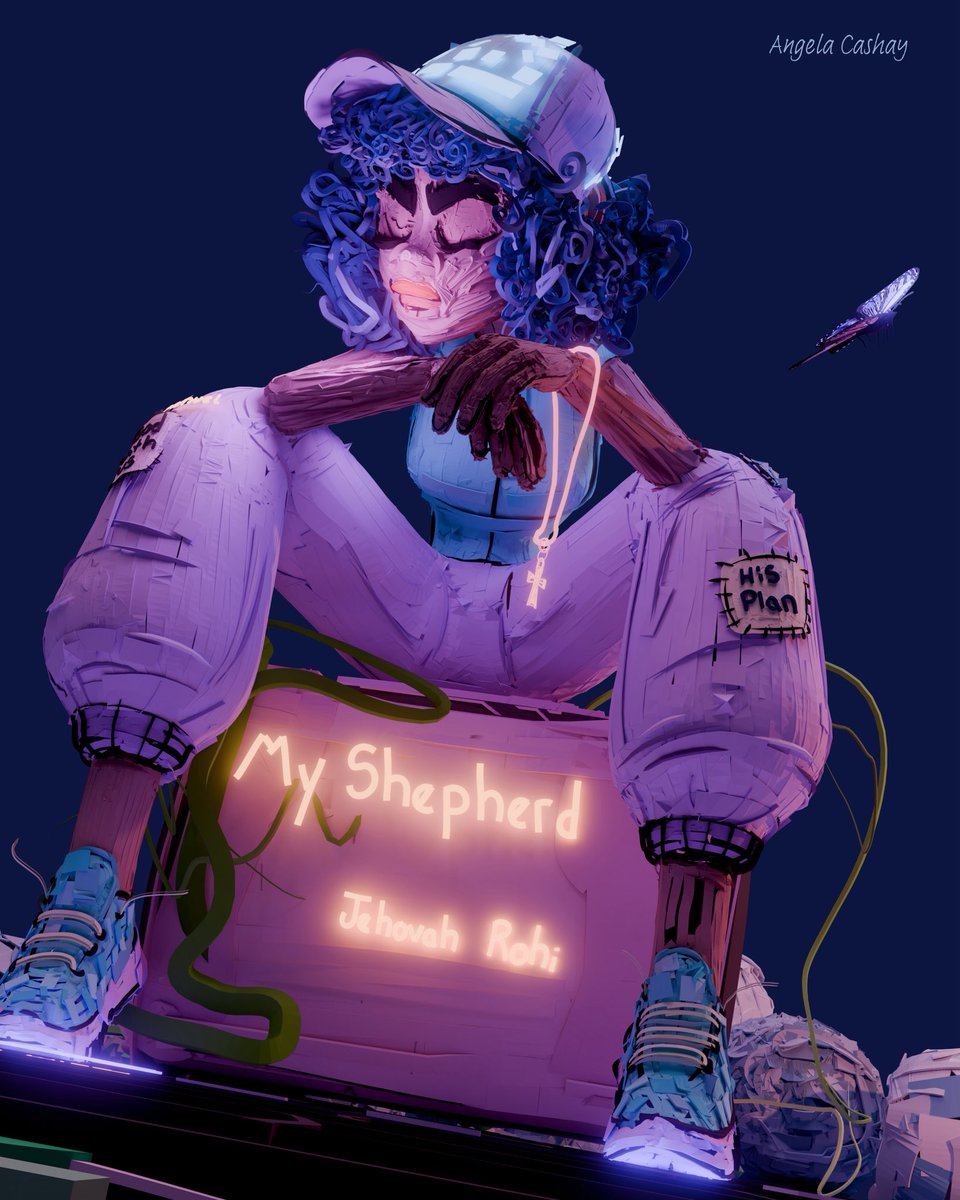
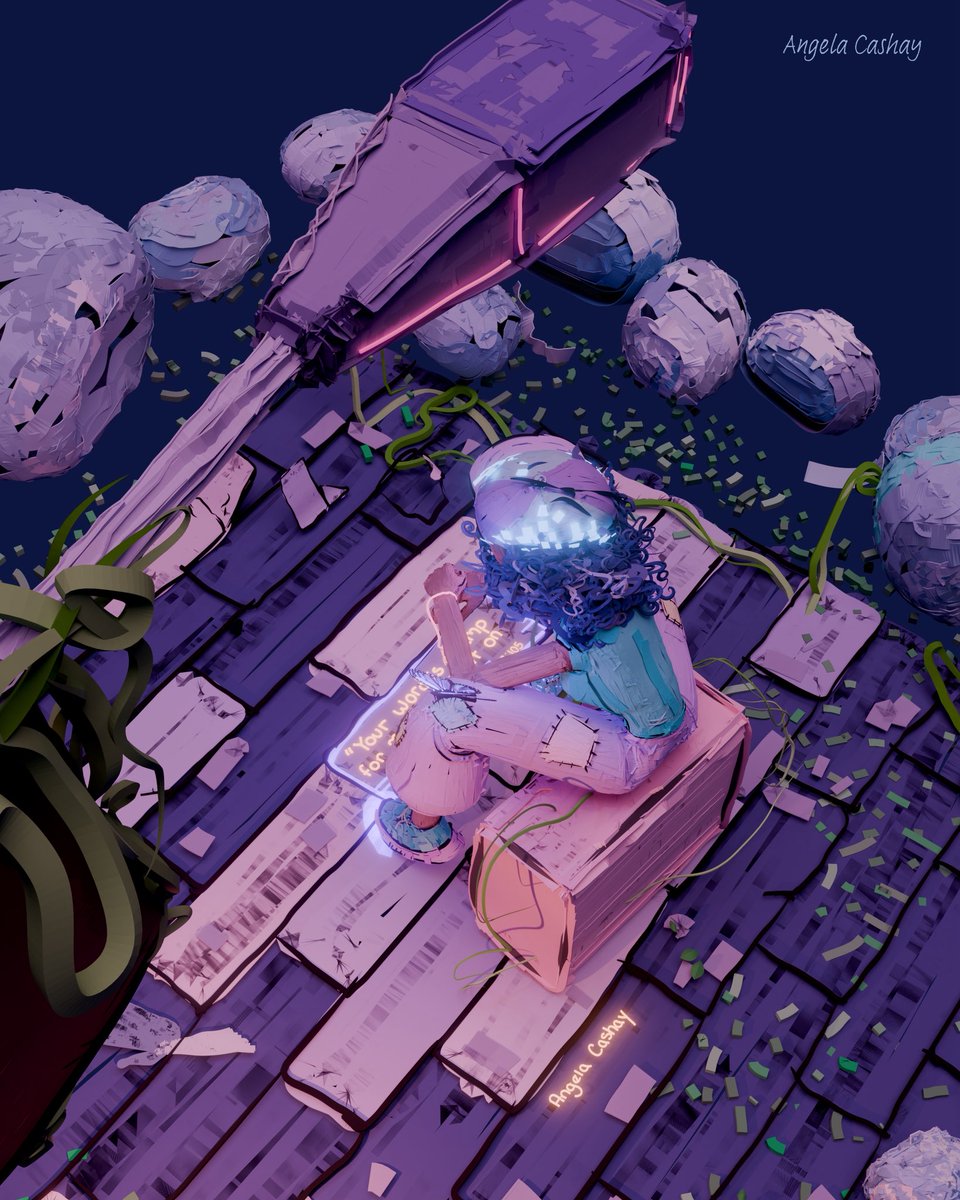
Experimenting with how I can make my 3D drawings interactive ✨
I took my 3D art from @feather_3d and used @rive_app to bring elements to life — turning it into something interactive.
Loving this Feather + Rive workflow!
Check out some behind-the-scenes ⤵️
Work-in-progress 3D illustration inspired by the Willie Burch and Langston Hughes art exhibits I recently saw at the CAAM in LA.
🎼 Music notes: “Yeshua.”
📜 Scripture: Luke 1:37
Made with @feather_3d
An interactive scripture I built with @rive_app using simple component animations for each animated word reveal and listeners. I went back to the basics with this one.
You can play around with this on my interactive page.
📜 Psalm 119:105
3D art inspired by Psalm 119:105
“Your word is a lamp to my feet, a light on my path."
Drawn in Feather 3D & rendered in Blender.
Interactive page 🔗 https://t.co/0LGp294NOH
This 3D art goes along with my verse and word study.
📜
Peace I leave with you; my peace I give you. I do not give to you as the world gives. Do not let your hearts be troubled and do not be afraid.
John 14:27 (NIV)
📚 Εἰρήνην | eirēnē | Peace
● Make sure render mode is on ✔️
● Select your ‘shadeless’ group(layer)
● Duplicate it
● Select the color panel
● Select the ‘Shaded’ option
● Select the shaded group
● Use the joystick to reposition
● Done! ✅
✨ Note: you can also do this in reverse order.
It’s been a while since I’ve posted to X, and my work has shifted. Faith completely fuels my creativity now.
This is my latest 3D art made with @feather_3d
I no longer start my art with a finished look in mind. I let scripture fully inspire my work through my daily readings.
We’re excited to share Feather’s official roadmap. It outlines our upcoming development plans and long-term vision for the future. We’re thrilled to release it together with our Apple Design Award win.
https://t.co/e4bNS8FWGi
💡 Creative Tip: Big ideas can begin with simple shapes.
A quick @rive_app experiment:
— Duplicated shapes to mimic a solid form.
— Distance constraints on each shape.
— A clip to assign solid colors & gradients to the shapes.
👉🏾 This effect could reveal hidden messages or images, or create a relaxing interactive moment.
#riveapp #interactive
@cterrelljones@feather_3d@rive_app Thank you! @cterrelljones I plan to share tests and projects on the Marketplace soon. Here is my community account. [https://t.co/5nFhA0sWO3] Do you have one?
Experimenting with how I can make my 3D drawings interactive ✨
I took my 3D art from @feather_3d and used @rive_app to bring elements to life — turning it into something interactive.
Loving this Feather + Rive workflow!
Check out some behind-the-scenes ⤵️
🎥 My Latest Test:
I mapped particles in After Effects to the vertices of a 3D drawing I made in @feather_3d using Stardust (@aescripts )
💡Creative exploration builds transferable skills
It can level up your personal work and your career.
💡TIP: Instead of learning from scratch, remix a skill you already know.
Take a workflow you’ve mastered & apply it in a different medium or tool.
It can spark big creative breakthroughs.
This was made with @feather_3d & @AdobeVideo | details 👇🏾
Here is the link to my Behance project.
✍🏾🎨You can play with the interactive features & see more of the creative process:
🔗 https://t.co/AGNVevQapm
#riveapp#feather3d#behance#interactiveart
💡 Simple Creative Tip:
Grab an unfinished creative piece and spend 5 minutes refining one detail.
→ Often, small updates spark motivation to keep going.
✨ Maybe that will be the spark to help you finish! #creativetips
I encourage creatives to keep pushing forward—not just in creating but also in ongoing learning.
Learning becomes a stepping stone toward creative growth.
Your knowledge & curiosity can often help you overcome a creative block.
🎨Art - @feather_3d | Animation - After Effects