@no_need322 You can make everything go up or down in resolution or crop or expand your canvas. Go to Scene Settings to do so. You can use this creatively - your lines will not degrade or blur. However, you probably meant a kind of interactive scaling/moving? This is on our todo list!
@Drchoker AP is way more streamlined towards doing the actual animation - much better in this regard. One thing that is missing in the current free Alpha however is coloring. You can easily export your animation and color it elsewhere. Coloring is included as a free update soon though!
@Drchoker Well that’s a difficult question for me to answer, because I only know Flash in depth from many years ago and it is/was very different in many ways. So details on the way you work is very different in the two programs. However, they can both help you make 2D animation!
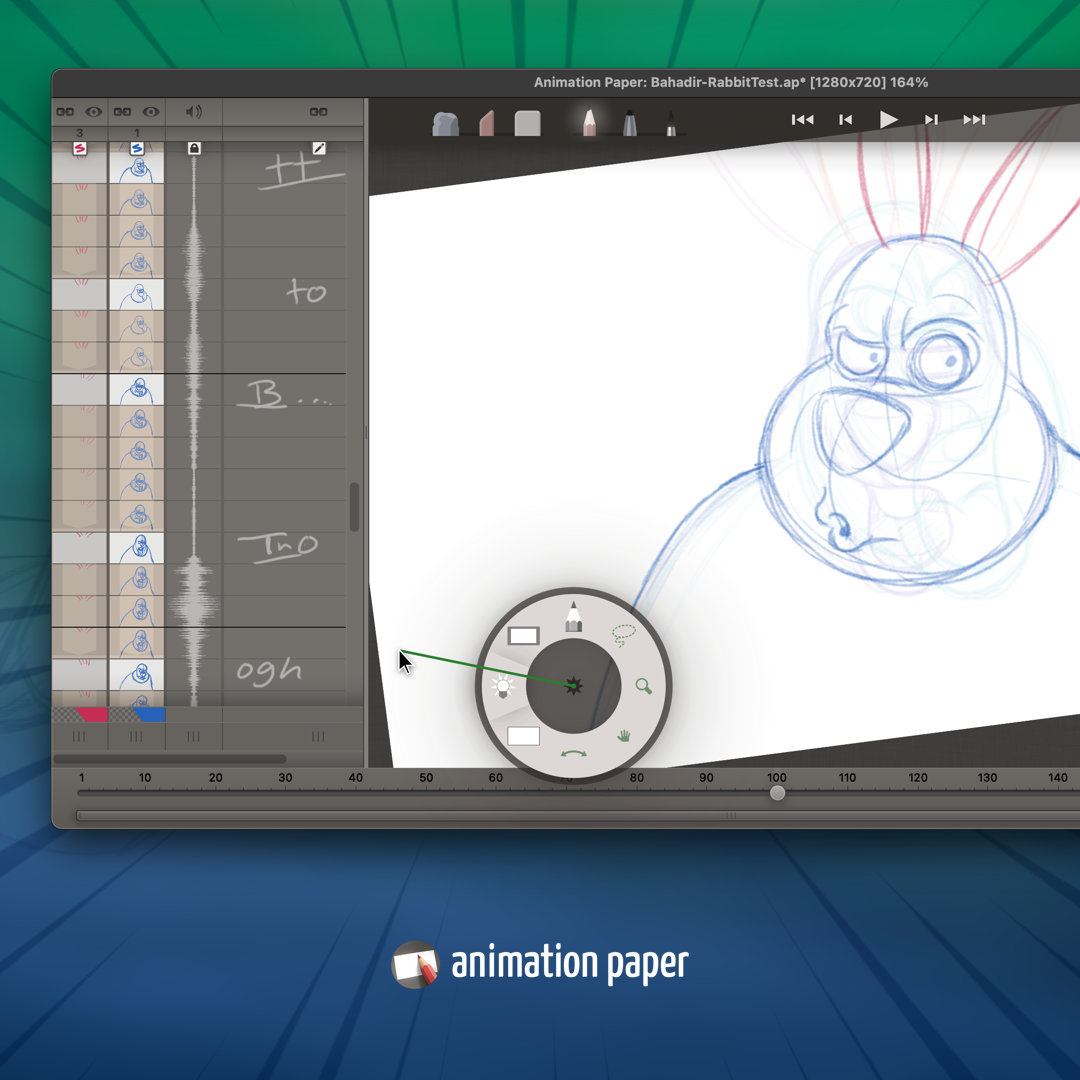
@Welflare@Padderooz There's an important detail to add: After scrubbing, you lift up your pen and let go of Shift. AP will pop back at the current frame you were working on. BUT if you release Shift first and then lift your pen, you will stay at the frame you scrubbed to.
@Welflare@Padderooz I will add that there’s an even closer feature in Animation Paper! You start at your current frame. Then hold Shift and (from anywhere) just drag left/right (or up/down) to flip your frames - scrubbing backwards and forwards. Super handy!
A very rough and quick dialogue exercise with @AnimationPaper . I really enjoyed using AP. It keeps getting better and better! Thanks for all the work you put in, Niels Krogh Mortensen and his team!
( Audio clip is from Everybody loves Raymond) #2DAnimation#roughanimation
@Moekaki69 Are you sure? :) I bet you’ll love Animation Paper on the computer (a tablet and pen is needed though). ;) Anyway, we are going to release it for iPad, but we need to finish it for the desktop first.
Just downloaded animation paper. made this in about a minute, mucking about with me mouse... If I set it up properly it could be useful. :) Nice one! @AnimationPaper