@thefuzzstone Hey! You can navigate between tabs with Ctrl + Alt + Left/Right or ⌘ + ⌥ + Left/Right on macOS. You can also customize the hotkeys in the Keyboard Shortcuts menu.
More in Desktop 0.54:
• Toggled Headings
• Image & file backlinks
• Transfer channel ownership
• Content wrapping in Grid view
• Full-text search in Collections
20+ Improvements in total: https://t.co/Gd0E7Yk1zI
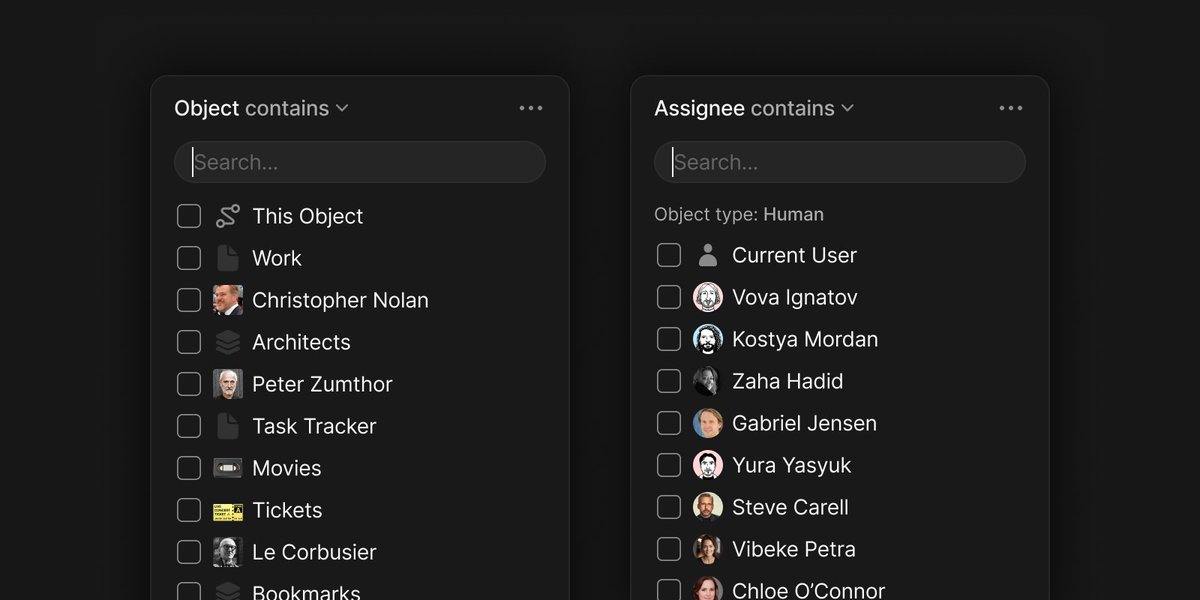
Filters also support dynamic values.
Set Assignee = "Current User" so each member sees their own tasks, or use "This Object" to scope Inline Queries to the object they belong to.
The direction we care deeply about at Anytype.
Great work by @CultRepo – a clear, thoughtful mini-doc on local-first software and the values behind it.
https://t.co/TvAplK122D
A little launch-day nudge 😼
https://t.co/DDETDeYiO0
If you haven’t seen our Product Hunt page yet, come say hi and share your feedback – we’re reading everything and answering questions!
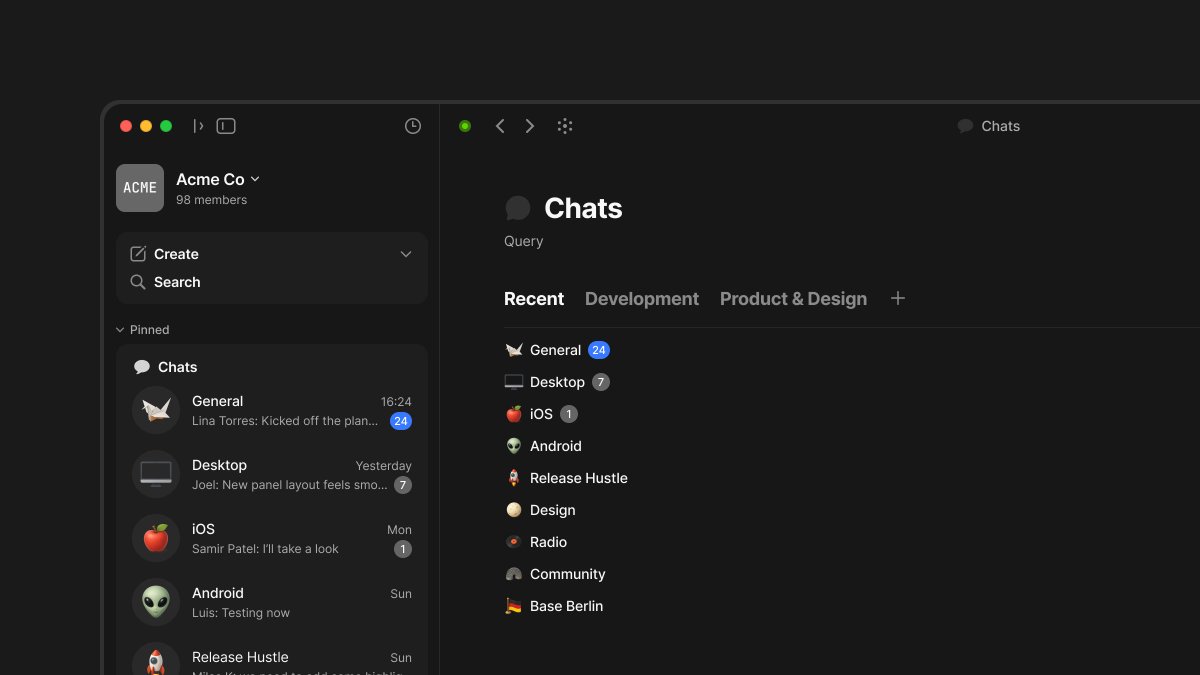
Chats now live in your Spaces.
Create multiple topic-based conversations & connect them directly to the work they’re about.
Desktop Release 0.51:
https://t.co/wvBxU1Eif6
Huge thanks to community creator PianoMacPower for making a comprehensive Anytype tutorial!
Check out the ultimate guide, with features explained through a power user’s approach 👇
https://t.co/4Tjl4di42O
@ErichAngermayr Hey Erich!
Thanks for flagging this. Would you mind posting this issue on our community forum as a bug report? It really helps to have details like your device info, and it allows us to track and fix things more efficiently. Thanks so much!
https://t.co/7uFKJieZsp
Publish to Web on iOS
You can now publish your Anytype objects to the web directly from your mobile app – bringing full feature parity with desktop & letting you share content from anywhere.
Full iOS 0.39 release notes:
https://t.co/xfAGWLoiz8
Anytype 0.48 for Desktop
• Polished List View with in-place editing
• Sidebar Table of Contents
• Spotify Embed support
• 80+ improvements & fixes
Browse the full update:
https://t.co/9bLXpVWP2W