I've started a YouTube channel with tutorial videos.
https://t.co/IOZjBT9JDE
There are 11 so far in the tutorial playlist.
https://t.co/mukwJDwFBP
Let me know if you have requests for any topics I should add to the tutorials.
Yes, it's missing chapter 18- that's in the works ("Other tools"), but I wanted to get it out sooner than it would take to write that last chapter. Most of those tools are not that interesting to most people.
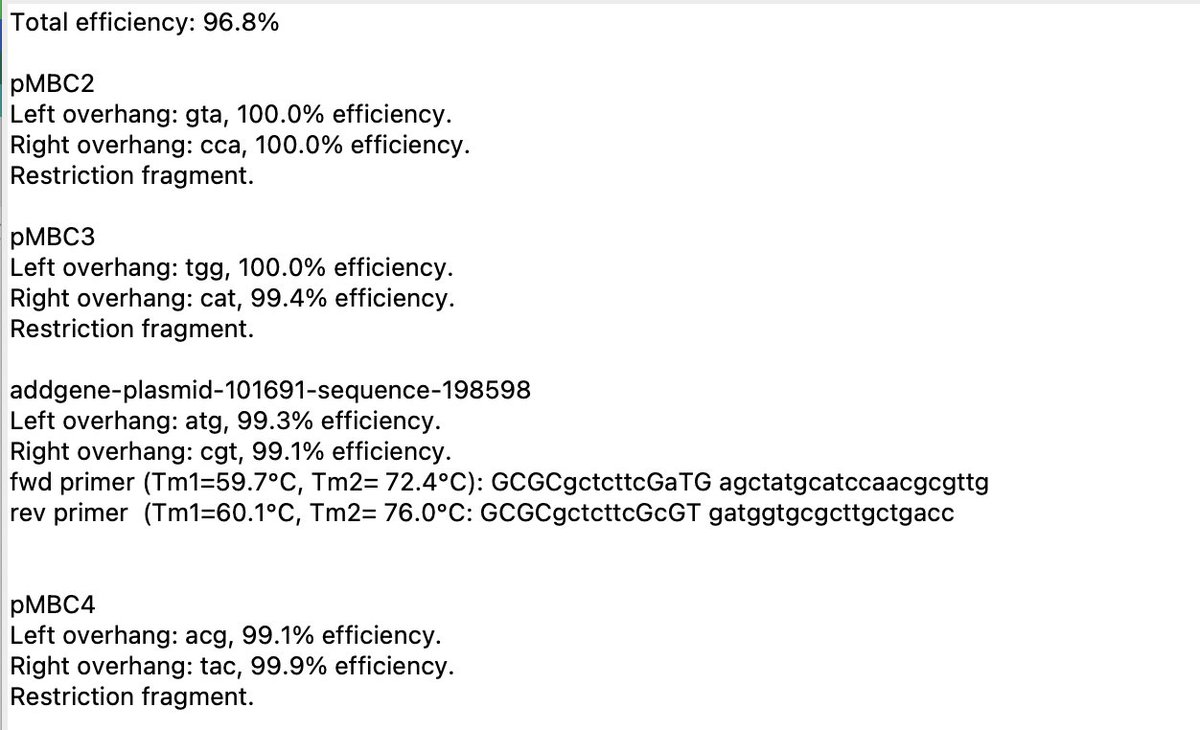
@ATinyGreenCell@PeterCiaccia It then generates the assembly, including PCR primers. If there are two adjacent PCR fragments , it optimizes the junction(s) to use the most orthogonal overhang(s).
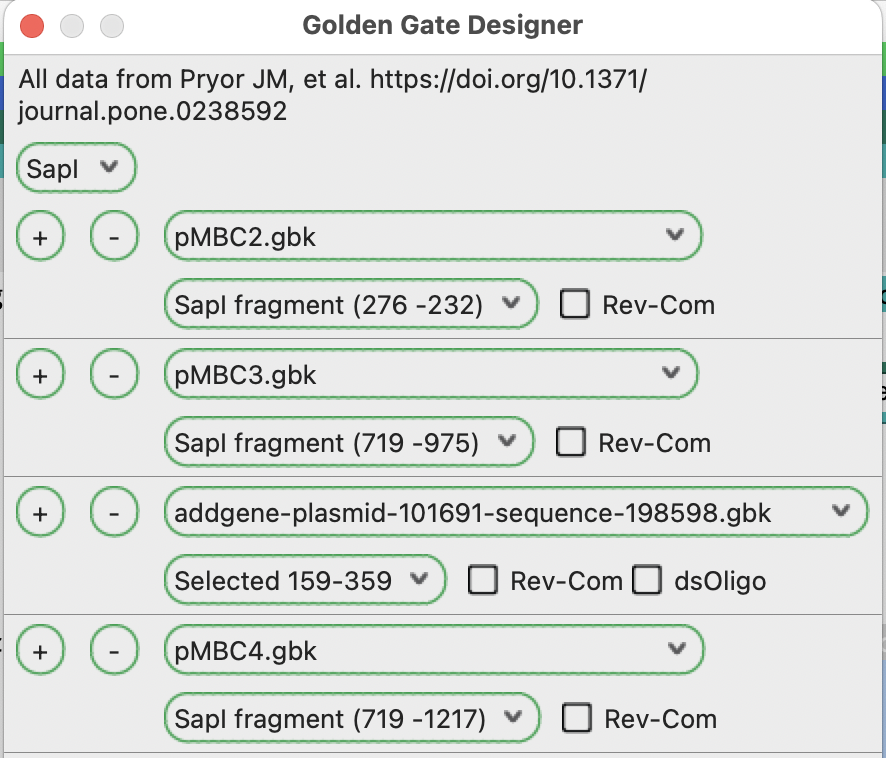
@ATinyGreenCell@PeterCiaccia If you need to design a piece as a PCR product, you can use the Designer interface. You add each fragment that you already have, then use a selected region as the template for the other piece(s).
I just uploaded thatlatest version- 3.1.9. This should fix a long-standing problem with slow updates to window size and feature edits when viewing in inline mode. Tested on Mac more than Windows. Let me know if you see any bugs
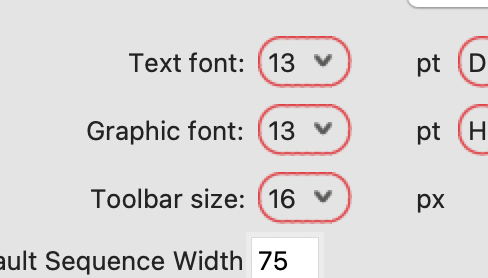
@revgalerivs The toolbar icon size can be set in the preferences.
Contol-clicking the toolbar lets you configure the layout. If this isn't available, update to a newer version.
The menu bar text font and size are set by the main OS settings.
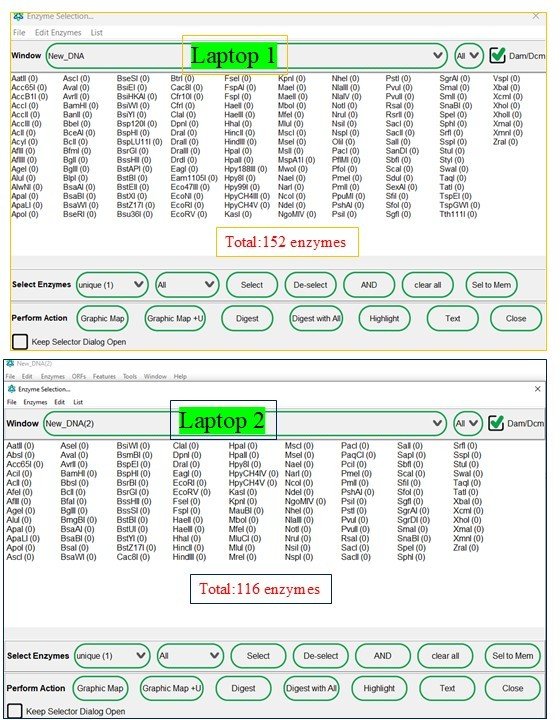
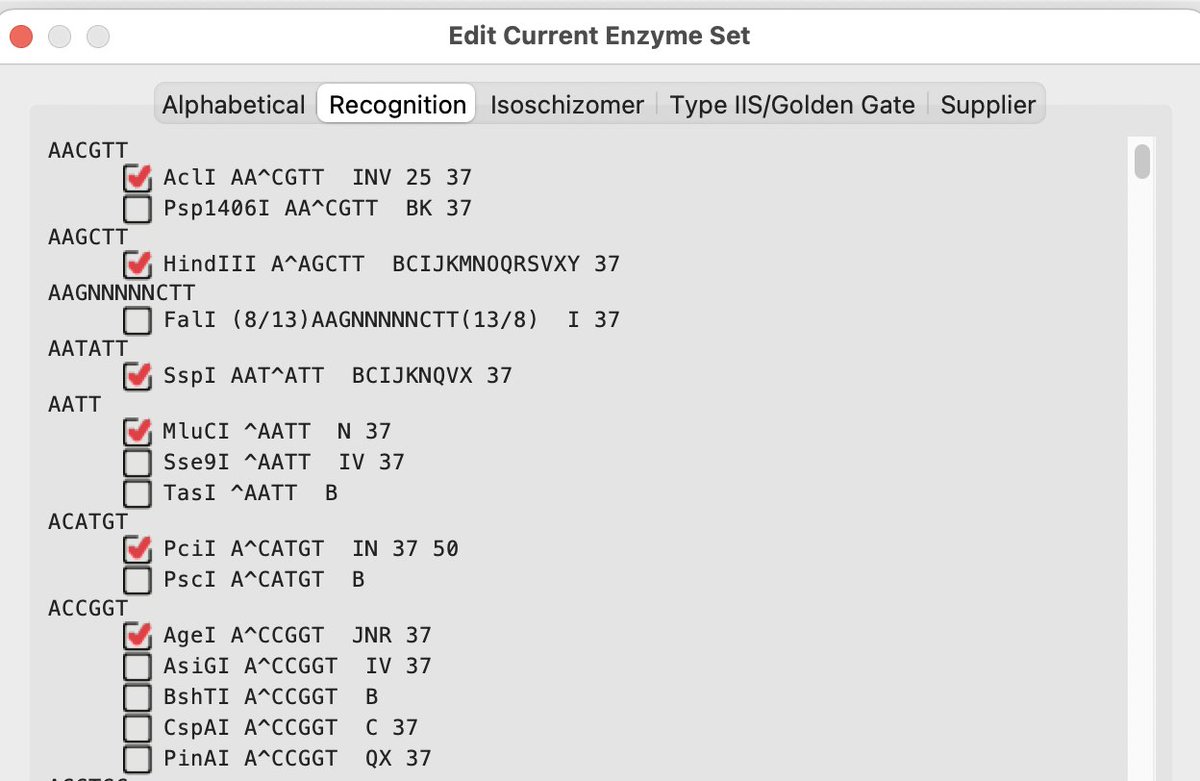
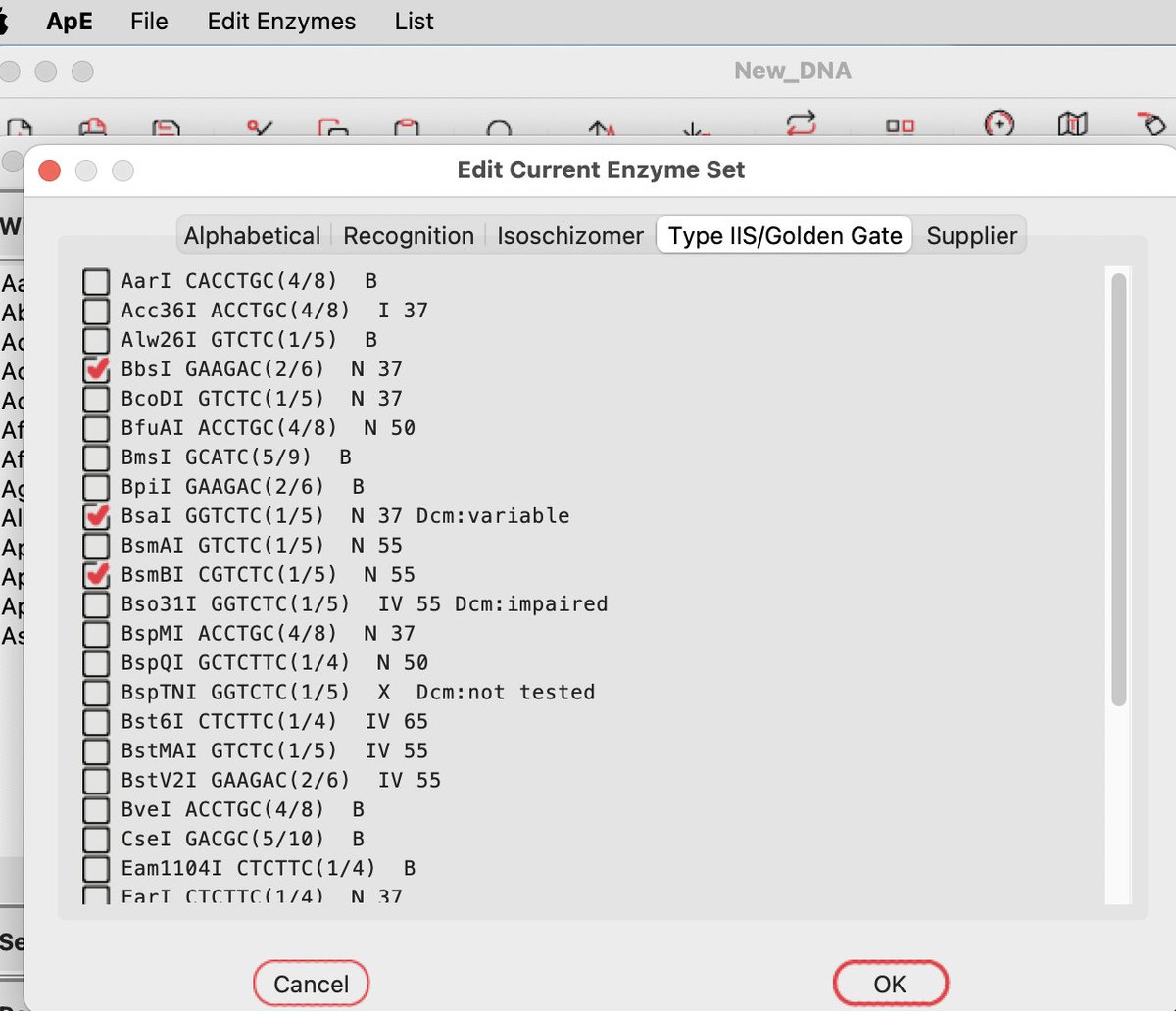
@idreesashah If you do a lot of Golden Gate cloning, you probably want to add your common GG enzymes to your default set to use in the GG tools. Those enzymes are specifically available in the Golden Gate tab of the enzyme selector sub-dialog
Just posted the 3.1.8 update. Let me know if you find any bugs. It opens in inline feature mode. If you prefer compact mode or if you are opening large sequence files, you can turn off inline mode in Preferences (aka Settings).