The audio ducking software made with streamers and YouTubers in mind. Make room for your voice over the content you stream. Works with games, apps, and devices.
@llAngelGhostll I try to write self-explanatory code with good var names, clear structure, and not so many comments. I use comments mainly to help explain business logic, code-hacks (if any!), and make on-the-fly TODO and TOFIX annotations.
Multi-channels are already working but the current performance is not satisfactory. I'm working on a solution, an update should be coming soon.
It's "just" a GUI issue (massive usage of $emits in #VueJS), but it's #painful.
#softwaredevelopment#Software
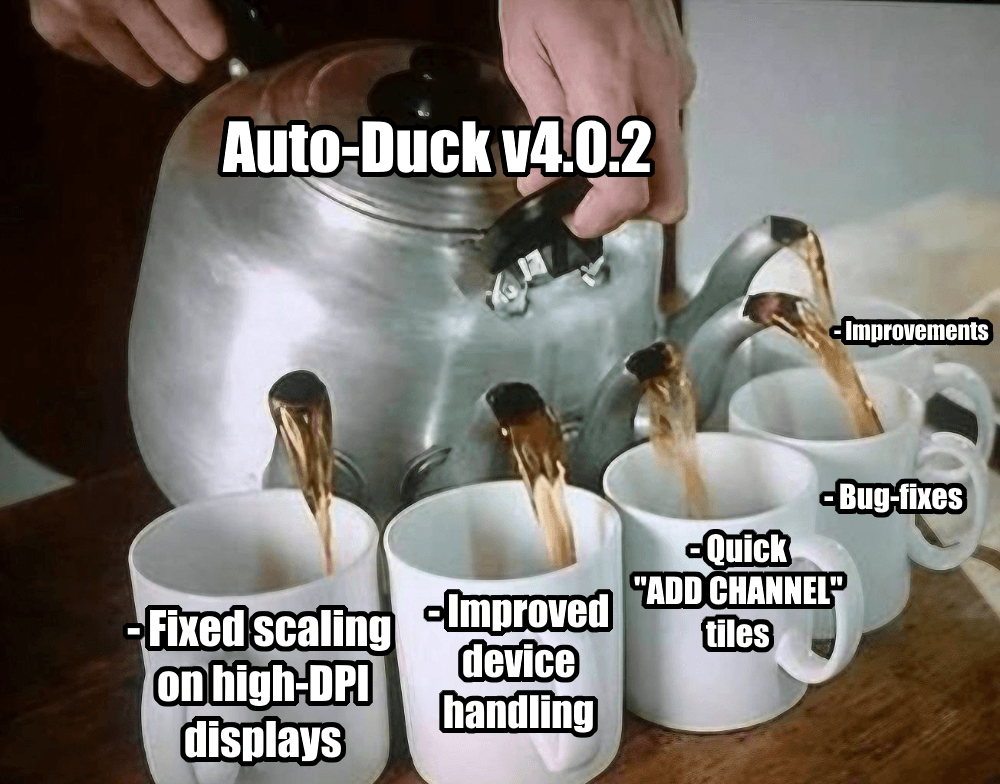
Auto-Duck update is coming soon!
Several usability improvements and bug fixes have already been done. Currently, I am working on improving support for multi-channel apps like #Spotify and Teams.
#autoduck#audio#software#softwaredeveloper
Thank you to all customers who completed the survey! 😀 Your feedback is already shaping our future!
I just sent all the promised gifts.
No gift? Check the spam folder.
One of the emails provided was invalid: A***@an***.com. If this is your email please contact me for gifts.
🔧 Auto-Duck 3 RC4.1 HotFix is ready!
https://t.co/YOELaA3ZT7
I have fixed some device-related issues, most notably the no-ducking bug that occurs after problems with devices.
If you are experiencing any issues using Auto-Duck please drop me an email: [email protected], thanks.
Auto-Duck 3 RC4 is out!
Get it now: https://t.co/YOELaA3ZT7
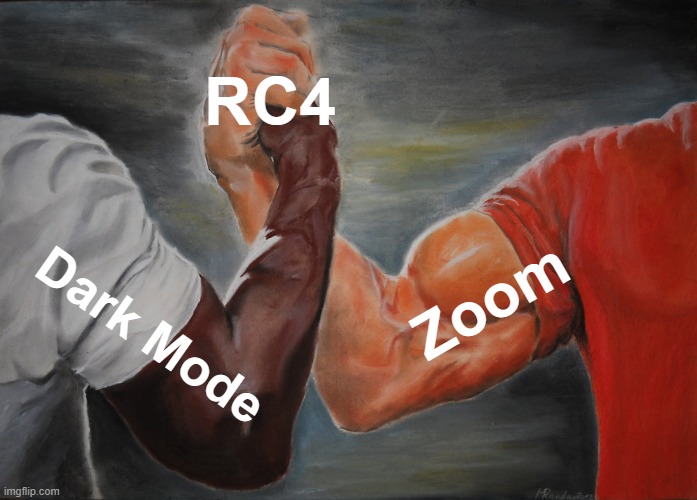
🔍 New: Zoom (Ctrl+Scroll supported!)
🔨 Fixed the missing signal graph when selecting channels
🔧 Minor fixes & improvements
- What's better than Dark Mode?
- Dark Mode with ZOOM!
@ZentientGames Use tutorials on yt. When you are done with the setup,
start with a basic empty project, experiment a little, then jump in provided samples, they are good! Good Luck :)