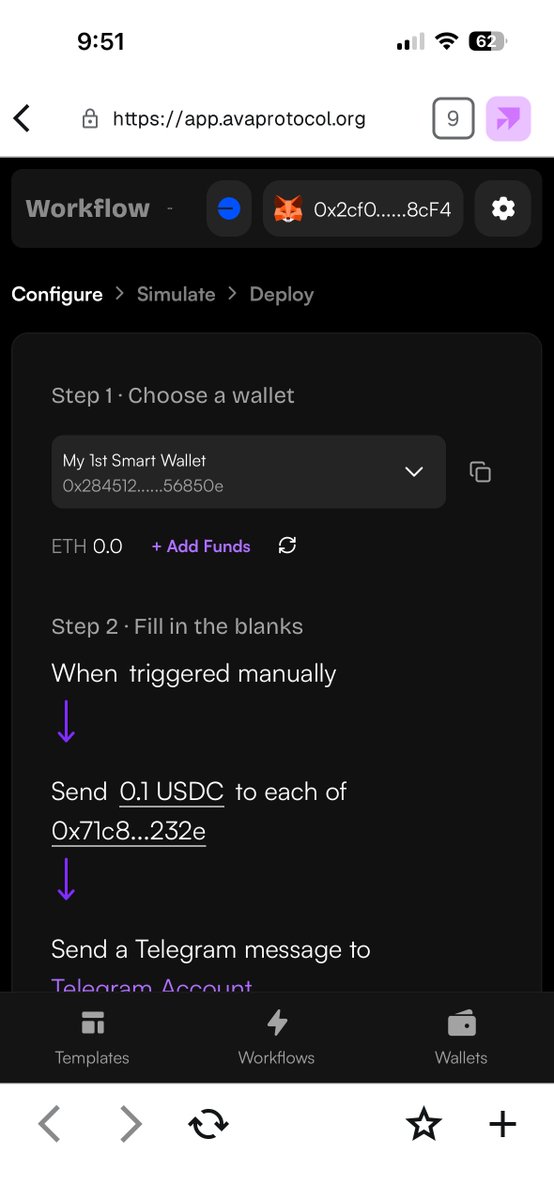
Your wallet is mobile. Your automations should be too.
Ava Protocol Studio is now mobile-ready.
Open Studio from your phone to:
• View active workflows
• Create new wallet automations
• Simulate before deploying
• Deploy from your mobile wallet browser
Automate your wallet from anywhere.
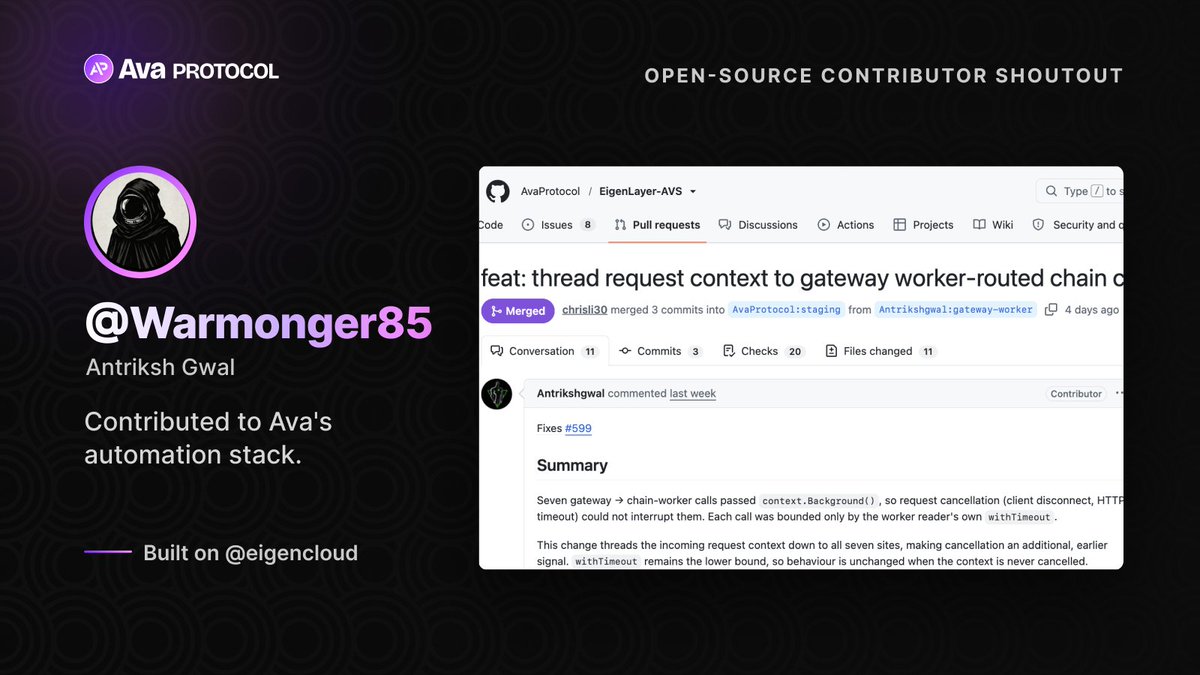
Contributor shoutout this week: @Warmonger85 🙌
Thanks for contributing to Ava’s open-source automation infrastructure, built on @eigencloud.
We’re seeing more builders jump in — and now we’d love more automation ideas from the community.
Risk alerts, position monitoring, recurring actions, yield checks.
What do you wish your wallet could do automatically?
4/ You stay in control.
Read-only to start. Non-custodial. You approve every action.
This is Ava’s next direction: from “build your own Web3 automation” to “tell an AI Guardian what you want protected.”
Comment “beta” if you want to try it early for free. 👇
1/ Simpler than simple mode.
We’re working on a major Ava upgrade: an AI agent you chat with in Telegram to watch your wallet, reason about your positions, and help you act before something goes wrong.
Private beta access soon👇
3/ This turns Ava templates into AI artifacts.
Instead of manually setting up every step, Ava can understand the goal, monitor the wallet, reason about what changed, and prepare the next action when it matters.
Your wallet is mobile. Your automations should be too.
Ava Protocol Studio is now mobile-ready.
Open Studio from your phone to:
• Create new wallet automations
• Simulate before deploying
• Deploy from your mobile wallet browser
Automate your wallet from anywhereYour wallet is mobile. Your automations should be too.
Ava Protocol Studio is now mobile-ready.
Open Studio from your phone to:
• Create new wallet automations
• Simulate before deploying
• Deploy from your mobile wallet browser
Automate your wallet from anywhere.
Your wallet is mobile. Your automations should be too.
Ava Protocol Studio is now mobile-ready.
Open Studio from your phone to:
• View active workflows
• Create new wallet automations
• Simulate before deploying
• Deploy from your mobile wallet browser
Automate your wallet from anywhere.
@MattShiller_ Exactly, crypto is already mobile-first.
Our goal is to make it easy to view, simulate, and deploy workflows from the same device people already use to manage their wallet.
Why we built this:
~70% of Studio traffic has been coming from mobile.
But our v1.0 was mainly designed for desktop, which added friction for people trying to access workflows from their phone.
So we redesigned Studio for mobile: view workflows, create automations, simulate, and deploy directly from your phone.
This works with popular mobile apps like MetaMask, Rabby, Coinbase Wallet, Rainbow, Trust Wallet, and other wallet-app browsers.
The goal is simple: create, simulate, and deploy workflows from the same device where you already manage your wallet.
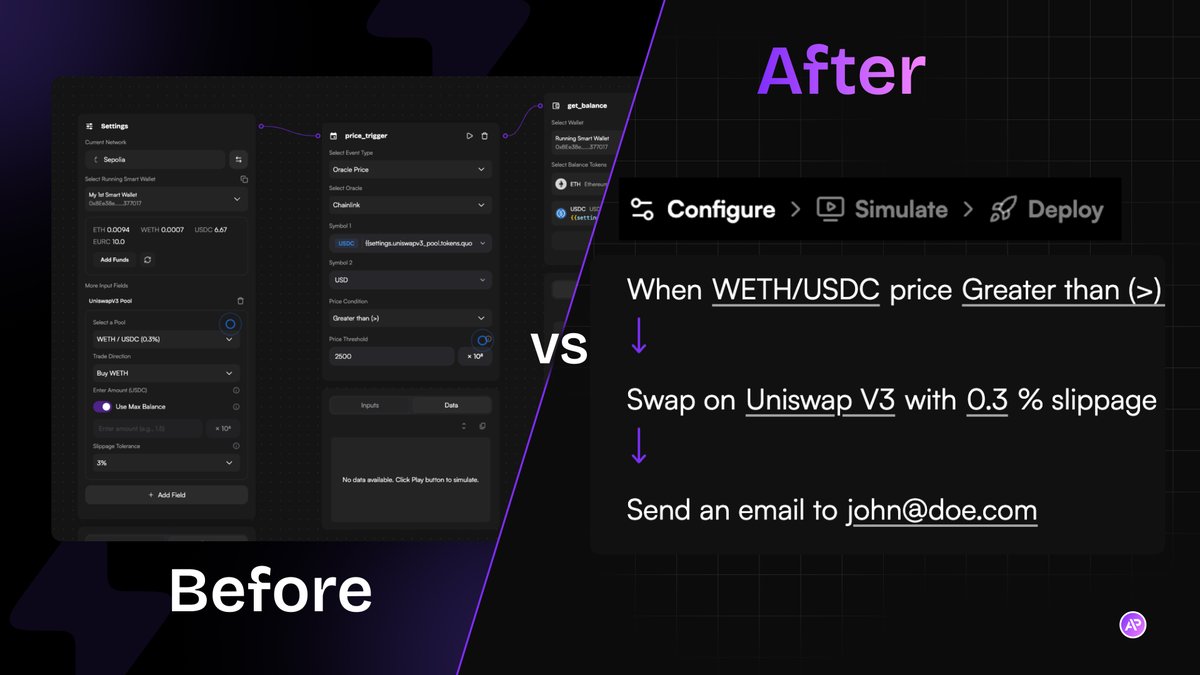
Before: build your automation
After: just fill in the blanks
Configure → Simulate → Deploy
We just shipped Simple Mode 👌
Try it → https://t.co/z3GzBe285U
Most automation tools start with building the workflow.
We start with the outcome.
Fill in what you want → simulate it → deploy it.
Here’s a quick walkthrough of how it works 👇
totally fair point, we are all afraid of front-runs during highly volatile moments.
private bundlers helps reduce exposure to the public mempool, but yeah it’s not a full MEV solution
our angle is removing human latency —strategies execute as soon as conditions are met, not seconds later
not HFT, but much more consistent than manual execution for most users
@Kyodo686 Thanks! 🙏 we’re making templates smarter and easier to use — fewer inputs, better defaults, clearer outcomes
so you can go from idea → execution without dealing with the workflow
@ChanhBui177509 good point, we’re not trying to compete on HFT speed.
we react when conditions are met, so very fast spikes can still be missed
the focus is everyday strategies for most users — reliable automation, not speed races