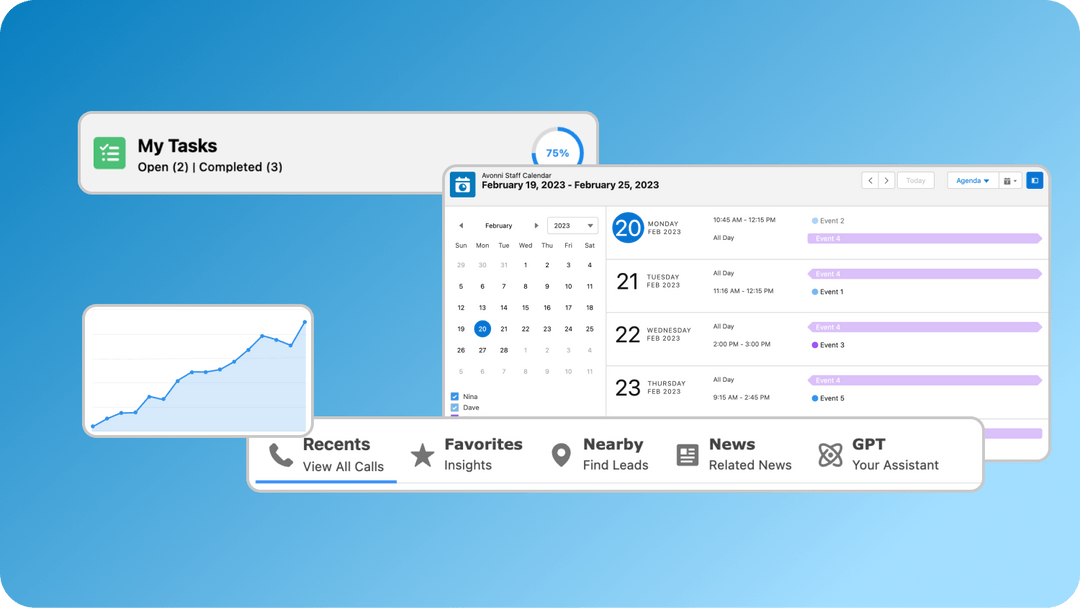
🚀 Avonni's 4.1 Update: Revolutionizing Salesforce in 2024! 🌟
🔧 We've supercharged the Avonni Components suite, taking Salesforce admin and architect capabilities to new heights. This leap forward brings incredible enhancements, making Salesforce more intuitive, engaging, and visually stunning.
👉 Get it Now: https://t.co/g2Bif3UXHF
Key Highlights:
🛠️ Avonni Publisher for Experience Cloud Sites: Seamlessly integrate Chatter feeds, boosting content sharing and community interaction.
📣 Avonni Feed for Experience Cloud Sites: Amplify user engagement with customizable content management tools.
🏷️ Avonni Chip Container: Organize data displays elegantly and interactively.
🔘 Avonni Input Choice Set for Salesforce Flows: A versatile tool making forms adaptable and user-friendly, complete with various input types, customizable layouts, and responsive design.
🎨 Avonni Lottie: Bring life to Salesforce pages with engaging animations.
✏️ Enhanced Avonni Input Pen: User-friendly drawing tool with easy saving and automatic backup.
🔄 'Transform' Feature: Simplify data management in Flow Builder with easy variable naming, enhancing data flow and integration.
🕒 Activity Timeline Update: New 'Show More' button for better data access.
📊 Enhanced Query Data Source in Kanban: Tailor data display with customized fetching.
🎨 Visual Picker Revamp: Now with more styling options and customization for a personalized touch.
📊 'Group by' Feature in Data Table: Step towards a more robust and user-friendly data table solution.
🌐 Join us on this journey as we innovate and transform Salesforce functionality. Your feedback drives our evolution, and much more will come in 2024.
Get ready for a year of groundbreaking developments in Salesforce with Avonni.
#Salesforce #AvonniUpdate #Salesforce2024 #InnovationInSalesforce #SalesforceAdmins #TechnicalArchitects #SalesforceEcosystem #NoCodeSolutions #ExperienceCloud #SalesforceFlows #DataManagement #UserExperience #SalesforceApps #CustomSalesforce #SalesforceDevelopment #AvonniComponents #CRMInnovation #DigitalTransformation #CloudComputing #TechTrends2024
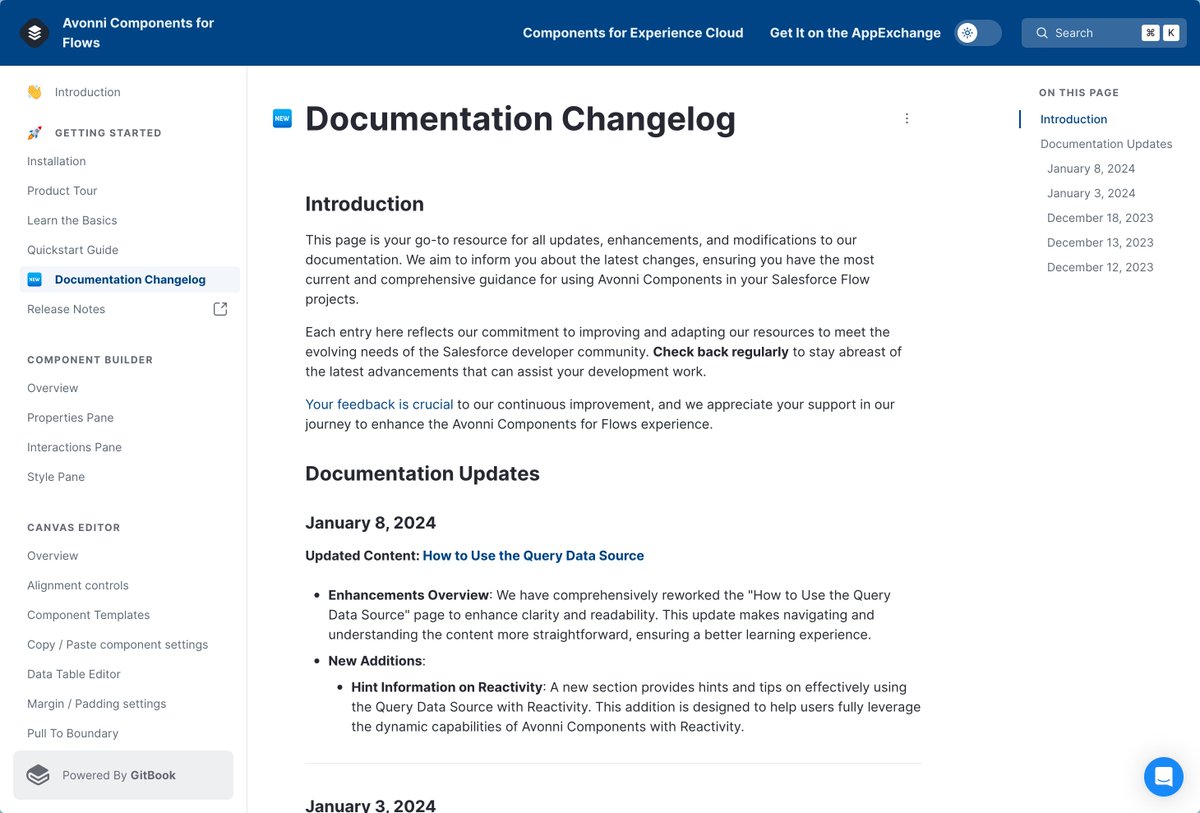
🚀 Big news from Avonni! 🎉 We've launched our "Documentation Changelog" page for Avonni Components for Flows!
Stay ahead in #Avonni with the latest tutorials & features. Our commitment to innovation & usability shines in every update. 🌟 Check it out now! ➡️ https://t.co/5i2Oz1I9Eo
#AvonniComponents #ContinuousLearning #SalesforceDevelopers #Innovation #Avonni #FlowBuilder #SalesforceFlows
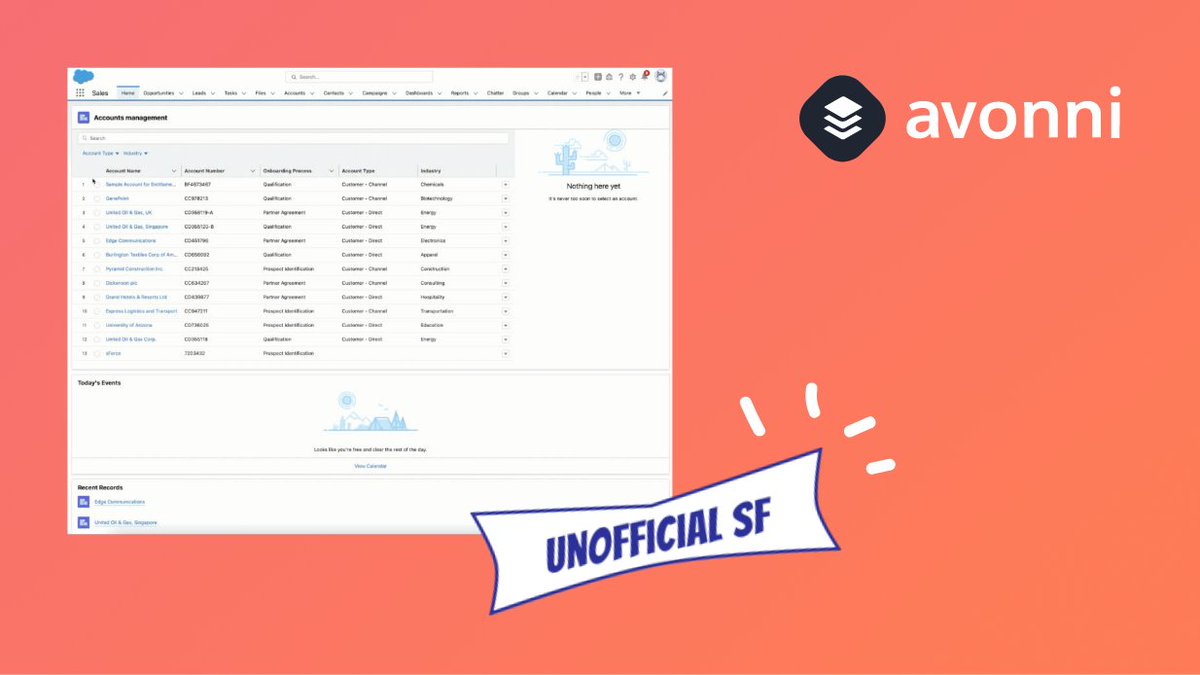
🎉 📣 Our Avonni Flow Screen Components library has just been spotlighted at UnofficialSF! 🌟
Dive into the blog post to see how we're redefining Salesforce Flows!
Check it out! 🔗 https://t.co/jBT1e1gTPG
#Avonni#Salesforce#FlowScreenComponents#UnofficialSF#salesforceflow
Replay Alert 📢
Discover the power of #Salesforce flows with Avonni Flow Screen Components!
Uncover 50+ ready-to-use components and master efficient flow building through a live demo and Q&A session. Elevate your Salesforce skills now! 🚀
#AvonniComponents #FlowBuilding #FlowBuilder #Flownatics #SalesforceFlows #AwesomeAdmin
Why choose Avonni Flow Screen Components Library over custom components? This decision impacts project timelines, expenses, and efficiency.
Explore the advantages of Avonni Flow Screen Components Library:
1️⃣ Save time ⌛: Quickly integrate pre-built components into screen flows.
2️⃣ Reduce costs 💸: Minimize custom coding and focus on high-priority tasks.
3️⃣ Maintain design consistency 🖥️: Promote a unified design language and user experience.
4️⃣ Simplify maintenance 🛠️: Regular updates ensure compatibility with Salesforce.
5️⃣ Boost collaboration 🌐: Shared components library encourages teamwork.
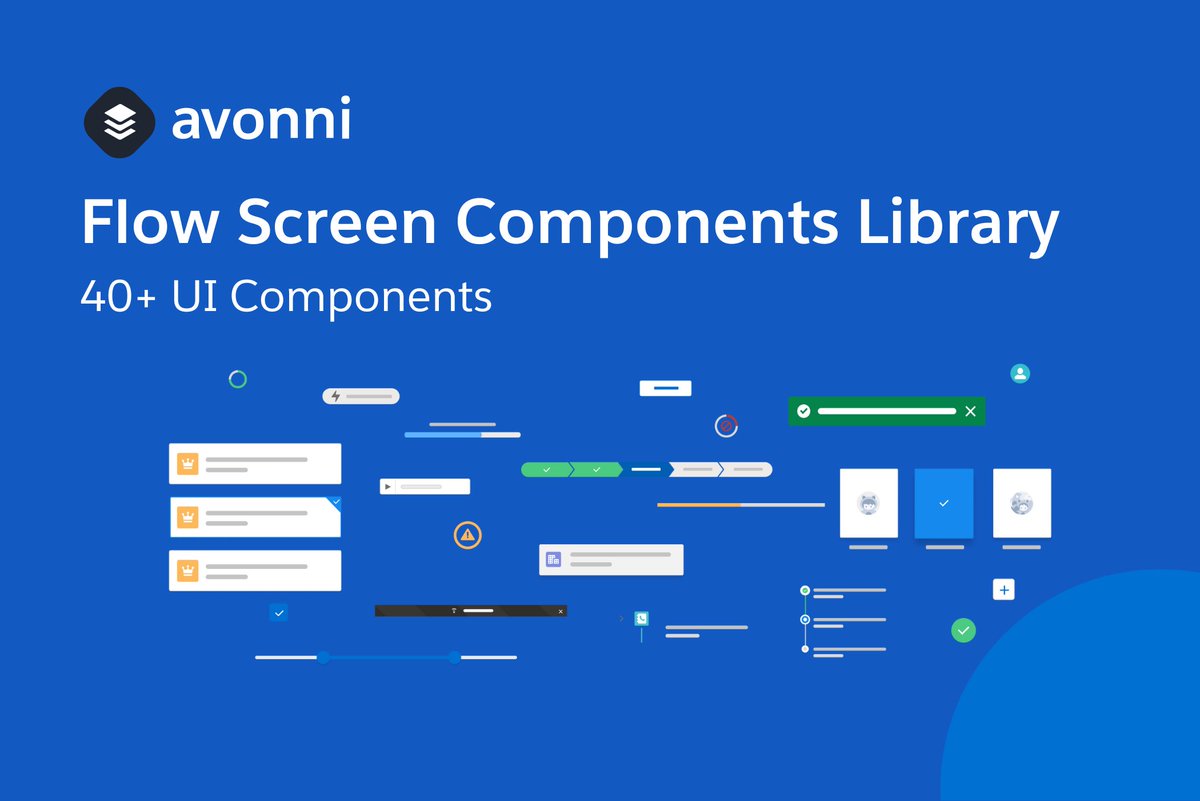
6️⃣ Expansive library 📚: Over 50+ UI components designed for Flow Builder.
With time-saving, reduced costs, and an extensive library, Avonni Flow Screen Components Library offers high ROI potential. Share your experiences and insights in the comment section below!
👉 Learn more: https://t.co/lJCPTV5N87
#Salesforce #AvonniFlow #FlowComponents #ROI #SalesforceFlow #FlowBuilder
🌟 Avonni Flow Screen Components Tips & Tricks Thursday! 🌟
Hello, #FlowBuilders! It's time for our weekly dose of tips & tricks for the Avonni Flow Screen Components library. This week, we're focusing on the time-saving Copy and Paste Components Settings feature.🎯
Avonni Flow Screen Components library includes a fantastic Copy/Paste feature that streamlines component configuration and reduces potential errors. This feature lets you quickly transfer settings from one component to another, making it a valuable tool for creating similar screen flows faster.⚡
Here's how it works:
1️⃣ Click on the component you want to copy to select it.
2️⃣ Click on Copy from the dropdown menu next to the "Open Component Builder" button.
3️⃣ Drag another same component into your screen flow - or any other screen flow
4️⃣ Click on Paste from the dropdown menu next to the "Open Component Builder" button.
5️⃣ Confirm to paste your previously copied inputVariables configuration into this component.
Now you can easily replicate component settings, speeding up your workflow and maintaining consistency across your flows.🚀
Stay tuned for more Avonni Flow Screen Components tips & tricks each Thursday! Remember to share your tips in the comments below.👇
Happy Flow building! 🎉
#AvonniFlow #FlowScreenComponents #Salesforce #TipsAndTricksThursday
🚀 Avonni Flow Screen Components Library 2.3 is here! 🎉
Unlock powerful new features, enhancements, and no-code capabilities for your #Salesforce#FlowBuilder experience.
Explore our blog for a complete breakdown of what's new: https://t.co/bk51snj0H3
#NoCode #FlowComponents #Update #Avonni #Salesforce #Flownatics
📣 New release alert! 🎉 Introducing the Avonni Chip Container - a visually pleasing way to display labeled values and tags for your screen flows. Plus, updates and fixes to existing flow components. Check it out! #salesforce#avonni#release#components #FlowBuilder #SalesforceFlows
https://t.co/Or3olS9tQi
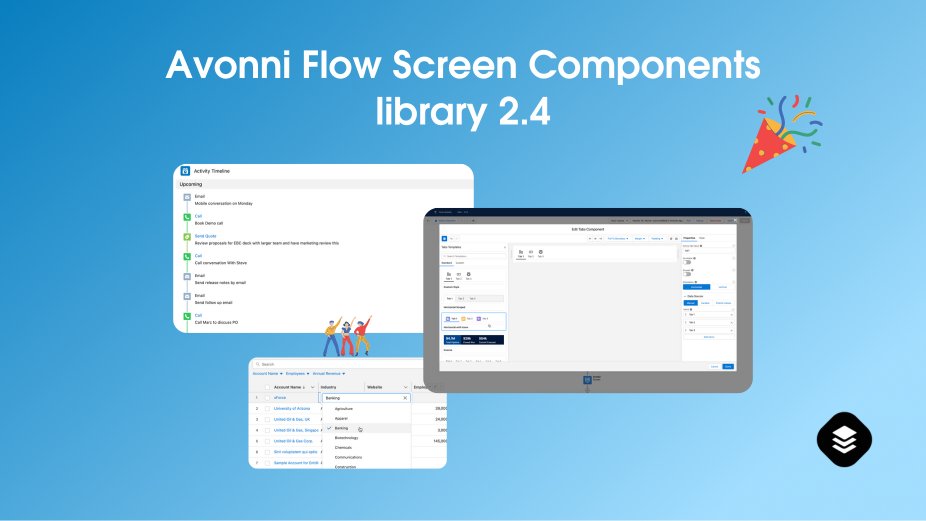
Just in! 📣 We announce the launch of our Flow Screen Components Library 2.0, a huge milestone! 🎉🚀
Get ready to enhance your #Salesforce app's UX with this comprehensive and innovative library for #Salesforce#Flows! #AvonniFlowScreen#AwesomeAdmins
🎉🆕👉 We are thrilled to announce the release of version 2.0 of the Avonni Flow Screen Components Library.
Packed with new features
Read the announcement >
https://t.co/b9tp4tInwk
#FlowBuilder#Awesomeadmins#Salesforce#Flow#SalesforceFlow
👉🆕🎉Bring your Screen Flows to the next level!
Access to a library of intuitive and feature-rich components to enhance your Flow Builder experience
#SalesforceFlow#awesomeadmin#Salesforce@AvonniApp
https://t.co/y0xSH8ueVV
The Avonni Flow Screen Components Library is officially on the AppExchange as we passed the Security Review from Salesforce 🎉
Time to build custom solutions in Salesforce like a developer. You can try it out today for free! #FlowBuilder#Awesomeadmins
https://t.co/bA3N3zhGyo
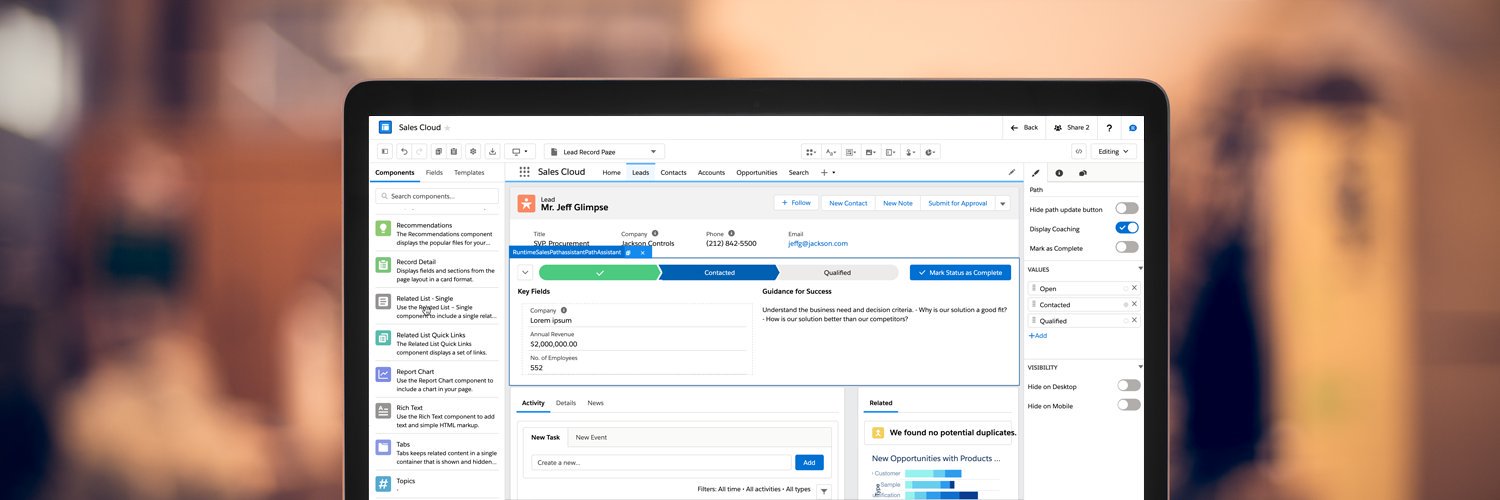
🎉 In 2022, Avonni released many new features:
➡️ test and simulate data entry in your prototype
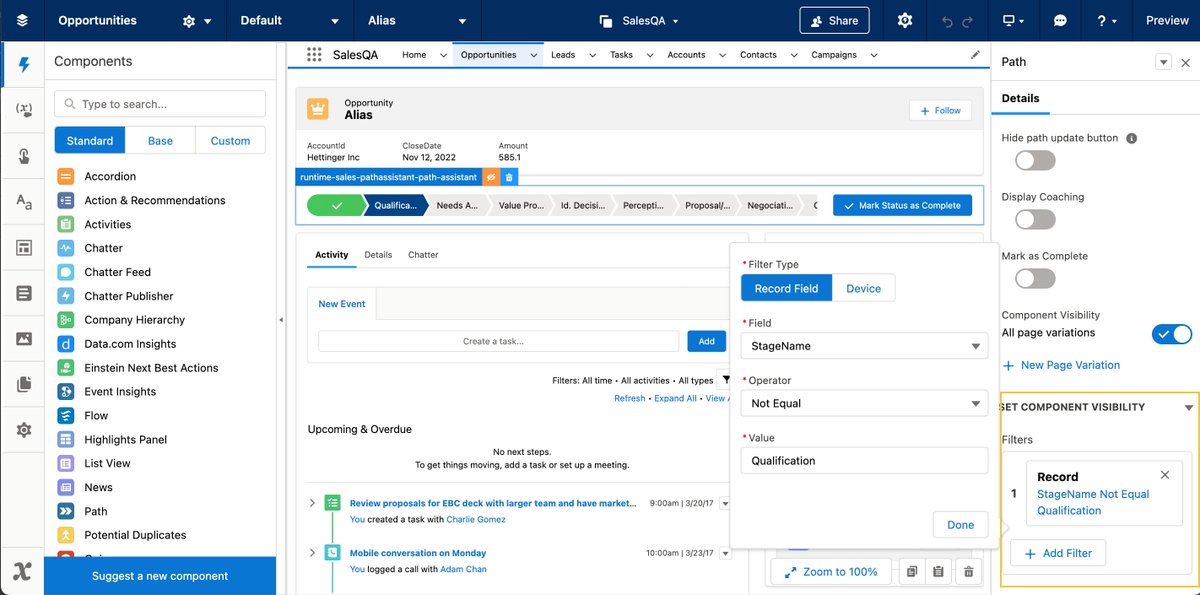
➡️ prototype component visibility
➡️ prototype functional actions and list views
➡️ 20 new open-source LWC's
#Build the best possible user experience for Salesforce with Avonni!👋
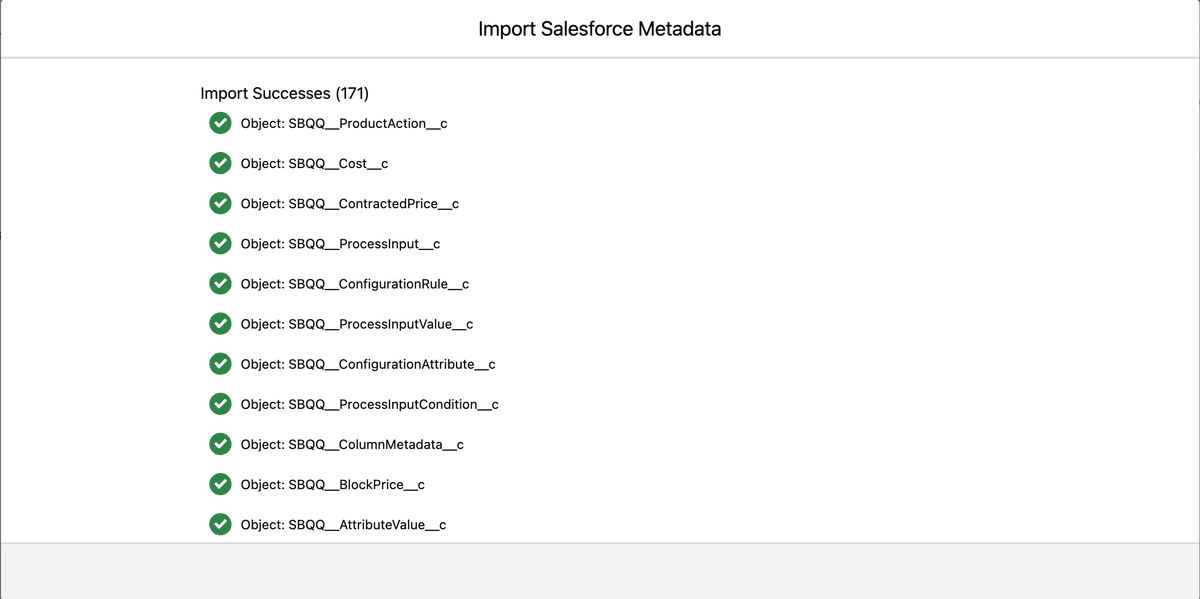
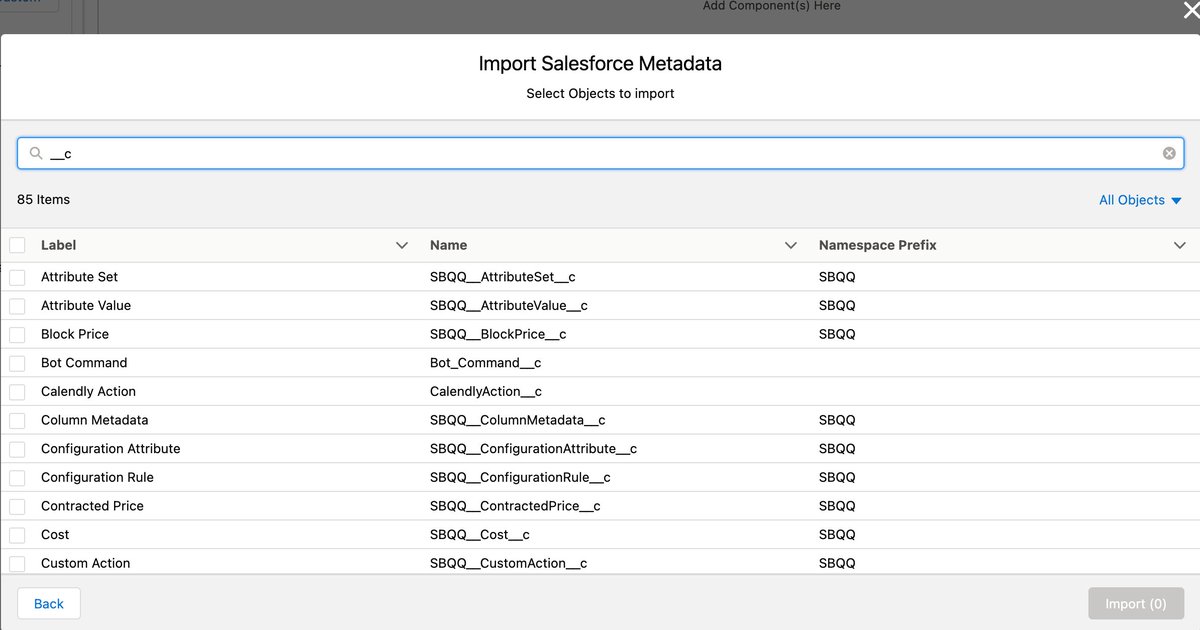
🆕🎉👉 #AvonniUpdates We made some improvements to our Salesforce integration.
➡️ Filter objects by typing text or selecting an object's type
➡️ Importing hundreds of objects is now possible
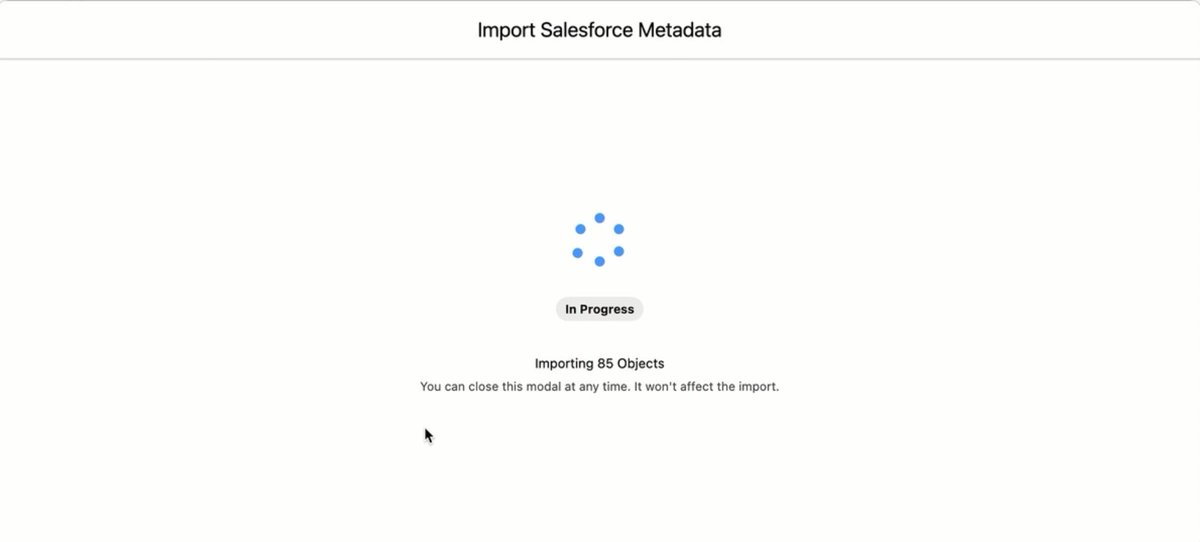
➡️ live updates on the import status page
#AvonniUpdates
https://t.co/uV9xAD90uY
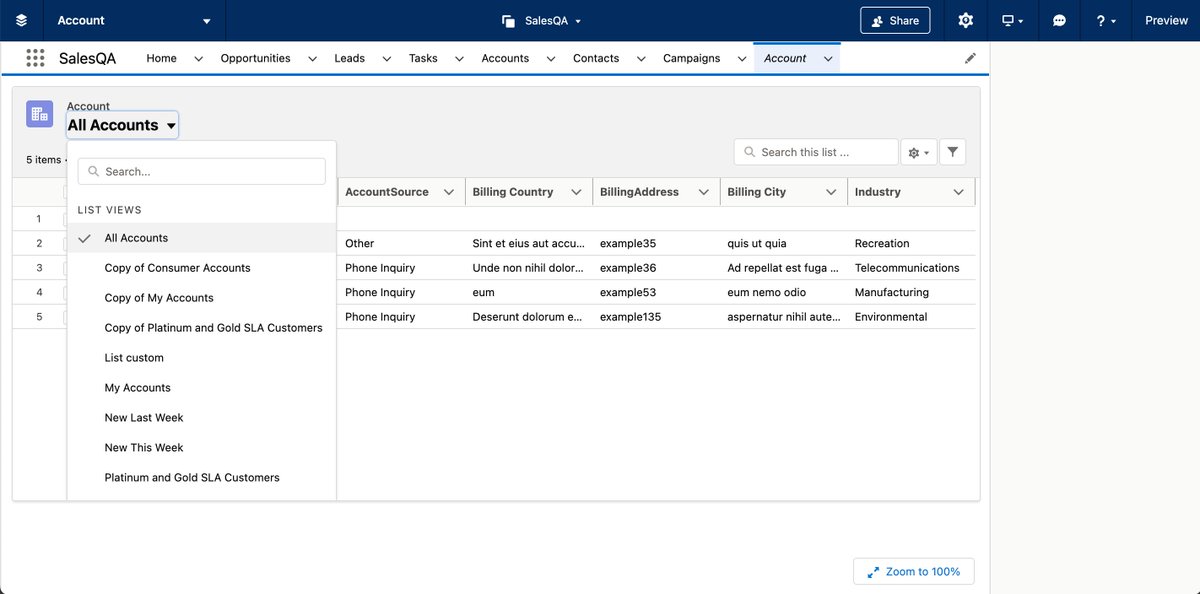
🆕🎉👉#Prototyping#Salesforce list view pages has never been easier with Avonni Designer
➡️ Drag & drop fields to select fields to display
➡️ Drag & drop actions
➡️ Edit lists view settings directly from the right panel
#AvonniUpdates
https://t.co/03OfJbvtTA
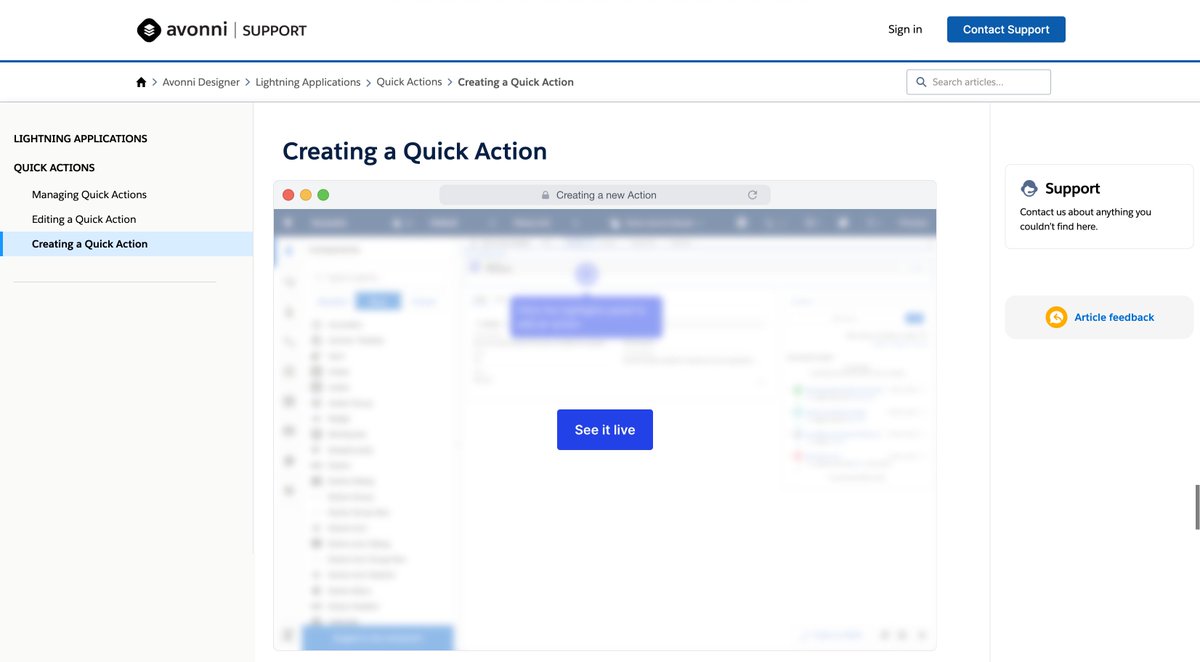
🎉🖥️ We just added a bunch of interactive demos to our support website. A new interactive easy way to learn Avonni's basics. 👋
👉 https://t.co/tUOxfOikZf
#Salesforce#Lightning#PrototypingTool
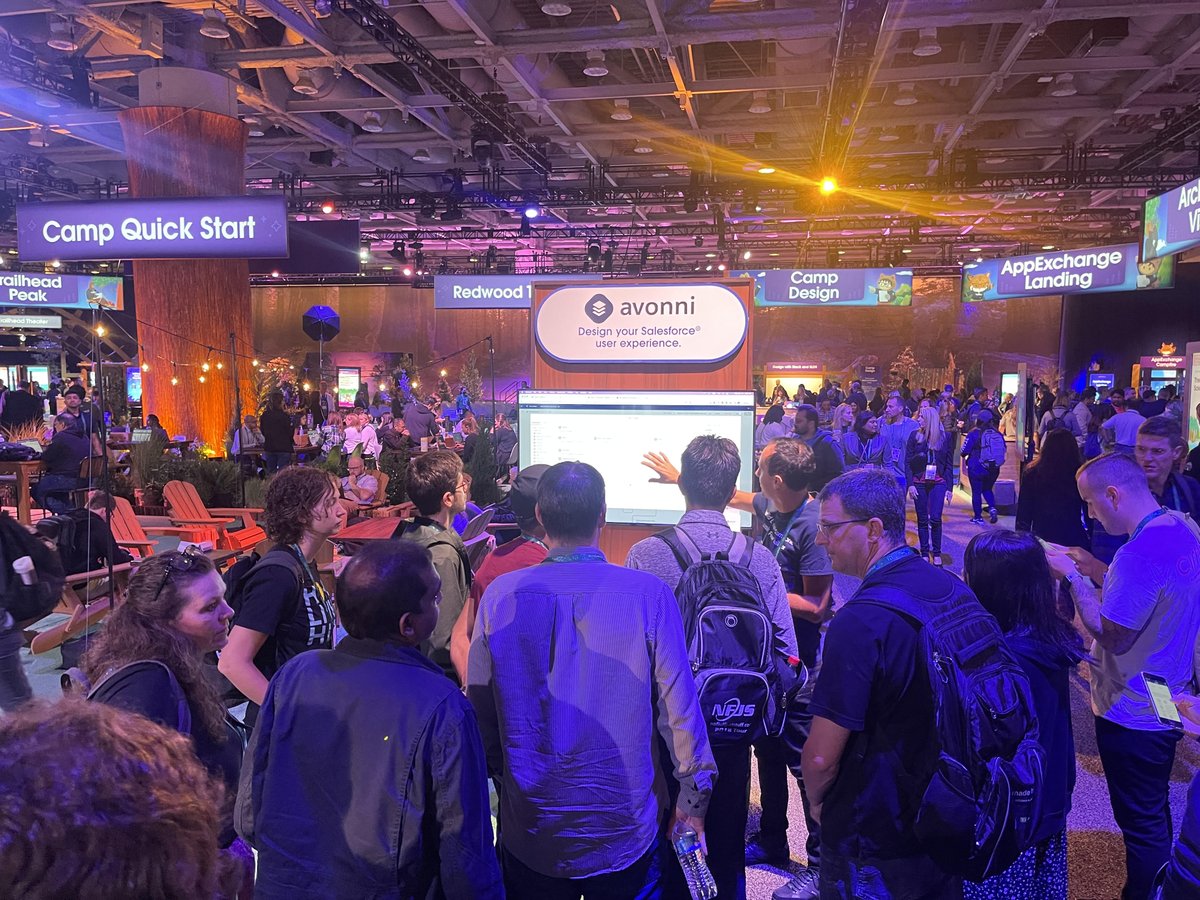
Thank you for visiting us at #DF22 ! It was a fantastic week and it was a pleasure to showcase our new Avonni Component Builder product — see you next year! #TrailblazerCommunity#dreamforce2022
Heading to @Dreamforce this year? Don't forget to visit us at the Trailhead Forest Zone, Level 1, Moscone West.
If you're a Flow Builder lover, you'd gonna love our brand new product!
#salesforce#flows#AwesomeAdmin#DF22