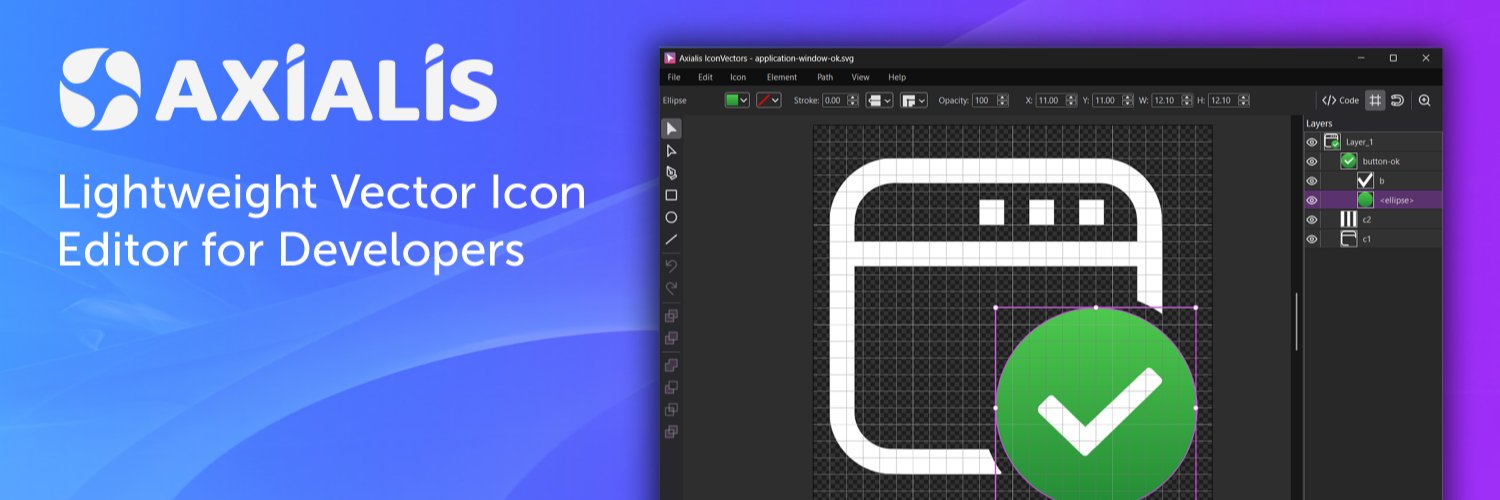
Developers rarely get blocked by the main feature.
More often, it’s the small visual tasks around it that slow things down:
fixing an SVG, adjusting an icon, re-exporting assets, or keeping everything consistent across platforms.
IconVectors 1.50 is designed to help with that.
A simpler way to work on SVG icons, keep assets clean and consistent, and use the same workflow on Windows and macOS.
With full macOS support now included, it’s easier to handle visual polish as part of the normal dev process, not as a separate task.
See what’s new:
https://t.co/EGRdiMgSwz
#DevTools #SVG #AppDevelopment #IndieDev #BuildInPublic
A dark icon can disappear on a dark background.
In IconVectors 2.10, Icon → Make Dark Theme Version creates a lighter version without changing the geometry.
Here’s the complete before and after.
Pick a color once. Use it across your icon.
In IconVectors 2.10, your chosen color stays put as you select other elements.
Left-click for fill. Right-click for stroke.
A small detail that saves a lot of picking.
Matching rounded corners by eye gets tedious.
In IconVectors 2.10, select several corners and drag one rounding handle to adjust them together.
A useful detail when refining folders, shields or other geometric icons.
You're adding a language selector to your app.
Flags, language names, or a globe icon?
We’ve been drawing icons for multilingual interfaces, and this question keeps coming up.
https://t.co/38sA3i3ri2
Both endpoints are correct. The SVG outline is still wrong.
A nonlinear warp can bend the space between anchors. Here’s a visual example showing why subdivision matters, and when a single Bézier curve works better.
https://t.co/GR96ADueQA