@GoogleForEdu@Google@GoogleChromeDev Do you all plan to integrate read aloud into your browser without having to go through an extension? Microsoft Edge has it built into their browser and it is really nice and simple to use.
It’s always a pleasure to be invited back to @frostburgstate to speak with their students about different ways to integrate technology into their instruction!
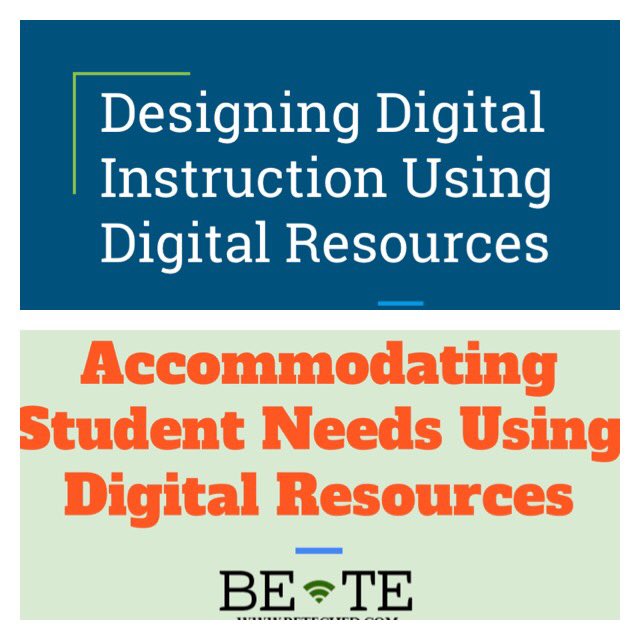
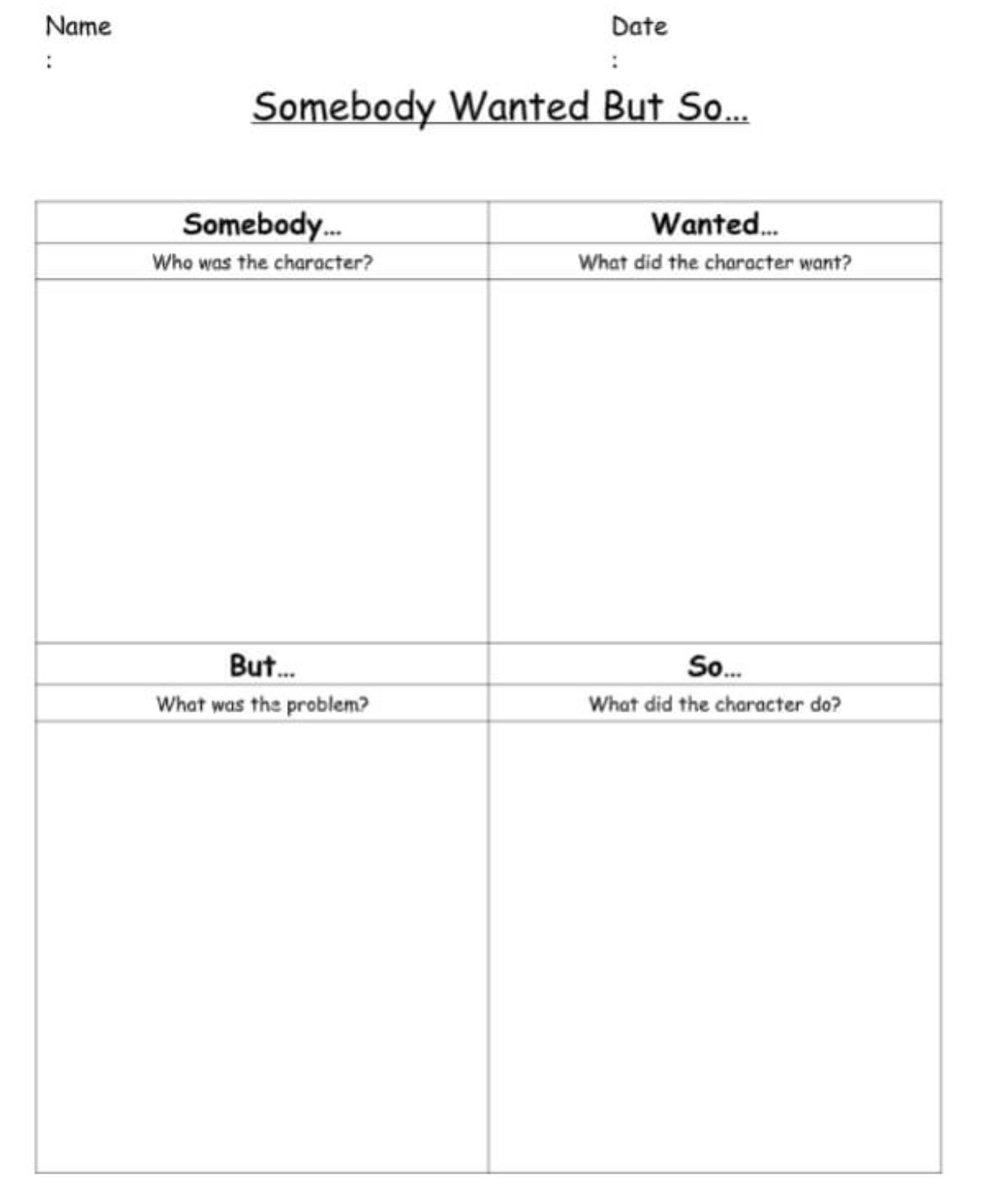
Make one lesson work across multiple platforms. A graphic organizer can be used online or printed. Sites such as Storyline Online, Save With Stories, and Unite for Literacy can provide read aloud options for text. #spedchat#TeachFromHome
https://t.co/dWRi3s5lJt
There is always a way to use programs that you are familiar with when designing materials. The attached powerpoint can be used for digital or tactile learning.
Most importantly, do what works for YOU and your students.
https://t.co/GTEeTZ3CV6
#spedchat#teachershelpingteachers
Check out our new Student Toolkit! This kit provides students with access to reading, writing, math, and organization supports! Some of these online supports include: calculators, manipulatives, graphic organizers, topic generators, and more!
https://t.co/e3sN2U0zQo
#edchat
Check out our new Student Toolkit! This kit provides students with access to reading, writing, math, and organization supports! Some of these online supports include: calculators, manipulatives, graphic organizers, topic generators, and more!
https://t.co/e3sN2U0zQo
#edchat
We are getting excited about our Spring Symposium! You can register now! https://t.co/MqaSuGogeD also, check our website https://t.co/0tnr3jH3eC for more information!
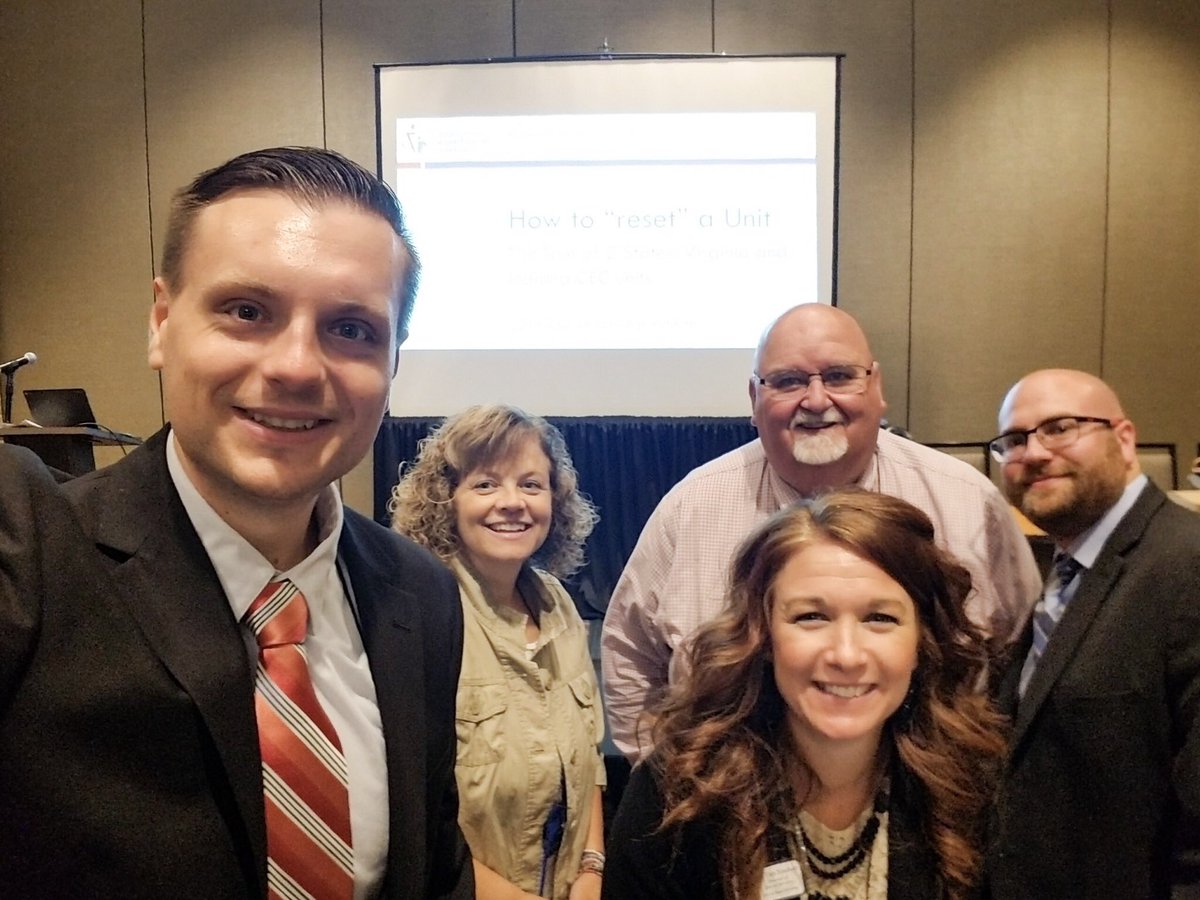
We had a lot of fun presenting with the @indianacec on how both of our states worked to reset our CEC units!!! We look forward to working with you all in the future! #cec@CECMembership
We are excited to be in #bristolva today! We’re hoping the Bristol City teachers will enjoy our presentation as much as the donuts from Blackbird Bakery!