👍 Stickity - https://t.co/9daUCwwWye
Free add-on for Google Docs & Slides to add digital stickers for:
✏️ Expectations
🎯 Content Support
💯 Feedback
🔳 Buttons
🅰️ Steps & Levels
⏳ Timers
〰️ Borders
📢 Attention Getters
🎉 Fun & Games
#GoogleEDU
A school year’s worth of short, accessible image-driven posts that invite a variety of kinds of writing.
https://t.co/hZr3mtmH7I via @NYtimes#ela#teachertwitter#k12
🤖 Do you use #ArtificialIntelligence in your daily workflow?
📚 In today's NEW blog post, I share 14 #AI teaching tools you can use to work smarter, not harder, and develop engaging student activities.
🔗 Let me know what I missed in the replies!
https://t.co/3zhbUGvnn6
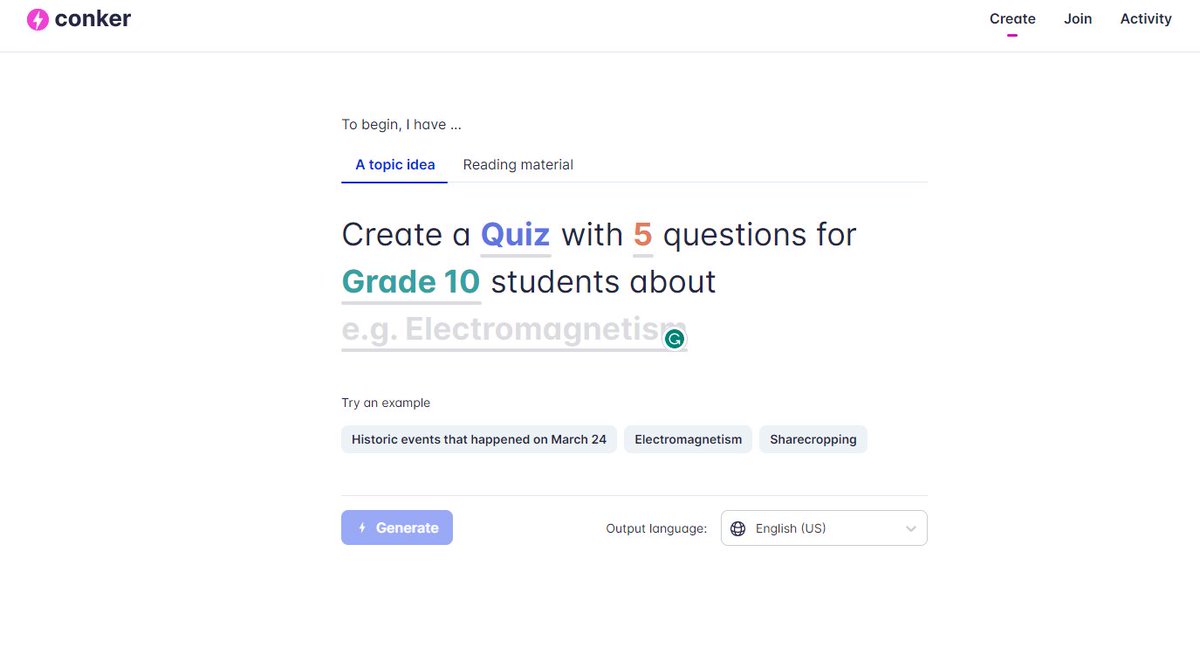
Have you seen @conkerHQ yet?🤯 It can automatically create assessments for you in a matter of a few clicks! Better yet - they can be exported to a #GoogleForm!
Click the link below to see it in action! ⬇️
👉🏻https://t.co/XIC2F5lqFz👈🏻
#edtech#techtiptuesday#TechTips#Conker
📝8 Creative WRITING Lesson Plans for Kids of All Ages✏️
✅Picture of the Day
✅Pseudonym Project
✅2 Sentence Response
✅Blackout Poetry
✅NaNoWriMo
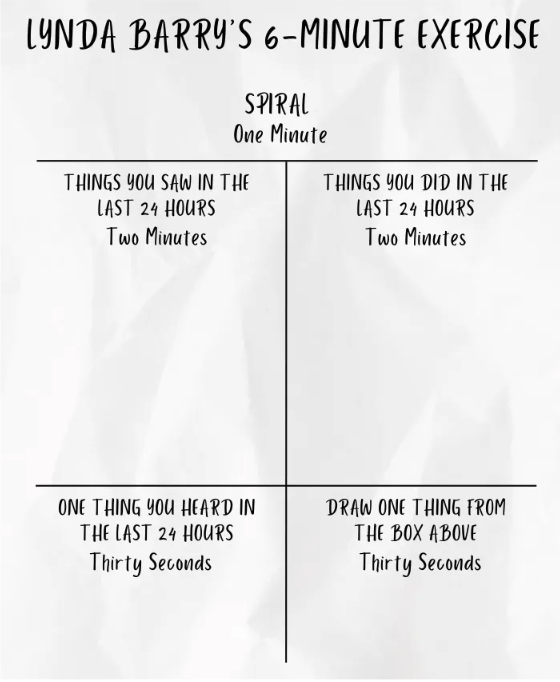
✅6 Minute Exercise
✅Letter to Future Self
✅Out of a Hat
https://t.co/gPKE2weNpa via Owlcation
#ela#writing#teachertwitter
Today's #TechTipTuesday is how to control your audio/video in Chrome with just one click. I use this feature daily! Click ⬇️ to see how to use it!
https://t.co/FFdNzarQcV
#techtips#GoogleChrome
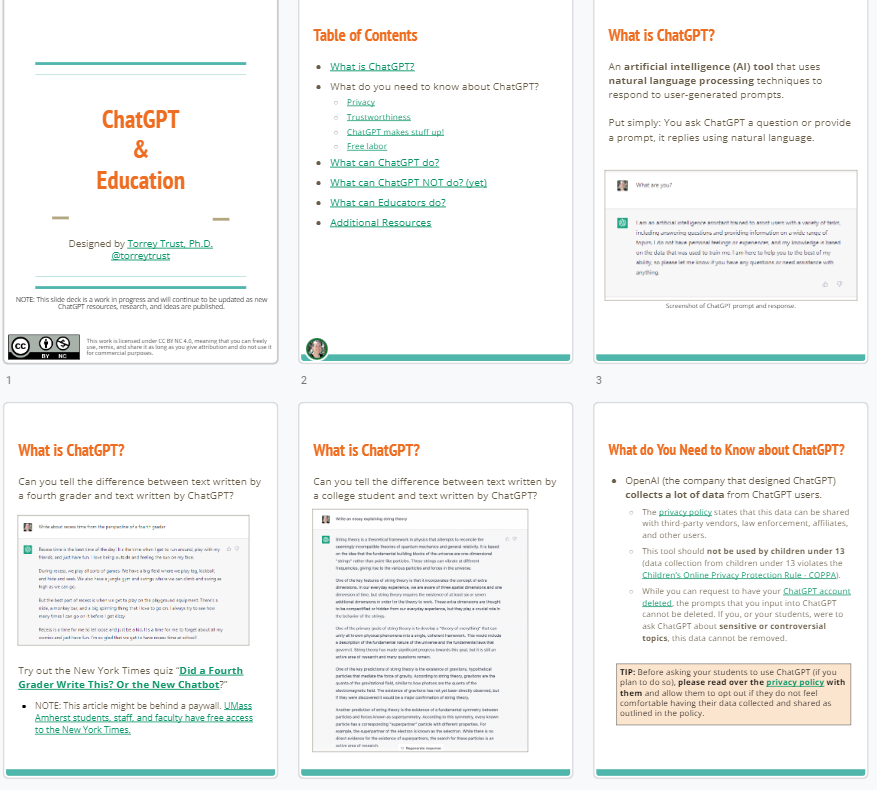
ChatGPT - what can it do? What can it NOT do? What can educators do? Learn more by browsing this open source slide deck.
https://t.co/SdY2A31u8O
#highered#edtech#chatgpt#education#teachered#k12