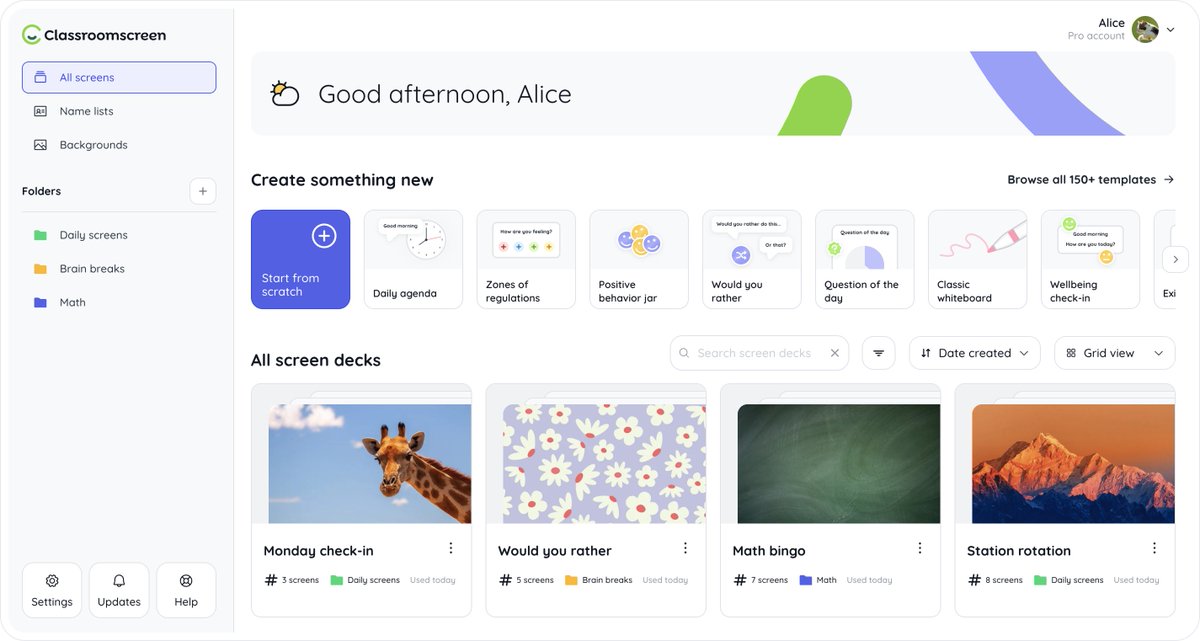
🆕 We've had a makeover! Classroomscreen has a fresh new look, making it easier than ever to organize and manage your teaching materials.
You can read a comprehensive breakdown of everything included here: https://t.co/oq1wYOWUIU
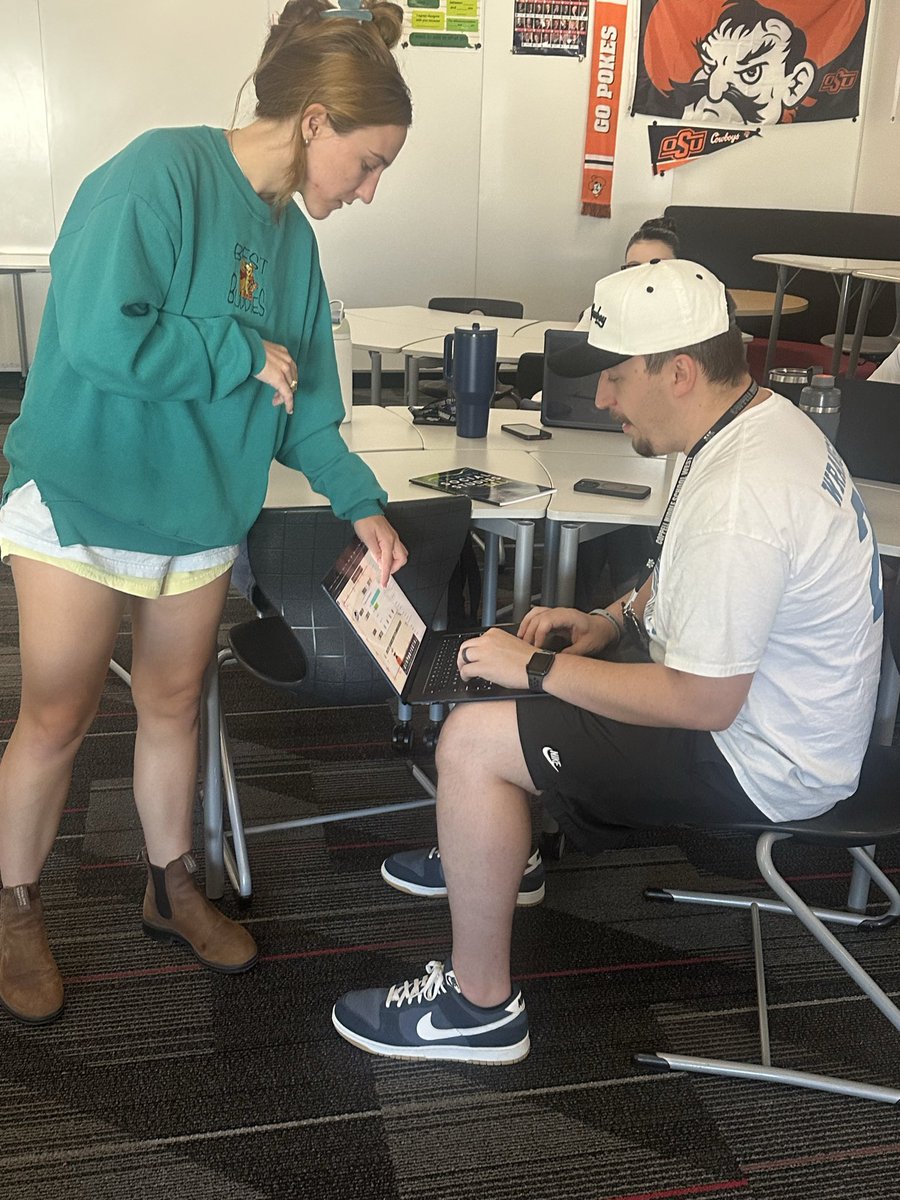
🧰✨ New tool unlocked! Adding @Classroomscreen to my Teacher Toolbox today thanks to @RebeccaBarker70 & @KEDCGrants! Such a great way to stay organized, boost engagement, and keep me on schedule. Can’t wait to try it out on Monday!
Enjoying all of the Tech Slam topics at #GaETC25 today! ✨ Particularly excited about @Classroomscreen and how I can integrate it into my practice. @GaETConf
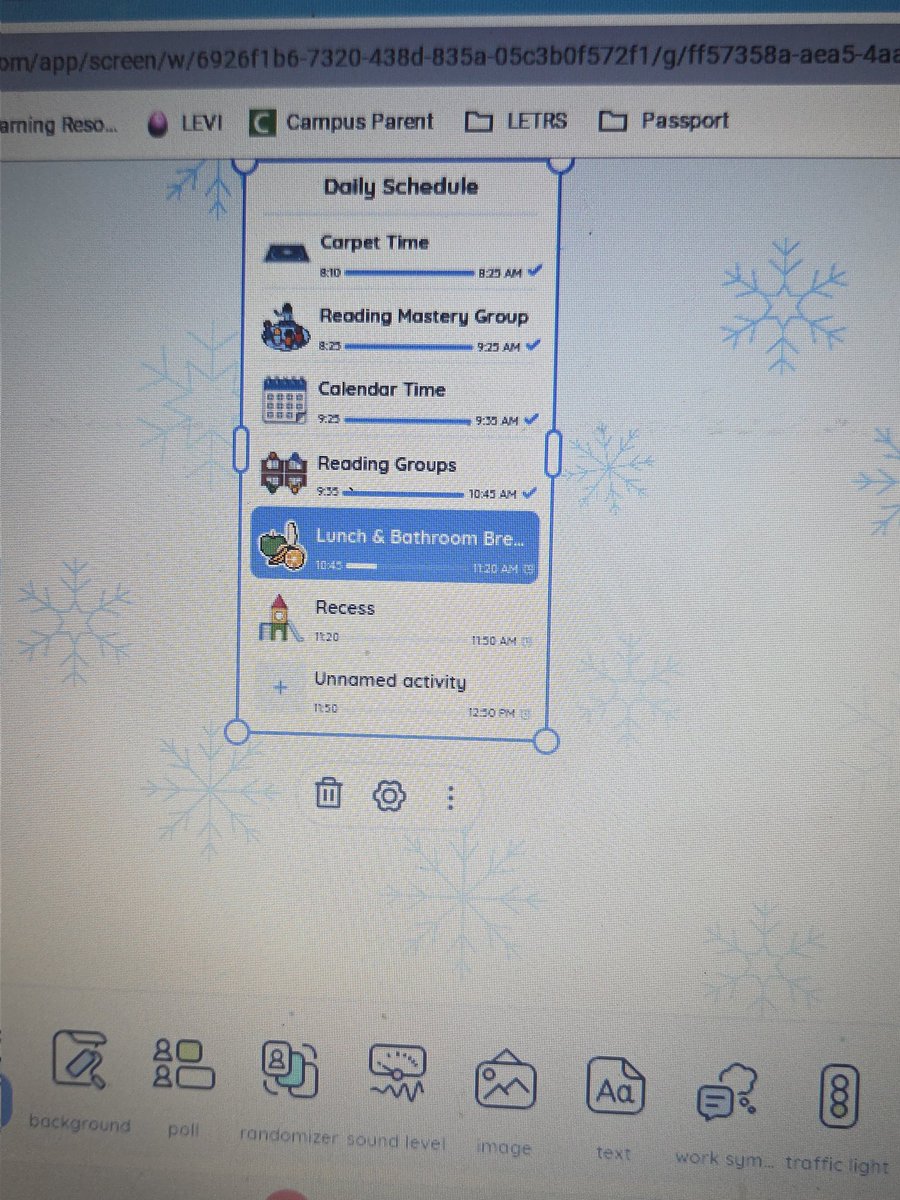
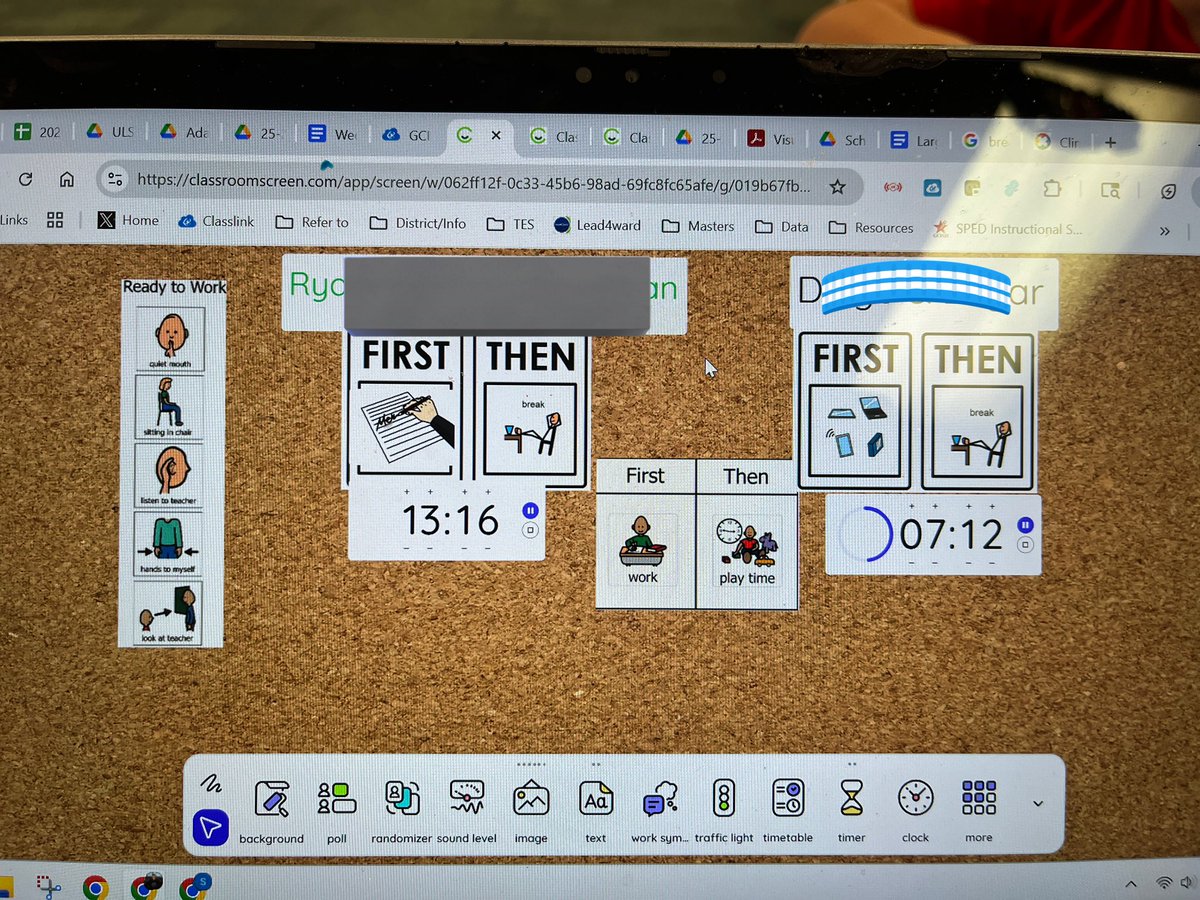
@Classroomscreen has multiple free backgrounds you can use as the weather changes. Widgets like the Timer and Work Symbols are excellent for keeping students on track during class time. Visit https://t.co/D1wXWJ0QsW to try it out for free!
Our October New Educator PLC was all about classroom environment. I loved hearing our year 2,3,and 4 educators share their best practices on routines/procedures and use of tech tools for management! @Classroomscreen is a hit @Church_Lane_ES ! 💛💙🦅 #WeAreREEL
💜 A big thank you to Emily and to every teacher who shares how they use Classroomscreen. You inspire us daily and continue to show us what’s possible.
Check out Emily’s original TikTok here:
https://t.co/xViTUXbvHN
🤗 Our amazing community of teachers often discovers creative ways to use Classroomscreen that even surprise us. One recent example? Adding Spotify playlists directly into screens.
📗 We put together a step-by-step guide so you can try it too: https://t.co/emeraKDatl