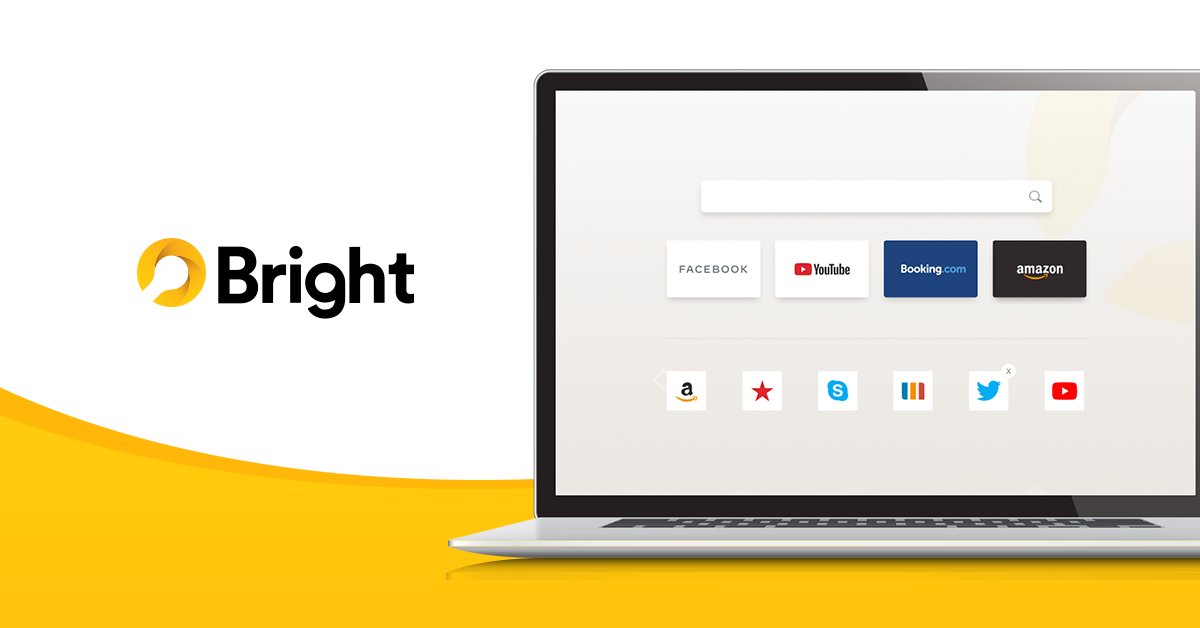
Bright browsing tip: Save your favorite websites by adding them to your bookmarks. Simply bookmark any website you want by clicking the star icon in the address bar. ⭐
Get Bright and browse smarter today: https://t.co/il3DiozDAW
#bright#browser#brightbrowser#tool#app
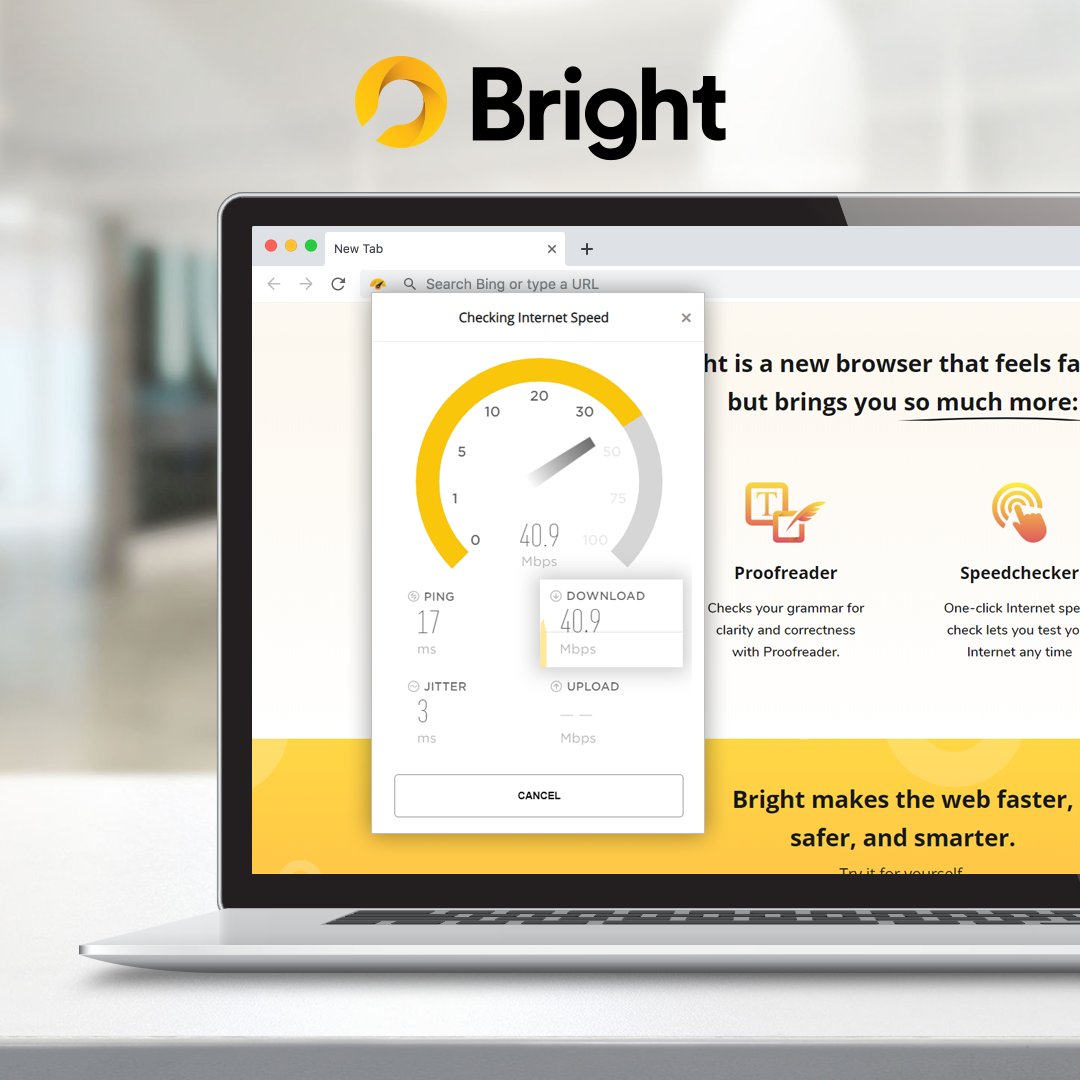
Bright’s Proofreader helps you write clear, mistake-free emails, comments, and more so you can make the best impression to the world. The best part? Bright's proofreader is 100% free! 💯
Get Bright Browser here: https://t.co/8IfMlmGoxg
#bright#browser#brightbrowser#software
Get Bright Browser for desktop here: https://t.co/8IfMlmGoxg
Download Bright Huddle App for your mobile here:
For mobile Apple users here: https://t.co/JWsANhohGf
For mobile Android users here: https://t.co/zhWgBowKtx
#browser#bright#brightbrowser#software#cobrowsing
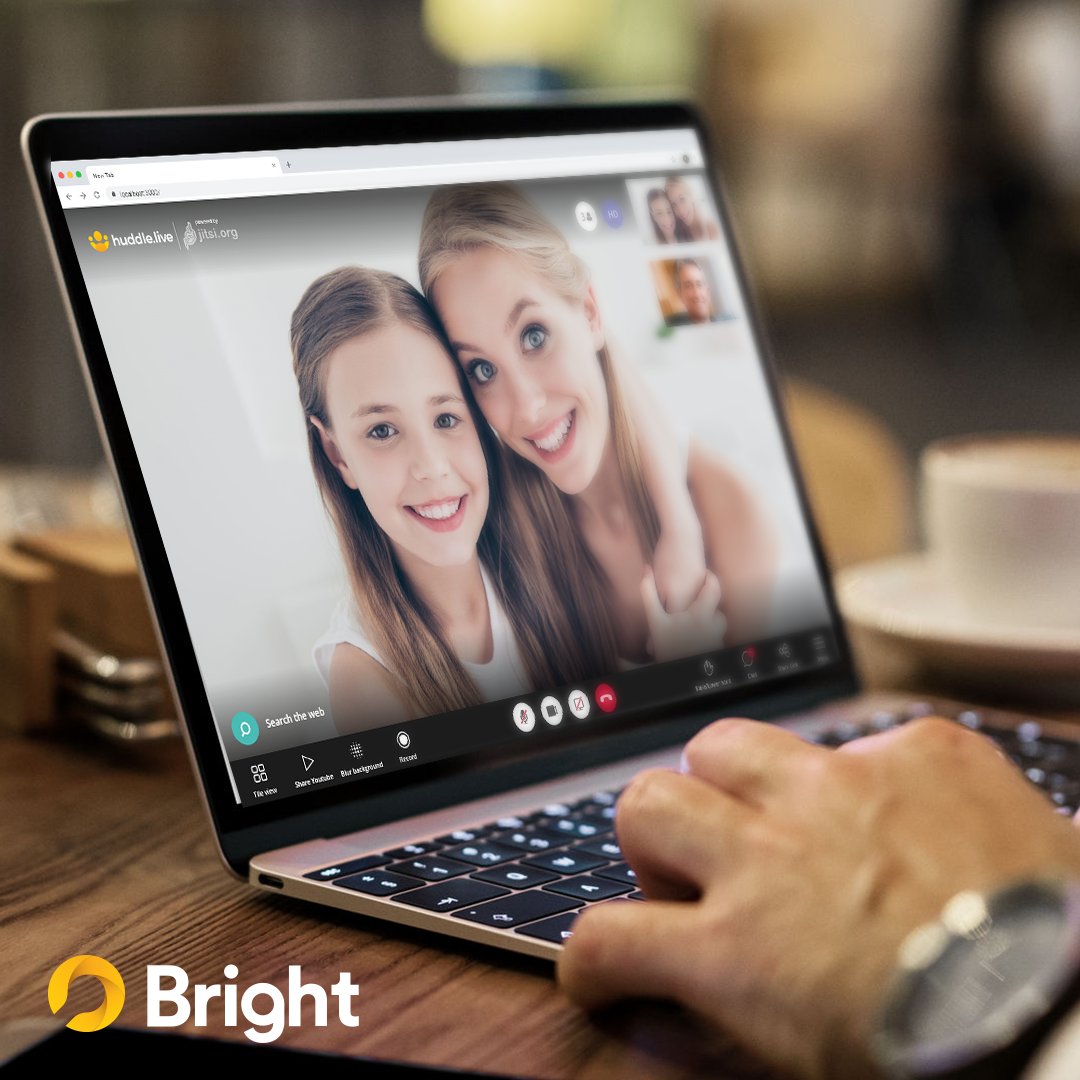
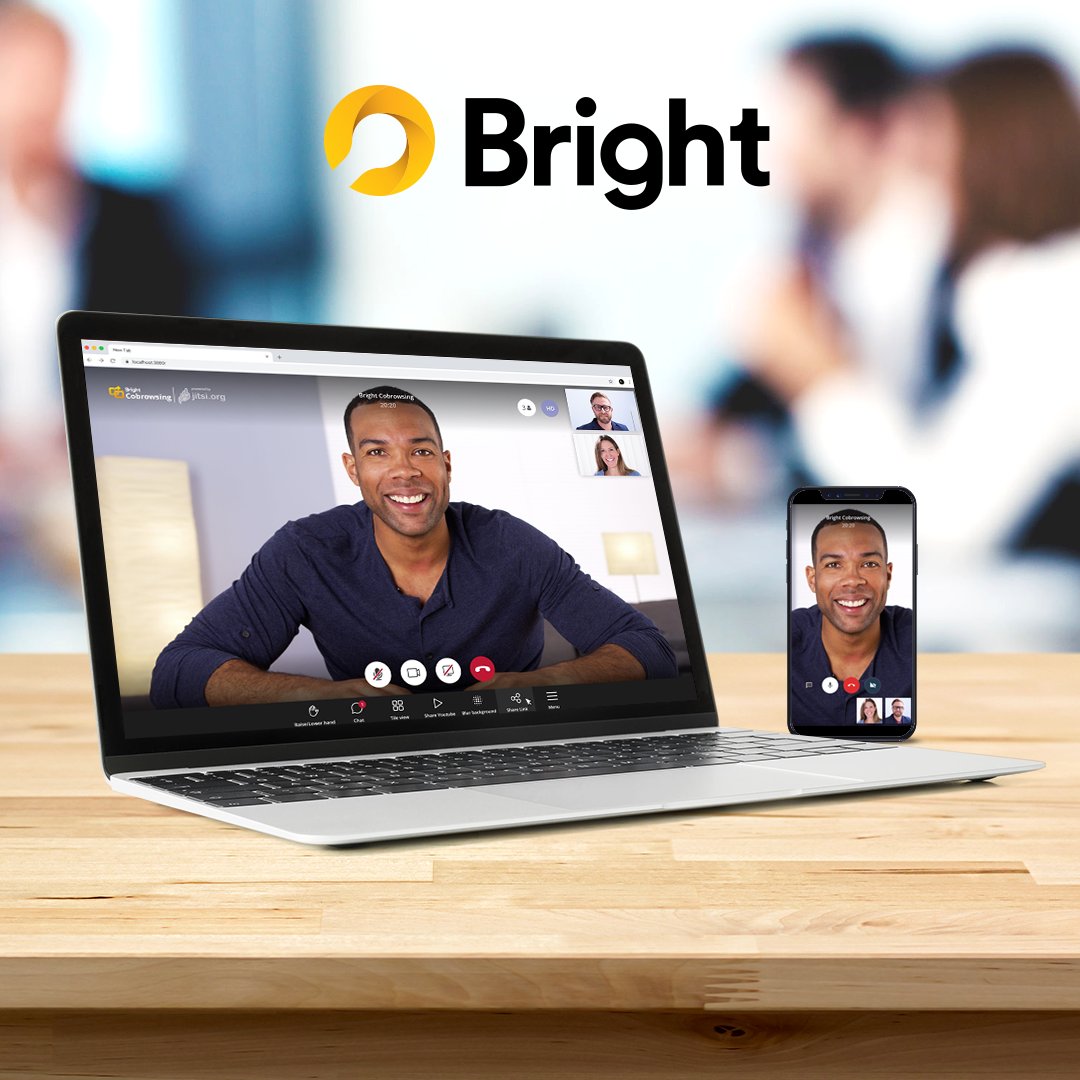
Call your study buddies and don't let self-isolation get in the way of your school lessons. Try Bright Browser's screen-sharing feature where you can chat, face-to-face video conference call, and co-browse. It's unlimited and FREE! 😉
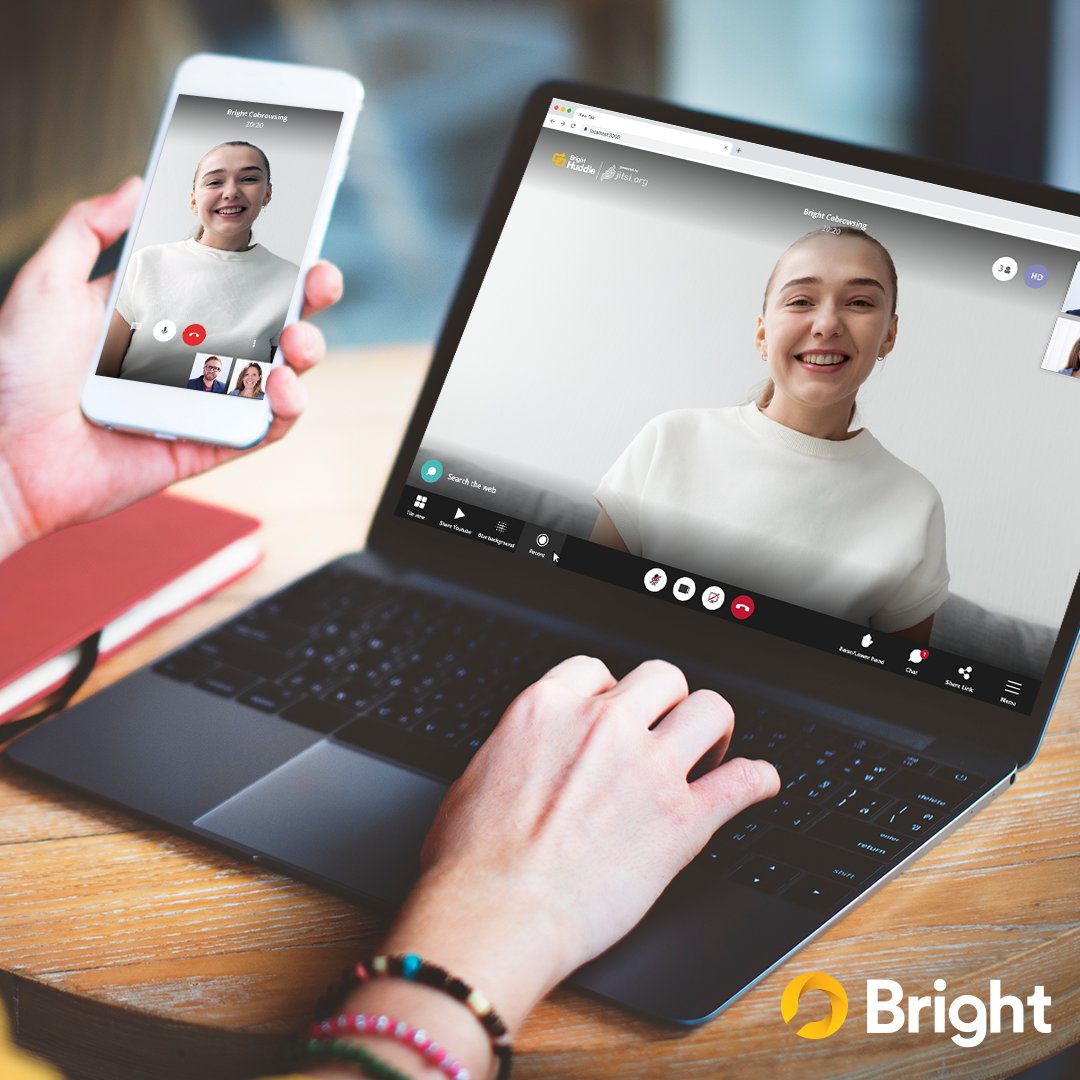
Video conference and cobrowse whether you're working at home or on-the-go with Bright Huddle! 👏
Download Bright Huddle for mobile here:
For mobile Apple users here: https://t.co/UyEF8thOEg
For mobile Android users here: https://t.co/0YH5AEecJ2
Finally, cobrowsing with your mobile is now possible with Bright's cobrowsing app! Try it now on your mobile for free. 👇
For iPhone users, get it here: https://t.co/wDdL7Amsin
And for Android users, here: https://t.co/AA5kNP9dX2
#apps#newapp#ios#android#productivitytools