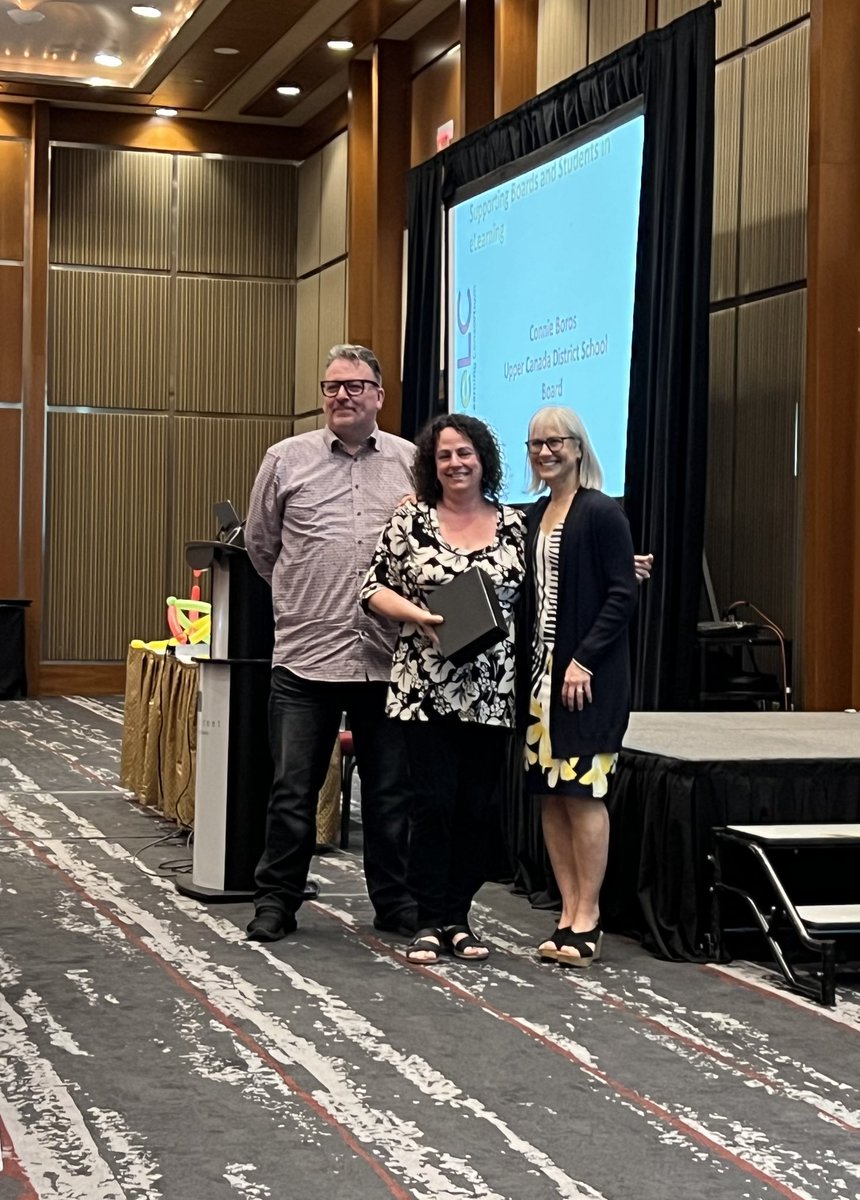
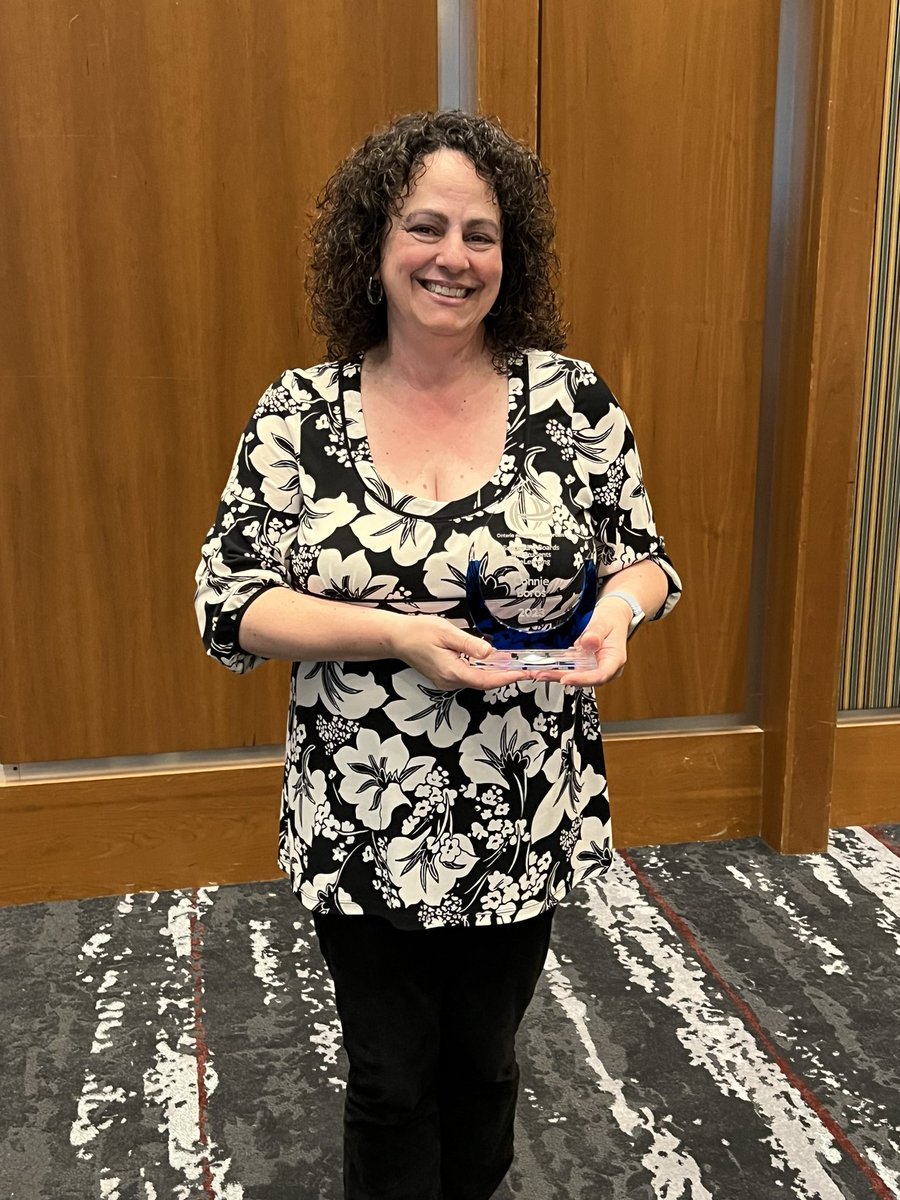
Congratulations to #UCDSB TELT-Contact, Connie Boros for winning the @theoelc “Supporting Boards and Students in eLearning” Award.
Connie was honoured this evening on the eve of #BOLTT2223 and is incredibly well deserving of this recognition!
@CBFlower1965@UCDSBDistanceED
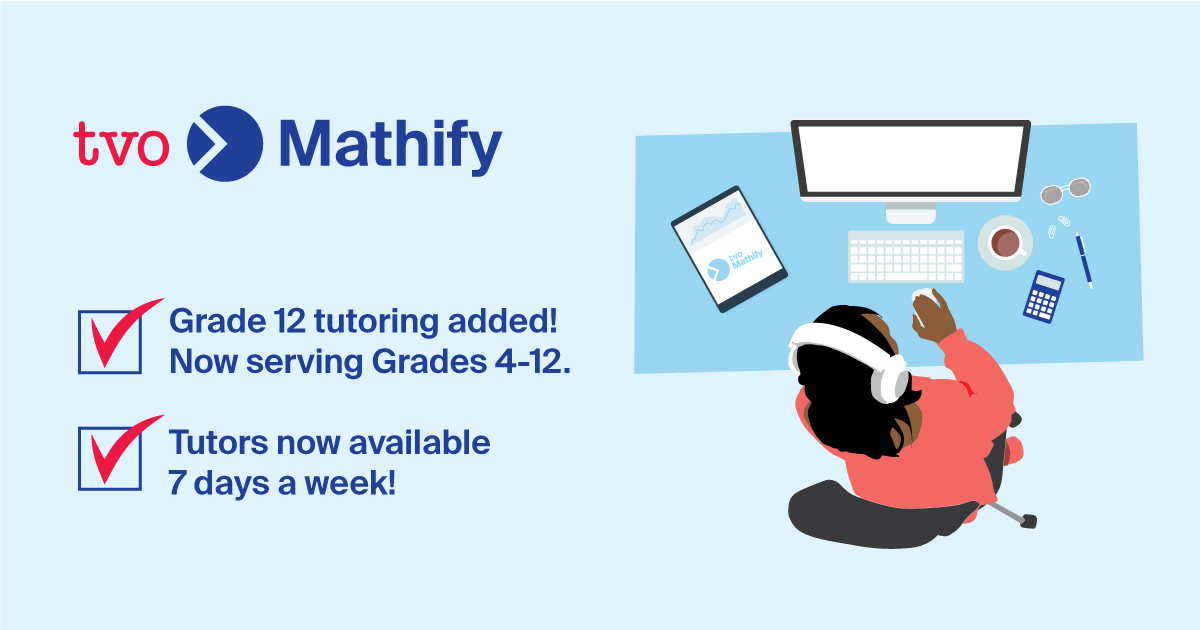
Exciting news! TVO Mathify has expanded to support Grade 12 students! Now serving Grades 4-12 with free 1:1 online math tutoring.
Tutors will be back online on September 19 at 9 am ET and will be available 7 days a week!
Students can register at https://t.co/OVKfdkwout
A quick tutorial video on how to use the NEW Search in #MicrosoftTeams 🔎 Search has gotten some very nice updates and enhancements that have recently rolled out 🚀
YouTube 📺 https://t.co/be2FBwEPdn
#edtech#MIEExpert#MicrosoftEDU
@mtholfsen I’m on a Dell Latitude 9520 Windows 10 & PPT Version 2102. I’m creating slide recordings with animations and inking tools. I replay the slide after recording and it looks great. It does not work in Presenter mode. No audio, no video but timer is running. Help!
Online Teaching Tip of the day for @myNBCC instructors (and others): Manually enter student grades in your @D2L#Brightspace gradebook by using the spreadsheet view, by learner, and/or by grade items or categories. More info here: https://t.co/YB8UQ7SPrE
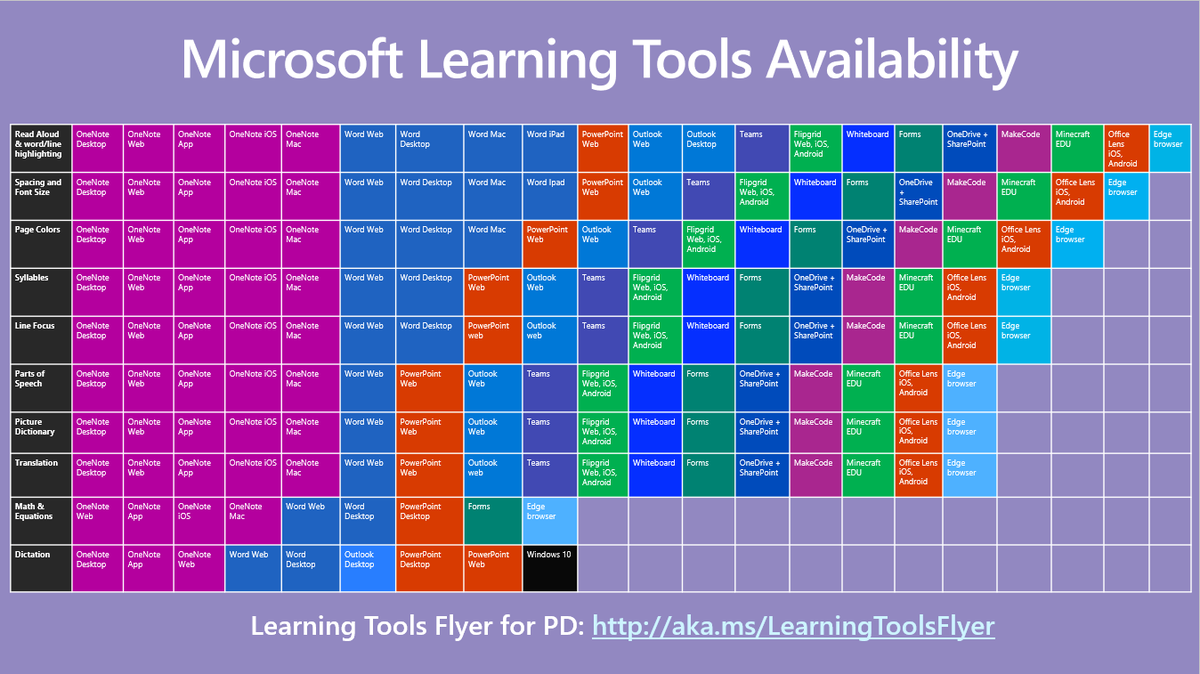
UPDATED! The Periodic Table of Learning Tools 📖
With today's announcements, I had to update the chart to expand our inclusive tools 💯
Get your copy 👉 https://t.co/XomsHUHbjn
#edtech#accessibility#dyslexia#MIEExpert#MicrosoftEDU
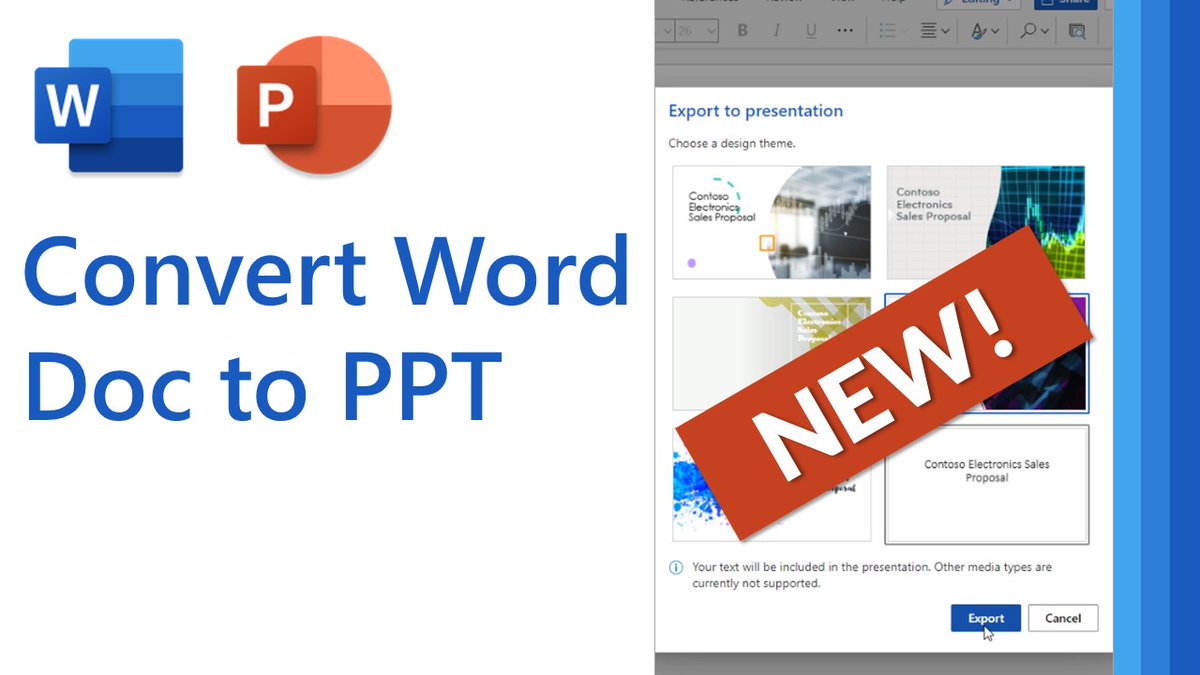
NEW! A quick tip video 📽 on the just-launched feature that lets you convert a Word document into a beautiful @PowerPoint presentation in a single click!
YouTube 📺 https://t.co/ysWGjXjJHE
#edtech#MIEExpert#MicrosoftEDU
This Micro Tip will show you how to sort in word - by letter, number or date. Easy to do, not many know how..
👉 https://t.co/jVpasDha0c
#edtech#MIEExpert#elearning
Microsoft Forms is a great way to easily create surveys and quizzes for your students. ✔
Did you know that your Forms quizzes can be auto-graded?
See @mtholfsen's 5 essential tips to auto-grading here: https://t.co/E75SWOIrqB
#MondayMotivation#MIEExpert#RemoteLearning
This Micro Tip will show you how to edit a PDF in Word 📝
If you like the TV show The Office, there’s bonus material just for you!
👉 https://t.co/GxNxdgPC3z
#edtech#MIEExpert#engchat
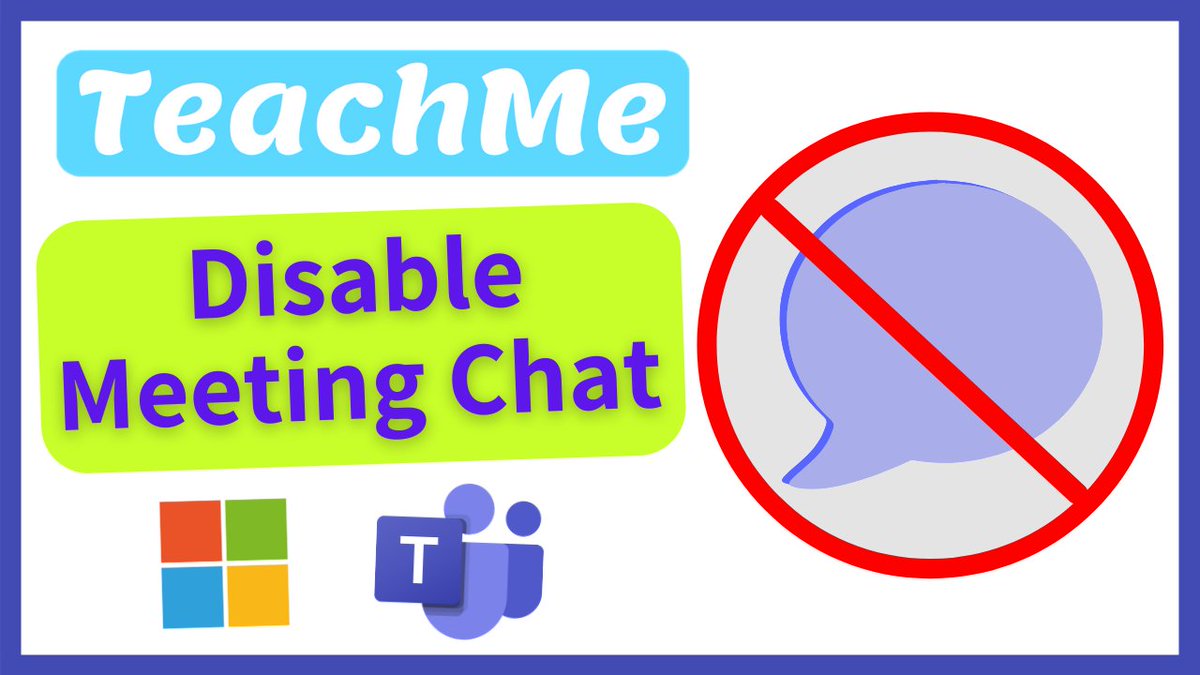
Learn how to Control Student Meeting Chat in #MicrosoftTeams online lessons BEFORE, DURING & AFTER meetings. Also covered are the current LIMITATIONS of this new feature⤵️
📺WATCH THIS 👉https://t.co/SJWmtwKigC
#MicrosoftEDU#edtech#remotelearning#MIEExpert
NEW! The one-stop shop for @MicrosoftEdge on the #MicrosoftEDU Educator Center!
Quick tip videos, support, resource links and lots more 🌐
👉 https://t.co/hLJwoR76jj
#edtech#MIEExpert
Set up an activity feed to share announcements, assignments and allow comments from students. This tutorial shows how to add attachments or links to a post in Activity Feed in #Brightspace: https://t.co/6fv9sbQpJb
Customize question delivery adds structure to your quizzes and increases assessment integrity using the Quiz Builder. This tutorial shows how to create sections and question pools using Quiz Builder: https://t.co/PtL70Xi9TJ #Brightspace#D2L#VLE_EAV
Online Teaching Tip of the day for @myNBCC instructors (and others): If you'd like your students to be able to review quiz attempts in @D2L#Brightspace, it's important to customize the submission views to what you want them to see. Info here: https://t.co/oF04x74sCZ