@psagap@lazyappHQ Hey Pablo, thanks for bringing this to our attention!
Could you reach out to [email protected], please? We can take a look at what happened with your subscription to make sure that you're correctly on the Lazy Capture plan and not on the Lazy AI plan.
@Mcoudert@lazyappHQ We don't have a direct integration yet! That said, Obsidian and Lazy both rely on markdown files so you can easily import and export data across :)
@FloNocode@demtzu Hey FLO, at this time we're using GPT-4O mini but looking at upgrading this soon.
This playlist is helpful for seeing reviews and tutorials for the different features in Lazy: https://t.co/qaS0aGl4rT
@chrismartinx@lazyappHQ Hey Christopher, you can import your Markdown files from Capacities to Lazy. Lazy will create a neat view for all of the cards you import so that you can organise them in Lazy.
@psagap@lazyappHQ Hey Pablo! We can't capture from Dia at this time as they don't currently offer the 'Allow Javascript from Apple Events' permission that we require. Arc, Chrome, Brave, Orion, Safari and Edge are all supported though!
As soon as Dia adds this permission, we'll support it!
@Junrc21@lazyappHQ Thanks for the kind words!
No plans right now — we're sticking with GPT-4o for the moment, as it works great for Lazy AI's context.
That said, we're keeping an eye on other models, so it's possible we might explore this in the future.
@Liniman@demtzu@lazyappHQ@WisprFlow Hey! We do both love keyboard shortcuts! Lazy does have a voice transcription feature on our iOS app, but the real power of Lazy is in being able to instantly capture articles, tweets, Youtube videos and so much more from anywhere on your Mac and iPhone.
@tcd209@lazyappHQ Hey Tuan! There is a transcription feature on iOS that we're looking at bringing to Mac. No current plans for Apple Watch, but it'd be cool to support it in the future.
@Keshavatearth@demtzu@lazyappHQ Hey Keshav, yes it's possible to import Google Keep notes to Lazy. You'll first need to export them from Google as HTML.
You can find our documentation guide on importing from Google Keep, here: https://t.co/9P7rAiusFy.
After 2.5 years of private beta and millions of captures by our early believers...
@lazyapphq is finally public — no more waitlist!
Meet Lazy — the fastest capture experience.
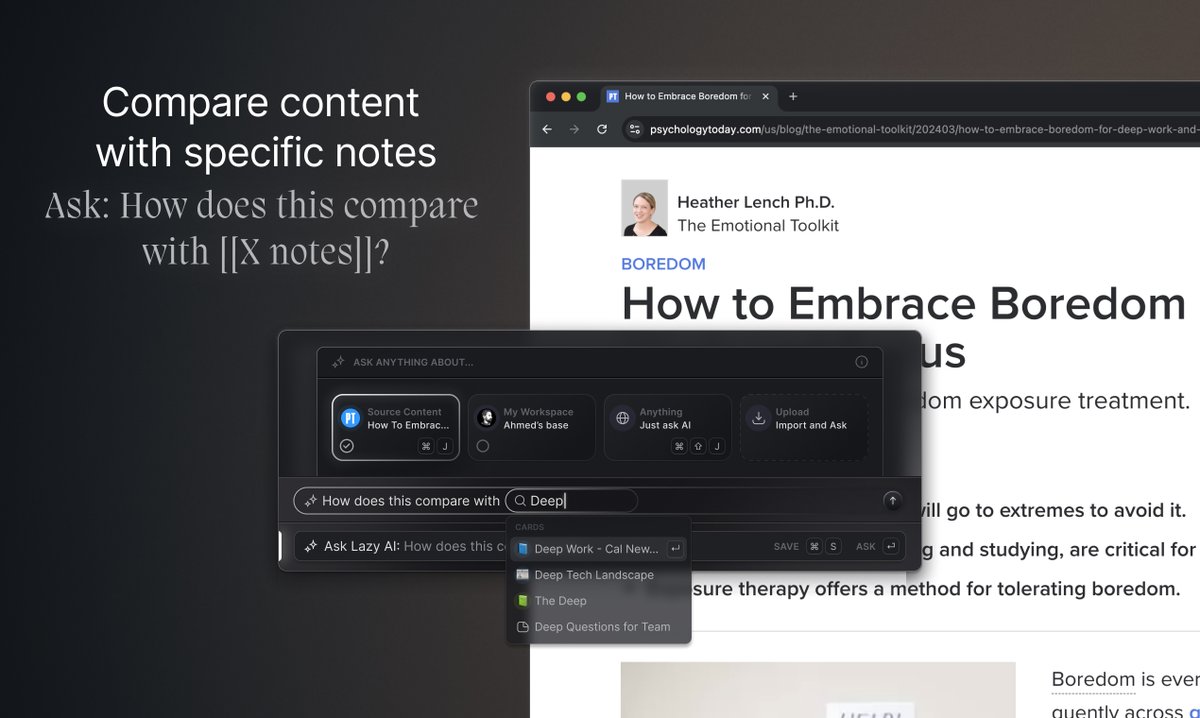
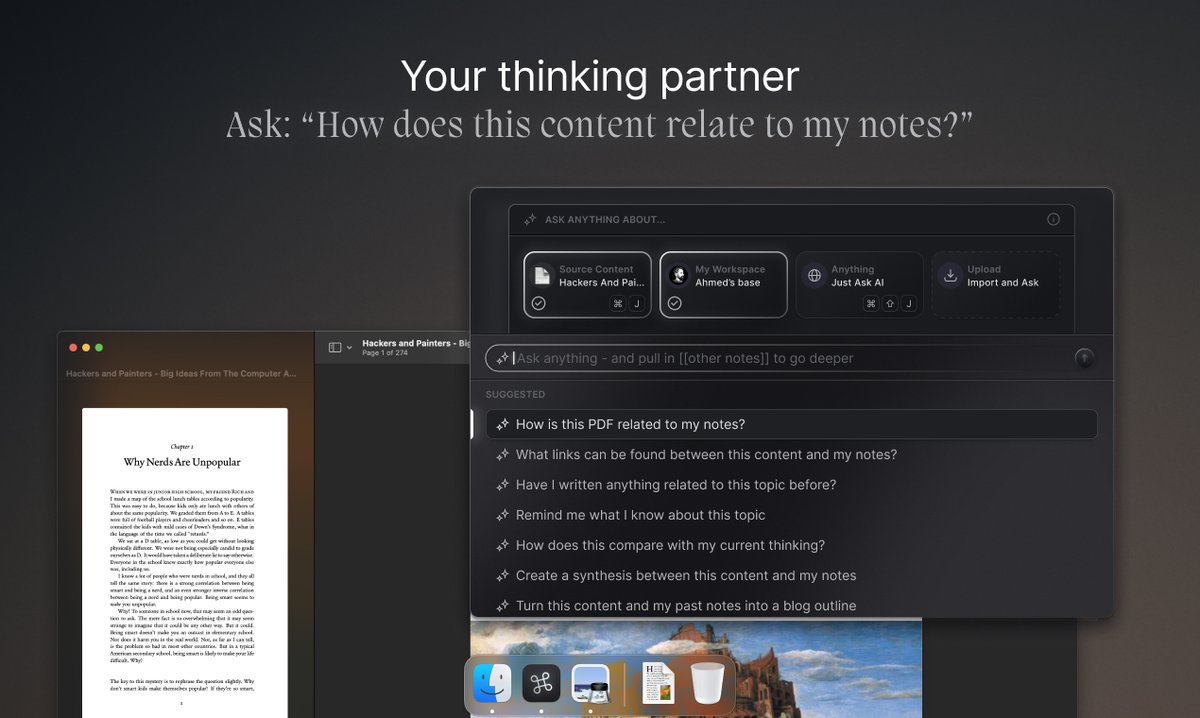
One shortcut to capture and chat with your notes, everywhere.
@marksmithzurich@demtzu Hey Mark, that’s right!
While you can access notes on any device via the web or iOS app, the full power of Lazy — including capturing, AI & the launcher — is Mac-only for now. That’s why onboarding is designed around showcasing how to make the most out of the Mac app experience!
@thatkeensaint@demtzu Hey there! Not yet - Lazy is only available for Mac at this time. We do have a web app which enables you to view and edit your notes, although it doesn't offer the same powerful capturing and AI features of the Mac app.
Confession: I fought hard to keep @lazyappHQ dark-mode-only — à la Spotify — but you asked. And asked. And asked. So I caved. 😃
Light Mode is now live on Mac & Web — and yes, it’s actually nice in daylight 😎
⌘+K → “Change interface theme”