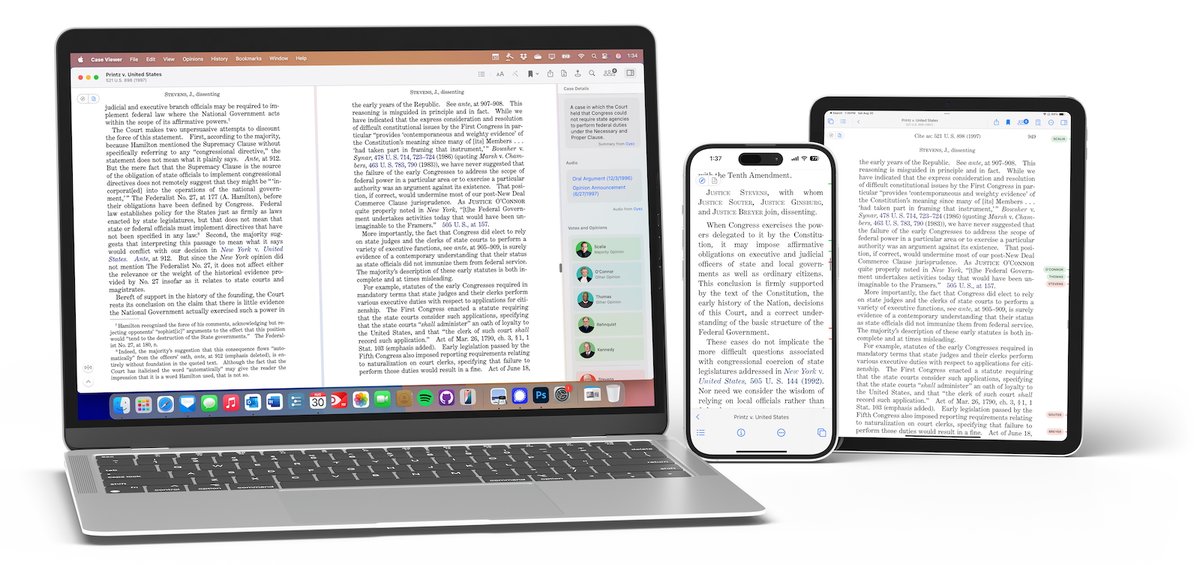
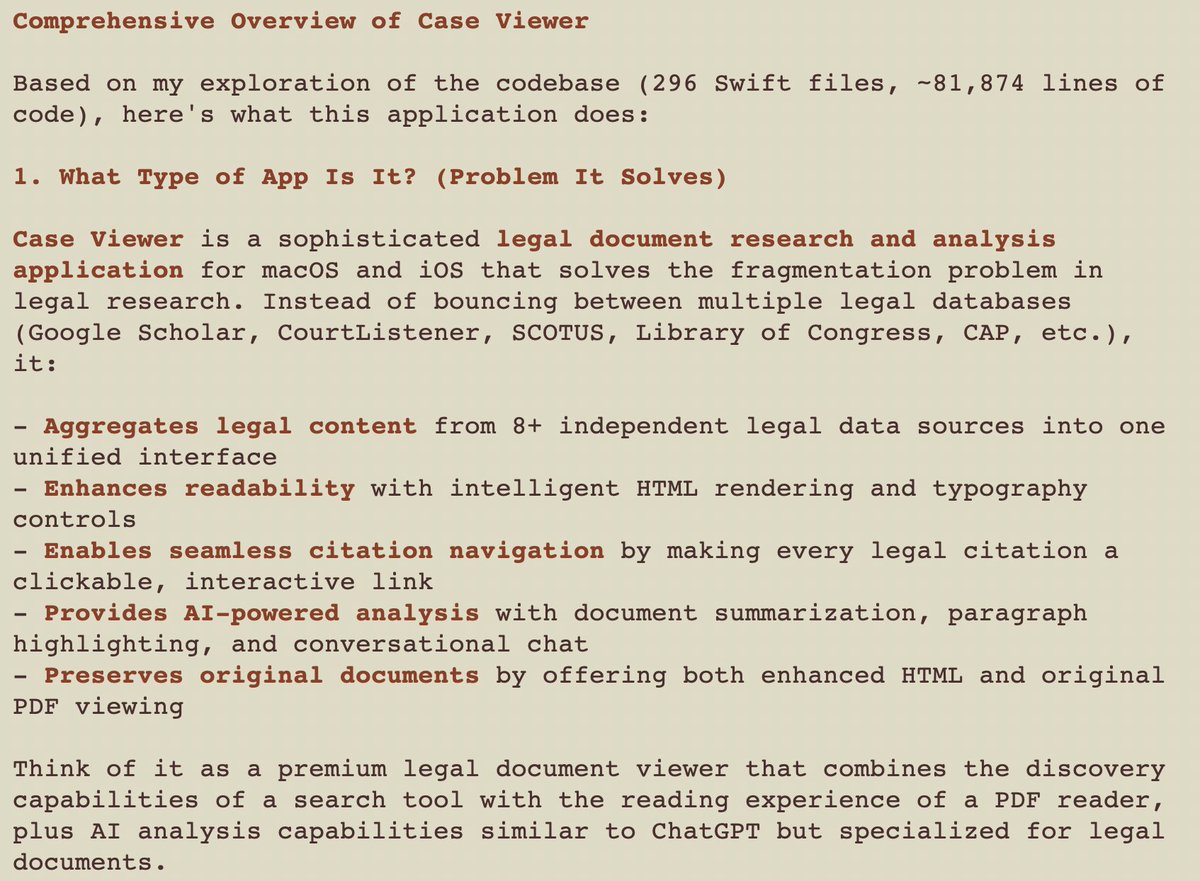
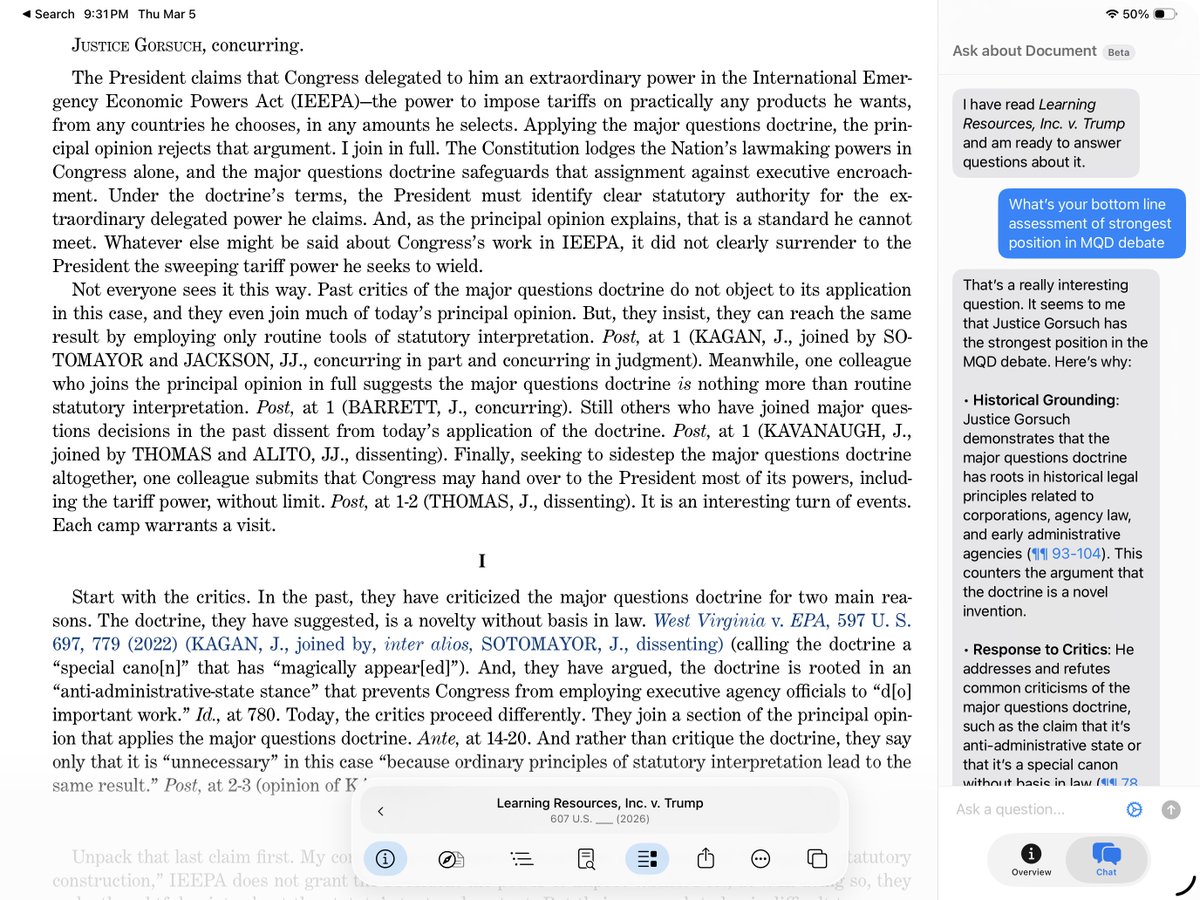
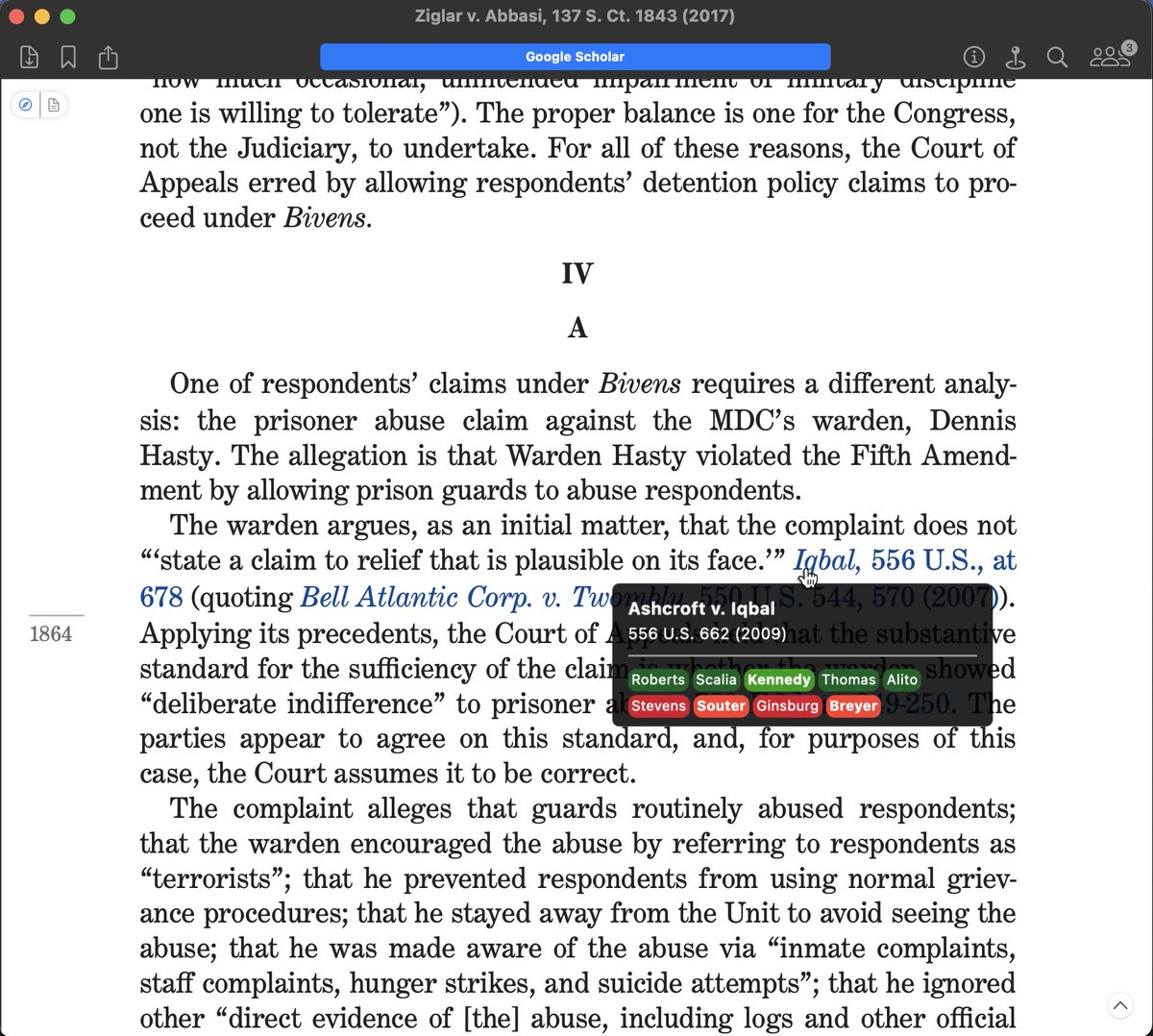
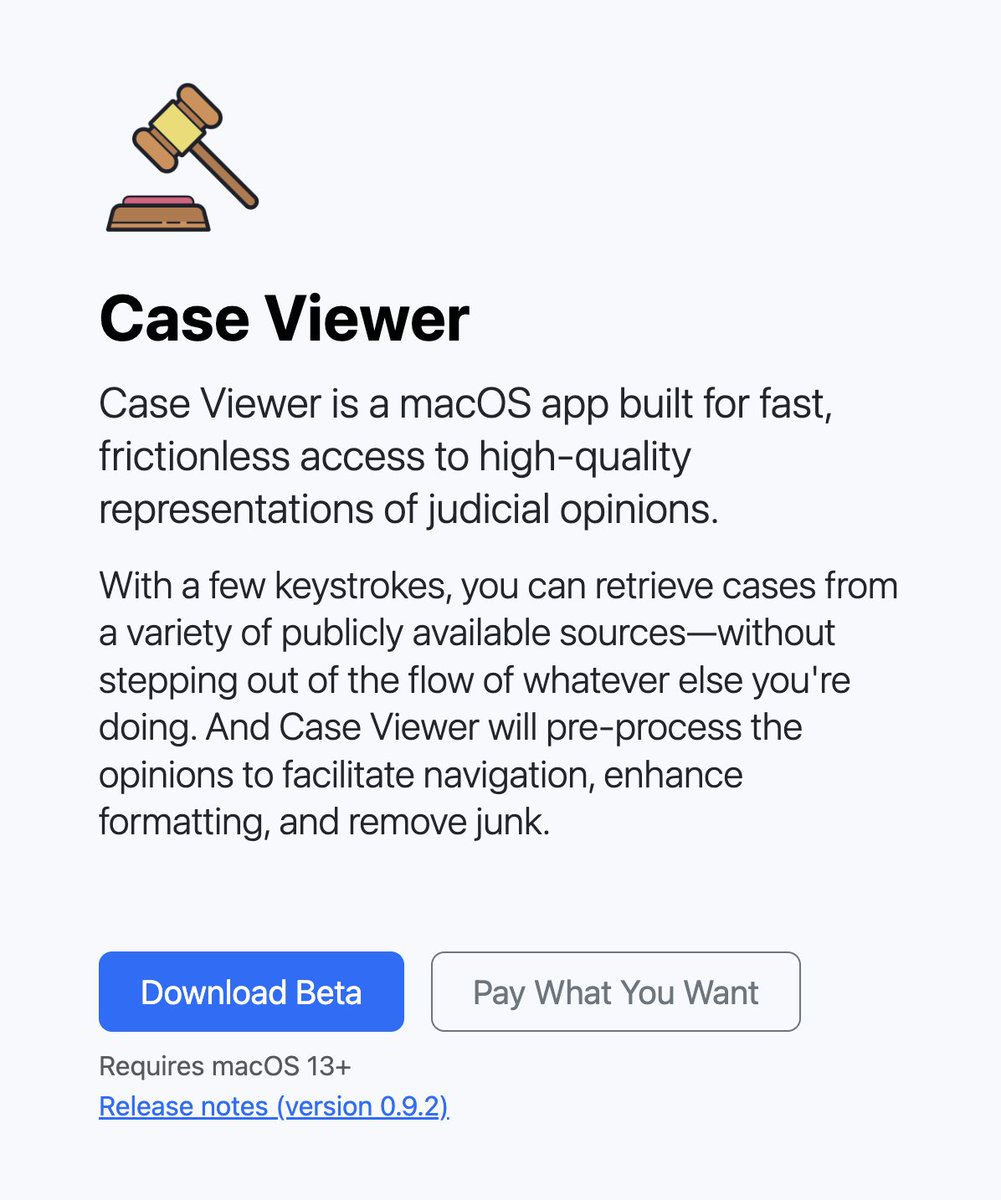
Case Viewer 1.0 is now on the App Store! After 2 years of refinement, Case Viewer is easily the fastest and most rewarding way to find and read cases. Download it for macOS, iPhone, and iPad here: https://t.co/Uy7wMpNVJG
Here's a quick video of the new Table of Contents feature in Case Viewer — now available for Mac, iPad, and iPhone (https://t.co/jBpXDwWYm6).
It extracts the opinion's actual heading structure, uses an LLM to make descriptive section labels, and maps the argument structure too.
A nice write up about Case Viewer, my legal browser app: https://t.co/UiD39BaRAs
If you have an iPhone, iPad, or Mac and haven't tried it, you should! Learn more at https://t.co/9Tt1XXoI5k, follow @CaseViewerApp, or download for free from app store: https://t.co/drt8P54vWN
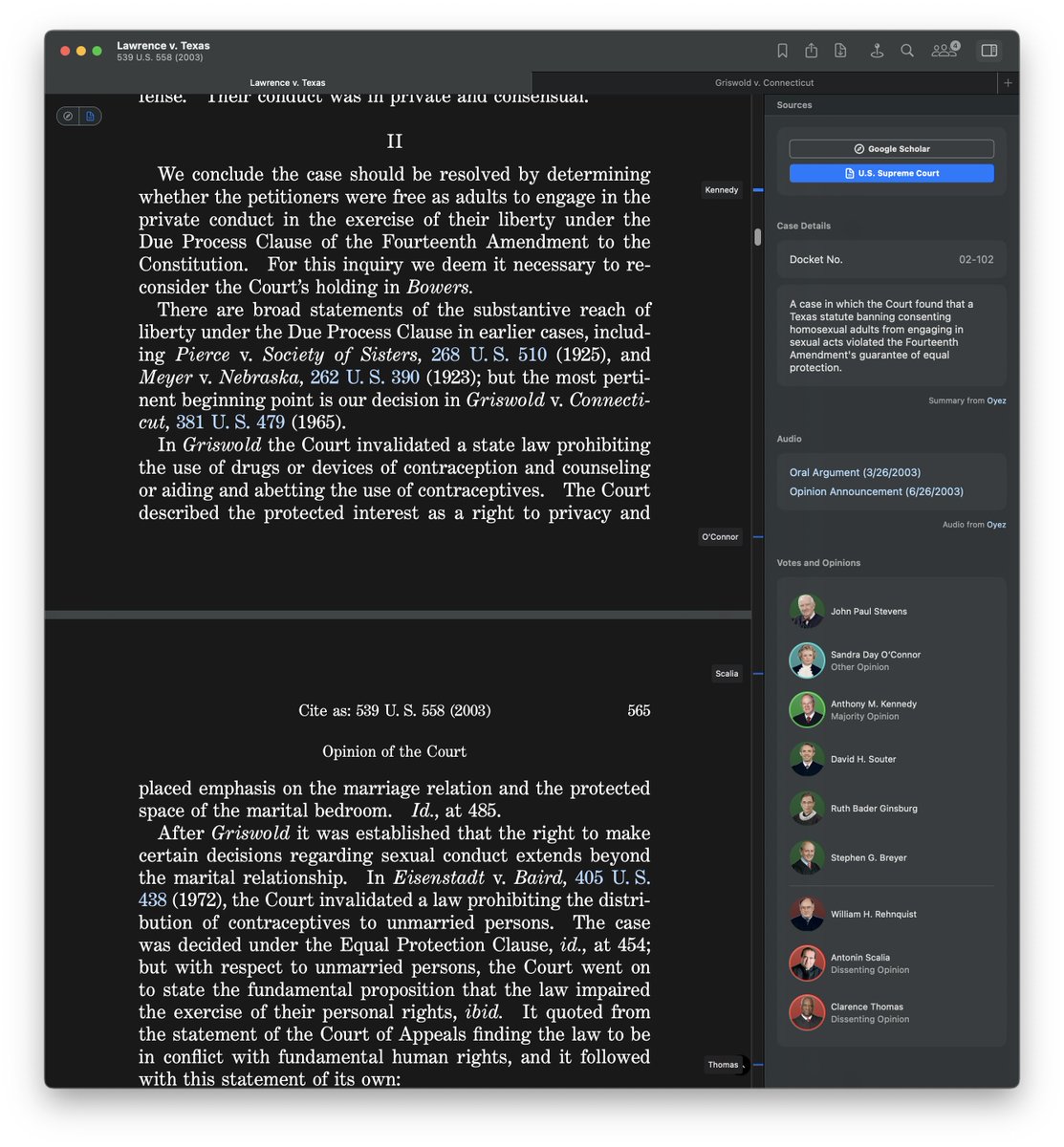
@CaseViewerApp version 0.9.9 adds dark mode, support for Safari-style tabs, and support for @CourtListener as a data source (substituting for @CaselawAccess, which has sunset). Download at https://t.co/c8D8f8GQXA!
New features in Case Viewer 0.9.7 include:
– working hyperlinks integrated into original reporter PDFs
– judge information and oral argument links
– improved search interface
– opinion navigation shortcuts (⌘-O)
Download "pay what you want" (/free) at https://t.co/c8D8f8Gj82
If @CaseViewerApp isn't working, download the latest update (0.9.6) from within the app & it should be fixed. (There's a server outage for @CaselawAccess, and a bug in Case Viewer's handling of that error was making all searches fail as a result.)
New in 0.9.5 (early channel):
• Distinct search modes for cases and statutes (switch with Tab key)
• Tooltips with case question and panel information
• Improved find interface
If you use @CaseViewerApp, enable the 'early channel' in the dropdown menu to try a new update (0.9.4) that adds informative tooltips to most links to cases & statutes (with more info to come someday—suggestions welcome)
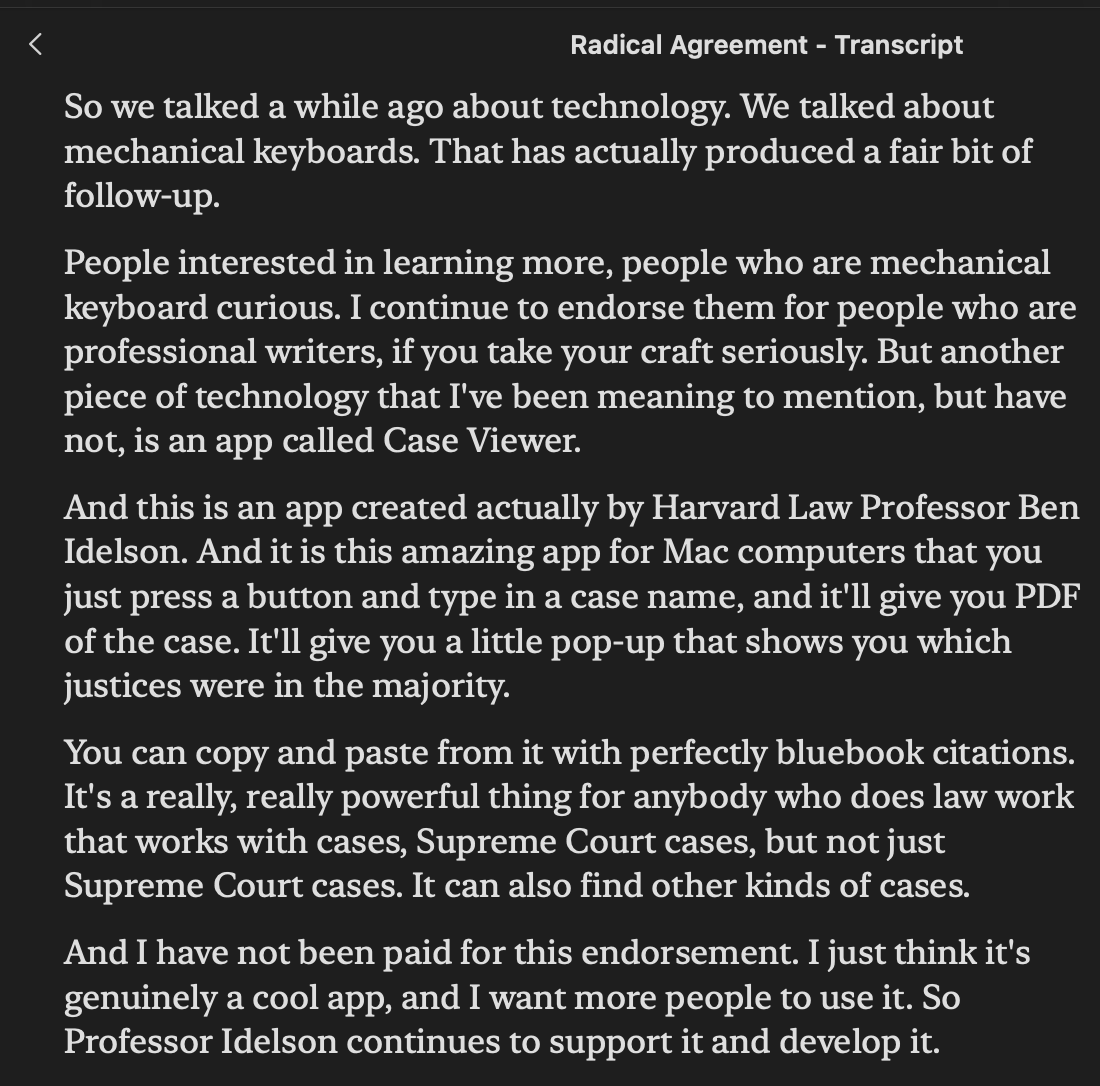
NEW EPISODE: "Radical Agreement"
After taking listener Qs, we look at the shadow docket opinions in Labrador, dealing w/ universal relief, emergency applications, + more.
Then, 2 merits opinions: Devillier (takings) and Muldrow (Title VII).
https://t.co/YYuwdKjBpe
How do we live in a world where the best native legal research app on Windows, Mac, or iOS is @beidelson's @CaseViewerApp? No shade at all to that truly excellent product, but that's one guy doing a side gig. This is a multibillion dollar market!
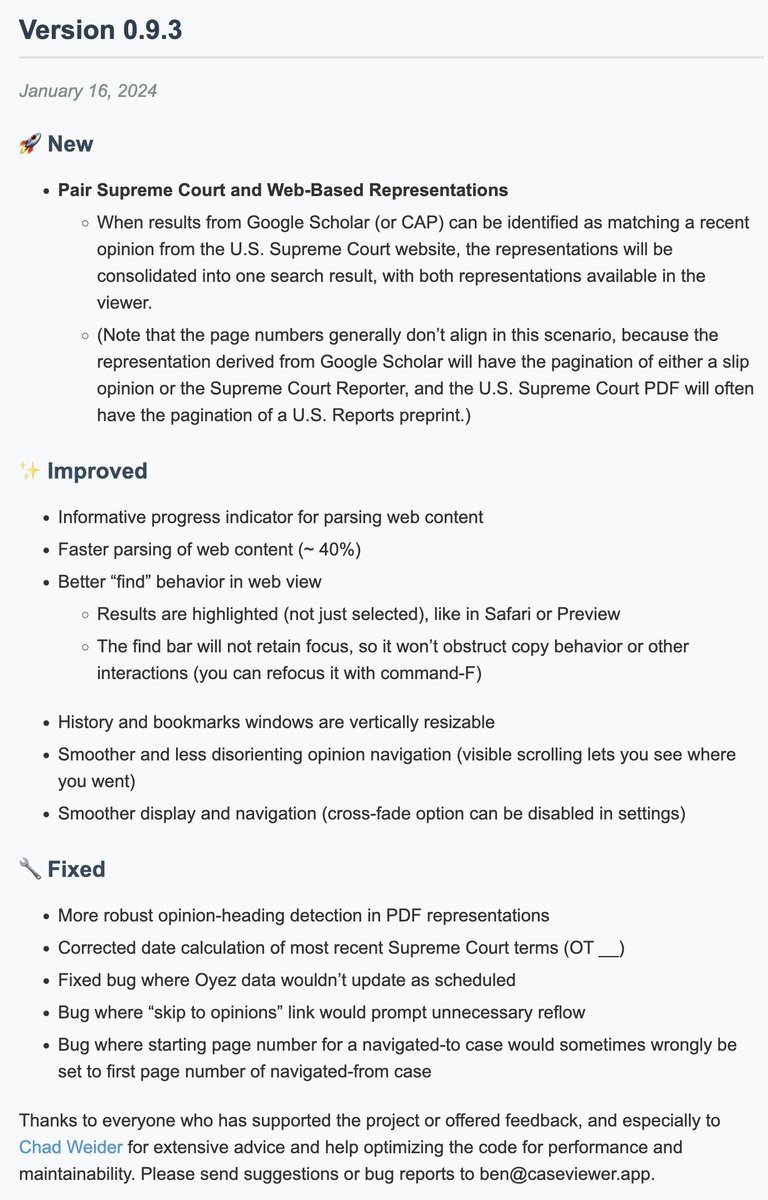
New in 0.9.3 (likely final pre-semester update):
— recognize and merge Google & SCOTUS slip op results (like with Google & LOC results)
— 40% faster case loading
— misc. UI improvements
— bug fixes
"Check for updates" in app or download at https://t.co/c8D8f8GQXA
A student I didn't know stopped me outside daycare this morning to say they use & love @CaseViewerApp. Somehow that never happens with my articles! If you're a law student/prof getting ready for the semester (and you use a Mac), check it out! @Harvard_Law
https://t.co/9Tt1XXpfUS