ELT Computing Leadership Team, CAS Stockton Community Leader, PPA Computing Specialist. CEOP Ambassador. - part of Enquire Learning Trust. @MissDunningHGPA
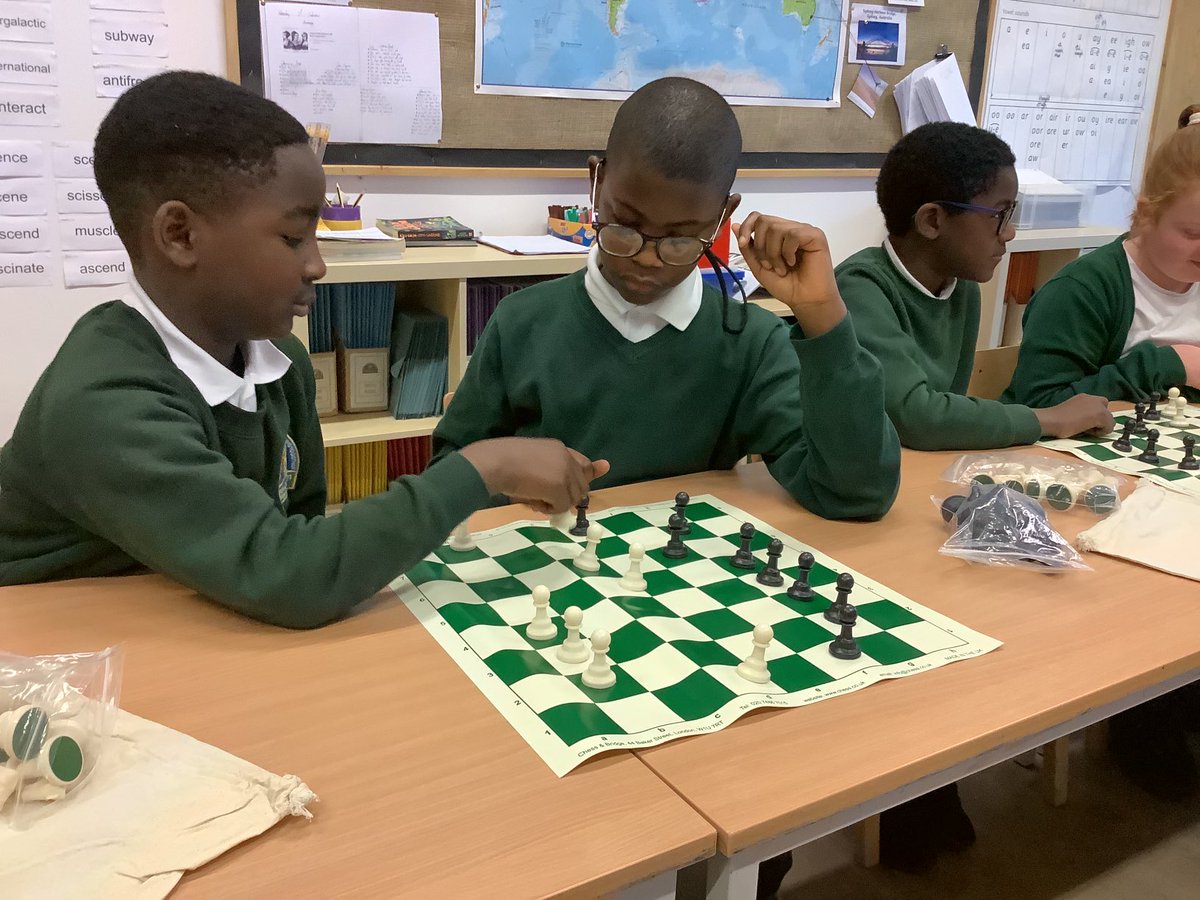
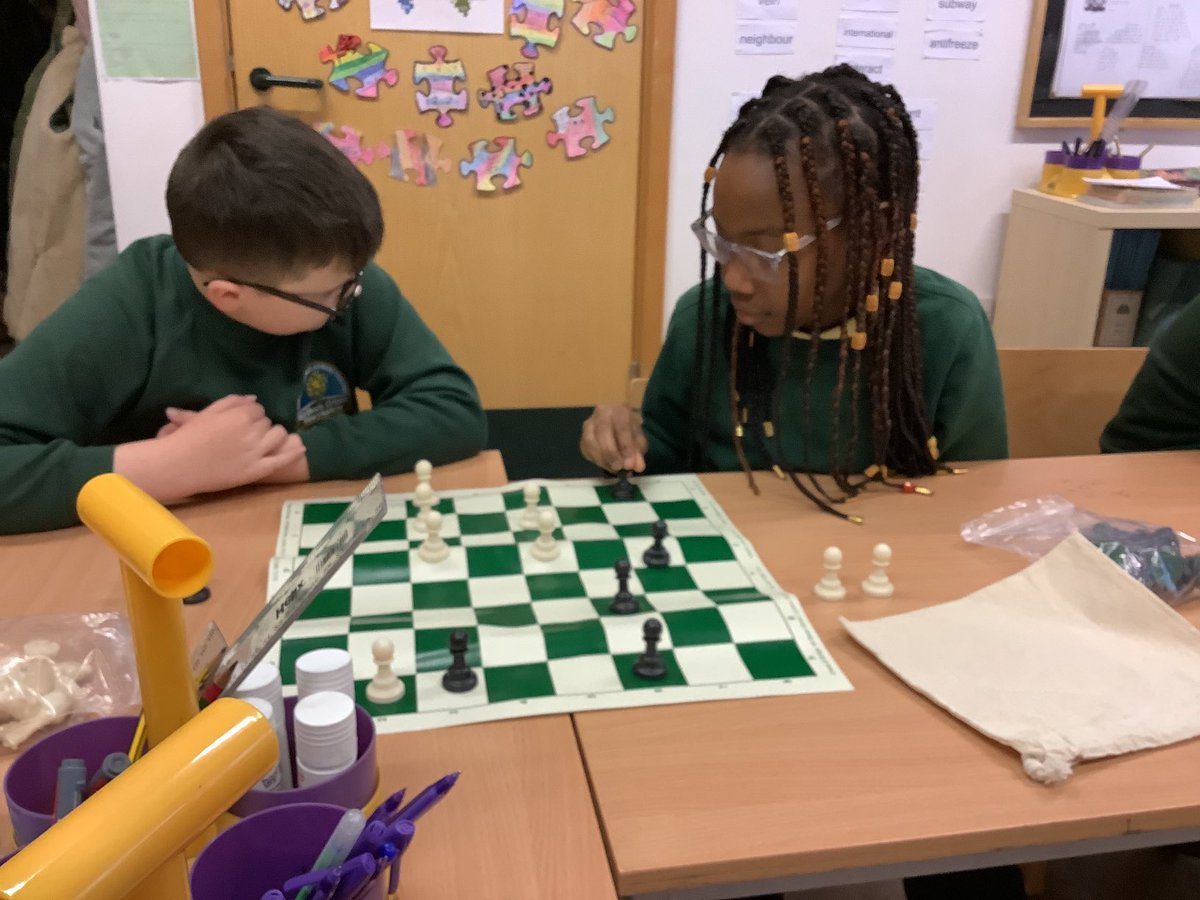
Y5: Chess Lesson 3 - how to use the rook.
The rook can move forward and backwards on black or white squares meaning it can travel on all 64 squares making it stronger than the bishop. 💪
Chn loved competing 5 pawns v. 1 rook 👏
#HardwickGreenPA#HardwickPersonal@CSCTeesside
Y5: Chess lesson 2 - how to use the bishop.
The bishop can move diagonally on either white or black squares. 32/64 squares in total.
Chn loved competing 3 pawns v. 1 bishop 👏
#HardwickGreenPA#HardwickPersonal
DIGITAL LEADERS: I can use iMovie to create a green screen video.
When our new green screen material arrived the digital leaders wanted to make a video ASAP. 4 children are kneeling behind the material as Micheal transforms into superman 🦸.
#HardwickGreenPA#HardwickComputing
Y6: I can create a green screen weather report.
✔️ @AppleEDU Pages to write our script
✔️ Pages presenter mode for an autocue
✔️ iPad camera to film
✔️ Props to create wind
✔️ Green screen & iMovie to edit
⭐️ Team work
#HardwickaGreenPA#HardwickComputing#ELTComputingY6
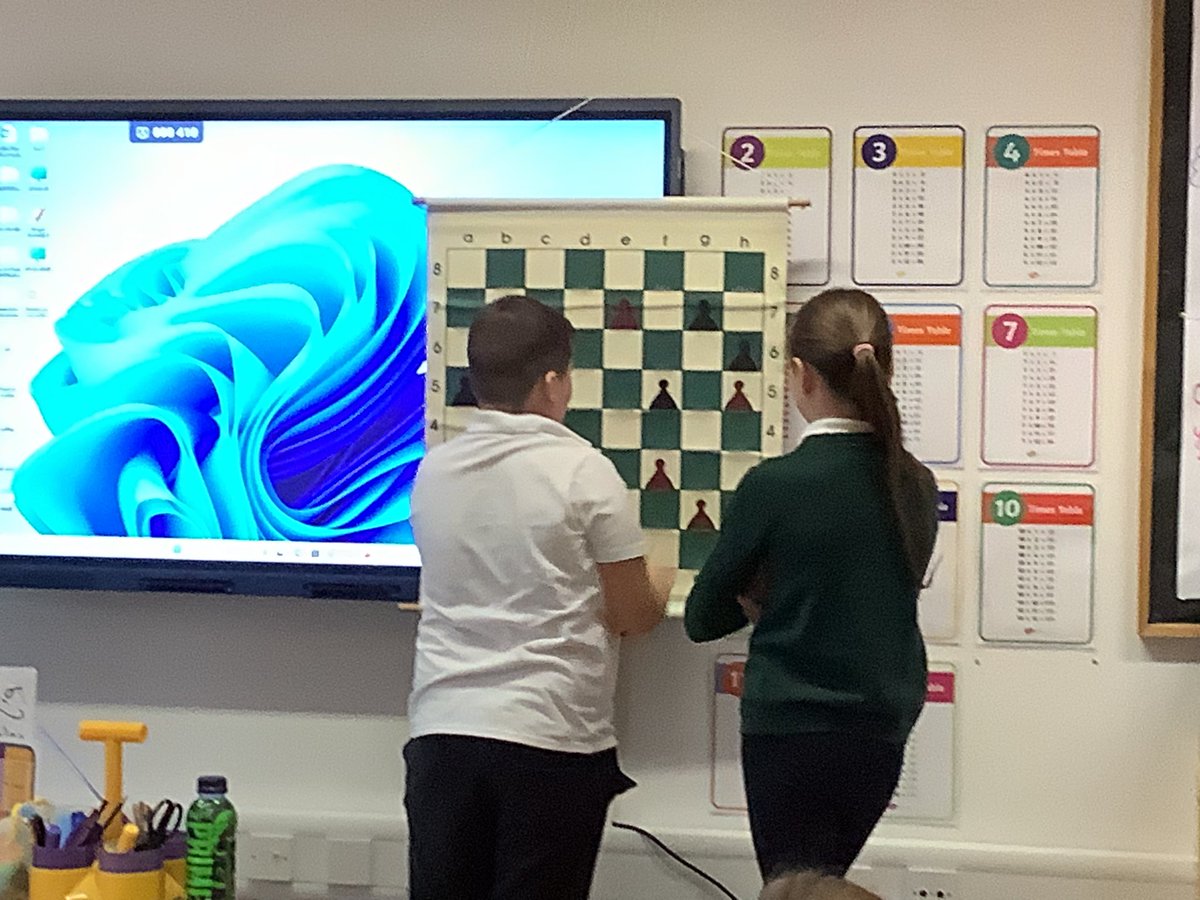
Y5: Introduction to chess, using the pawn ♟️
Children remained focused throughout our first chess lesson. We were able to identify coordinates and describe the different rules for the pawn. Excellent resilience skills on show 👏
#HardwickGreenPA@CSCTeesside
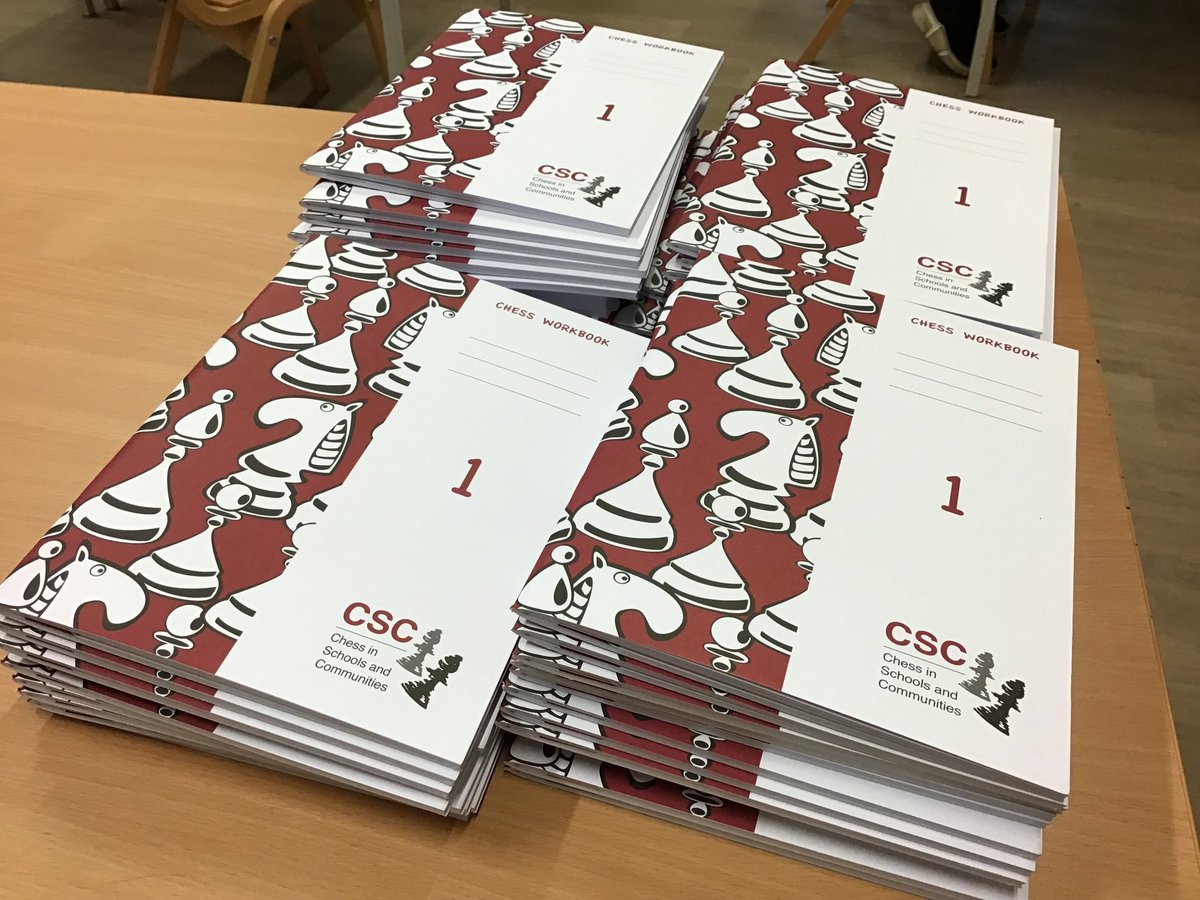
Y5: Introduction to Chess
Today we welcomed @CSCTeesside into #hardwickgreenpa for our first chess lesson.
Children quickly linked skills learned in our Microsoft Excel lessons to the coordinates of the chess board 👏
“Move the pawn in G7 to H7 to win!” - Freddie
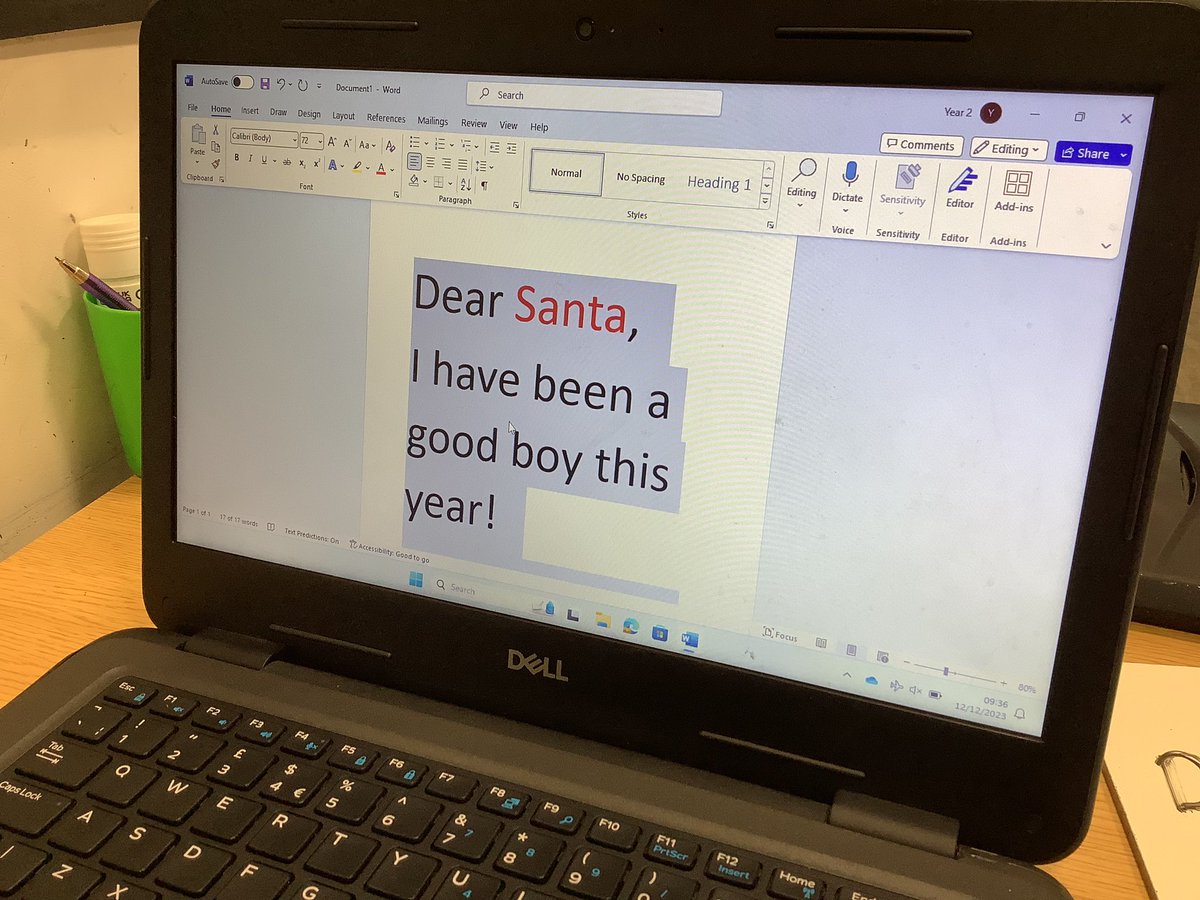
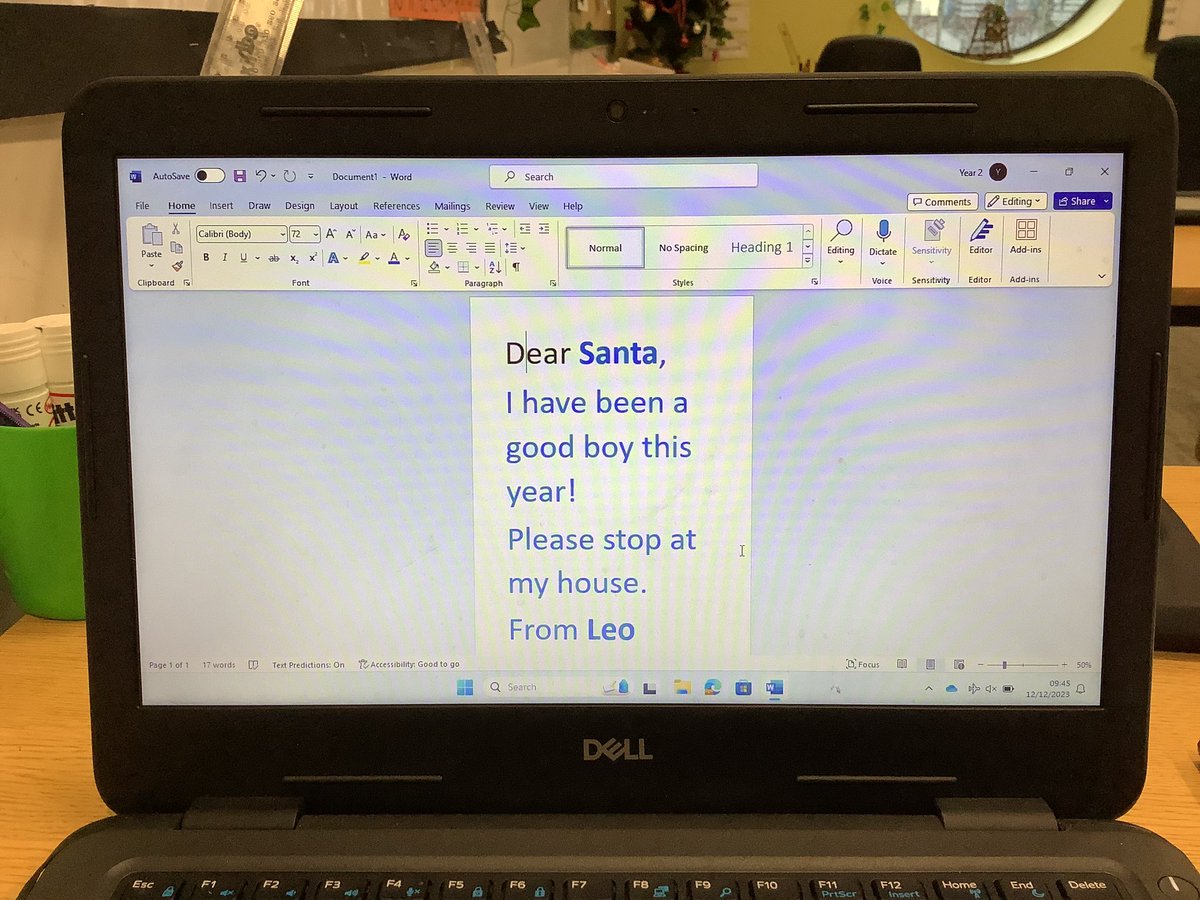
Y3: I can use keyboard shortcuts Ctrl+A, Ctrl+B
Our superstar Leo typed a letter to Santa and then used Ctrl+A to select all and change the text colour followed by Ctrl+B to make parts of the text bold. 👏 🎅 🎄
#HardwickGreenPA#HardwickComputing
Y5: I can identify and locate individual cells in Excel.
In a ‘Battleships’ style activity, we created a Christmas robin picture and told our partner the cell and colour so they could recreate our image. Check out Rosie & Edward’s work.👏 🌲
#HardwickGreenPA#HardwickComputing
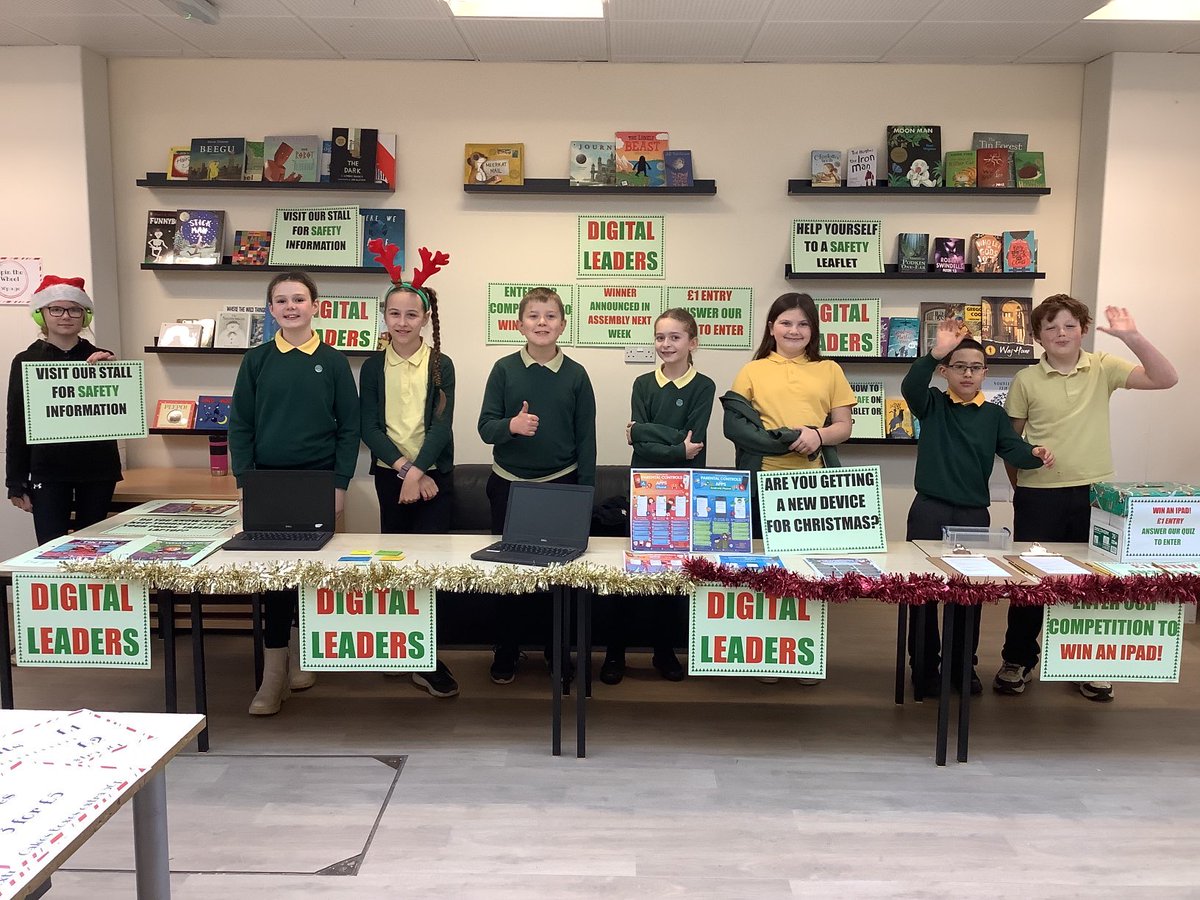
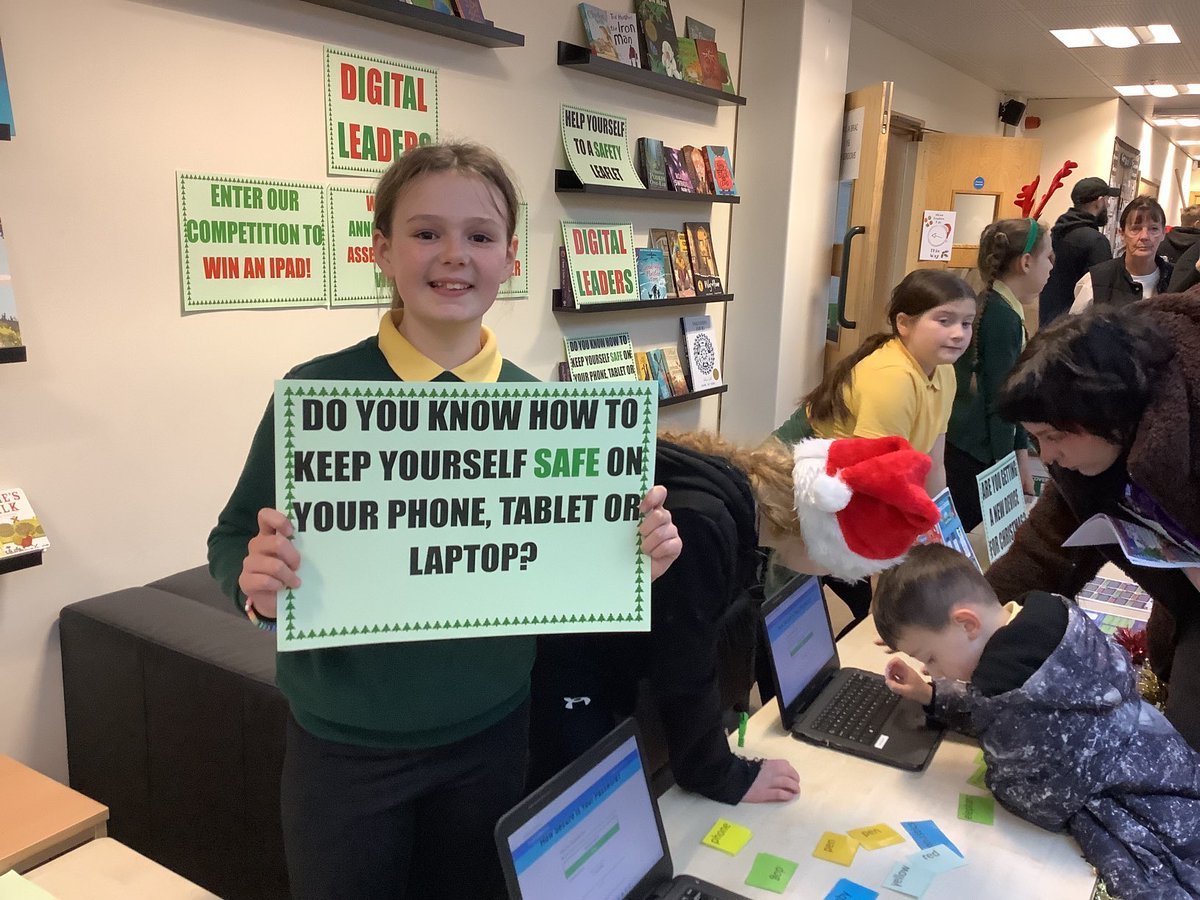
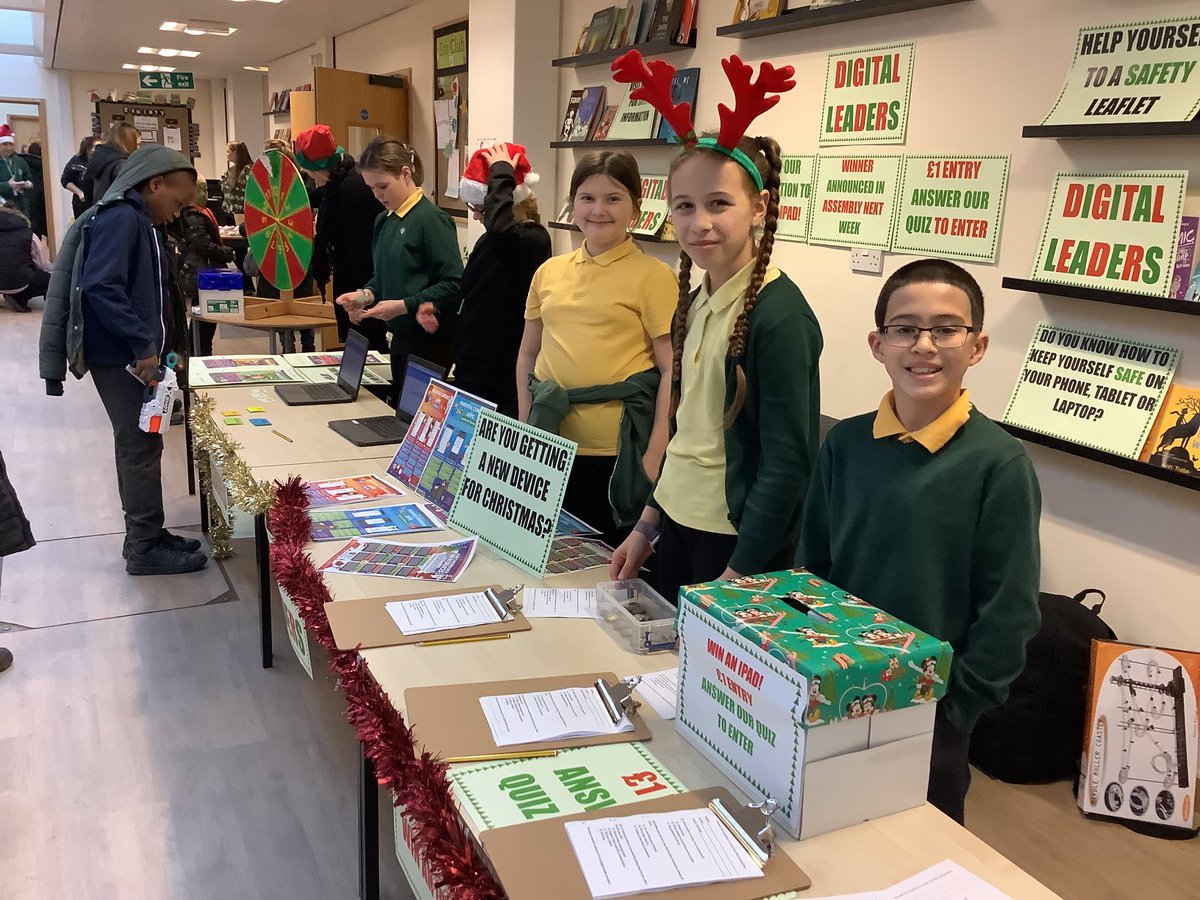
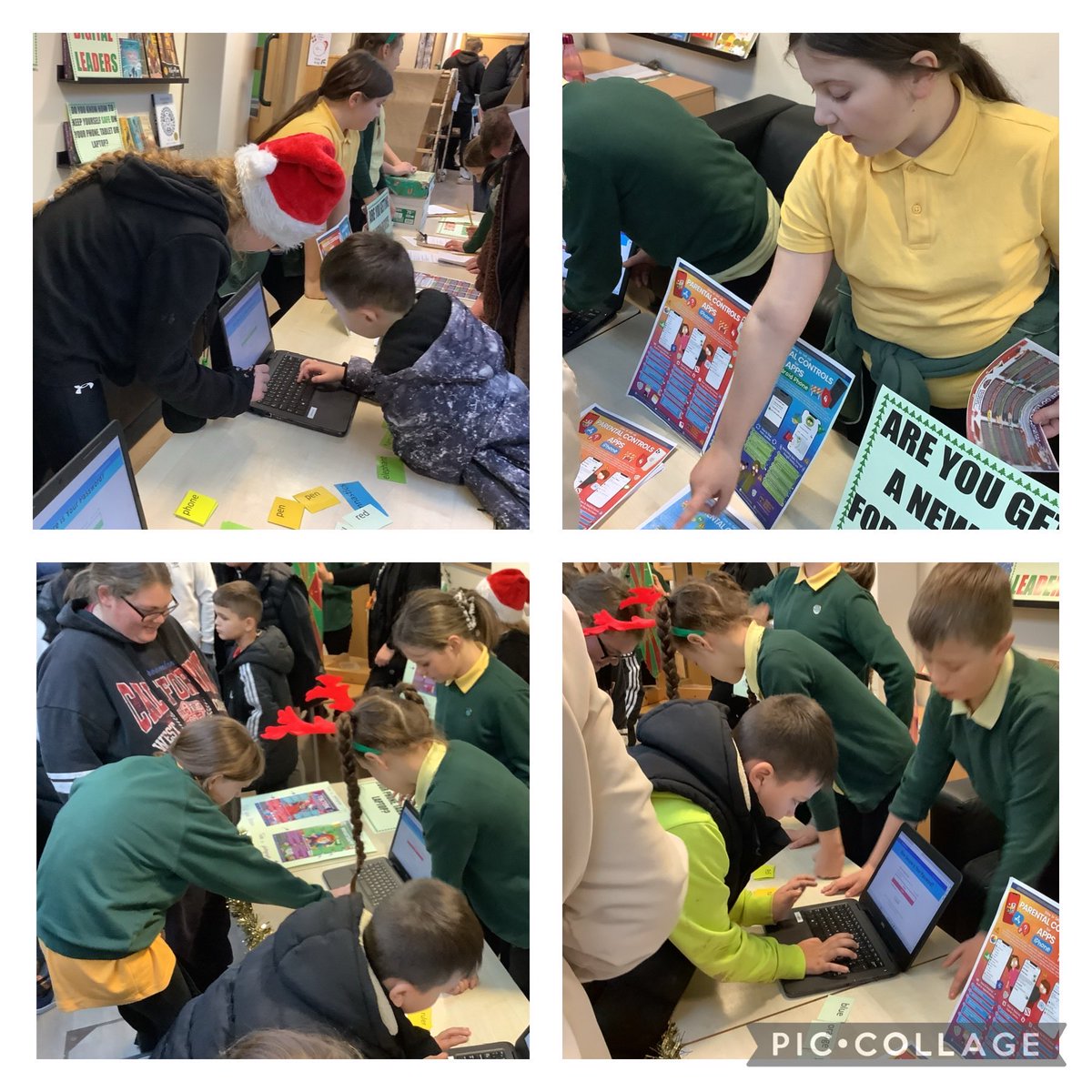
DIGITAL LEADERS: Our first ever Digital Leader #HardwickGreenPA stall.
🎄 E-Safety leaflets for setting up a new device
🎄 Parental controls leaflet for iOS and Android
🎄 How to create a strong, secure password activity
🎄 Competition
Chn were amazing 👏
#HardwickComputing
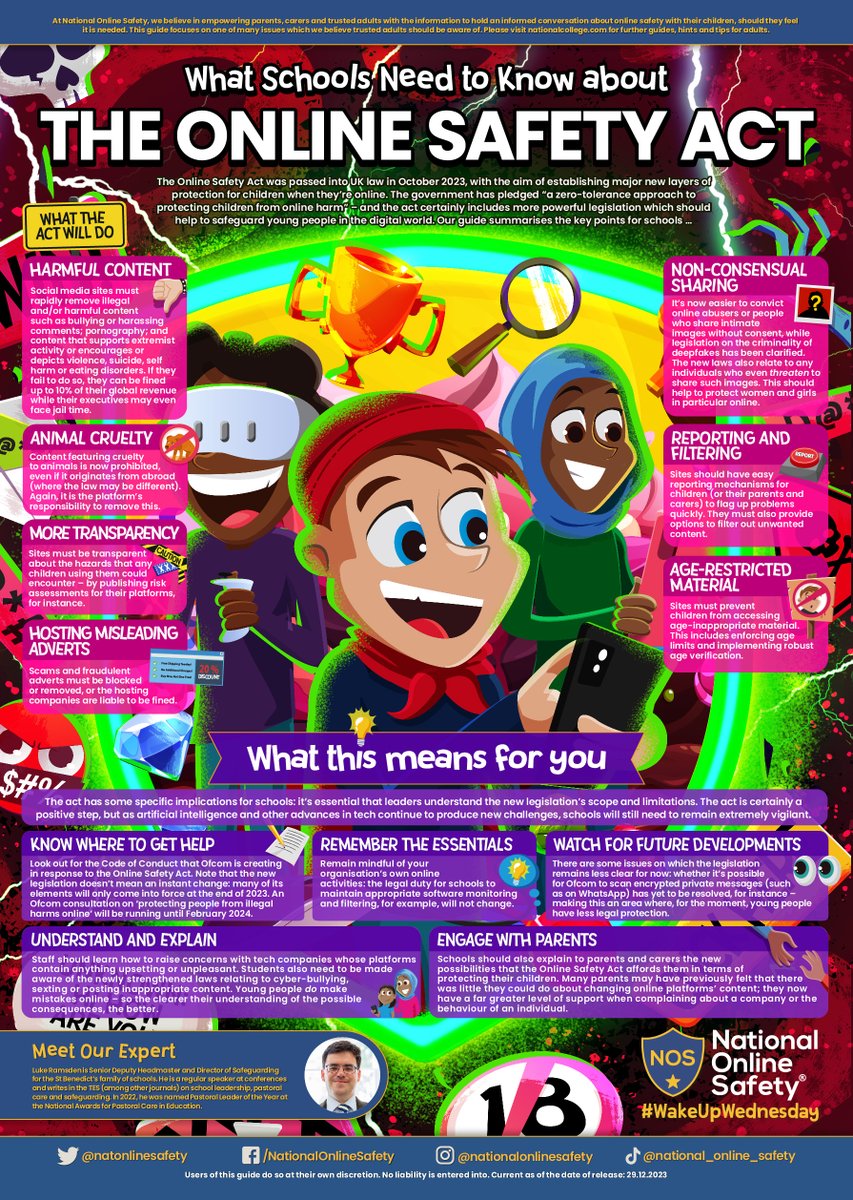
New laws, new responsibilities? ⚖🤔 With the Online Safety Act now coming into effect, our #WakeUpWednesday guide this week highlights some key areas that the fresh legislation covers – and what this means for UK education providers 👩🏫
Download >> https://t.co/YqJUFROg1X
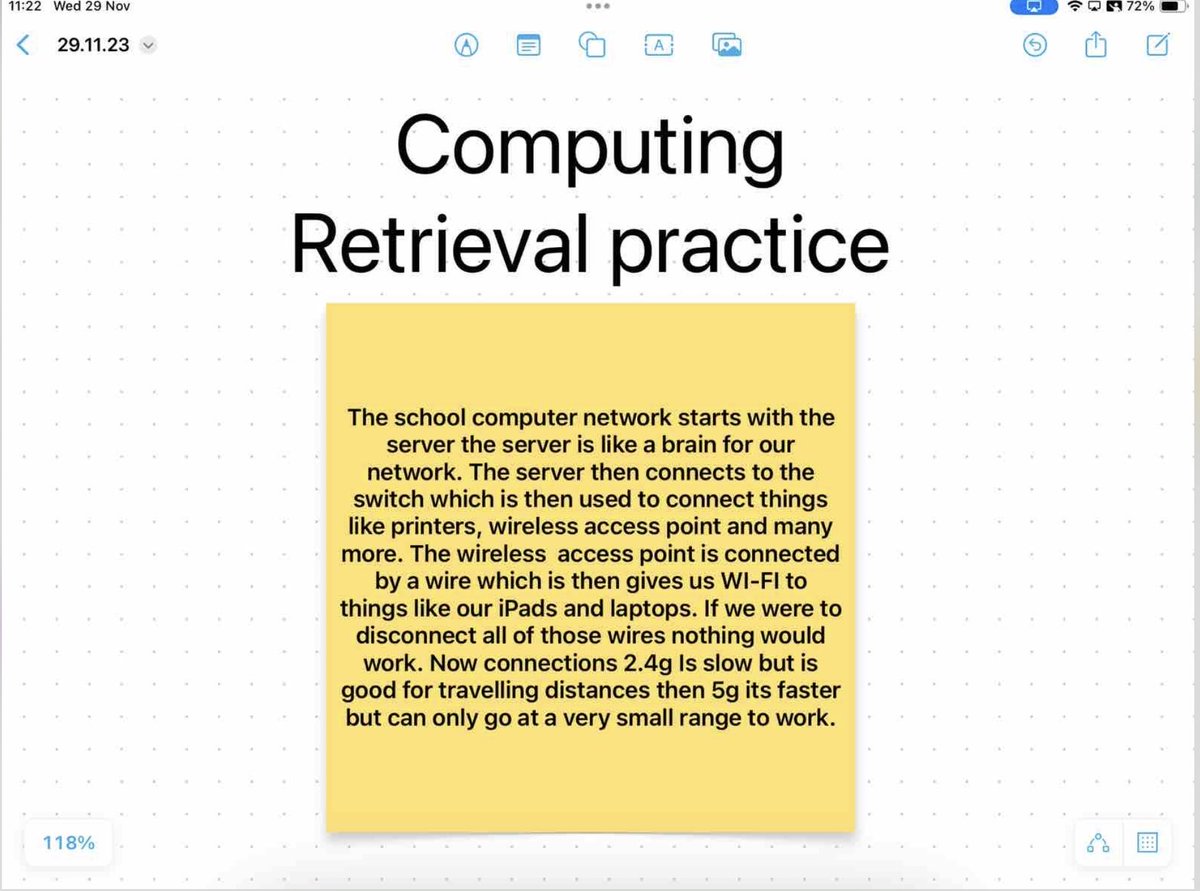
Y6: Retrieval practice
Describe how the school computer network operates.
Year 6 were able to retrieve learning from y4 and add new learning from last topic to describe the school computer network.
#HardwickGreenPA#HardwickComputing#ELTComputingY6
Y2: I can use repetition in my algorithms.
Today we looked at repetition in scratch.
“The red block means repeat forever, it will never stop.” - Amblessed
“The orange block means it will repeat as many times as I say,” - Phoebe
#HardwickGreenPA#HardwickComputing
Y6: I can create 3D shapes using sketch up. I can use sketch up to help me visualise SATs geometry questions.
We created a dice from a net then answered SATs questions
“I understand the question now that I’ve made a dice myself”- Savannah
#HardwickGreenPA#HardwickComputing