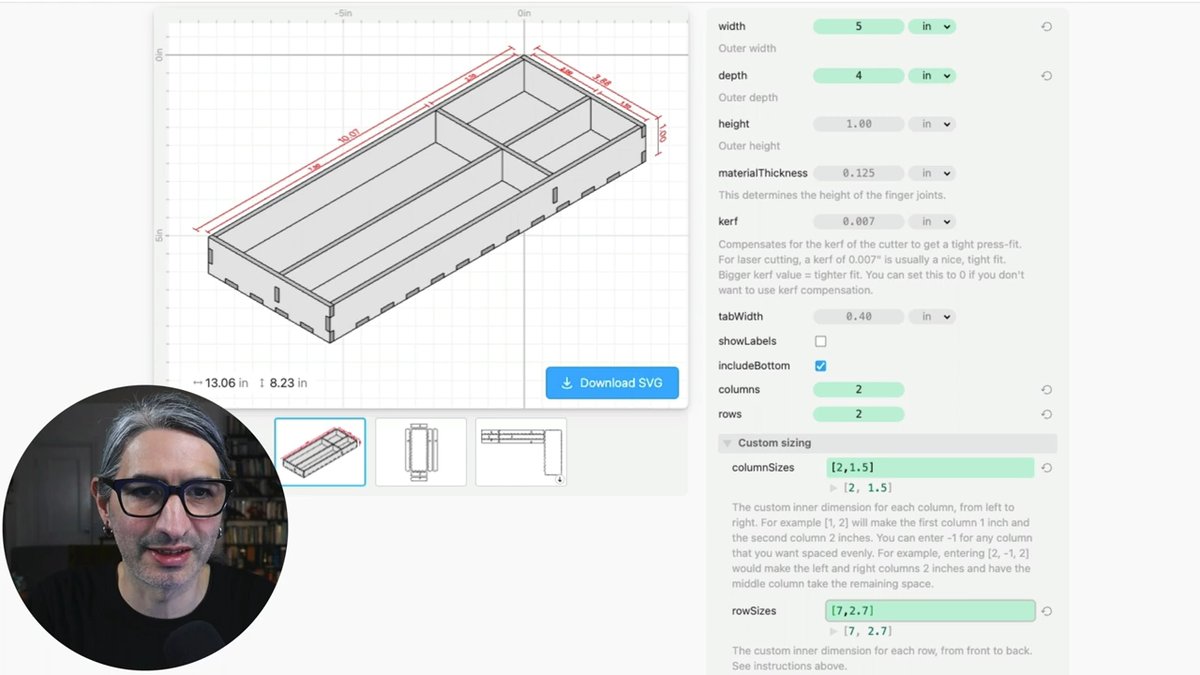
@JohannesMutter Not exactly. This view is just 2D shapes driven from the parameters (like everything else in Cuttle). It does make it a lot easier to visualize though!
If you are a maker, I highly suggest you check out @CuttleXYZ and the really cool examples demonstrating the power of the app that @wolfCatWorkshop presents
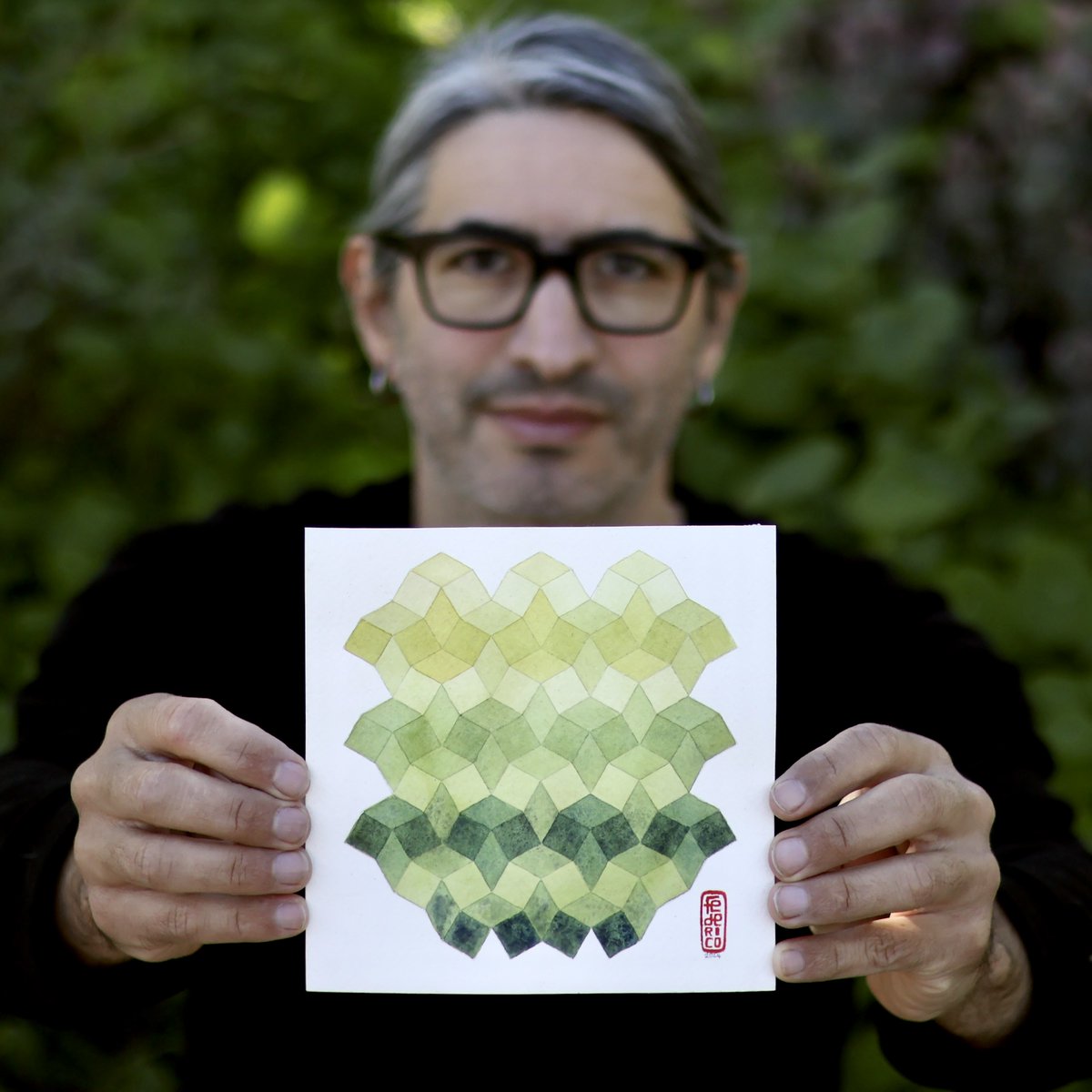
A short interview I did with @VoyageLAmag where you can learn among other things that:
* I once wanted to be a writer
* How living as an immigrant between two languages made me lean into making pictures
https://t.co/rlKlzHgBUb
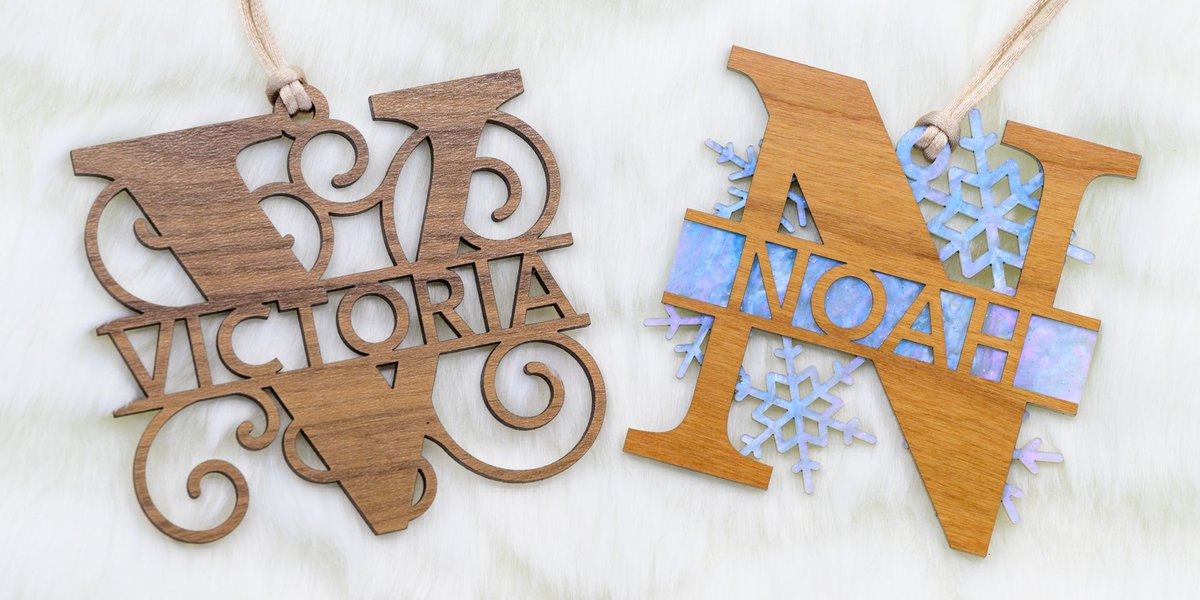
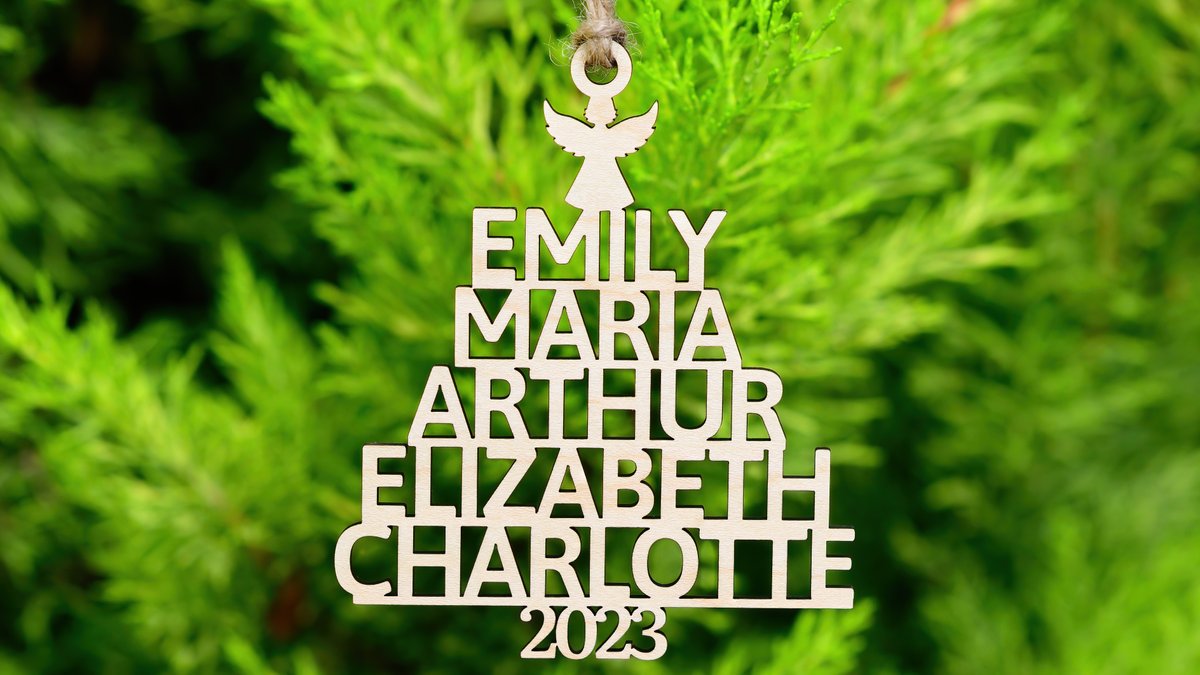
Our new split monogram ornament lets you type any name to generate a one- or two-layered cut file. You can also change the background, fonts, sizing, and more ❄️
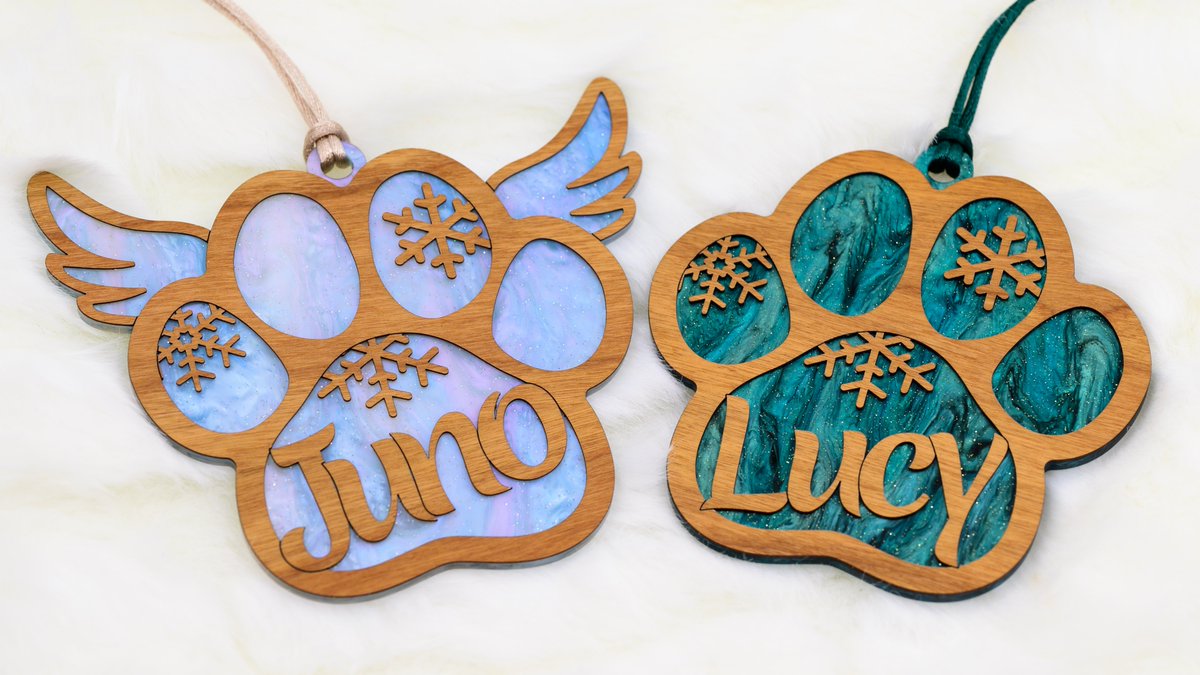
We just released a new Paw Ornament template 🐾
You can type any name to generate a personalized cut file. There are options for snowflakes, hearts, and angel wings.
I'm particularly happy with how the automatic score lines between letters came out!
We just released a Polygon Box template. You can customize the number of sides (make it a hexagon, octagon, etc) and the height, diameter, and material thickness. @wolfCatWorkshop recorded a tutorial video on our YT.
You can customize the number of sides (make it a pentagon, hexagon, octagon, etc) and the diameter and height. Cuttle automatically generates a ready-to-make SVG.
Here are the laser cut plans for the @birdbraintech Finch storage separator shelves.
https://t.co/gzN2NJKL1A
The plans have a link to the container as well.
Designed in @CuttleXYZ of course.