Code/Art Wizard @ Everglow Interactive | I made @PartyPanicGame | Looking for 3D generalist to work with, DM me if you wanna work together (see pinned tweet!)
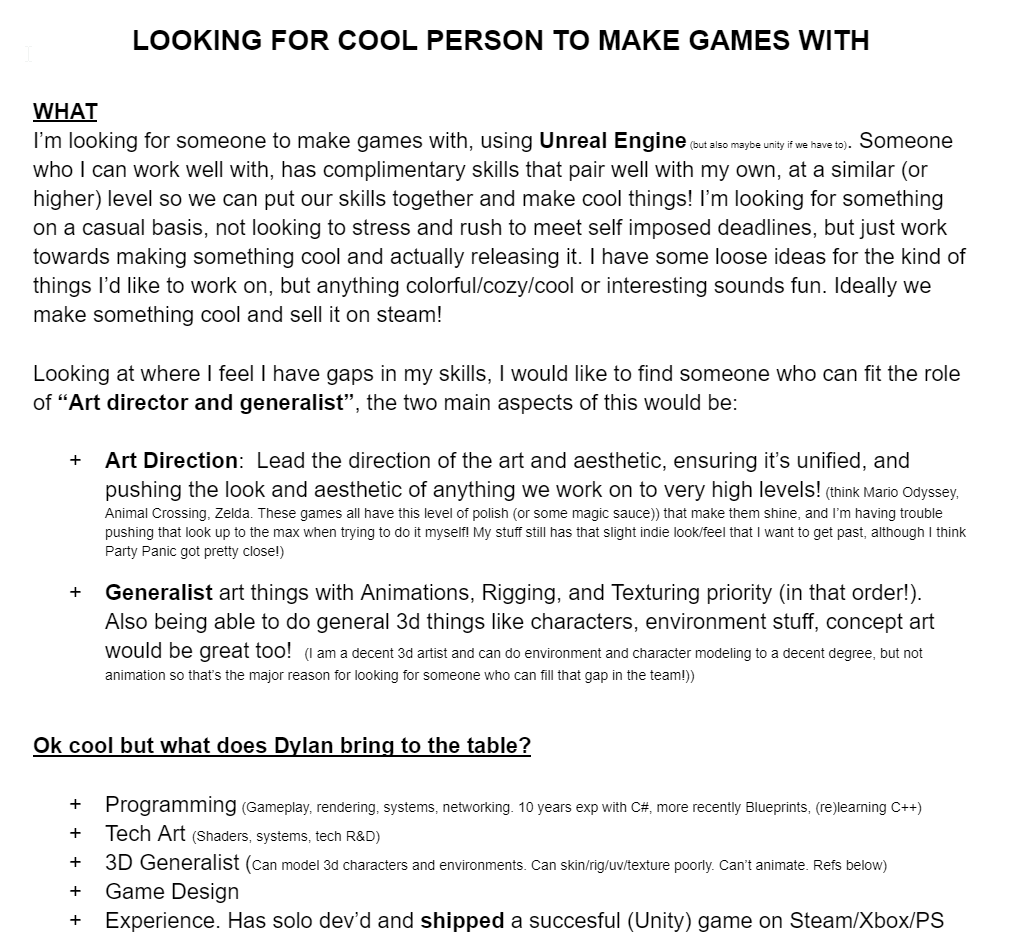
LOOKING FOR A COOL ART PERSON TO MAKE GAMES WITH. PARTNERSHIP, MAYBE WITH FUNDING WHILE WE MAKE THINGS. PLS MESSAGE ME IF YOU THINK YOU FIT!
Info: https://t.co/2EDx0JpJfn
#gamedev#indiedev#unrealengine#gamejobs
@DanFessler Yeah that was my first thought too. But trying all day and can't get results I'm happy with (artifacts, still visible after normal transfer). Keeping intersections would be nice on for polycount (and not having to repoto at all) but :|
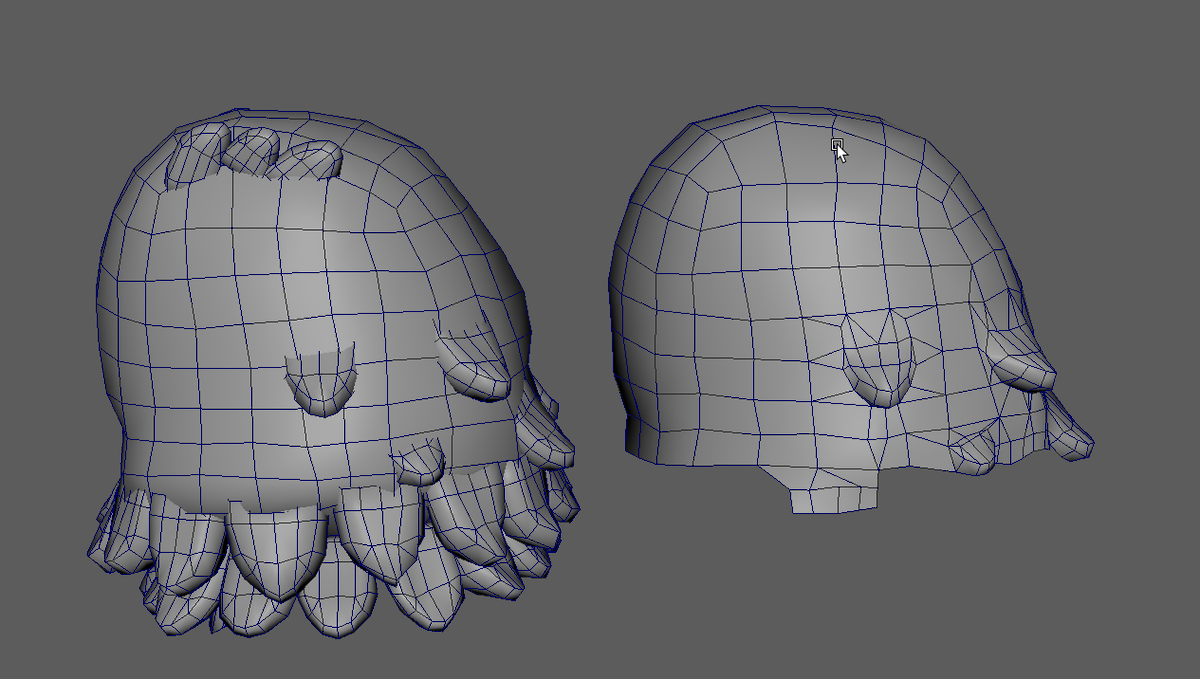
Is there a better, more automated way to smoothly connect things together. I have these "fur tufts" (left) that are just intersecting, and I want to merge them into the main mesh smoothly. Doing it by hand (right) is annoying (and time consuming lol)
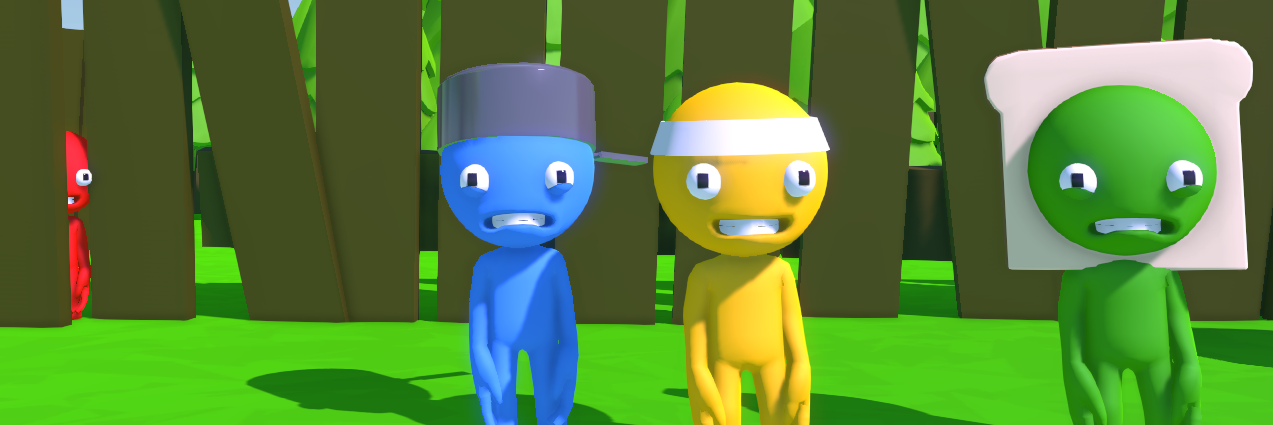
@tamamogram Just a simple multiplayer game about sailing to magical islands and catching fish! Can also find scenic locations like next to waterfalls to plop down a house and decorate it, and also build little villages with NPCS
https://t.co/T7RG8asmi9
Pirate Froggy NPC DONE. He works the shipyard and sells you boat upgrades, different sails, and other decorations to put on your boat! (needs a name though!)
ARE YOU A 3D MODELER WHO LIKES MODELING SIMPLE ANIME CHIBI HAIR? CAN I PAY YOU TO DO IT FOR ME?
I have way too much on my todo list, and hoping to find someone help lighten my load a bit and take care of this task for me!
ARE YOU A 3D MODELER WHO LIKES MODELING SIMPLE ANIME CHIBI HAIR? CAN I PAY YOU TO DO IT FOR ME?
I have way too much on my todo list, and hoping to find someone help lighten my load a bit and take care of this task for me!
My solution, make a version of the body with the legs combined as if they were a dress, copy the weights from the body mesh, then adjust the weights between the legs on the simplified mesh (fewer verts = easier!) then copy weights from that onto the final dress!
Getting in the groove of making new clothing pieces but every time I make a dress/skirt having to manually paint the weights is KILLING me
I have a great system for most things, just copy weights over from a base mesh, and transferring morphs, but UGH fixing weights
Getting in the groove of making new clothing pieces but every time I make a dress/skirt having to manually paint the weights is KILLING me
I have a great system for most things, just copy weights over from a base mesh, and transferring morphs, but UGH fixing weights
@IndieGameDAV I already just copy the weights from the base mesh (red in the gif), and it works perfectly for like 99% of mesh of 99% of the clothing's I make, with very minimal tweaks. It's just dresses always freak out between the legs.
@esotericsean Would be great, but the way I have my equipment system working (layering different equips) I couldn't find a way to do dynamic cloth that would work (especially with body customization blendshapes that would need to change the leg collision shapes, etc)
@xen_studio No such thing as dumb questions! More subdivisions _can_ help smooth things, but it can also make things messier! More verts to weight = more work = more potential problem areas, too!
Its a pain because there's thickness to the skirt, so I have to make sure I weight both sides properly otherwise the backside clips through the front. And it NEEDs to be thick because of how I'm doing outlines in game. Need to come up with a better way