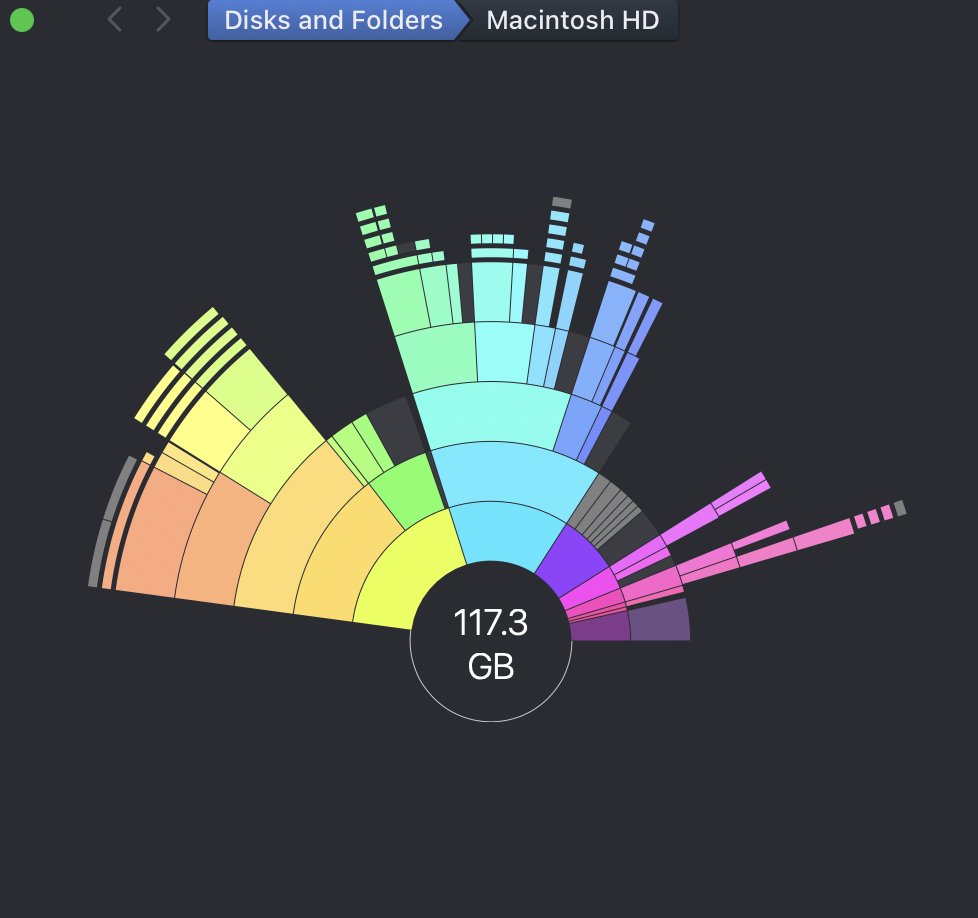
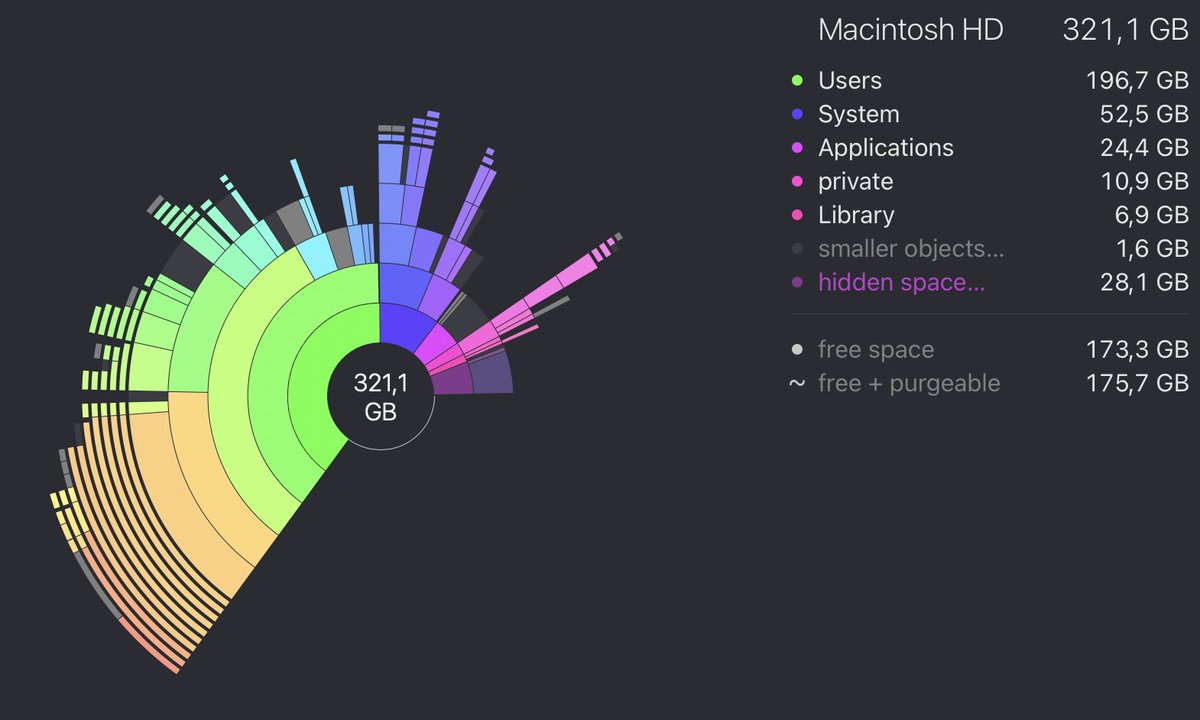
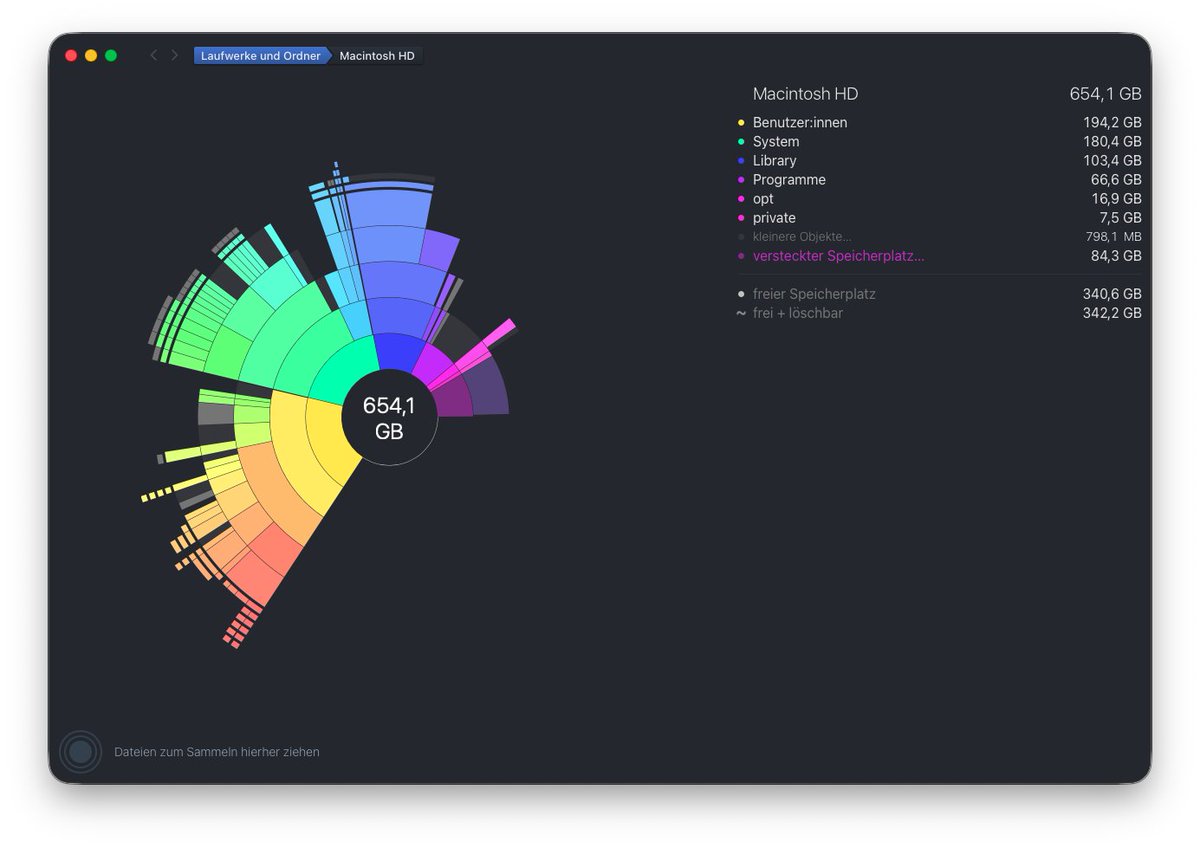
Update: Got @DaisyDisk and found a ton of junk left behind by long-deleted apps, plus obsolete files and folders. Cleaned it all up and freed up a lot of space. Wish I'd done this sooner!
Holy shit! I could not figure out why my brand new MacBook Pro M5 Pro was showing 96GB for system data. So I opened up @DaisyDisk and quickly found I had 55GB of purgeable space.
This is a must have app for anyone with a Mac.
if you're looking to free up space on your mac, go to application storage and cache folder and delete the unwanted files.
@DaisyDisk is a great app that can help you, easiest $15 i spent.
I went from 6GB free space to 78GB!
@q_huy_ngo @VadimYuryev@avdyejid526v If you mean DaisyDisk, then no Rosetta is needed to run it. The app is always up to date with the latest versions of macOS and Apple hardware. The last update of DaisyDisk was yesterday btw ☺️
Hier j'ai récupérer 150 GB d'espace sur mon disque grâce à un outil (@DaisyDisk) que Chat GPT m'avais recommandé.
Les meilleurs 9.99€ que j'ai dépensé de toute ma vie
ça prouve à quel point le GEO est important quand votre SaaS répond à une vraie problématique
That feeling when you discover a 266GB screen recording on your local storage consisting of a full 8 hour workday of video editing 😅
@avdyejid526v found a new app @DaisyDisk for looking through and locating files.
Not sponsored. Legit works great.
DaisyDisk is being featured by Apple in the Mac App Store, in two editorial banners at once! 🤩
Tidy Up Your Mac
https://t.co/qA3rpYZ5Hk
Declutter Your Drive:
https://t.co/9iYSfCQnuB
if your mac's chewing up space post upgrading OS, check the .Spotlight-V100, mine was at 135GB (out of 250GB available space).
it's a hidden folder, so hard to find.
also, use @DaisyDisk , their software is pretty amazing!
Xcode regularly reaches up to 500GB in storage on my machine. I just cleared up 320GB just from Xcode. If you're a developer, especially a polyglot one with multiple IDEs like me, then @DaisyDisk is a must. Perfect to Pros who don't want to fall for spammy cleanup tools.
Wow! I just discovered DaisyDisk. Immediately bought and installed it on my MacBook Pro, Mac mini, and MacBook Air. This is an extraordinary program for MacOS. Thank you @DaisyDisk for existing, and thank you @claude for telling me about it. I recommend it 10/10.
@philroyNZ@cleanmymac Could it be a file system error? It happens sometimes with "lost" or stuck snapshots. Time machine is a system utility so it has more access to system internals.
Black Friday is in full swing now!
Don't miss the Editors' Choice - 12 selected Mac apps at 77% off! You can pick one-by-one or all together. DaisyDisk included!
https://t.co/K9Gzhy8CnS
DaisyDisk's Black Friday offer launches today!
Check out the Editors' Choice — 12 selected Mac apps at 77% off! You can pick one-by-one or all together, DaisyDisk included.
https://t.co/K9Gzhy8CnS