One Snippet. Every version of your reply. 🎛️
With Conditional Sections, “refund approved,” “need more info,” and “outside the return window” all live in one Snippet. Pick the branch from a dropdown as it expands.
Try it with 30 days of access to premium features: https://t.co/yMwsGSPtBS
@macautotips Great question! Here’s the catch: you can create unlimited Snippets, and 5 are active at a time, with a swap every 2 weeks. New accounts also get 30 day access to premium features to see what unlimited active Snippets feel like.
Monday, 9 am. Google Doc, Notion, Slack, chat history. 🔍
You’re hunting for the AI prompt that worked last week. Keep your best prompts in one place instead: https://t.co/dFhQhbQVOo
Your best blog posts come from research, outlining, and editing. Don’t skimp there.
Save time on everything else with Snippets: quotes, tricky names, transitions, templates, and header fields, all a few keystrokes away. ✍️
https://t.co/IrfS8EXyYk
Use TextExpander? Your honest G2 review helps the next team decide if it's the right fit. It takes about 3 minutes, and we read every one.
https://t.co/6t0OT9gCz2
How does a Support team serving 250,000+ practitioners reply fast and still sound human? Shared Snippets for accuracy. Personal Snippets for voice. Result: 6,034 hours saved in 12 months. 🙌
https://t.co/hUi4P7bA6P
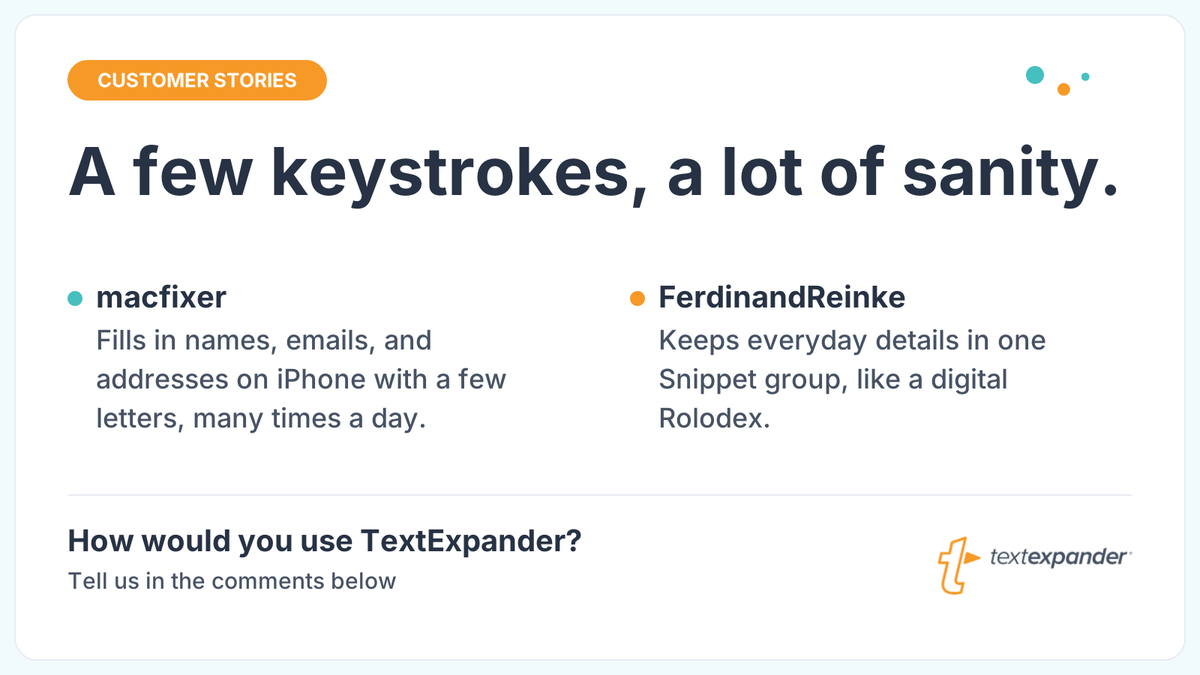
macfixer fills in names, emails, and addresses on iPhone with a few letters. FerdinandReinke keeps a digital Rolodex of Snippets.
Your stories are our favorite.
How do you use TextExpander?
Deal hunting tip: save your go-to shopping prompt as a TextExpander Snippet. Type ;deal, fill in the product and your budget, and your AI assistant gets the same great ask every time. TextExpander deploys. AI searches. 🛒
Get 30 day access to premium features at https://t.co/LGy5EGK0g8
Muse can connect to TextExpander. Ask it to find the replies you send on repeat, and it drafts a fill-in Snippet for each one. You approve. Then expand them anywhere you type. ✍️
Sign up for TextExpander: https://t.co/rDHgVJ0X4G
@stoutyhk Hi @stoutyhk thanks for your patience, and sorry for the wait! You've got it: the new iOS app is a companion app focused on expanding your Snippets wherever you type. Editing and creating Snippets on iOS is something our Product team is busy building, so keep an eye out!
Now your Snippets know when to wait. ⏸️
Meet the Delay macro: add a timed pause anywhere in a Snippet so slow-loading apps get a beat to catch up. Every keystroke lands right where it belongs.
👉 https://t.co/zAEhNp6ZCi
5 teams. 1 shared Snippet library. 91,195 Snippets expanded and 2,208 hours saved.
See how CloseKnit Health got every team speaking the same language, from their patient portal to the EHR:
https://t.co/1YyMfEbZq4
It's Friday. You should be wrapping up your week, not typing the same reply for the third time. 🙃
Phone, then laptop, same text both times. TextExpander fixes that: build a Snippet once, use it everywhere.
Close out your week. Start expanding!
https://t.co/cjUtvYB7NZ