We all know that customer support is evolving fast & AI Automation is now doing the heavy lifting behind the scenes.
I'm Maria and I am walking you through the customer support chatbox I built using n8n for @theplacefood_ng. Thanks to our tutor @AutomationKing0#n8n#Automation
5 cold email samples for my people in automation and AI agents
I advise you to hand write these cold emails everyday. Don’t just read. Hand write, like write it down with your hands everyday for the next 5 days
Now go to indeed or LinkedIn on the 6th day, search for automation Jobs and write a cover letter or cold email for the job. I am confident you will be a better cold email writer if you follow this
https://t.co/r7JAq19ARJ
Deal?
That little thought boosted my morale and my day was made.
Automation is all about remembering the basics. Without the knowledge of the bits, you cannot build anything.
Till another day.
Off to my VA work!
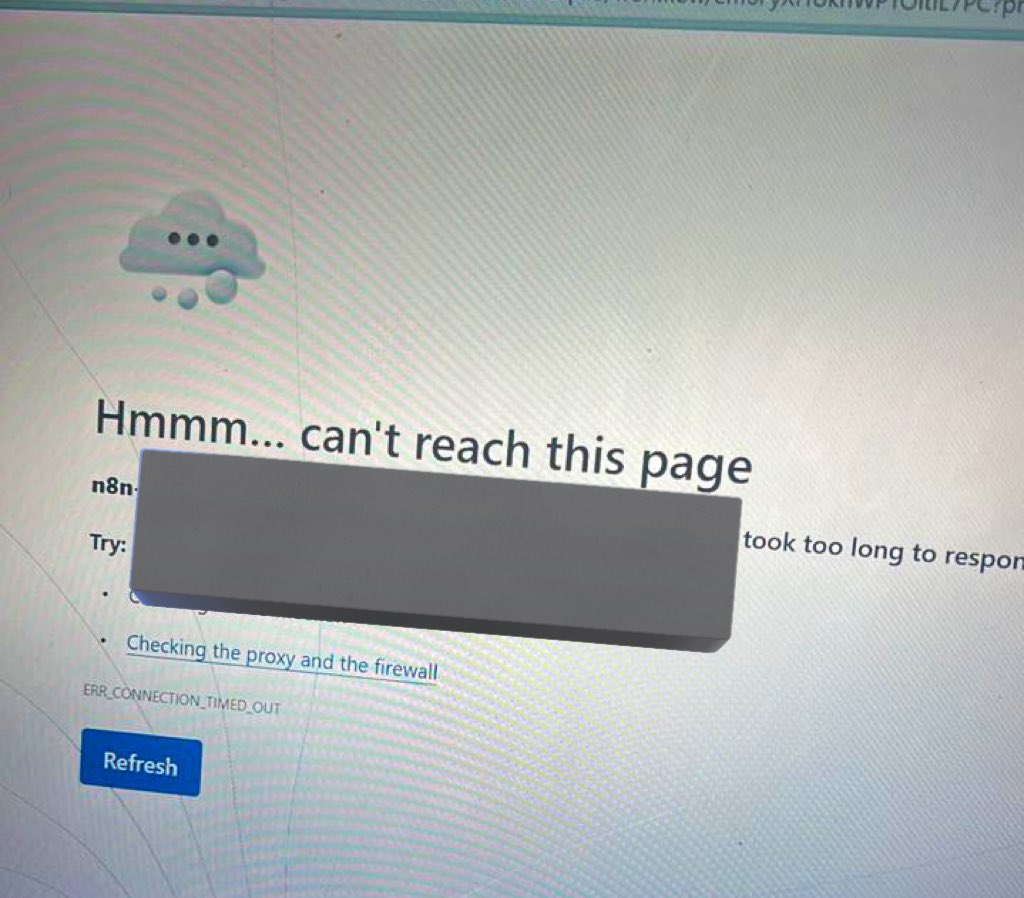
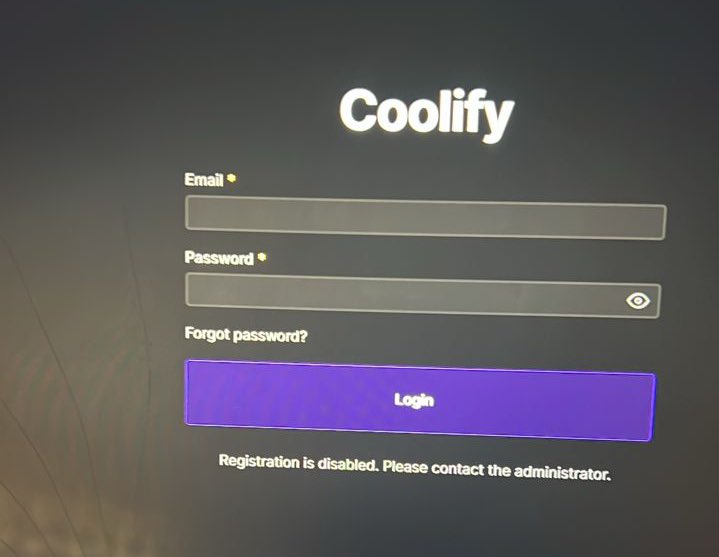
For a while, I hadn't opened my n8n canvas, so I decided to open it last Sunday only to see that it brought an error message. Coolify was off and my ec2 instance was on a 2/3. I almost fainted. The disappointment to not be able to automate since it was my free day from work.
30-40mins of search for what to do.
Suddenly, a thought came to me that if an ip is what connects the instance to Coolify, then all I have to do was switch the ip in the Coolify url.
And Voilà! It worked!
My To Do List For The Week
- Create A Lovable Website for Myself
- Create an introductory video of myself for 3-2 mins
- Finalize five solid automation projects.
- Upload all five videos to my website.
Who wants to join me?
Automatically scan receipts with n8n. Upload a receipt to Google Drive, extract the text with OCR, structure the data with AI, and save everything to Google Sheets. 🔗 Check it out here: https://t.co/47HCH94E4V
If you are in learning phase I challenge you to solve this🫠. I will be building this workflow as this is a real job
Client’s Problem Statement
Danish and his team are manually:
•Pulling 1,000 leads/month from Apollo
•Researching each company's sustainability reports one by one
•Deciding who's worth contacting
•Sending LinkedIn messages and emails manually
•Creating HubSpot follow-up tasks manually
•Manually monitoring signals
This is slow, inconsistent, and doesn't scale.
Automation tip that saves clients money: Hitting "too many concurrent requests" errors for example ElevenLabs. Here's the workaround 👇
The solution in n8n:
Go to your HTTP Request node → Options → Batching
1. Set "Items per Batch" = 1
2. Set "Batch Interval" = 2000ms
What this does: Instead of firing 50 requests at once, it sends ONE request, waits 2 seconds, then sends the next.
The API never sees more than 1 request at a time. No concurrent limit hit. No errors. No upgrade needed. Same exact result just processed sequentially instead of parallel.
Bonus: Make it bulletproof with retry settings
In your node's Settings tab:
- Continue On Fail = On
(If one item fails, the rest still process)
- Retry On Fail = On
(Failed requests get a second chance)
- Max Tries = 3
(Attempts up to 3 times before giving up)
- Wait Between Tries = 3000ms
(Waits 3 seconds between retry attempts)
Why this matters:
APIs occasionally timeout or glitch. Without retries, one random failure kills your entire workflow.
With these settings, temporary failures auto-recover. Your workflow becomes self-healing 💪
The tradeoff? Speed vs. Cost.
Your workflow takes longer:
- 50 items × 2 sec delay = ~2 extra minutes
- 200 items = ~7 extra minutes
But your client saves real money:
- ElevenLabs Pro upgrade: $99/month
For most use cases, waiting a few extra minutes is worth saving $1,000+/year.
Sometimes slower = smarter.
The best automation isn't always the fastest it's the one that works reliably without breaking the budget. Save this for your next build
If you're in the automation space, whether you're building in n8n, https://t.co/RiSzUAG1Fp, or Zapier, your ability to connect APIs and move data around is just the baseline. That's not what makes you a professional.
And if you're just starting out, learn these principles early. You'll be ahead of 80% of people offering automation services.
Here's the framework I follow for every project:
1. Understand the client's objectives before you touch anything
Before I build a single node, I need to understand:
What business problem are we solving? What does success look like? What are the expected inputs and outputs? What's the data volume? Who will interact with this workflow? What happens when something breaks?
Getting this wrong means rework later, or worse, delivering something that technically works but doesn't solve their actual problem.
If you're new, create a discovery call template with every question you need answered before starting. This saves you from scope creep and awkward conversations.
2. Build clean, structured workflows
Your workflow should tell a story. Anyone looking at it should follow the logic from trigger to output without needing you to explain it.
This means logical node arrangement flowing left to right, related operations grouped together, clear spacing between sections, and consistent naming conventions (not "HTTP Request 1," "HTTP Request 2).
A well-structured workflow takes under a minute to understand. A messy one still confuses you after 10 minutes.
If you're starting out, slow down. Don't just make it work. Make it readable.
3. Optimize before you call it done
I constantly see workflows where people chain 4 or 5 nodes to do something simple. A Merge node, then Aggregate, then Split, then Filter, all to transform some data.
A single Code node with 10 lines of JavaScript does the same thing faster and cleaner.
Optimization matters because it reduces execution time, lowers operational costs (most platforms charge per operation), makes debugging easier, and reduces failure points.
Another thing: stop throwing AI agents into workflows that don't need them.
Workflow automation is deterministic. If X happens, do Y. Predictable and reliable.
AI automation involves language models making decisions or generating content.
Both have their place. But if you're using an AI agent to route leads based on a dropdown value, you're overcomplicating things. A simple Router node does that better, faster, and cheaper.
4. Add error handling. Always.
A workflow without error handling is a ticking time bomb.
APIs go down. Rate limits get hit. Data comes in with unexpected formats. Tokens expire.
If your workflow fails silently, your client won't know until the damage is done. Maybe leads stopped syncing to their CRM for three days. Maybe invoices weren't sent.
Every workflow I build catches failures at critical points, logs errors with context, notifies the client immediately via their preferred channel, and implements retry logic where possible.
If you're starting out, make error handling part of your standard process. Don't treat it as an afterthought.
5. Use sticky notes and node grouping
Every major section should have a sticky note explaining what it does. Related nodes should be grouped together.
A group labeled "Lead Enrichment" with your Apollo or Clearbit calls. A group labeled "CRM Sync" with your HubSpot operations. A sticky note explaining "This section handles retry logic."
This helps clients understand what they're looking at (most aren't technical), and helps anyone maintaining the workflow later, including you six months from now when you've forgotten the details.
Make your workflows self-documenting.
6. Provide external documentation
This is what separates professionals from amateurs. And what most freelancers skip entirely.
I deliver two documents with every project:
Client Documentation is written for business users. It covers what the workflow accomplishes, how to trigger it, expected inputs and outputs, basic troubleshooting, and who to contact if something breaks. No technical jargon. Plain English anyone in the organization can understand.
Developer Documentation is written for technical teams. It covers the architecture, all API connections, authentication methods, data schemas, error handling logic, edge cases, and step-by-step instructions for modifications.
Why does this matter?
Clients don't want to be dependent on you forever. They want to understand what they paid for. By providing documentation, you give them independence. And paradoxically, this builds trust and leads to more work.
Here's the business case: this is a value-add you can charge extra for. When I pitch projects, documentation is a line item. I explain the difference between client and developer docs, who uses each, and why it matters.
Most clients immediately see the value. They've been burned before by automation nobody understands.
This alone can add 15-25% to your project value.
7. Hand over properly
When I complete a project, I provide a live walkthrough, documentation files, and a Loom video for future reference. I set these expectations from the start so clients know what to expect, leading to clean project closures, testimonials, and referrals.
If you're new to automation, remember to focus on quality, not just connecting nodes. Structure, optimize, document, and hand over your workflows properly. This way, you won’t just compete on price, but on the quality of your solutions.
Happy New Year! 🎉
This year, I'll be sharing more tips on leveling up your automation skills and how to actually land clients as a freelancer.
Follow along if you don't want to miss out.
HOW TO USE IF/SWITCH NODE in n8n..
I wanted to explain the if and switch node and how to to use it..
but I figured video explanation would be better.
so here's the video for you..
let me know if you gained something..
you're welcome..
watch it (blows powder😉)
🍷